River use it without taking their eyes off the road for too long? HMI — the human-machine interface — is where that question gets answered. It is a genuinely different design discipline from the phone or tablet interfaces most people compare it to.
This guide covers what automotive HMI design actually means. It covers the safety layout rules it has to follow. It covers touch and voice interaction standards. It explains how personalization creates commercial value. It also covers how to evaluate HMI quality before placing a bulk order.
What Is Automotive Infotainment HMI Design? Core Definition & Design Principles
Core Definition
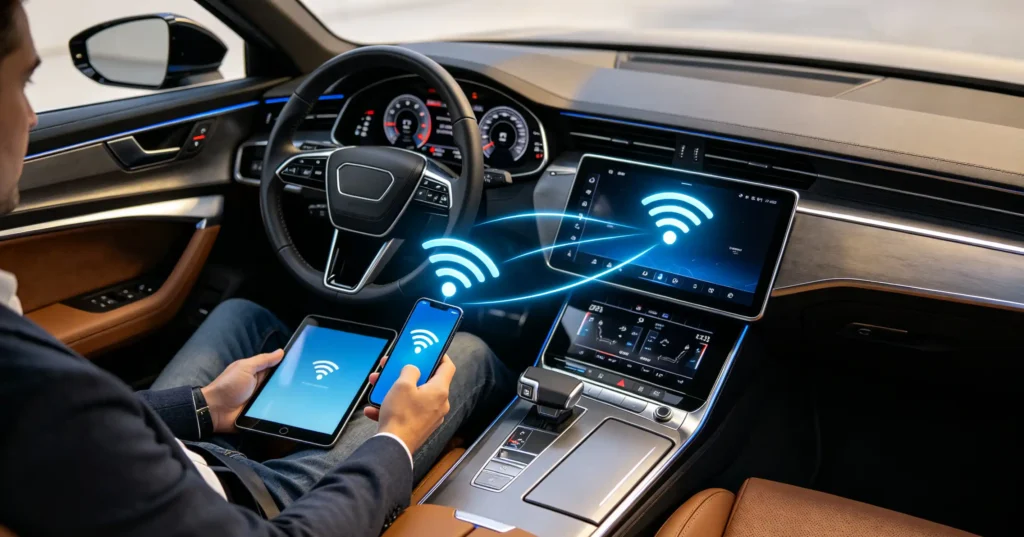
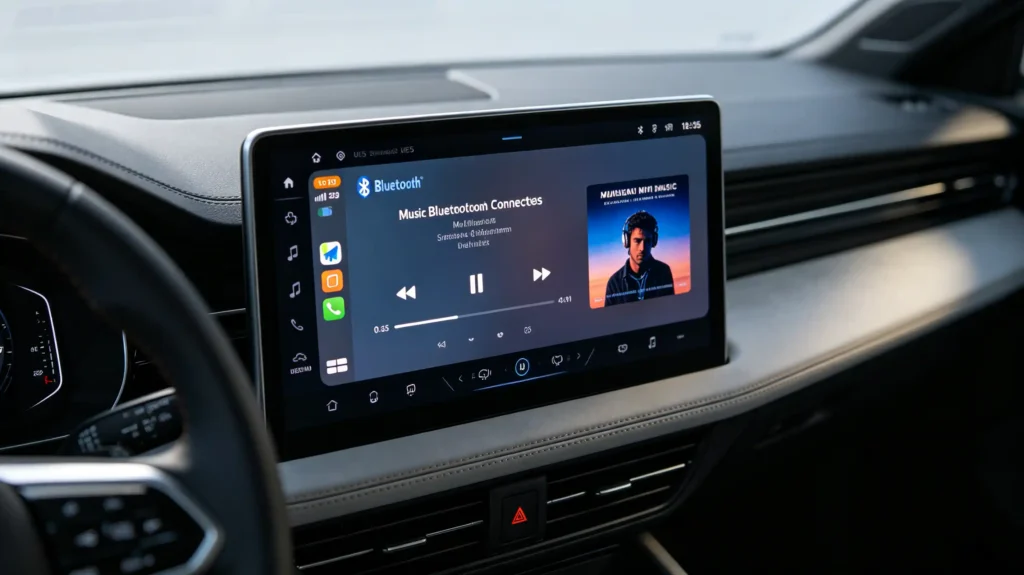
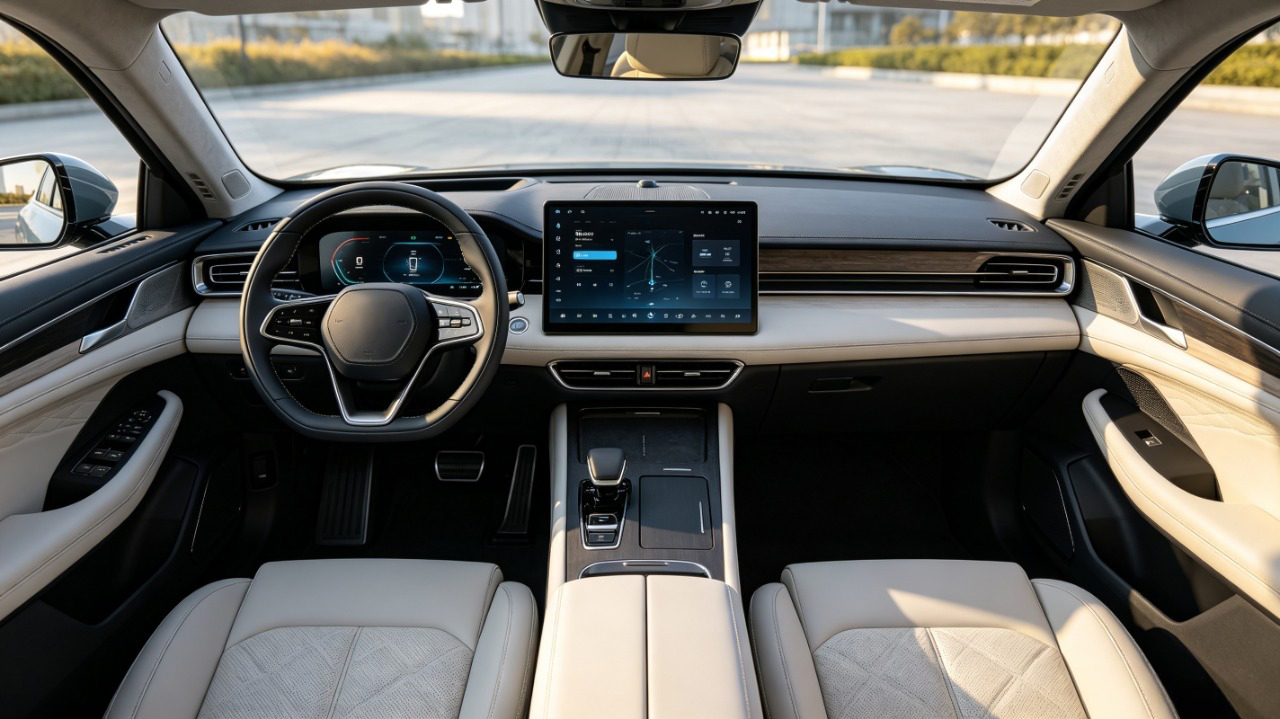
HMI, or Human-Machine Interface, is the point of interaction between a driver or passenger and the vehicle’s infotainment system. It includes the touchscreen, voice control, steering wheel controls, and the visual and audio feedback that ties them together.
Three Core Design Principles
Three principles drive how automotive HMI actually gets designed. Each one exists for a reason specific to being behind the wheel:
Safety first — every interaction is designed to minimize driver distraction. It must be usable with minimal visual attention and cognitive load. It should not require sustained focus.
Simplicity — information presents clearly and concisely. Controls are intuitive and quick to reach. They should not be buried in menus.
Consistency — interaction patterns stay the same across screens and functions. This cuts down the learning curve. It also reduces the split-second confusion that comes from an interface that behaves differently depending on where you are in it.
The Real Line Between Automotive HMI and Consumer Electronics
That is also the real line separating automotive HMI from consumer electronics UI. A phone or tablet interface is designed to maximize engagement and visual richness — more to look at, more to explore. Automotive HMI is designed around the opposite priority. Legibility and ease of use matter most while a driver’s actual attention needs to stay on the road, not the screen.
Car HMI Safety Layout Rules: Driving Safety-First Design Standards
Safety layout rules exist because interface decisions have measurable consequences behind the wheel. The industry has settled on specific thresholds rather than vague best practices.
Eye-Off-Road Time
Eye-off-road time is the core metric. NHTSA guidelines recommend tasks be completable in glances of about 2 seconds each. Total cumulative glance time for a single task should stay under 12 seconds.
Visual Positioning
Visual positioning follows from that directly. Frequently used controls (volume, climate, navigation) belong toward the top and center of the screen. This places them within a driver’s natural field of view. It reduces how far attention has to travel away from the road ahead.
Text Legibility
Text legibility matters just as much. Use a minimum font size for essential information. Ensure high contrast between text and background. Icons should be simple enough to register at a glance. They should not require a second look.
Touch Target Size
Touch target size has its own standard too. 15mm × 15mm is the general industry benchmark. This size reduces mis-taps. It also reduces the repeated glances that come with trying again.
Information Prioritization
Information prioritization closes the loop. Critical driving information like speed and navigation instructions stays visible at all times. Secondary functions remain accessible without competing for attention.
Key Reference Standards
NHTSA’s driver distraction guidelines and ISO 15005 are the two reference points worth knowing. ISO 15005 covers ergonomic design standards for in-vehicle information systems. Use these when evaluating whether a supplier’s design actually follows established practice.
Infotainment Touch UI Standards: Screen Interaction Design Specifications
Touch Responsiveness
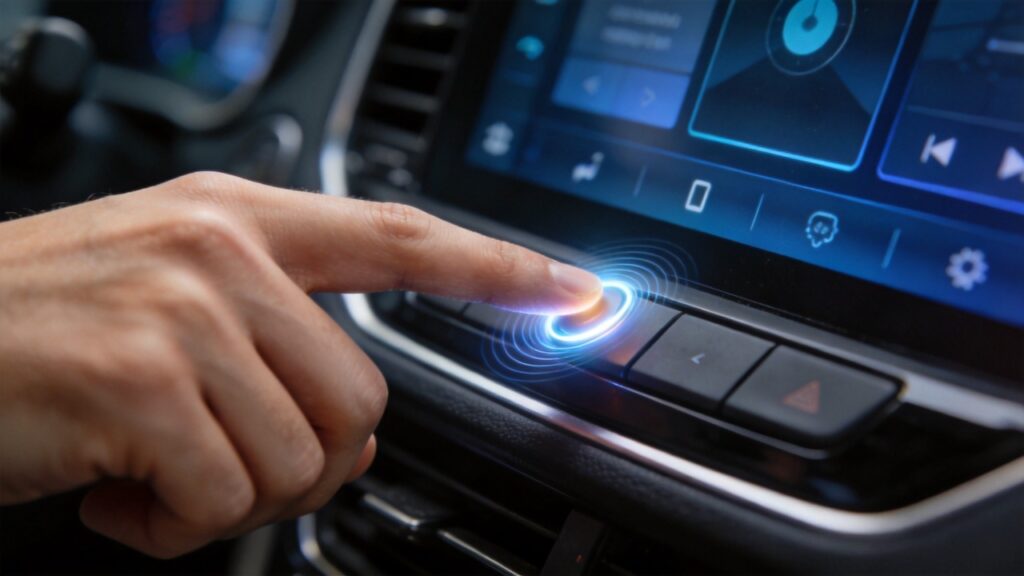
Touch responsiveness is the first thing a driver notices. It is less forgiving in a vehicle than on a phone. Screen lag needs to stay under roughly 100ms to feel immediate. Anything slower causes frustration. It also pulls in more visual attention than the task actually warranted.
Gesture Standards
Gesture standards matter for the same reason. Tap, swipe, and pinch-to-zoom need to behave consistently across every screen in the system. An interface that changes its own rules mid-use forces a driver to think about the interface instead of the road.
Visual Feedback
Visual feedback closes that loop. Every touch action needs an immediate confirmation. This could be a button highlight, a screen transition, or a confirmation icon. A driver needs to know the tap actually registered without having to look twice.
Screen Placement
Screen placement follows the same safety logic covered earlier. Position it within the driver’s natural field of view. Typically this is at or above the center console. A screen mounted lower increases how far attention has to travel.
Brightness and Contrast
Brightness and contrast need to hold up in direct daylight. 400 to 600-plus cd/m² is the general benchmark for automotive-grade displays. Automatic adjustment between day and night conditions is ideal.
Font and Icon Design
Font and icon design rounds this out. Use clear, sans-serif fonts. Use large, distinguishable icons. Maintain consistent iconography throughout. Avoid a mix of styles that forces relearning between screens.
Vehicle Voice HMI Workflow: Voice Interaction Design & User Experience
The Voice Interaction Sequence
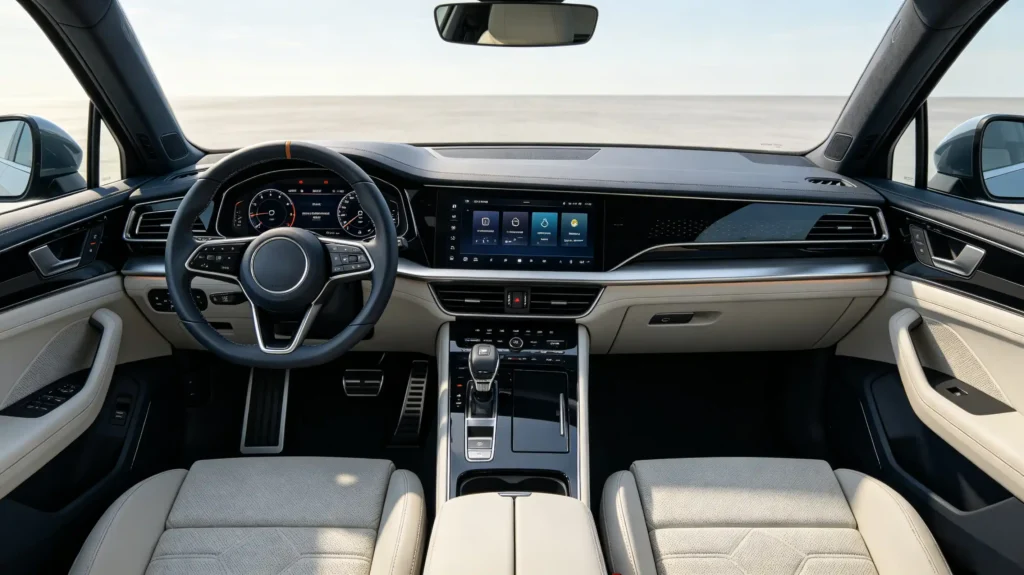
Voice interaction runs through a consistent sequence:
- Wake word or button activation
- Voice capture through the microphone
- Speech recognition
- Intent understanding
- Action execution
- Confirmation output — spoken, visual, or both
Wake Word Detection
Wake word detection is the first gate. A specific phrase activates the voice system. This cuts down on accidental activation. It generally improves how quickly the system responds once it’s actually listening.
Microphone Quality
Microphone quality determines everything downstream of that. Commercial-grade systems use dual-microphone arrays with noise cancellation. Vehicle cabins are genuinely noisy environments. A single weak microphone struggles to separate a driver’s voice from road and wind noise.
Confirmation and Feedback
Confirmation and feedback matter more than they might seem. The system needs to clearly show it understood the command. It should use both audio and visual cues. This cuts down on errors and frustration. It prevents a driver from repeating themselves or second-guessing whether anything happened.
Natural Language Understanding
Natural language understanding is where commercial-grade systems separate from basic ones. Supporting a phrase like “navigate to the nearest gas station” is essential. It should not require an exact, memorized keyword.
Benchmarks to Hold Suppliers To
A few benchmarks worth holding suppliers to directly:
- Recognition accuracy above 95%
- A low false-trigger rate
- Response time under one second
IVI Personalized HMI Setup: Customization Capability & Commercial Value
What Personalization Covers
Personalization in an IVI system spans a handful of specific capabilities. It is not just a color-scheme toggle buried in settings.
UI themes cover custom desktop wallpaper, icon styles, color schemes, and menu layout. Boot animation adds a custom startup sequence carrying a brand’s own logo rather than a generic factory splash screen. Voice assistant personalization can extend to a custom wake word or voice tone selection. User profiles let multiple drivers save their own personalized settings rather than sharing one static configuration.
Commercial Value for B2B Buyers
For B2B buyers specifically, this translates into real commercial value in three ways:
Brand differentiation comes from custom UI and logos. This creates a genuinely unique product identity for a dealership or automaker. It avoids reselling an interface identical to every competitor’s stock.
Premium positioning follows naturally. Personalized HMI justifies higher retail pricing for 4S shop upgrade programs. Customers can see and feel the difference immediately.
Market adaptation rounds it out. HMI customization lets a single hardware platform adapt to different regional preferences. This avoids requiring a separate product line per market.
What to Ask Suppliers
When evaluating a supplier on this front, ask directly about:
- UI design capability
- Boot animation support
- Language customization
- Profile management
These are the specifics that separate genuine customization from a marketing claim.
B2B Sourcing Guide: HMI Design Evaluation & Compliance Standards
Five evaluation dimensions cover what actually matters when sourcing HMI-equipped infotainment systems. Do not trust a supplier’s own description alone.
1. Safety Compliance
Safety compliance comes first. Verify alignment with NHTSA distraction guidelines and ISO 15005. Request compliance documentation rather than a general assurance.
2. Touch and Visual Quality
Test screen responsiveness, touch target sizes, text legibility, and brightness under actual daylight conditions. An indoor demo is not sufficient.
3. Voice Interaction Quality
Test voice interaction directly too. Check recognition accuracy, response time, and noise cancellation performance. Do this under simulated vehicle noise conditions. A quiet showroom demo will not reveal how the system handles road and wind noise.
4. Customization Capability
Assess customization capability concretely. Evaluate UI design flexibility, boot animation support, and language customization options. Verify rather than assume.
5. Multi-Language and Certifications
Multi-language support matters for export sourcing specifically. 30-plus languages is a reasonable benchmark for commercial-grade systems covering multiple markets. On certifications, CE, FCC, and RoHS apply to most export markets. ISO 26262 functional safety adds further assurance where relevant. Request current documentation directly.
Practical Sourcing Advice
The practical sourcing advice across all five dimensions: request HMI demo videos or sample units. Test UI responsiveness and voice interaction under real-world conditions. Do not rely on a spec sheet alone.
FAQ
Are there specific safety standards for automotive HMI?
There is no single universal mandate covering every market. But NHTSA driver distraction guidelines are the primary reference in the US. ISO 15005 covers ergonomic design of in-vehicle information systems more broadly. CE, FCC, and RoHS handle general product compliance rather than HMI-specific safety. Buyers should request documentation on both general compliance and HMI-specific design standards separately.
How does poor HMI design affect driving safety?
Poor HMI design increases eye-off-road time and cognitive load. It also increases the number of glances a task requires. All of these correlate with distraction risk. Industry guidelines generally recommend individual glances of about 2 seconds. Total cumulative glance time should be under 12 seconds per task. This is why control placement, touch target size, and information prioritization all matter as much as the visual design itself.
Can automotive HMI be customized for branding?
Yes, to a meaningful degree. UI themes, boot animation, color schemes, and menu layout are commonly customizable. Some suppliers extend this to voice assistant personalization and user profile management. The depth of customization depends on whether the supplier has genuine in-house UI development capability. Confirm specifics rather than assuming full flexibility across every supplier.
What touchscreen specifications matter for safe driving?
Screen response latency under roughly 100ms is essential. Touch targets around 15mm × 15mm are recommended. Gestures must be consistent across screens. Immediate visual feedback on every touch action is required. Brightness in the 400 to 600-plus cd/m² range ensures daylight visibility. Automatic day/night adjustment rounds out the baseline for safe, usable touch interaction behind the wheel.
How do I evaluate voice interaction quality in a head unit?
Test recognition accuracy under real vehicle noise conditions. A quiet room is not sufficient. Check response time and false-trigger rate directly. Do not rely on a spec sheet claim. Recognition accuracy above 95% and response time under one second are reasonable benchmarks. Requesting a live demo or sample unit is the most reliable way to confirm these numbers hold up in practice.
Conclusion
HMI design determines whether an infotainment system genuinely works for a driver or just looks good in a product photo. Safety layout, touch responsiveness, voice interaction quality, and personalization all shape that outcome together. Verifying compliance documentation and testing under real conditions is essential. Confirming customization capability directly is what separates a sourcing decision from a guess.