
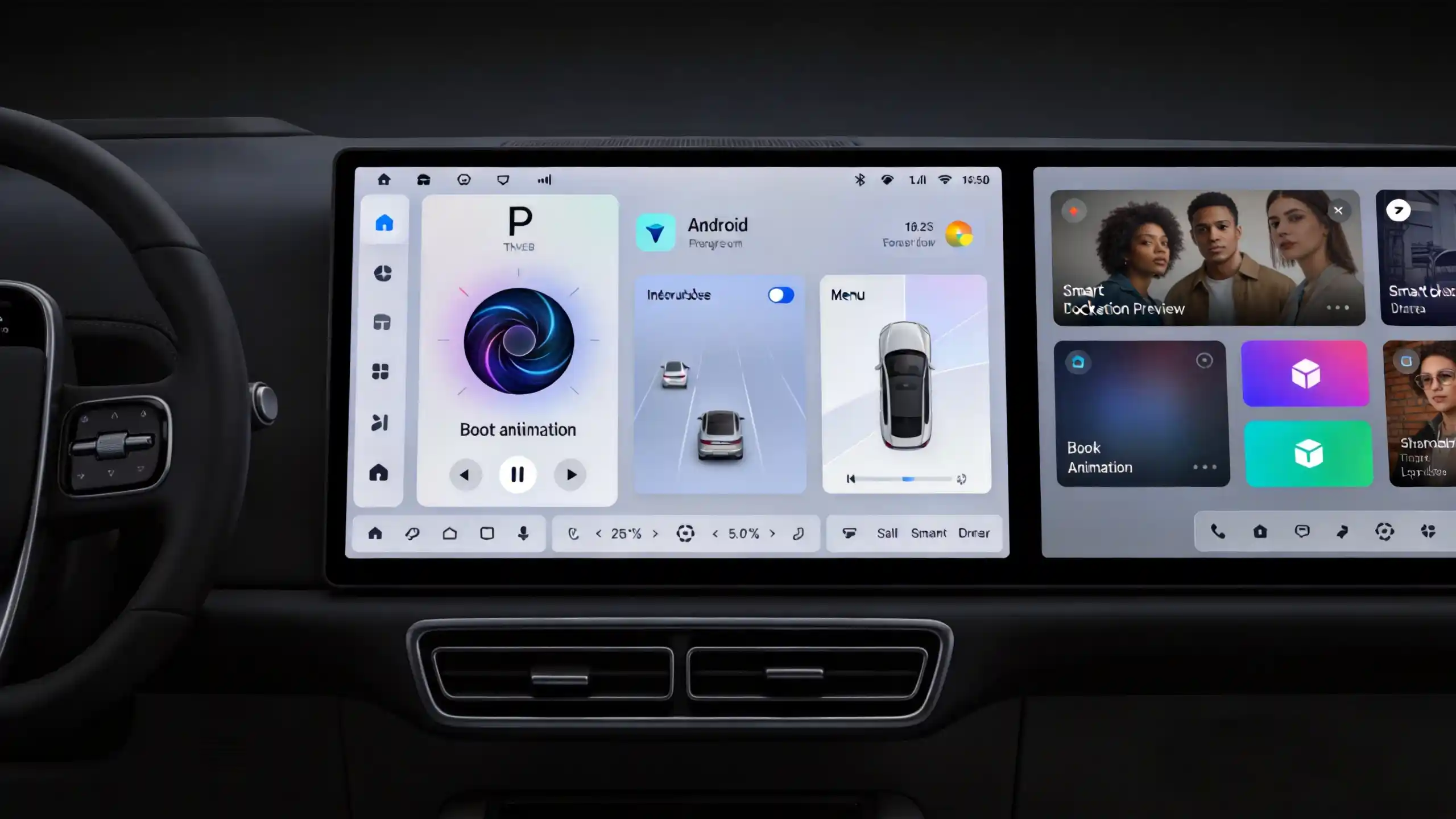
A head unit that pairs fine on the showroom floor and then drops calls, stutters through a playlist, or refuses to reconnect after every ignition cycle is one of the fastest ways to generate warranty claims. Android head unit Bluetooth connectivity looks like a simple checkbox on a spec sheet. But the gap between a module that performs well in real vehicle conditions and one that does not shows up almost entirely after the sale. This is why it deserves closer evaluation before a bulk order goes out.
This guide covers what Bluetooth does inside an Android head unit. It covers how pairing and reconnection are supposed to work. It covers which functions and phones it needs to support. It covers the performance factors separating a good module from a mediocre one. It also covers what to check with a supplier before committing to volume.
Bluetooth Connectivity Fundamentals for Android Head Units
What Bluetooth Does
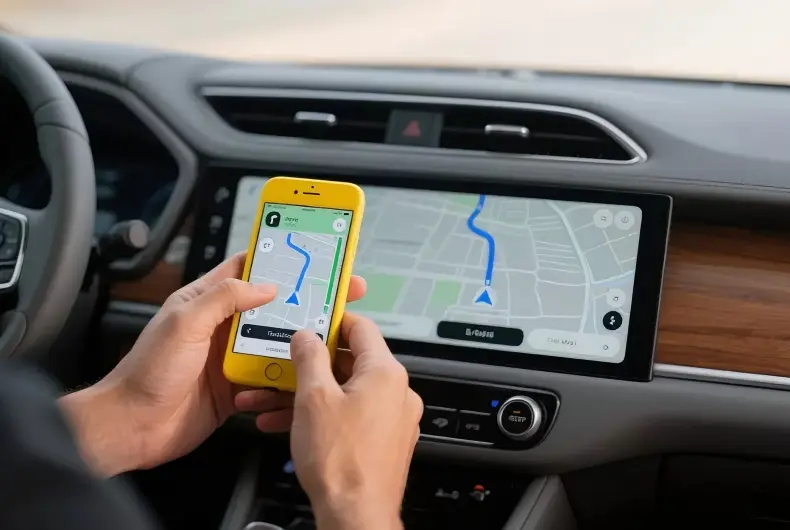
Bluetooth connectivity in an Android head unit is a short-range wireless communication capability built into the hardware. It enables hands-free calling, wireless audio streaming, phonebook synchronization, and the initial pairing step for phone projection.
Specific Jobs Inside the Vehicle
It handles a specific set of jobs inside the vehicle:
- Hands-free calling — voice calls routed through the vehicle’s speakers and microphone
- Wireless audio streaming — music, podcasts, and other media sent from the phone to the vehicle’s speakers
- Phonebook and contact sync — downloading the phone’s contact list to support calling and messaging
- Call history display — showing recent calls on the head unit screen
- Audio metadata display — showing song and artist information while streaming
Bluetooth in the Wireless Stack
Bluetooth does not work alone in the head unit’s wireless stack. Wi-Fi typically carries the heavier data load for phone projection once a session is active. Bluetooth handles the initial pairing and ongoing audio duties.
Why It Matters for B2B Buyers
For B2B buyers, this matters because Bluetooth has become a baseline expectation rather than a premium feature. When it underperforms, it is one of the most common sources of end-user complaints and returns. This happens regardless of how strong the rest of the unit’s specs are.
Android Head Unit Bluetooth Pairing and Connection Workflow
The Pairing Sequence
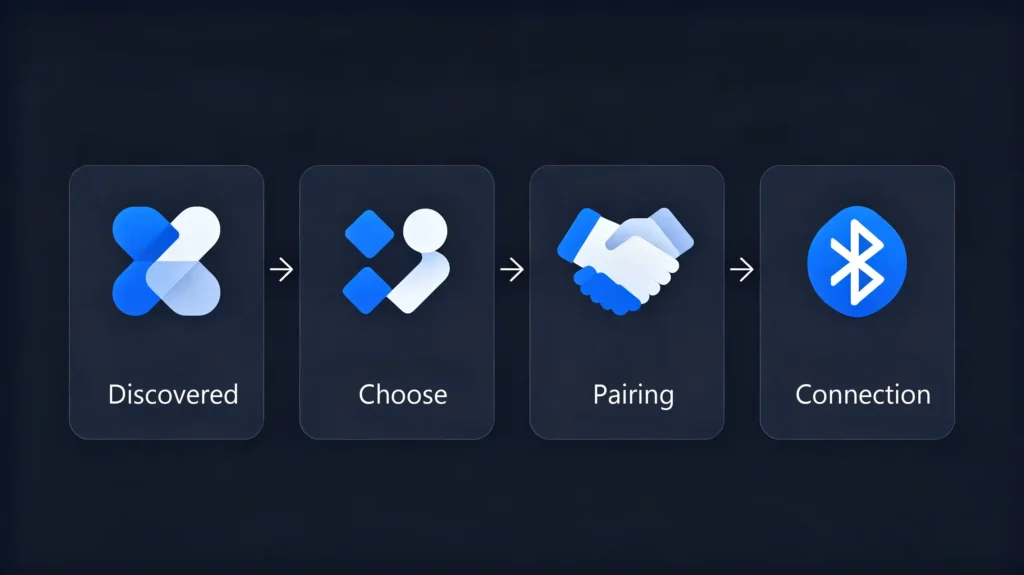
Pairing itself follows a predictable sequence. The head unit enters discoverable mode. The phone scans and finds it. The user selects the head unit from the list. A PIN or passkey confirmation may follow. The pairing completes with both devices storing each other in memory for future connections.
Automatic Reconnection
What happens after that first pairing is where commercial-grade systems are expected to perform well. On each ignition cycle, the head unit should automatically reconnect to the last paired device if it is within range. This should happen within 5 to 10 seconds. It should not happen after the driver has already started moving.
Multi-Device Management
Multi-device management matters too. A commercial-grade system should hold 5 to 10 paired devices in memory. It should let the user switch which one is active. This is a common requirement for shared or fleet vehicles.
Conditions Affecting Reconnection
A few conditions shape how reliably this works. The ignition cycle itself triggers reconnection — power off, then power on. Phone proximity matters, since the phone generally needs to stay within 3 to 10 meters inside the cabin. Other wireless devices nearby can interfere with stability.
Causes of Disconnection
Disconnections happen for equally practical reasons. Manual disconnection, the phone moving out of range, or the vehicle powering down are common causes.
Commercial Implication
Reliable automatic reconnection is not a nice-to-have. Its failure is one of the most common sources of user frustration. It is worth testing specifically rather than assuming it works because pairing worked once.
Supported Bluetooth Functions & Smartphone Device Compatibility
Core Function Set
Beyond basic pairing, the practical value of Bluetooth comes down to which functions actually work. It also depends on how consistently they work across different phones.
The core function set includes:
- Hands-free calling (dial, answer, end, and mute)
- Phonebook sync — often requires the user to grant permission on the phone itself
- Call history showing missed, received, and dialed calls
- Audio streaming through A2DP (Advanced Audio Distribution Profile)
- Audio metadata display through AVRCP (Audio/Video Remote Control Profile)
- Voice dialing where the phone supports it
Compatibility Is Not Guaranteed
Compatibility across phones is not guaranteed just because a function exists on paper. Operating system version matters. Newer OS releases sometimes change Bluetooth behavior. This can affect pairing or profile support. Phone brand matters too. Different manufacturers implement Bluetooth protocols with small but meaningful variations. Head unit firmware version plays a role. Newer firmware generally improves compatibility with recent phone models. Both sides need to support the same Bluetooth profiles. Otherwise, specific functions simply will not work even though pairing succeeds.
Common Complaints
The most common complaints trace back to these gaps. Contacts that will not sync, audio metadata that never appears, or voice dialing that does not respond are frequent issues.
Testing Advice
Buyers should test against the phone models most common in their target market. Do not rely on a general compatibility claim from a supplier.
Bluetooth Audio and Call Performance: Range, Latency, and Connection Stability
Range Expectations
Specs on a datasheet rarely match what happens inside an actual vehicle cabin. Range is the clearest example. Bluetooth 5.0 is rated for a theoretical range up to 240 meters. But inside a car, practical range drops to something closer to 3 to 10 meters. This depends on where the phone sits and what is interfering with the signal. The vehicle’s metal structure creates a Faraday-cage-like effect. Physical obstructions like a phone in a bag or center console block the signal further. Other electronics in the cabin add electromagnetic interference on top of that.
Latency
Latency is the other metric worth understanding. It is the delay between audio playing on the phone and reaching the vehicle’s speakers. Under 100ms is generally good. Above 150ms becomes noticeable and starts causing sync problems. This is particularly true with video. Latency comes from encoding and decoding overhead, buffering, and how the codec processes the audio stream.
Connection Stability Factors
Connection stability depends on a few hardware and firmware factors working together. Bluetooth version — 5.0+ offers meaningfully better stability than older versions. Antenna design — internal PCB antennas versus external, and where they are placed. The overall quality of the module’s firmware affects reconnection speed and how well the connection holds under interference.
Audio Quality
Audio quality comes down to codec support. SBC is the baseline. AAC and aptX offer noticeably better sound.
Testing Advice
None of these numbers mean much in isolation. Buyers get more useful information by testing range, latency, and stability under conditions that actually resemble how the vehicle will be used.
Common Android Head Unit Bluetooth Problems & Root-Cause Categories
Recurring Problems
Most Bluetooth complaints fall into a short list of recurring problems. Pairing failure between the head unit and phone. Auto-reconnection failure after an ignition cycle. Audio stuttering during streaming. Poor call quality (echo or one-way audio). Contact sync failure. Missing audio metadata.
Five Root-Cause Categories
The root causes generally sort into five categories. Hardware issues — a low-quality Bluetooth module, poor antenna design, or bad module placement — tend to produce the most persistent problems. Firmware issues show up as outdated or buggy Bluetooth stacks that have not been updated for newer phone OS versions. Interference from vehicle electronics or other wireless devices nearby can degrade an otherwise functional connection. Phone-side issues — settings, OS quirks, or conflicting apps — are outside the head unit’s control but still generate support tickets. Wiring issues, particularly poor power or ground connections, can affect Bluetooth performance in ways that are not obviously related to the module itself.
Practical Application
Understanding which category a complaint falls into is useful for more than troubleshooting. It is a practical way to tell whether a recurring issue points to a real supplier quality problem or a one-off phone compatibility quirk.
Bluetooth Module Hardware Factors Impacting Real-World Performance
Chipset Quality
The chipset behind the Bluetooth module is often the single biggest factor separating consistent performance from a stream of returns. Tier-1 suppliers — Qualcomm, Broadcom, MediaTek, Realtek — generally deliver noticeably better real-world performance than generic chipsets. Generic chipsets tend to cut costs at the expense of stability. Bluetooth 5.0 or higher should be the minimum standard for any commercial-grade module.
Antenna Design
Antenna design matters almost as much as the chipset. External antennas typically perform better and reach further. Internal PCB antennas trade range for a smaller footprint. Performance varies based on placement. An antenna positioned near metal surfaces inside the dash will underperform regardless of chipset quality.
Firmware Factors
On the firmware side, three factors drive real-world outcomes. How well the Bluetooth stack is implemented affects stability and compatibility. Which codecs are supported — SBC as a baseline, with AAC or aptX improving audio quality. Whether OTA updates are available to fix bugs and add compatibility with new phone models as they launch.
Physical Integration
How the module is physically integrated onto the mainboard also affects electromagnetic interference. A good chipset badly integrated can still underperform.
What to Ask Suppliers
Given how many of these factors are invisible on a basic spec sheet, buyers should ask suppliers directly for chipset brand, Bluetooth version, and antenna type. Do not assume “Bluetooth 5.0” alone tells the full story.
B2B Sourcing & Supplier Considerations for Android Head Unit Bluetooth
Sourcing Checklist
Turning all of this into a sourcing checklist, here is what is worth verifying before placing a bulk order.
Bluetooth Version
Confirm 5.0 or higher for better range, stability, and audio quality.
Profile Support
Confirm A2DP (audio), HFP (hands-free), PBAP (phonebook), and AVRCP (remote control) are all supported.
Codec Support
Verify SBC at minimum, with AAC or aptX for better audio quality.
Antenna Design
Ask about antenna type, placement, and whether range testing has been done.
Pairing and Reconnection
Test the full pairing process. Confirm reconnection happens within 5 to 10 seconds after an ignition cycle.
Multi-Device Support
Confirm how many paired devices the system holds. 5 to 10 is typical for commercial-grade systems.
Sample Testing
Test with multiple phone models. Check range, audio quality, and latency directly. Do not rely on spec sheets alone.
Additional Questions
It is also worth asking who supplies the Bluetooth module. A tier-1 chipset versus a generic one matters. Ask whether the supplier offers firmware update and OTA support. This determines whether compatibility issues with future phone models can be fixed after the units are already in the field.
FAQ
What hardware-spec indicators should B2B buyers check to anticipate Bluetooth audio-latency performance on Android head-unit samples?
Check the Bluetooth version — 5.0+ generally handles latency better. Check the codec support — aptX typically outperforms SBC on latency and audio quality. Check the chipset supplier — tier-1 chipsets tend to have more mature encoding and decoding implementations. None of these guarantee low latency on their own. Pair spec verification with actual sample testing under real playback conditions. This gives the most reliable picture.
Can poor vehicle-cabin metal-interference cause Bluetooth disconnections even with good-quality Bluetooth modules?
Yes. A vehicle’s metal structure creates a Faraday-cage-like effect that reduces effective range regardless of module quality. Antenna placement near metal surfaces compounds the problem. A high-quality module with a poorly placed antenna can still underperform. Antenna design and placement deserve as much scrutiny as the chipset when evaluating a supplier.
Why can identical-model Android head units exhibit different Bluetooth compatibility with different smartphone brands?
Phone manufacturers implement Bluetooth protocols with small variations. OS updates can change Bluetooth behavior in ways that are not always backward-compatible with older head unit firmware. A head unit that pairs smoothly with one brand’s phones may show contact sync failures with another. Testing against phone models common in your target market matters more than a general compatibility claim.
Can Bluetooth-module firmware be updated independently from the main Android head-unit system firmware?
In many commercial-grade systems, yes. The Bluetooth module often runs its own firmware separate from the head unit’s main Android OS. OTA capability allows that firmware to update on its own to fix bugs or add compatibility with new phone models. This is worth confirming with a supplier directly. Not every module supports independent updates. This capability affects how long a product stays compatible with phones released after it ships.
What test scenarios should wholesalers run on samples to validate real-world Bluetooth stability before mass-ordering?
Test pairing and reconnection across an ignition cycle with several phone models. Check range and audio quality at realistic in-cabin distances. Monitor for stuttering during extended playback. Test with the phone in different common locations — pocket, bag, center console. Real-world interference rarely matches a controlled test bench.
Conclusion
Bluetooth performance is easy to overlook on a spec sheet. It is hard to ignore once units are in customers’ hands. Use the evaluation points above to screen samples before committing to volume.


