
For B2B buyers sourcing Android head units, understanding software update mechanisms is essential for evaluating after-sales support, product longevity, and risk management. Regular updates address bugs, security vulnerabilities, and feature gaps—but poorly implemented updates can lead to bricked units, customer complaints, and warranty claims.
This guide covers the distinctions between software, system, and firmware updates; update methods including OTA and USB; compatibility prerequisites; preparation steps; risks; and post-update verification. For a technical overview of the hardware platform, see our What Is an Android Head Unit guide. Whether you are a wholesaler, importer, or 4S dealership, this framework will help you evaluate supplier update capabilities and plan after-sales support.
Android Head Unit Software & Firmware Update Fundamentals
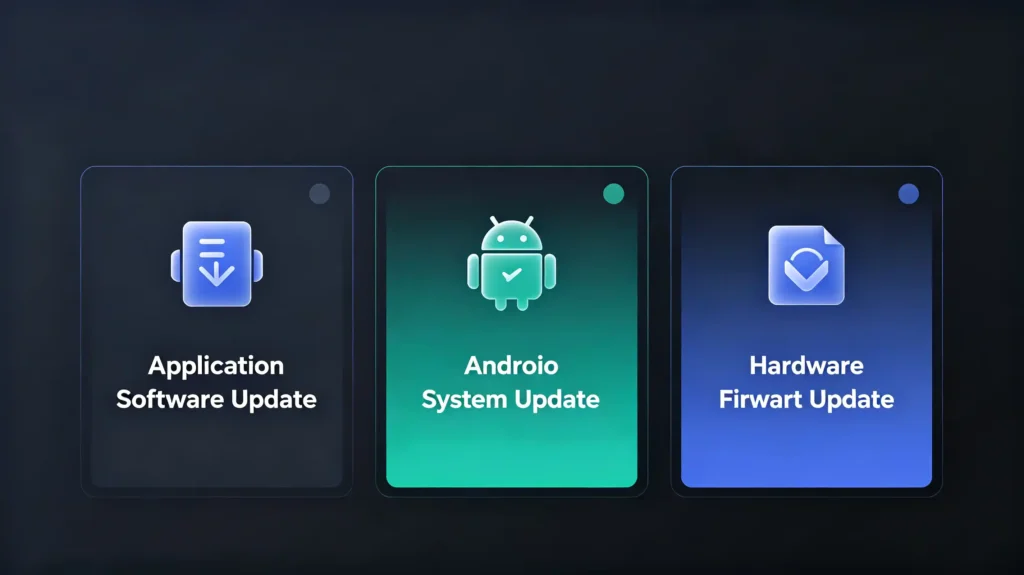
Not all updates are the same. Understanding the three distinct types helps buyers assess risk levels and support requirements.
Software Update (App-Level)
Software updates target individual applications—navigation apps, media players, or settings interfaces. These are typically installed through APK files and represent the lowest-risk update type. Users can often perform them independently without special tools. Frequency is high; these updates are the most common and carry minimal risk of system disruption. Software updates are a key part of IVI software architecture. See our IVI software architecture guide for detailed guidance.
System Update (OS-Level)
System updates involve upgrading the Android operating system version—for example, from Android 10 to Android 12. These include OS-level improvements, security patches, and new features. They are more complex than app updates and require careful compatibility verification. Risk is moderate; if the hardware doesn’t fully support the new OS version, performance issues or feature loss can occur.
Firmware Update (Hardware-Level)
Firmware updates modify low-level software controlling hardware components—bootloader, drivers, CAN Bus decoder, display controller, and power management. These updates are the most critical and carry the highest risk. A failed firmware update can permanently brick the unit. Firmware is hardware-specific; the exact firmware must match the head unit’s hardware platform, revision, and region .
Distinction Summary
| Update Type | Target | Risk Level | Frequency | Installation Method |
|---|---|---|---|---|
| Software | Individual apps | Low | High (frequent) | APK installation |
| System (OS) | Android OS version | Medium | Medium | OTA or USB |
| Firmware | Hardware-level code | High | Low (critical) | OTA or USB |
When and Why Perform an Android Head Unit Update
Updates serve multiple purposes, each with business implications for B2B buyers.
When Updates Are Needed
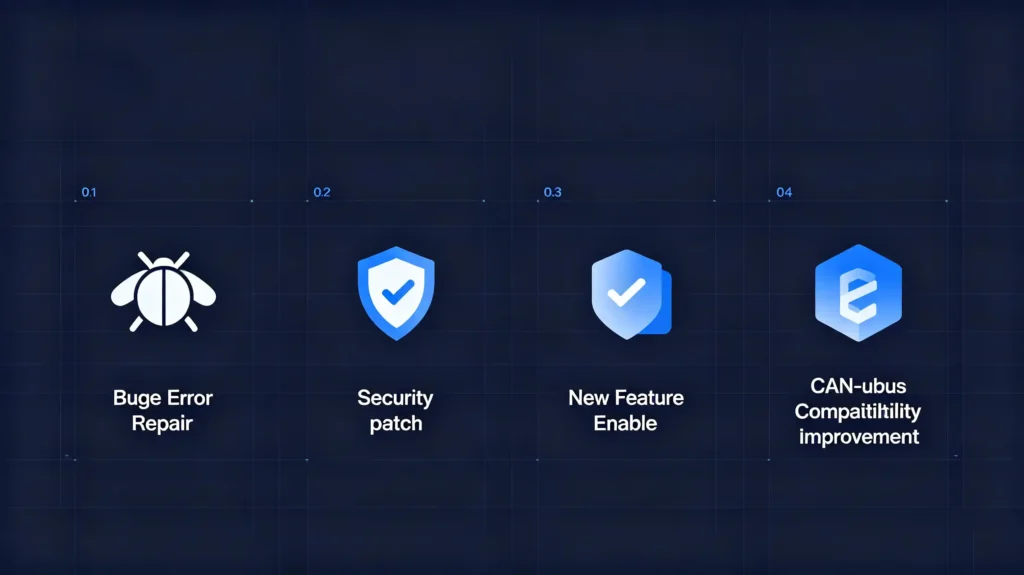
Bug fixes: Addressing performance issues, app crashes, or feature malfunctions that affect user experience.
Security patches: Resolving vulnerabilities—particularly important as Android-based head units are increasingly targeted by malware. Recent campaigns have exploited update mechanisms to deliver malware to Android head units, demonstrating that security updates are not optional . This is the first documented case of malware specifically targeting automotive head units via legitimate firmware update functions .
Feature improvements: New features, UI enhancements, and performance optimizations that keep products competitive.
Compatibility updates: Supporting new phone models, new applications, or updated vehicle protocols (CAN Bus).
Map data updates: Updating offline navigation map data (system-level, distinct from app-level map updates).
Why Updates Matter for B2B
Customer satisfaction: Updates resolve user-reported issues and demonstrate ongoing product support. Faster updates reduce frustration.
After-sales support: Proactive updates reduce support calls by fixing known issues before they generate complaints.
Product competitiveness: Regular updates signal product maturity and long-term manufacturer commitment. This is a differentiator in a crowded market.
Risk management: Delaying security updates exposes customers to malware risk—a liability for distributors and dealers .
Commercial Implication
Buyers should evaluate update support before sourcing. Suppliers that provide documented update policies and regular releases are more reliable partners for bulk orders.
Android Head Unit Update Methods: OTA, USB and Alternatives
Different update methods offer varying trade-offs in convenience, reliability, and risk.
Method 1: OTA (Over-The-Air) Update
OTA updates download and install firmware or system updates automatically or via user action over Wi-Fi or cellular (4G/5G) connections. For a complete guide on Android head unit operating systems, see our Android head unit operating system guide.
Advantages:
- Convenient for end users; no physical access required
- Remote deployment enables fleet-wide updates
- Can be scheduled to minimize disruption
- Minimal user effort
Constraints:
- Requires stable connectivity (Wi-Fi or 4G/5G)
- Data usage may apply
- Requires manufacturer OTA infrastructure
- Network interruption can cause incomplete updates
OTA is the preferred method for minor updates, bug fixes, and security patches. However, the update process requires stable connectivity—signal strength should be at least 3 bars, and battery charge should exceed 60% to prevent power interruption .
Method 2: USB Update
USB updates involve downloading the firmware or system update to a USB drive from a computer, then manually inserting it into the head unit for installation.
Advantages:
- No connectivity required
- More control over the update process
- Reliable when using correct files
- Preferred for major system or firmware updates
Constraints:
- Manual process; requires user action
- Risk of user error (wrong file, incorrect formatting)
- Requires a USB drive formatted to FAT32
Method 3: SD Card Update
Similar to USB but using an SD card. Less common in modern Android head units but still used in some legacy systems.
Method 4: Mixed Approach
Many manufacturers adopt a mixed strategy: OTA for minor updates (bug fixes, security patches), USB for major system or firmware updates. This balances convenience with risk management.
Comparison Table
| Criteria | OTA Update | USB Update | SD Card Update |
|---|---|---|---|
| Convenience | High | Medium | Low-Medium |
| Reliability | Medium | High | High |
| Connectivity Required | Yes | No | No |
| User Effort | Minimal | Manual | Manual |
| Risk Level | Medium | Low-Medium | Low-Medium |
| Best Use Case | Bug fixes, security patches | Major system/firmware updates | Legacy systems |
Firmware-Hardware Compatibility Requirements Before Updating
Mismatched firmware is a leading cause of head unit failure. Compatibility verification is essential before any update.
Hardware Platform Matching
Firmware is specific to the head unit’s hardware platform—SoC model (Snapdragon, MediaTek, etc.), display controller, and CAN Bus decoder version. Generic firmware cannot be installed on any head unit . Installing incorrect firmware can brick the unit.
Firmware Version Matching
The firmware version must be compatible with the current system version. Some updates require specific system versions to be installed first. Skipping intermediate versions may cause update failures.
Region-Specific Firmware
Some firmware is region-specific, controlling radio frequency, language support, and map data. Applying the wrong regional firmware may cause function loss, particularly for radio and navigation features.
Hardware Revision Matching
The same model may have different hardware revisions. Firmware must match the exact hardware revision. Cross-flashing mismatched firmware is a common cause of bricking.
Verification Steps
- Check the head unit’s current firmware version and hardware model (typically found in Settings → About Device)
- Verify the update file is for the exact model and hardware revision
- Confirm the update file is from a trusted source (manufacturer or authorized supplier)
- Verify file integrity (checksum/hash if provided)
Commercial Implication
For bulk orders, ensure the manufacturer provides clear documentation linking firmware versions to specific hardware platforms. Mismatched firmware is a leading cause of head unit bricking—buyers should verify update compatibility processes with suppliers.
Update Preparation & Important Data-Backup Considerations
Proper preparation prevents update failures and data loss.
Preparation Steps
- Identify current firmware/system version: Document the current version to verify compatibility and confirm successful update
- Confirm the update file is correct: Verify the file matches the head unit model and hardware revision
- Ensure stable power supply: Keep the vehicle running or use a battery charger to prevent power interruption during the update—power loss during a firmware update is a primary cause of bricking
- Free up sufficient storage space: Some updates require additional storage; check available space before proceeding
Data-Backup Considerations
Key data that may be lost during a full firmware update includes:
- User settings: Navigation preferences, audio settings, display settings
- Saved destinations/favorites: Stored navigation destinations and route history
- Bluetooth pairings: Paired devices may need to be re-paired after update
- Installed apps: Some updates may require app reinstallation
Backup Methods
- Some head units have backup/restore functionality (check settings)
- Manual documentation of settings (photos or notes)
- Export settings if the feature is available
Commercial Implication
Data loss is a common user complaint after updates. Distributors and dealers should ensure clear backup instructions are provided to end users or installation teams. This reduces support calls and customer dissatisfaction.
Android Head Unit Update Risks & Critical Precautions
Understanding failure modes helps B2B teams mitigate risks and plan support responses.
Risk 1: Bricking (Permanent Failure)
The unit becomes unresponsive and cannot be recovered. Causes include power interruption during update, incompatible firmware, or corrupted update file.
Precautions: Use correct firmware; ensure stable power supply; verify file integrity before starting.
Risk 2: Boot Loop
The unit reboots repeatedly after update, never reaching the home screen. Caused by incompatible firmware or corrupted installation.
Precautions: Verify firmware compatibility before updating; have recovery firmware available.
Risk 3: Function Loss
Some functions stop working—GPS, Bluetooth, touchscreen, or CAN Bus features. Caused by driver mismatches or incomplete updates.
Precautions: Verify firmware revision matches hardware; perform thorough post-update verification.
Risk 4: Data Loss
User data (settings, favorites, Bluetooth pairings) is cleared after update.
Precautions: Backup data before update; document settings.
Risk 5: OTA Update Interruption
Network interruption causes incomplete OTA update; unit may boot to recovery mode and require manual recovery .
Precautions: Ensure stable network connection for OTA; use USB for critical updates.
Risk 6: Security Compromise
Malware can exploit compromised update mechanisms. In documented campaigns, attackers used a legitimate system app called TWCore responsible for firmware updates to deliver malware to Android head units. The malware, named JarService, installed as a user application without any user interface, demonstrating that update channels can be weaponized .
Precautions: Source firmware only from the manufacturer; implement update file integrity verification.
Commercial Implication
Update failures lead to customer complaints, support calls, and potential warranty claims. Proactive precautions reduce these risks and associated costs.
Post-Update Verification for Android Head-Units
Comprehensive testing after an update confirms full functionality and prevents undetected issues.
Verification Checklist
Test 1 — Power-on and boot: Unit powers on and boots to home screen without errors or boot loops.
Test 2 — System version: Confirm the new system/firmware version is installed correctly. Check in Settings → About Device.
Test 3 — Touchscreen: Touchscreen responds correctly; no dead zones or lag.
Test 4 — Connectivity: Bluetooth, Wi-Fi, and cellular (if applicable) work correctly. Test pairing and data transfer.
Test 5 — GPS signal: GPS acquires signal and navigation works correctly. Check for satellite lock within reasonable time.
Test 6 — Audio output: All speakers work; audio quality is normal. Test multiple sources (radio, Bluetooth audio, media).
Test 7 — Reverse camera: Camera activates when shifting to reverse. Check image quality and guide lines.
Test 8 — Vehicle functions: Steering wheel controls, climate display (if supported), and vehicle data (CAN Bus) work correctly.
Test 9 — App functionality: Key apps (navigation, media, settings) work correctly. Test phone projection and screen mirroring features.
Verification Documentation
Record test results for traceability. For bulk orders with multiple units, systematic verification ensures quality control.
Frequently Asked Questions
Can you install generic Android firmware onto any Android head-unit hardware platform?
No. Generic firmware cannot be installed on any head unit. Firmware is specific to the hardware platform, SoC model, display controller, and CAN Bus decoder version. Installing mismatched firmware can permanently brick the unit. Always use firmware provided by the manufacturer for your specific model and hardware revision .
What hardware prerequisites does a head-unit need to support reliable OTA updates?
OTA capability requires Wi-Fi or 4G/5G connectivity, sufficient storage for update packages, and manufacturer OTA infrastructure. For a reliable OTA update, ensure signal strength is at least 3 bars, the vehicle is powered (engine running or sufficient battery charge), and the unit has adequate storage. OTA implementation quality depends on the manufacturer’s software engineering .
What data may be lost when performing a full-firmware update on an Android car stereo?
Full firmware updates may clear user settings (navigation preferences, audio settings, display settings), saved destinations and favorites, Bluetooth pairings, and in some cases, installed apps. Always backup data before initiating a firmware update. Some head units have built-in backup/restore functionality; otherwise, document settings manually with photos or notes .
For bulk-order projects, who is responsible for providing firmware update files: supplier or manufacturer?
The manufacturer is responsible for providing firmware update files. For bulk orders, distributors and dealers should establish clear update support agreements with the manufacturer—including access to firmware files, update instructions, and verification guidance. The supplier should act as the intermediary, ensuring accurate files are provided for the specific hardware batch.
Plan Your Android Head Unit Update Strategy
Regular software, system, and firmware updates are essential for product longevity, security, and customer satisfaction. However, updates must be managed carefully—mismatched firmware, power interruptions, and network failures can lead to bricked units and warranty claims.
Contact our team to discuss your Android head unit requirements. We provide clear update policies, OTA capability, and comprehensive after-sales support for bulk-order projects.


