
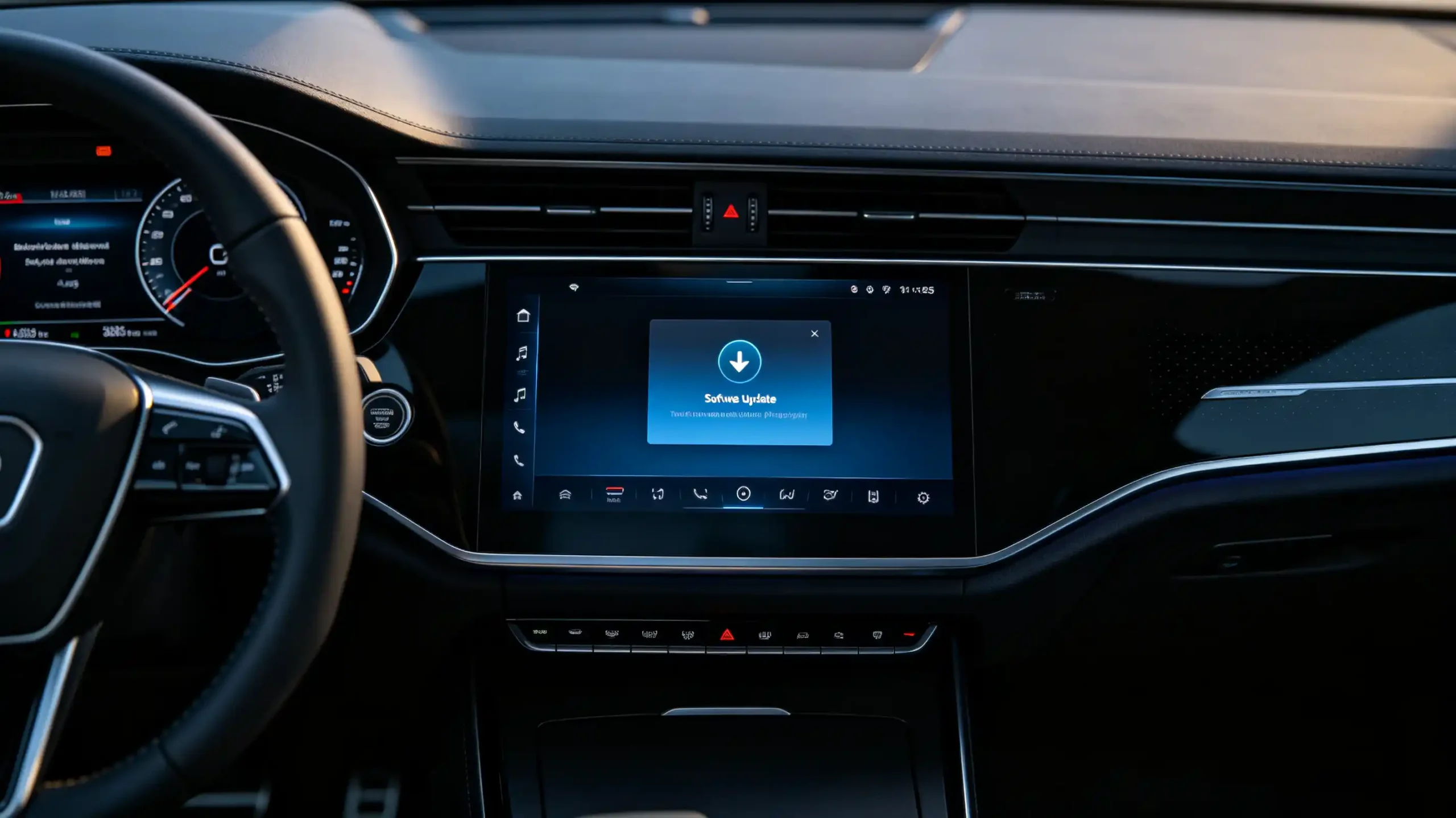
A firmware bug discovered after a container of head units has already shipped used to mean one of two things. A costly recall. Or a fleet of customers stuck with a flaw that never gets fixed.
IVI OTA software updates changed that equation. But “OTA supported” on a spec sheet covers a wide range of actual capability. It can mean anything from a basic app-update mechanism to a full remote system. That full system can push firmware, UI, and vehicle protocol changes without a single unit coming back to a service counter.
For dealers, wholesalers, and OEM/ODM buyers, understanding what sits behind that claim is what separates a genuine cost-saving feature from a marketing checkbox.
This guide covers how OTA updates actually work. It covers what can go wrong. It also covers what to verify before sourcing at volume. For a full view of all hardware decisions, see our car stereo hardware components overview.
IVI OTA Software Updates – Core Definition and System Role
What Are IVI OTA Software Updates?
IVI OTA software updates are the process of delivering firmware, system software, applications, and configuration changes to an in-vehicle infotainment system remotely. This happens over Wi-Fi or cellular connectivity. It does not require physical access to the unit.
Core Role Across the Product Lifecycle
The core role this plays across a product’s lifecycle is straightforward. It keeps the system current. It fixes bugs after they are discovered. It adds features post-purchase. It improves security over time. All without a truck roll or a return shipment.
Commercial Impact for B2B Buyers
For a B2B buyer, that translates directly into commercial impact. OTA capability reduces after-sales support costs, since fixes do not require physical returns. It extends how long a product stays competitive. New features can arrive after the sale rather than being locked to the original firmware. It improves customer satisfaction simply by keeping the product improving over time instead of static.
The Flip Side
The flip side matters just as much. Without OTA capability, software bugs sit unresolved until physical intervention happens. Map and feature updates require manual work at a service point. Warranty and support costs climb accordingly.
A Real Differentiator
That gap is exactly why OTA capability functions as a real product differentiator rather than a nice-to-have line item.
Main Types of IVI OTA Updates
Not All Updates Are the Same
Not all OTA updates carry the same scope or risk. It is worth distinguishing between them before evaluating a supplier’s capability.
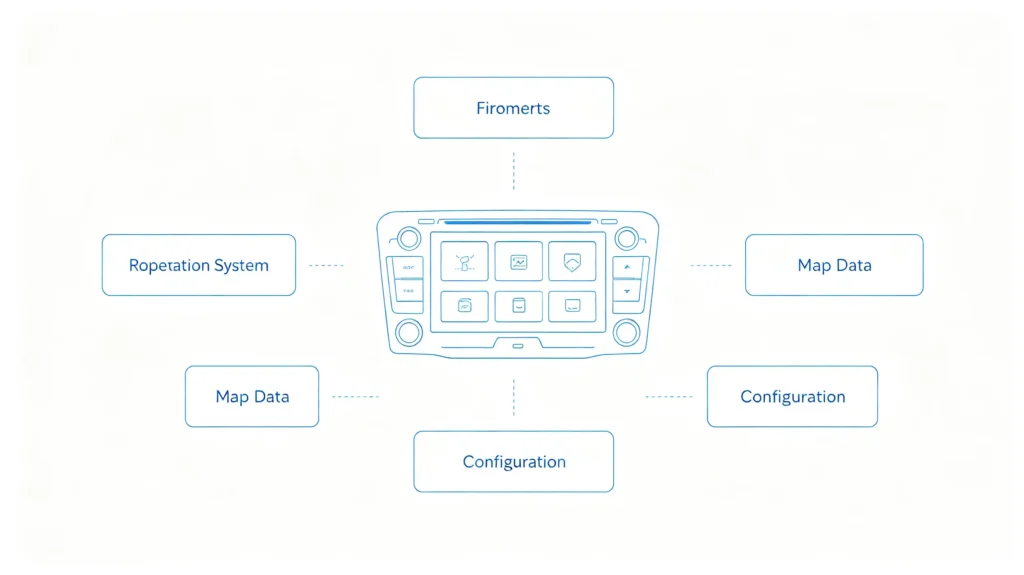
Firmware Updates
Firmware updates touch the lowest-level software — bootloader, drivers, CAN Bus decoder firmware. They are critical for hardware compatibility and stability. This also makes them the riskiest category if something goes wrong mid-update.
OS Updates
OS updates cover Android or Linux version upgrades. They typically bring new features, security patches, and performance improvements along with them.
Application Updates
Application updates target navigation apps, media apps, and system UI specifically. They can usually be pushed individually or bundled together.
Map Data Updates
Map data updates refresh offline map information. They keep road data and points of interest current.
Configuration Updates
Configuration updates handle vehicle-specific protocols, regional settings, and language packs. They are smaller in scope. But they are still meaningful for a unit deployed across different markets.
Delivery Methods
On the delivery side, updates can arrive as a full package. This replaces the entire relevant software component. Or as an incremental delta update that only transfers what has changed. Delta updates are faster and lighter on data usage.
Different Risk Profiles
Each update type carries its own risk profile and infrastructure demands. This is worth keeping in mind when comparing what different suppliers actually mean by “OTA support.” For a complete guide on update mechanisms, see our Android head unit software update guide.
OTA Update Delivery Workflow and Infrastructure
The Delivery Sequence
Getting an update from a manufacturer’s development environment to a vehicle on the road runs through a fairly consistent sequence.
Step 1: Package Preparation
The manufacturer prepares the update package.
Step 2: Cloud Hosting
That package is hosted on a secure cloud server.
Step 3: Update Check
The IVI system checks for available updates, either automatically or when the user requests it. It notifies the driver if one is found.
Step 4: Download
The update downloads over Wi-Fi or cellular connectivity.
Step 5: Verification
The system verifies the package’s integrity and authenticity. This is typically through a checksum and digital signature. It confirms nothing was corrupted or tampered with in transit.
Step 6: Installation
Installation happens, which may require a reboot. Some systems support A/B partition architecture. This lets the update install on a secondary partition while the system keeps running on the current one, minimizing downtime.
Step 7: Confirmation
The system confirms successful installation and reports that status back to the server.
Required Infrastructure
Supporting all of this requires real infrastructure on the manufacturer’s side. A cloud server to host packages. An update management system to control rollout. A secure delivery channel. Vehicle-side capability to download and verify what it receives. For more on system architecture, see our IVI software architecture guide.
Why This Matters for Supplier Evaluation
This is worth stating plainly to buyers evaluating suppliers. Genuine OTA capability is not a checkbox feature a manufacturer adds cheaply. It represents an ongoing infrastructure commitment. This is part of why OTA support varies so much in practice between suppliers who claim it.
Connectivity and Hardware Prerequisites for IVI OTA Updates
Connectivity Options
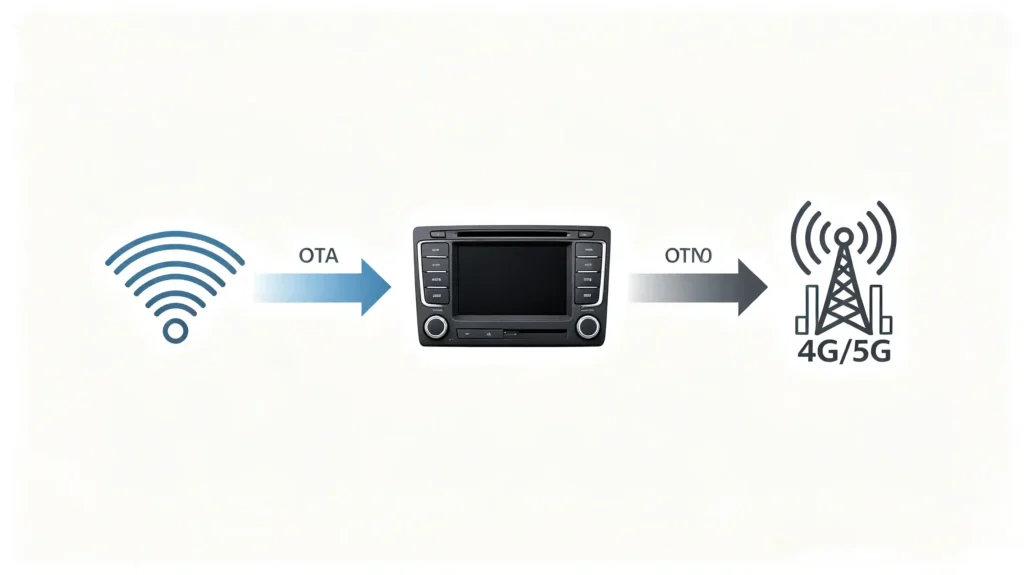
OTA capability depends on more than software. The underlying hardware and connectivity have to be able to support it. On the connectivity side, Wi-Fi is the most common path for OTA downloads. This can be through a home network or a mobile hotspot. Cellular connectivity, where present, removes the dependency on Wi-Fi being available at the right moment. Bluetooth, by contrast, is not suitable for this job at all. For more on connectivity, see our smartphone integration in vehicles guide. Its bandwidth is too limited for update packages of meaningful size.
Storage Requirements
Storage matters too. The system needs enough free space to hold the update package during download. A/B partition support specifically allows the system to keep running normally while the new update is being prepared in the background. It does not go offline mid-process.
Processing Power
On the processing side, the unit needs sufficient power to handle verification and installation. It also needs a recovery mode that can step in if an update fails partway through.
Power Stability
Power stability during installation is its own quiet requirement. An update interrupted by a sudden power loss, particularly during a critical write phase, is one of the more common ways an update process goes wrong. OTA updates support long-term system reliability. See our IVI system reliability guide for detailed guidance.
All Prerequisites Work Together
All of these prerequisites work together. Missing any one of them limits how reliably OTA actually functions in the field.
Risks, Failures, and Safety Considerations in IVI OTA Updates
Interrupted Download
Every OTA system carries failure risks. Understanding them helps a buyer evaluate whether a supplier’s safety mechanisms are actually adequate. An interrupted download, from a network disconnection mid-transfer, needs resume capability to recover cleanly. It should not force a restart from zero.
Verification Failure
A verification failure — a corrupted or tampered package — needs signature verification to catch before installation ever begins.
Installation Failure
An installation failure, whether from a power loss or a system crash partway through, needs a recovery mode to fall back on.
Bricking
In the worst case, a failed update can brick the unit entirely, rendering it unusable. A/B partition architecture or rollback capability is what prevents that outcome. It preserves a working version to fall back to.
Security Risk
Security is its own category of risk. An OTA channel without proper encryption and authentication is a real attack surface. It is effectively a remote software-delivery pathway into the vehicle.
Compatibility Risk
Even a technically successful update can introduce compatibility issues. It can break a third-party app or a vehicle integration that worked fine on the previous version.
Why Buyers Should Ask
None of these risks mean OTA capability is not worth having — it clearly is. But they are exactly why buyers should ask a supplier directly about their safety mechanisms. Do not assume “OTA supported” implies all of this has been handled properly.
How OTA Updates Impact Product Lifecycle and After-Sales Support
Reduced After-Sales Workload
The commercial case for OTA capability comes down to what it removes from a dealer or wholesaler’s after-sales workload. Software bugs get fixed remotely instead of generating physical returns. This cuts directly into support costs.
Longer Product Competitiveness
Products stay competitive longer. New features and improvements can land after the original sale rather than requiring a next-generation model.
Ongoing Customer Improvement
Customers experience ongoing improvement rather than a static product. That product starts feeling dated the moment a newer competitor ships.
Logistical Savings
Logistically, there is no need to ship units back to a service center just to apply a firmware fix. This is a real cost and time saving at any meaningful volume.
Map Data Freshness
Map data freshness benefits from the same mechanism. Updates can push current navigation data without manual intervention.
Security Patching
Security patching can go out promptly when a vulnerability is identified. It does not need to wait for the next hardware refresh cycle.
Lower Total Cost of Ownership
Altogether, OTA capability lowers total cost of ownership across a product’s life. It gives suppliers a genuine competitive edge in markets where after-sales support cost is a real factor in the purchasing decision.
B2B Evaluation Criteria for IVI OTA Update Capabilities
Sourcing Checklist
Turning this into a sourcing checklist, buyers should verify seven things before finalizing an OTA-capable head unit order.
- OTA support existence — that it actually exists and which update types it covers
- Connectivity — whether it is Wi-Fi only or also includes cellular
- Safety mechanisms — A/B partition, rollback, and recovery mode
- Encryption and verification — whether delivery is encrypted with signature verification
- Manufacturer track record — their commitment to ongoing updates
- Infrastructure — whether the manufacturer maintains actual OTA server infrastructure rather than a one-off mechanism
- Sample testing — direct testing of the OTA process, including recovery behavior, before committing to volume
Frequently Asked Questions
Does OTA update capability require the head unit to have built-in cellular connectivity, or can Wi-Fi alone support it?
Wi-Fi alone can support OTA updates. It is the most common connectivity path used for this purpose. Many deployed units rely on it exclusively. Cellular connectivity is an added convenience rather than a strict requirement. It removes the dependency on the vehicle being near a known Wi-Fi network when an update is available. Buyers should confirm which connectivity option a given unit relies on. They should also check whether that matches how the target market’s vehicles are typically used. Hotspot connectivity can support OTA downloads. See our in-car Wi-Fi hotspot guide for detailed guidance.
What safety mechanisms prevent an IVI head unit from being bricked during a failed OTA update?
The main protections are A/B partition architecture and rollback capability. A/B partition keeps a working system copy available while an update installs on a separate partition. Rollback reverts to the last known-good version if an installation fails. Recovery mode provides a further fallback if the system fails to boot after an update attempt. Buyers should ask suppliers directly which of these mechanisms are actually implemented. “OTA supported” alone does not confirm any of them are present.
Why can OTA updates sometimes break third-party app compatibility or vehicle integration after installation?
An update that changes the underlying OS version, API behavior, or system libraries can shift assumptions. A third-party app or a vehicle-specific integration may have been built around those assumptions. This happens even when the update itself installs successfully. It is a known risk across OTA systems generally, not a sign of a poorly built update mechanism on its own. This is part of why thorough testing before a wide rollout matters. Clear update release notes matter too for anyone relying on specific app or integration behavior.
For B2B buyers, how many years of OTA update support should be expected from a reliable IVI supplier?
There is no universal standard here. Expectations should be set directly with the specific supplier rather than assumed. What matters more than a specific number is the supplier’s demonstrated infrastructure and track record. An active cloud server. A documented update history. A clear commitment to continuing support. A stated support window is only as reliable as the infrastructure actually behind it.
What sample-test workflow can wholesalers run pre-mass-order to validate real-world OTA capability?
A practical test pushes an actual update to a sample unit. It confirms the full cycle works: notification, download, verification, installation, and a success confirmation reported back. It is also worth deliberately testing failure recovery. Interrupt a download or simulate a power loss during installation. Confirm the unit does not brick and correctly falls back to a working state. Running this before a bulk order catches gaps that a supplier’s documentation alone will not reveal.
Conclusion
Genuine OTA capability can meaningfully lower after-sales costs and keep a product competitive well past its initial release. But this only holds if the underlying infrastructure and safety mechanisms are actually solid.


