
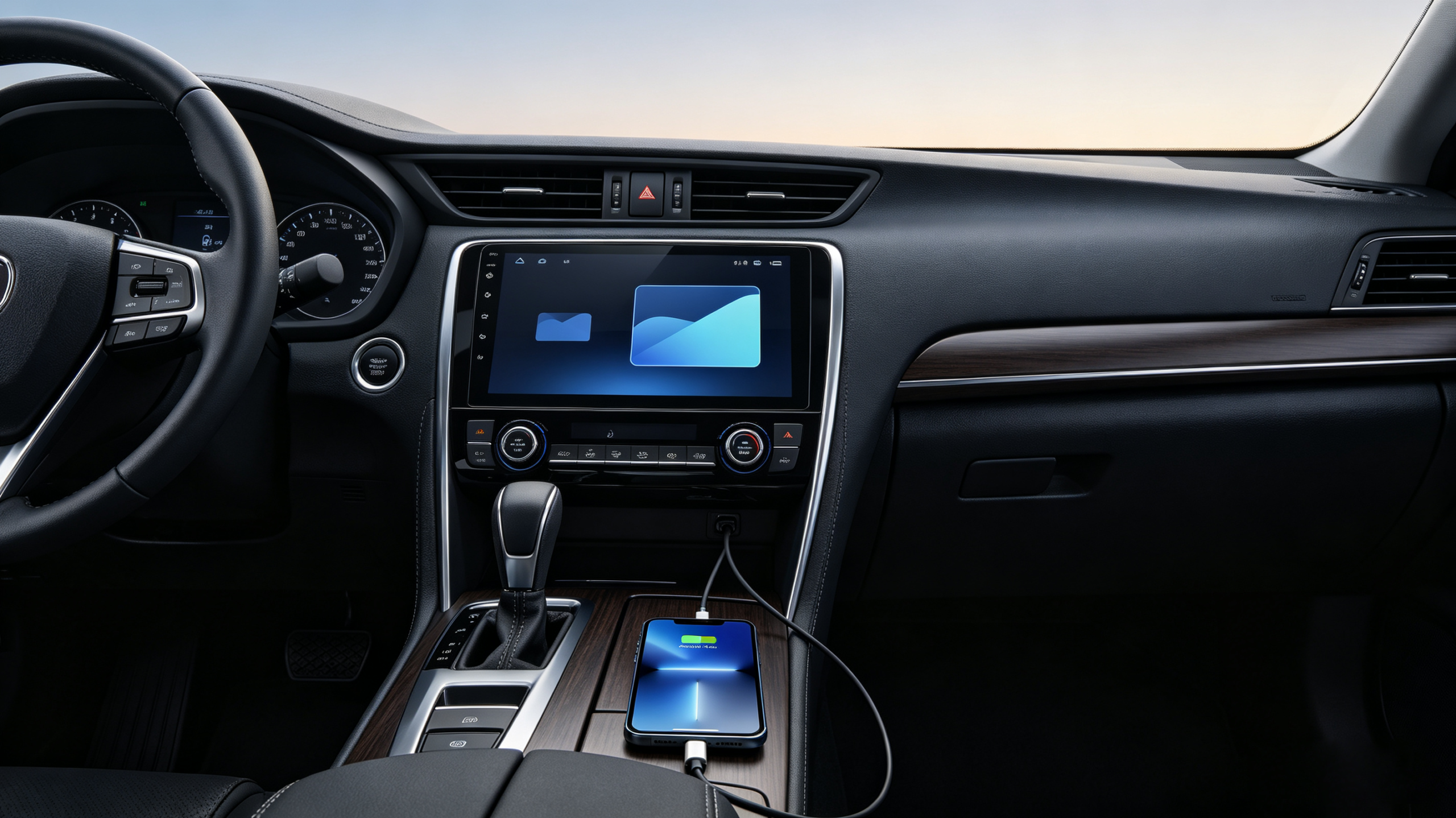
Smartphone integration in vehicles allows a mobile device to connect with the vehicle’s infotainment system and share selected functions through the in-car display and controls. Depending on the system, drivers can access navigation, music, calls, messages, and other supported applications without relying entirely on the phone’s own screen.
For automotive electronics buyers, this capability has become an important product consideration. Dealers, wholesalers, importers, and OEM customers need more than a connection that works during a product demonstration. They need stable performance across different phones, operating-system versions, connection methods, and vehicle platforms.
A reliable solution therefore depends on several factors. These include the head unit’s processor, USB interface, Wi-Fi and Bluetooth hardware, firmware, supported connection protocols, and update capability.
This guide explains how smartphone integration in vehicles works at a system level, compares wired and wireless connectivity, examines compatibility and stability issues, and provides a practical framework for evaluating products for bulk orders. . For a technical overview of the hardware platform, see our What Is an Android Head Unit guide.
What Is Smartphone Integration in Vehicles? Core Definition & Business Relevance
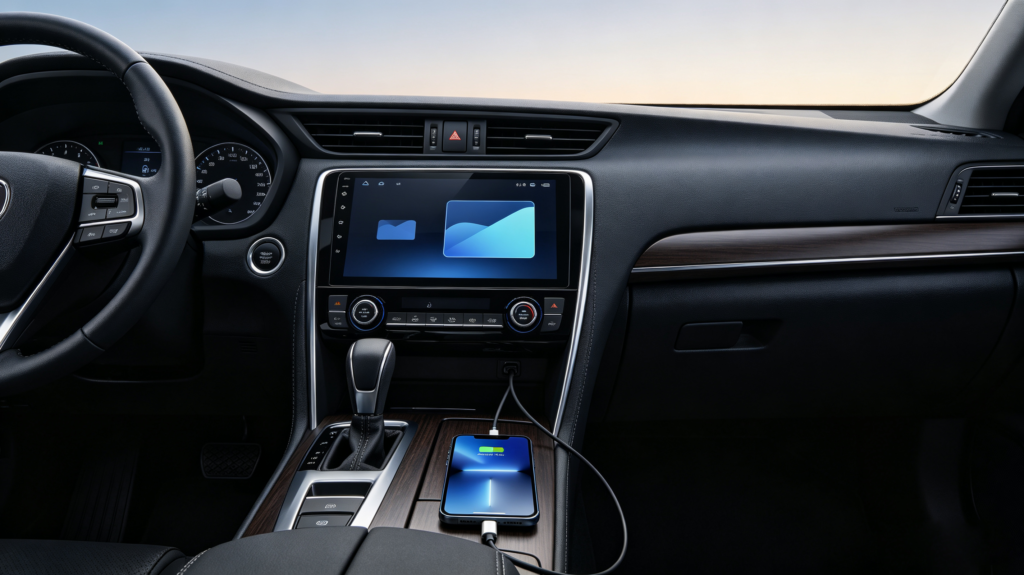
Smartphone integration in vehicles is the process of connecting a mobile phone with an in-vehicle infotainment system so that selected phone functions can be accessed through the vehicle’s display and controls.
Instead of switching between the phone and the vehicle screen, users can interact with supported functions through a vehicle-optimized interface. These may include navigation, media playback, hands-free calling, messaging, and voice commands.
For automotive electronics businesses, the value goes beyond convenience. A head unit that supports modern smartphone connectivity can offer a more complete user experience and remain competitive across different vehicle markets.
For B2B buyers, several points deserve attention:
- Connectivity support: Check whether the product supports wired, wireless, or both connection methods.
- Phone compatibility: Test the system with the major phone platforms and models used in the target market.
- Connection stability: A connection that repeatedly drops can create customer complaints and after-sales costs.
- Function coverage: Confirm which navigation, media, communication, and voice functions are actually supported.
- Future compatibility: Firmware update capability can help address compatibility changes over the product lifecycle.
For a wholesaler or importer, these details can directly affect product positioning and customer satisfaction. A product may have attractive hardware specifications, but poor phone integration can still become a major weakness after installation.
Car Mobile Device Connection: Wired vs Wireless Connectivity Methods
There are two main approaches to car mobile device connection: wired and wireless. Each has different hardware requirements and trade-offs.
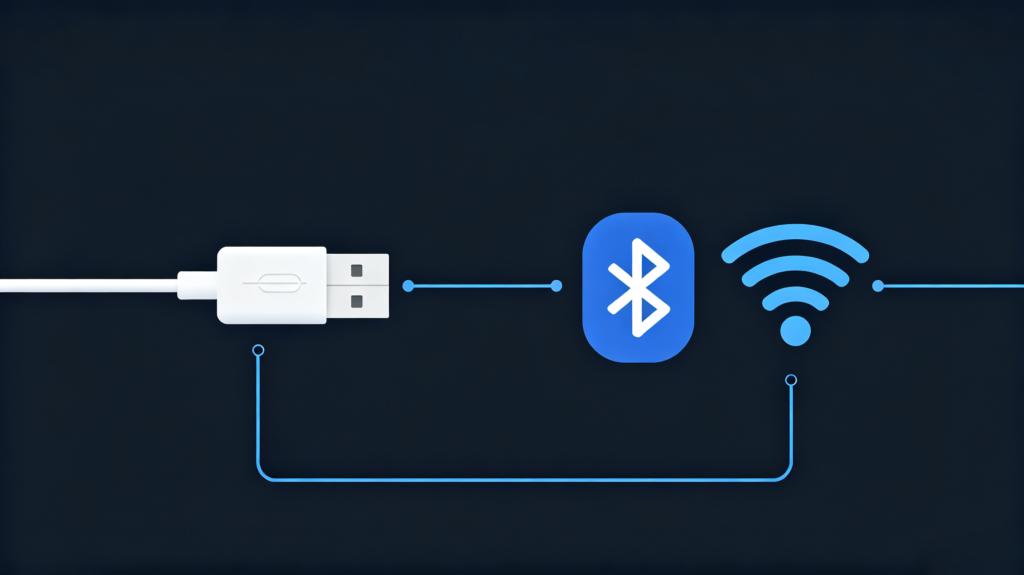
A wired connection normally uses a USB cable between the phone and head unit. The USB interface carries data and can also provide power to the connected phone. This approach is straightforward and generally offers a stable connection.
A wireless connection removes the cable. Bluetooth can be used for initial pairing, while Wi-Fi may handle higher-bandwidth data transmission. Once configured correctly, the phone can connect without being physically attached to the head unit.
| Factor | Wired Connection | Wireless Connection |
|---|---|---|
| Physical connection | USB cable required | No cable during normal use |
| Connection stability | Generally strong | Depends on wireless environment |
| Phone charging | Supported through USB | Usually requires separate charging |
| Installation | Simple but cable is required | Cleaner user experience |
| Hardware requirement | Data-capable USB interface | Bluetooth and Wi-Fi hardware |
| Potential issue | Cable damage or poor cable quality | Interference or connection drops |
| Cost | Usually lower | May require additional hardware |
For cost-sensitive commercial applications, wired connectivity can be attractive because of its straightforward implementation. Wireless connectivity can provide a cleaner user experience and may be preferred in markets where users expect greater convenience.
For broader product coverage, a head unit supporting both methods can give B2B buyers more flexibility. However, each connection mode should be tested before bulk production rather than judged only from the specification sheet.
Vehicle Phone Link Setup: Supported Shared Functions Between Phone and Head Unit
A vehicle phone link setup can provide access to several categories of smartphone functions through the infotainment display. The exact functions depend on the phone, head unit, software, and supported integration protocol.
Navigation is one of the most common applications. Supported systems may display maps, turn-by-turn directions, points of interest, and traffic information when the required connectivity and services are available.
Audio and media functions can include music streaming, podcasts, audiobooks, and other compatible applications. Audio can then be controlled through the vehicle’s interface.
Communication may include hands-free calling, messaging, and selected notifications. Voice control can be particularly useful when the driver needs to communicate without handling the phone.
Input control can combine the touchscreen with steering wheel controls and voice commands. A well-designed interface uses larger touch targets and simplified menus so that common functions can be accessed with less visual distraction.
However, smartphone integration does not mean every application on a phone automatically becomes available on the vehicle display. Application support depends on the integration protocol and whether the application is designed for in-vehicle use.
For B2B buyers, it is therefore better to request a specific function and compatibility list. Do not evaluate a product simply by asking whether it “supports smartphone integration.”
Auto Mobile Interface Solution: Hardware & Software Prerequisites
A functional auto mobile interface solution requires cooperation between hardware and software. A missing hardware interface or outdated firmware can affect the entire connection experience.
Key hardware requirements include:
- Processor: The head unit needs sufficient computing capability to process the integration interface and related data.
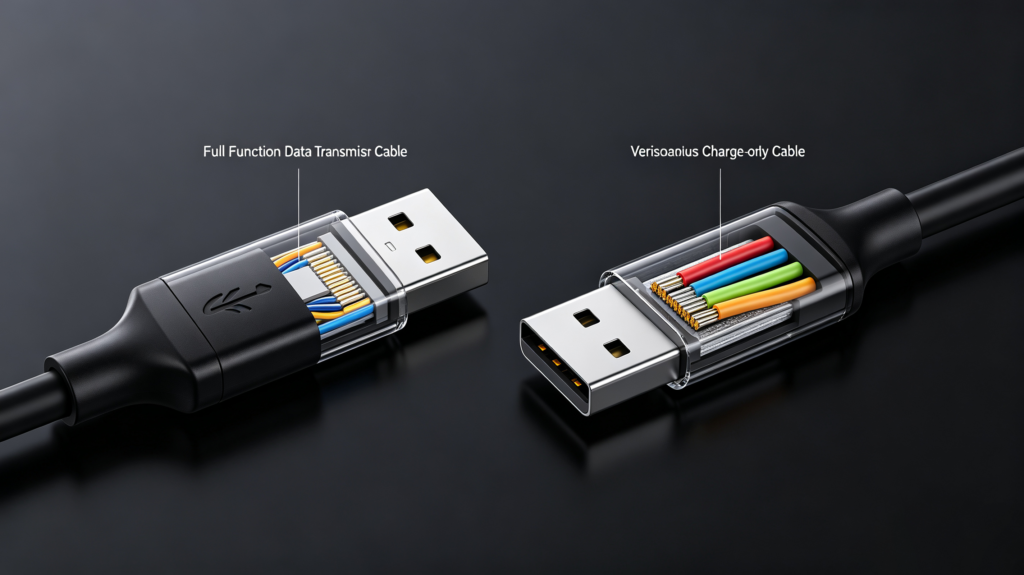
- USB data port: A USB port must support data communication, not only charging. Buyers should verify this before placing an order.
- Wi-Fi module: Wireless integration may require Wi-Fi hardware capable of handling the required data connection. Hotspot capability extends smartphone integration options. See our in-car Wi-Fi hotspot guide for detailed guidance.
- Bluetooth module: Bluetooth can support pairing and hands-free communication. The supported Bluetooth version should be verified according to the product specification.
- Display and touchscreen: The screen must be capable of rendering the interface correctly, while the touchscreen needs to provide responsive control.
Software is equally important. The operating system must support the required integration method, and the head unit needs compatible software or built-in protocol support. Firmware updates are also valuable because phone operating systems and compatibility requirements can change over time.
For procurement, buyers should request confirmation of the actual hardware configuration. A USB connector on the product does not necessarily mean that it supports data transfer. Likewise, wireless functionality requires the appropriate wireless hardware and software implementation.
Sample testing is therefore more reliable than specification-sheet comparison alone.
In-Car Smartphone Sync Setup: Compatibility Variables Across Devices & Vehicle Platforms
An in-car smartphone sync setup can behave differently from one device to another. Compatibility is not determined by the head unit alone.
The first variable is the phone operating-system version. New software releases can change how a phone communicates with external systems. For guidance on choosing a head unit that handles compatibility well, see our how to choose an Android head unit guide. A head unit with older firmware may therefore experience compatibility problems with newer devices.
The phone model also matters. Different manufacturers may implement supported connectivity functions differently, even when devices use similar operating-system versions.
The head-unit firmware is another critical factor. Regular firmware updates can help suppliers address compatibility changes and maintain support for newer phone versions.
For wired connections, cable quality should not be overlooked. Damaged or low-quality USB cables can cause intermittent connections, failed detection, or unstable data transmission.
Finally, aftermarket head units usually need to support a wider range of phones than vehicle-specific factory systems. This creates a broader testing requirement.
For B2B buyers, the practical approach is simple: identify the most common phone models in the target market and test them before placing a large order. Ask the supplier how firmware updates are handled and whether compatibility issues can be addressed after shipment.
Vehicle Mobile Interoperability: Stability, Security & End-User Experience Benchmarks
Vehicle mobile interoperability should be evaluated under real operating conditions. A connection that works once during a demonstration does not necessarily provide reliable long-term performance.
Common stability risks include:
- Intermittent disconnections: Wireless interference, weak signals, or software implementation problems can interrupt the connection.
- Connection delays: Long connection times can make the system feel unreliable during everyday use.
- Application crashes: Software instability can affect the interface while phone integration is active.
Data security should also be considered. When a phone connects to an infotainment system, information such as contacts, messages, call records, or location data may be involved. Buyers should understand what data the system accesses and whether information is stored locally or transmitted externally.
Firmware security is another consideration. A controlled update process can reduce the risk of unauthorized software changes.
For sample evaluation, buyers should check four practical benchmarks:
- Reliability: Does the connection remain stable during extended use?
- Responsiveness: Does the interface react without noticeable delay?
- Ease of use: Can users connect with minimal steps?
- Consistency: Does performance remain similar across different phones?
These tests provide a more useful assessment than a basic feature checklist.
B2B Sourcing Framework: Evaluating Smartphone-Integration Capabilities for Bulk Orders
For bulk orders, smartphone integration should be evaluated as part of the complete head-unit solution.
Use the following procurement checks:
- Compatibility coverage: Ask for the supported phone brands and operating-system versions relevant to your target market.
- Connection stability: Test both wired and wireless connections with several phone models.
- Function support: Confirm navigation, media, calls, messages, and voice-control functions individually.
- OTA capability: Ask whether firmware can be updated remotely when compatibility requirements change.
- Hardware verification: Confirm that USB ports support data communication and verify the wireless hardware required for the selected connection method.
- Extended testing: Run samples for longer periods instead of relying on a short demonstration.
For importers and wholesalers, testing should focus on the phones customers actually use in the target market. For OEM and ODM projects, the evaluation should go further and include software customization, firmware support, vehicle compatibility, and long-term technical cooperation.
The safest purchasing process is to validate samples first, document compatibility results, and then use the approved configuration as the reference for mass production.
FAQ
What is the practical difference between wired and wireless smartphone integration for aftermarket bulk sales?
Wired integration uses a physical USB connection, while wireless integration removes the cable during normal operation. Wired solutions generally offer a straightforward and stable connection and can charge the phone at the same time. Wireless solutions provide greater convenience but require additional wireless hardware and careful testing. For bulk sales, the right choice depends on target-market expectations, product cost, hardware configuration, and the phones customers commonly use.
Which factors most frequently cause smartphone-sync failures in aftermarket head-unit deployments?
Common causes include incompatible phone operating-system versions, outdated head-unit firmware, poor-quality USB cables, wireless interference, and differences between phone models. Aftermarket systems also face a wider compatibility range than vehicle-specific factory systems. Sample testing with common phones in the target market can identify many of these problems before mass production.
What minimum firmware requirements should B2B buyers check for reliable vehicle-mobile interoperability?
There is no single firmware version that applies to every head unit or phone. Buyers should instead confirm that the supplier maintains compatible firmware and has a defined update process. OTA capability is useful because phone operating systems can change after the product has entered the market. Before a bulk order, request compatibility information and test the intended phone models with the exact production firmware.
Are there data-security risks when enabling smartphone integration on aftermarket infotainment units?
There can be privacy considerations because connected systems may access information such as contacts, call records, messages, or location data. Buyers should ask what information the head unit accesses, whether data is stored, and whether it is transmitted externally. Firmware update security and permission management should also be reviewed when evaluating a product for commercial deployment.
Evaluate Smartphone Integration Before Your Next Bulk Order
Smartphone integration in vehicles is not simply a feature to add to a product specification sheet. Its commercial value depends on compatibility, connection stability, supported functions, hardware quality, firmware support, and the supplier’s ability to maintain the solution over time.
For dealers, wholesalers, importers, and OEM/ODM buyers, the most reliable approach is to test representative samples before committing to a large order. Evaluate the phones used in your target market, verify both connection methods when applicable, and confirm the supplier’s firmware and technical-support capabilities.
Contact our team to discuss your smartphone integration requirements, head-unit configuration, vehicle compatibility, and OEM/ODM project needs.


