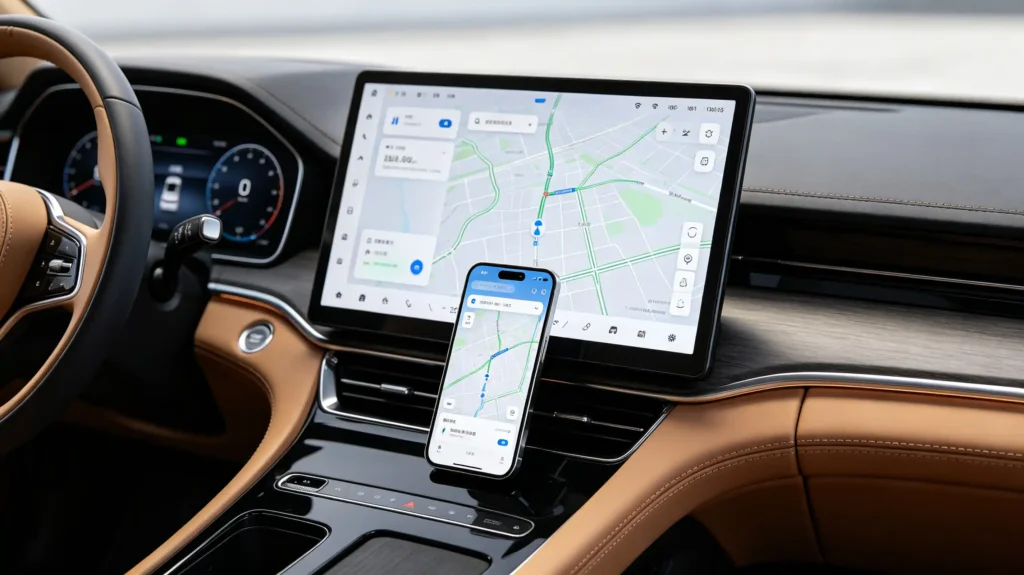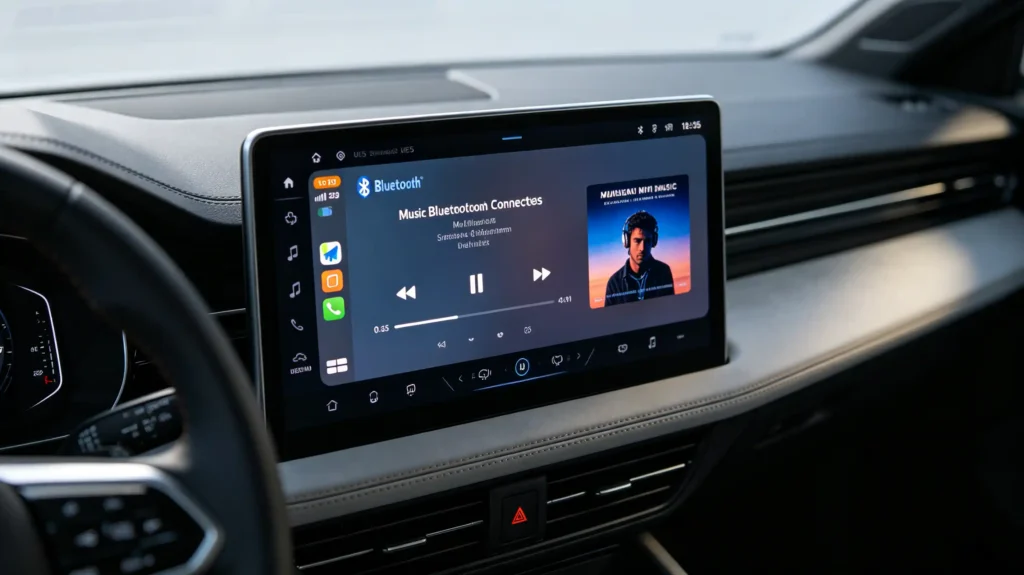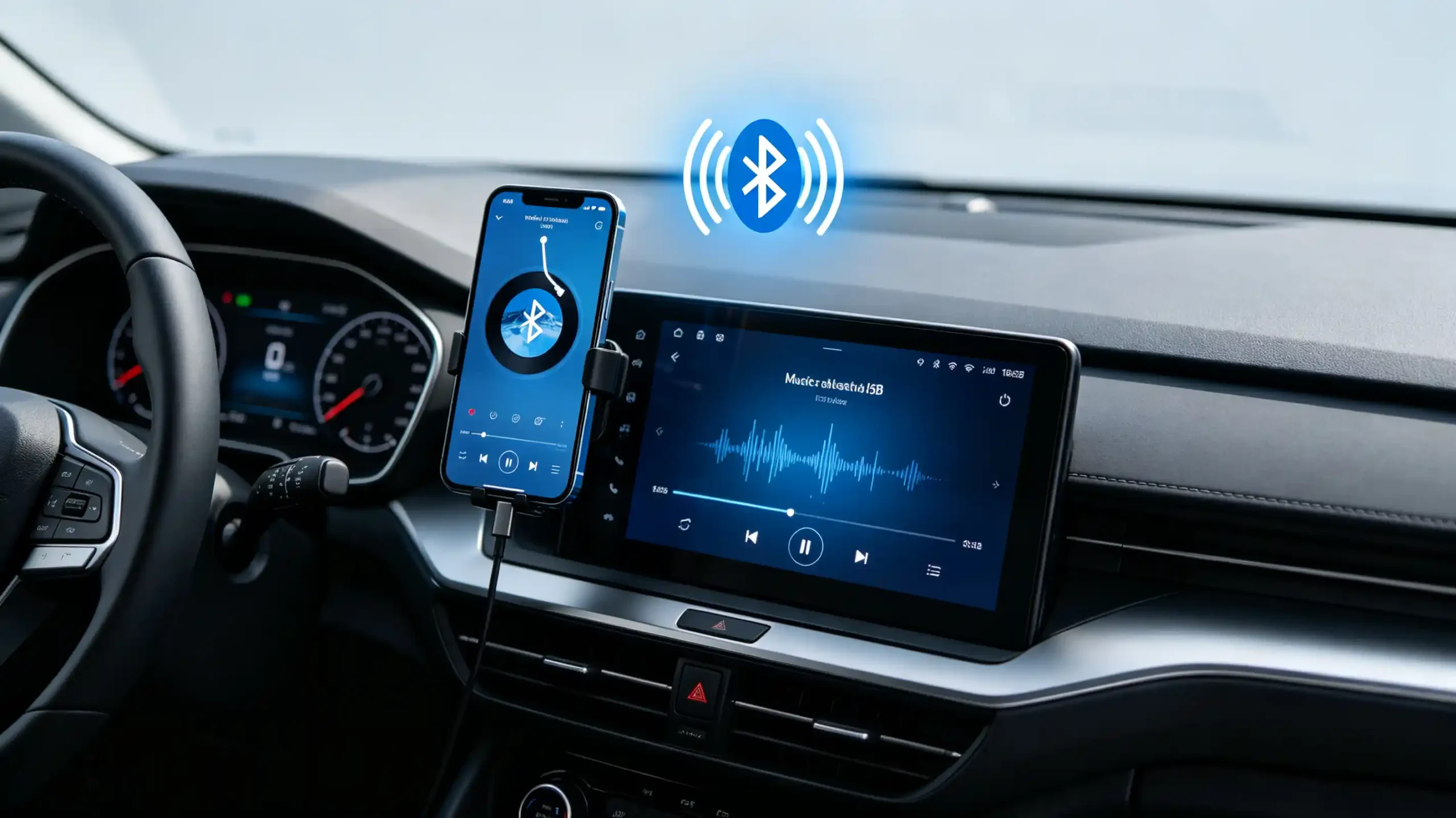
A car stereo that pairs with a phone in seconds can still leave a driver frustrated. The first time music cuts out mid-track. Or the head unit simply will not respond to a skip command from the steering wheel.
Smartphone audio streaming to car stereo depends on more than a successful Bluetooth pairing. Codec support. Connection stability. How well media control and calling coexist. All of these shape whether the feature actually feels reliable in daily use.
For dealers, wholesalers, and infotainment sourcing teams, understanding what sits behind “Bluetooth music supported” is what separates a smooth customer experience from a stream of after-sales complaints.
This guide covers how wireless audio streaming actually works. It also covers what to verify before sourcing at volume.
Smartphone Audio Streaming – Core Definition for Car Stereo
What Is Smartphone Audio Streaming?
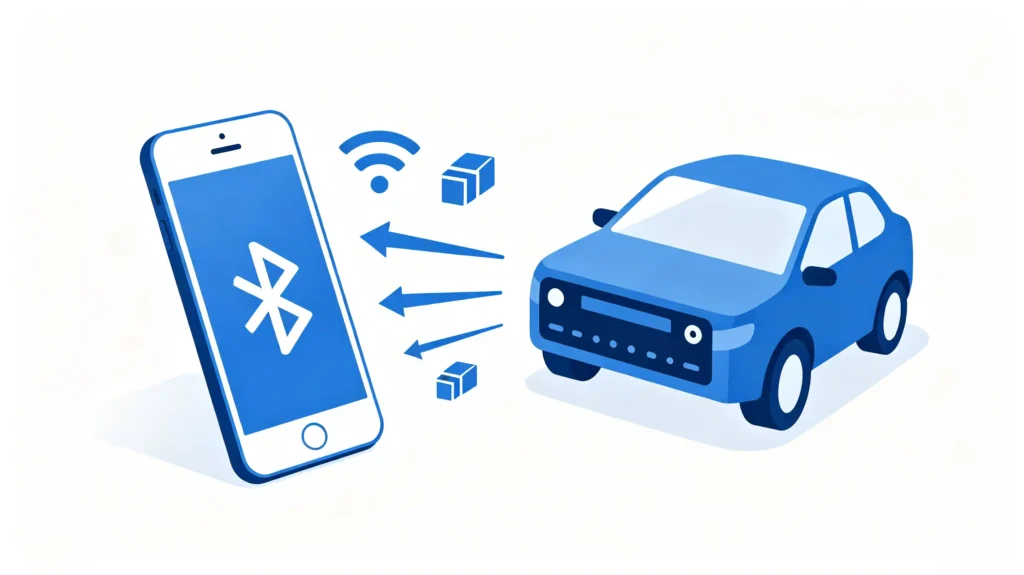
Smartphone audio streaming to car stereo is the wireless transmission of audio content from a phone to the vehicle’s stereo system. This includes music, podcasts, audiobooks, and streaming services. The audio plays through the vehicle speakers. Its core function is straightforward. It lets drivers and passengers play phone-based audio without a physical cable connection.
Why It Appeals to End Users
The appeal is easy to see from an end-user’s perspective. No cable required. Direct access to streaming services like Spotify, Apple Music, or YouTube Music. A hands-free experience controlled from the head unit or steering wheel.
The Business Risk
The business risk shows up when the implementation is defective rather than genuinely functional. Audio drop-outs create real driver frustration. No audio at all makes the feature look outright broken. Failed track-skip commands create the impression of a control problem even when the audio itself is playing fine. All of these tend to surface as after-sales support calls and returns rather than at the point of sale. This is exactly why buyers should verify actual streaming reliability rather than accepting a general “Bluetooth support” claim.
Bluetooth Audio Streaming and the Role of A2DP
Bluetooth as Primary Transport
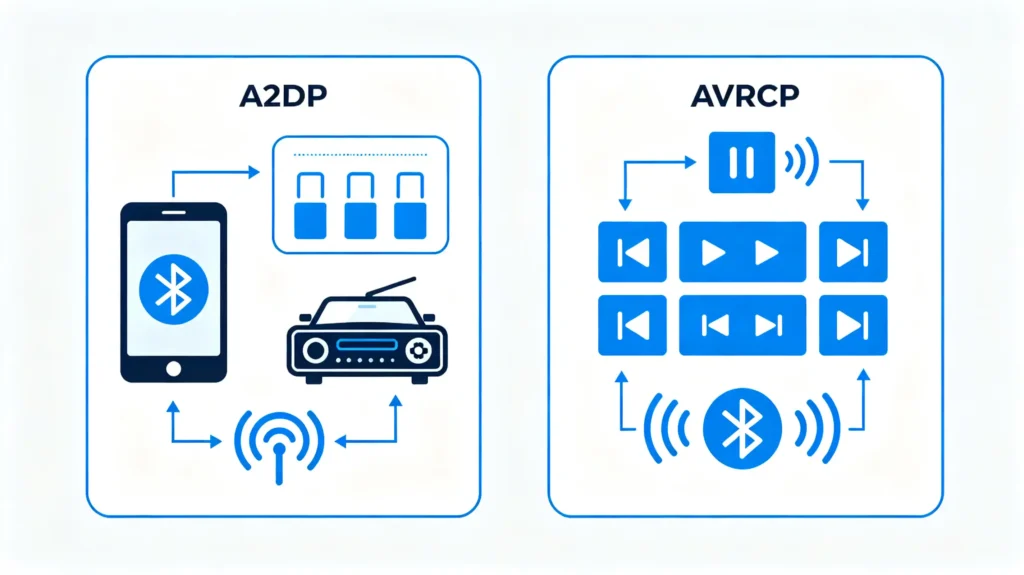
Bluetooth is the primary transport most car stereos rely on for wireless audio streaming. A2DP — the Advanced Audio Distribution Profile — is the specific Bluetooth profile that actually carries stereo audio from the phone to the head unit.
A2DP Versions
A2DP 1.0 through 1.2 covers basic audio streaming. A2DP 1.3 and later adds support for higher-quality codecs.
Codec Support
Codec support is the practical variable that determines how good the streamed audio actually sounds. SBC is the standard baseline, universally supported and always available as a fallback. AAC delivers better quality and is common on Apple devices. aptX offers higher quality still, available on Android devices that support it. But it only works when both the phone and the head unit support the same codec.
What A2DP Does Not Handle
It is worth being clear about what A2DP does not handle. It streams the audio itself. AVRCP, a separate profile, is what enables playback control like track skipping and play/pause.
What Matters
A2DP support is essential for streaming to work at all. Codec support on top of that is what separates basic audio quality from noticeably better sound. For more on Bluetooth profiles, see our Android head unit Bluetooth profiles guide.
Smartphone-to-Car-Stereo End-to-End Connection Process
The Connection Sequence
The connection sequence runs through a consistent set of steps regardless of phone brand.
Step 1: Bluetooth Pairing
The phone and head unit complete a Bluetooth pairing. This is typically a one-time setup step.
Step 2: Automatic Reconnection
The head unit automatically reconnects to the phone whenever it comes back in range. This does not require the pairing process again.
Step 3: Source Selection
The user selects “Bluetooth Audio” as the active source on the head unit.
Step 4: Audio Streaming
The phone streams audio to the head unit over A2DP.
Step 5: Playback
The head unit plays that audio through the vehicle’s speakers.
Step 6: Playback Control
Where AVRCP is supported, the user can control playback — skip, play, pause — directly from the head unit rather than the phone.
The Signal Flow
The overall signal flow runs from phone to Bluetooth to head unit to amplifier to speakers.
The Commercial Bar
From a commercial standpoint, the bar here is simple. This entire process should be quick to set up once and then work automatically and reliably every time afterward. The driver should not need to re-pair or manually reconnect on a routine basis.
Audio-Quality and Streaming-Performance Influencing Factors
Codec Support
Several distinct factors shape how good streamed audio actually sounds and how stable the connection stays. Codec support sets a ceiling on quality. SBC is standard but lower quality. AAC offers better quality and is common on Apple devices. aptX offers higher quality on supported Android devices. LDAC delivers the highest quality among common codecs but has more limited support across head units and phones.
Wireless Interference
Wireless interference is a real factor inside a vehicle specifically. The metal cabin affects Bluetooth signal propagation. Other wireless devices such as Wi-Fi or additional Bluetooth accessories can interfere with the connection. The 2.4GHz band Bluetooth operates on tends to be congested in general.
Head-Unit Audio Hardware
Head-unit audio hardware plays its own role independent of the wireless connection itself. DAC quality affects how cleanly the digital audio signal converts to analog output. Amplifier quality affects the final sound reaching the speakers. Equalizer settings shape the tonal balance of what is actually heard. For more on DAC quality, see our car stereo audio DAC guide.
Connection Stability
Connection stability adds a further layer. It is shaped by signal strength fluctuations and firmware bugs that can cause unexpected disconnections.
Combined Dependencies
Altogether, audio quality in practice depends on codec, hardware, and environment working together. It does not depend on any single spec in isolation.
Smartphone and Car-Stereo Compatibility Considerations
Mobile OS Variance
Compatibility issues in audio streaming trace back to a handful of recurring sources. Mobile OS variance is one. Android devices can support SBC, AAC, and aptX depending on the specific phone. iOS devices support SBC and AAC as Apple’s preferred codec. Different OS versions can implement Bluetooth profiles with their own quirks.
Firmware Implementation
Firmware implementation on the head unit side matters just as much. It needs to support both A2DP itself and whichever codec the phone actually uses. Some head units only implement the basic SBC codec regardless of what the phone could otherwise offer. Firmware bugs independent of codec support can still cause connection drops.
Partial Feature Support
Partial feature support is a subtler risk worth checking directly. Some units support music streaming but not media control. Some support hands-free calling but not music streaming. Some support both but with real limitations in one or the other.
What to Verify
Given these variables, buyers should verify both A2DP and AVRCP support explicitly. Do not assume a unit that streams music also handles playback control and calling equally well.
Media Control and Hands-Free Functionality Alongside Audio Streaming
Media Control Through AVRCP
Audio streaming rarely operates in isolation. It typically runs alongside media control and calling. How well a head unit manages that interaction matters as much as the streaming itself. Media control through AVRCP covers track skipping from the head unit or steering wheel. It covers play and pause control. On AVRCP 1.3 and later, it covers metadata display showing the song title and artist on screen.
Hands-Free Calling Through HFP
Hands-free calling through HFP interacts directly with active streaming. An incoming call interrupts music, pausing or muting it. It routes call audio through the vehicle speakers. It sends microphone audio back to the phone. It resumes music automatically once the call ends.
Priority Management
Priority management ties these together. Call audio takes priority over music. Navigation prompts commonly override music through ducking rather than a full interruption.
The Coordination Requirement
In practice, A2DP for music, AVRCP for control, and HFP for calling all need to work together. The head unit manages the priority and switching between them behind the scenes. How smoothly a unit handles these transitions is a real indicator of implementation quality. It is a meaningfully different experience from a unit that simply streams audio without coordinating well with calls or navigation prompts. For more on audio integration, see our car navigation audio system integration guide.
B2B Evaluation Criteria for Car-Stereo Audio-Streaming Capabilities
Sourcing Checklist
Turning this into a sourcing checklist, buyers should verify seven things before finalizing an order.
- A2DP version and codec support — across SBC, AAC, and aptX as relevant to the target market
- AVRCP version — with 1.3 or higher needed for metadata display
- Connection stability — tested over time and across different environments
- Audio quality — tested with different codecs and phone models rather than a single device
- Media control — tested directly, confirming track skip and play/pause actually work from the head unit
- Call interaction — tested for music interruption and resumption behavior
- Sample testing — direct testing with multiple phone models and OS versions before committing to volume
Best Practice
Requesting documented A2DP and AVRCP support, and testing with the actual phone models your target customers use, remains the most reliable way to confirm real-world streaming reliability.
FAQ
If a datasheet states “Bluetooth music supported,” does it guarantee stable high-quality smartphone audio streaming?
No. “Bluetooth music supported” typically confirms A2DP is present. But it does not specify which codec is supported, how the head unit’s DAC and amplifier handle the output, or how stable the connection stays in real driving conditions. A unit could support basic SBC-only streaming with no media control at all while still technically qualifying for that label. Buyers should request specific codec and AVRCP documentation rather than treating this claim as a complete quality guarantee.
Why can Bluetooth audio streaming play music but skip track-control commands sent from the car stereo head unit?
This points to a gap between A2DP and AVRCP support rather than a fundamental streaming failure. A2DP handles the actual audio transmission and can work perfectly well on its own. AVRCP is the separate profile responsible for playback control. A unit that only partially implements AVRCP, or does not implement it at all, will stream music correctly while leaving the driver with no way to skip tracks or control playback directly from the head unit.
What causes audio drop-outs for smartphone-streamed music inside moving-vehicle environments?
Drop-outs typically stem from Bluetooth signal interference or connection instability rather than the phone or head unit being fundamentally incompatible. The vehicle’s metal cabin can weaken signal propagation. Other wireless devices operating on the same 2.4GHz band can interfere. Firmware bugs on either device can cause momentary disconnections. Testing streaming stability over an extended session, rather than a brief demo, is the most reliable way to catch this before a bulk order.
How does an incoming hands-free call normally interact with ongoing Bluetooth audio-streaming playback?
On a properly implemented system, an incoming call interrupts music playback automatically, pausing or muting it. It then routes the caller’s audio through the vehicle speakers while sending the driver’s voice back through the microphone. Once the call ends, music resumes automatically without requiring the driver to restart playback manually. A unit that handles this transition roughly signals weaker profile coordination even if each individual function works in isolation.
Conclusion
Smooth smartphone audio streaming depends on A2DP and AVRCP support, codec compatibility, and stable performance working together. A general “Bluetooth supported” claim does not confirm any of these.