
A single connected head unit can open the door to a car’s data, its network, and in some cases its control systems. That is why automotive infotainment cybersecurity has moved from an engineering afterthought to a procurement checklist item. Dealers, wholesalers, importers, and automakers all need to pay attention. If you are sourcing in-vehicle infotainment (IVI) hardware, understanding where the risks sit — and how suppliers manage them — is now part of due diligence on any product line.
This guide breaks down IVI-specific security fundamentals. It covers key attack surfaces. It covers the protection layers a well-built system should include. It also provides a practical checklist for evaluating suppliers. For a technical overview of the hardware platform, see our What Is an Android Head Unit guide.
Automotive Infotainment Cybersecurity Fundamentals
What Is IVI Cybersecurity?
Automotive infotainment cybersecurity refers to the measures, protocols, and practices that protect in-vehicle infotainment systems. These protections guard against unauthorized access, data breaches, malware, and other cyberattacks. In practice, it covers the head unit itself, its operating system (typically Android or Linux), its connectivity modules (Bluetooth, Wi-Fi, 4G/5G), the vehicle data interface (CAN Bus), stored user data, and the app ecosystem running on top of it.
IVI vs Full-Vehicle Cybersecurity
It is worth separating this from full-vehicle cybersecurity. IVI security is a subset of a much broader field. But it deserves its own attention because the infotainment unit is frequently the primary entry point for attackers. It is the component with the most connectivity and the most direct user interaction. For more on connectivity and integration, see our smartphone integration in vehicles guide.
Business Consequences for B2B Buyers
For B2B buyers, weak infotainment security is not just a technical concern. It carries real business consequences. Security incidents can damage brand reputation. They can trigger liability exposure. Regulatory frameworks such as UN R155 and ISO 21434 increasingly extend into infotainment-level requirements. Demonstrable security capability is becoming a differentiator for premium product lines.
Where Cybersecurity Belongs in Evaluation
In short, cybersecurity capability belongs in the same evaluation column as screen resolution, chipset performance, or CAN Bus compatibility. It should not be treated as a separate, optional conversation.
IVI Attack Surfaces and Key Automotive Infotainment Cybersecurity Risks
Where Vulnerabilities Start
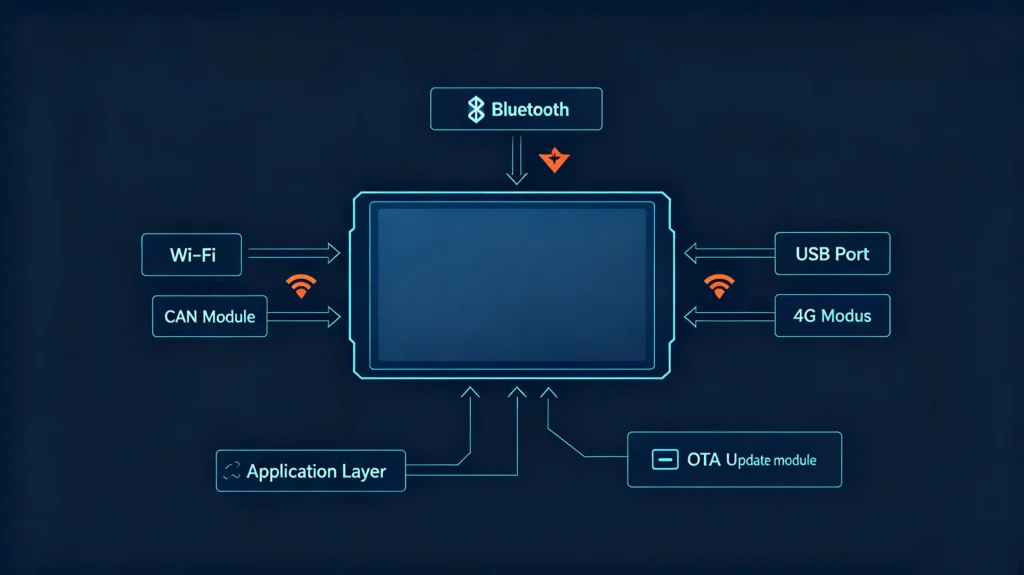
Before evaluating protections, it helps to know where an infotainment unit is actually exposed. Most vulnerabilities trace back to a handful of predictable entry points.
Common Attack Surfaces
Connectivity modules — Bluetooth, Wi-Fi, USB ports, and 4G/5G cellular all give external attackers a way in.
App ecosystem — third-party applications, particularly those installed outside a controlled app store, can carry malware or unpatched vulnerabilities.
Vehicle data interface (CAN Bus) — unauthorized access here can, in serious cases, extend into vehicle control functions.
Stored user data — contacts, call logs, and navigation history sitting on the device are attractive targets.
OTA update mechanism — an update channel that is not properly secured can become a delivery path for malicious code instead of a fix.
Concrete Risks
These entry points translate into concrete risks. Malware can be installed through a compromised app. Sensitive user data can be exposed in a breach. CAN Bus access can be used to manipulate vehicle functions. Ransomware can lock a system and hold data hostage. Ongoing privacy violations can come from unauthorized data collection.
The Gap in Entry-Level Products
Not every product handles these risks the same way. Entry-level units often skip basic protections to hit a price point. This is why attack-surface awareness belongs in product screening. It should not be left for after the order is placed.
Hardware, Software, Network, and Data-Level IVI Protection Mechanisms
A Layered Approach
Solid infotainment security is not a single feature. It is layered across the physical device, the software running on it, the network it connects to, and the data it stores.
Hardware-Level Protections
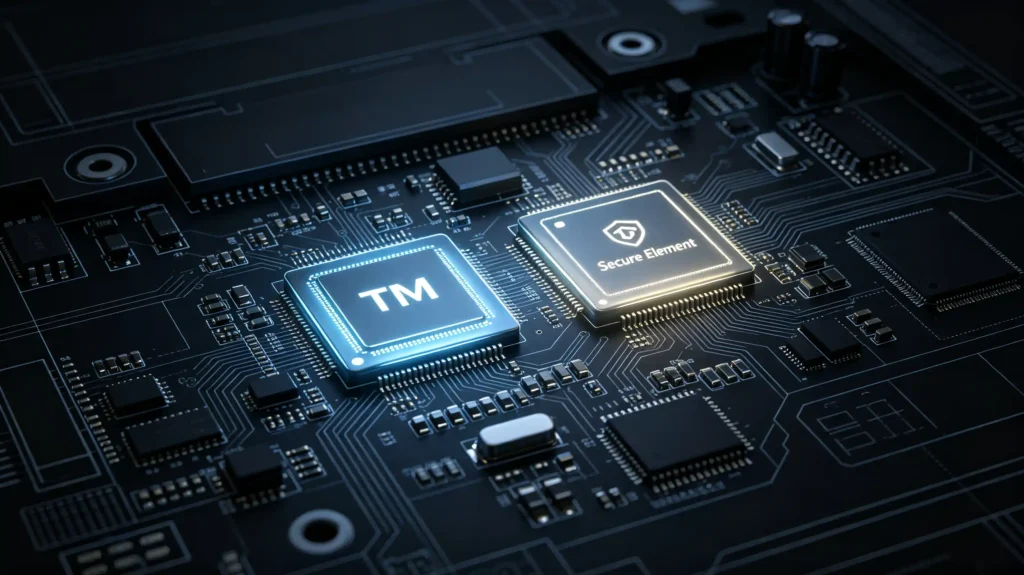
A Secure Element (SE) handles cryptographic operations and key storage in dedicated hardware. This is separate from the main processor. A Trusted Platform Module (TPM) supports secure boot and encryption at the hardware level. Tamper-resistant chips are built to resist physical attacks. Debugging interfaces such as JTAG are disabled or locked down in production units. This prevents them from being used as a backdoor.
Software-Level Protections
Secure boot ensures that only authorized firmware and operating system code loads on startup. On the OS side, Android relies on its app sandbox and permission model. Linux-based systems typically use SELinux or AppArmor for mandatory access control. Application-level protection comes from app signing and verification. This stops unverified code from running.
Network-Level Protections
TLS/SSL encryption protects data moving across Wi-Fi and cellular connections. A firewall restricts unauthorized network access. VPN capability supports secure remote connections where needed.
Data-Level Protections
Stored user data should be encrypted at rest. Sensitive material such as keys and passwords should be held in secure hardware rather than plain storage. Data minimization — collecting only what is needed — reduces exposure further.
Entry-Level Gaps
Entry-level products often skip several of these layers to cut cost. Ask suppliers directly which protections are actually implemented.
Core Security Controls: Authentication, Encryption, Secure Boot, and Access Control
Four Foundational Controls
Four controls form the backbone of a hardened IVI system. It is worth understanding how each one actually functions. Do not treat them as checkbox terms.
Authentication
Authentication operates on three levels. Device authentication confirms the unit itself is genuine rather than cloned or counterfeit. User authentication governs driver and passenger access. Service authentication secures communication between the head unit and any cloud services it connects to.
Encryption
Encryption protects data in two states — in transit and at rest. TLS/SSL secures Wi-Fi, cellular, and Bluetooth communications while they are moving. Encryption at rest protects stored user data, settings, and navigation history. AES-256 remains the industry-standard algorithm for sensitive data in both cases.
Secure Boot
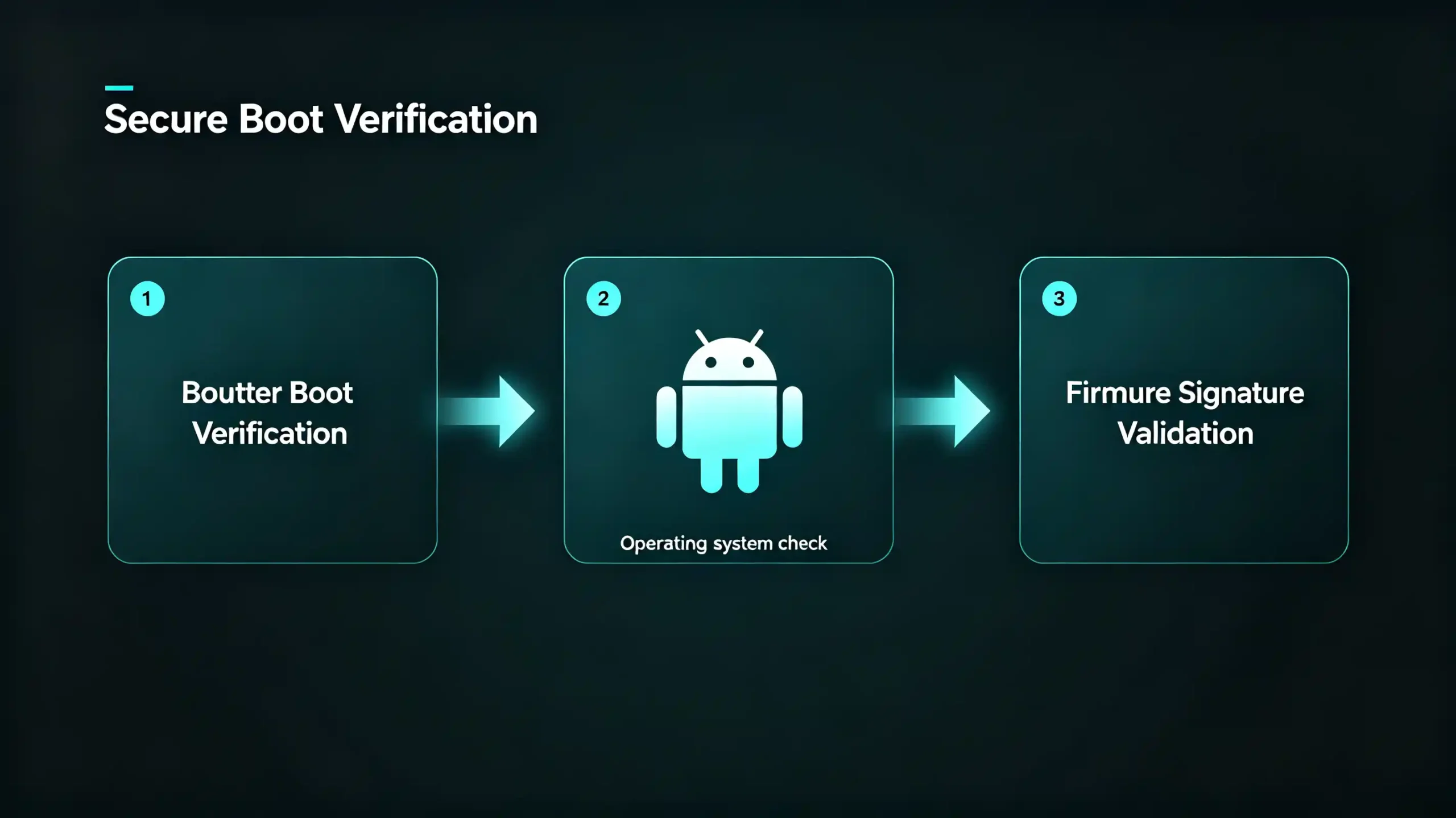
Secure boot verifies the integrity and authenticity of the bootloader, operating system, and firmware before any of it loads. This is what prevents bootkits and rootkits from taking hold in the first place.
Access Control
Access control rounds this out through Android’s permission management. Apps must request explicit permission before touching data. The least-privilege principle means apps run with only the access they need. Role-based access control applies where applicable.
OEM vs Aftermarket Gap
These four controls are standard in OEM-grade systems. But they are inconsistently applied — or missing outright — in low-cost aftermarket products. That gap is one of the clearest ways to tell a security-conscious supplier from one that has not invested in it. For guidance on choosing the right supplier, see our how to choose a car navigation system supplier guide
Software Update and IVI Vulnerability Management
Why Updates Matter for Security
Security controls set the baseline. But they only stay effective if the system gets patched. Updates serve three purposes here. Security patches close known vulnerabilities (CVEs). Bug fixes resolve security-relevant issues. Version updates add hardening improvements over time.
A Mature Vulnerability Management Process
A mature vulnerability management process typically covers four steps. First, tracking security advisories and CVEs. Second, developing patches for critical vulnerabilities promptly. Third, deploying updates — ideally over-the-air rather than requiring physical access. Fourth, notifying customers when an update is available.
Consequences of Skipping Updates
Skipping any of these steps has consequences. Unpatched units leave known vulnerabilities exploitable indefinitely. Exploit code is often freely available. Regulations like UN R155 also increasingly expect timely update support as part of compliance. For a complete guide on update mechanisms, see our Android head unit software update guide
What to Ask Suppliers
When evaluating a supplier, ask how long they commit to update support. Ask how frequently patches are released. Vague answers usually signal limited long-term commitment.
Cybersecurity Challenges for Connected In-Vehicle Infotainment Systems
Connectivity Changes the Equation
Connectivity is what makes modern infotainment useful. But it also changes the security equation compared with offline-only units. A handful of challenges are specific to connected systems.
Larger Attack Surface
Wi-Fi, Bluetooth, and 4G/5G each add an entry point. An offline unit simply does not have these.
Cloud Dependency
Connected systems often rely on cloud services. A cloud-side security failure can ripple back into the vehicle.
Data Privacy Exposure
Location data, contacts, and driving habits get collected and transmitted. This raises the privacy stakes.
Remote Attack Potential
Vulnerabilities can be exploited without physical access to the vehicle.
Update Delivery Risk
An OTA channel that is not properly secured can become a malware delivery mechanism. It is supposed to be a protection.
Compliance Load
Connected systems need to account for data protection rules like GDPR and CCPA. They also need to address cybersecurity regulations like UN R155.
The Right Response
None of this is a reason to avoid connected features. Buyers just need to weigh it accordingly. Prioritize suppliers with a genuinely comprehensive security implementation. Avoid connectivity bolted onto an otherwise unsecured base platform.
B2B Supplier- and System-Level Cybersecurity Evaluation Criteria
A Usable Screening Process
Turning this into a usable screening process, here is what to ask suppliers before signing off on an infotainment order.
Secure Boot
Does the product support it? Can they provide documentation?
Encryption
Is data encrypted at rest and in transit? Are AES-256 and TLS used as a baseline? Ask for specifics.
Update Support
Is OTA update capability included? For how long? Three to five years of patch support is a reasonable benchmark to ask about.
Vulnerability Management
How are vulnerabilities tracked, patched, and communicated to customers?
Connectivity Security
What is actually in place for Wi-Fi, Bluetooth, and cellular? Firewall? VPN capability? Anything else?
Regulatory Compliance
Does the product align with UN R155, ISO 21434, and applicable data protection rules like GDPR or CCPA?
Documentation
Can they provide security architecture documentation, an update policy, and a vulnerability handling process in writing?
Testing
Do they conduct penetration testing or independent security auditing?
What Answers to Look For
Suppliers who can answer these clearly, with documentation to back it up, are the ones worth building a long-term relationship with. Vague or evasive answers on any of these points are worth treating as a red flag. They are not a minor gap.
FAQ
What key security differences exist between connected-network IVI and offline-only aftermarket infotainment units?
Connected units carry a larger attack surface because Wi-Fi, Bluetooth, and cellular each open an entry point offline units do not have. They also depend on cloud services and collect more user data — location, driving habits, contacts — raising the privacy stakes. Offline-only units avoid remote attack scenarios. But they also lose access to OTA patching. This creates its own long-term risk once a vulnerability is discovered.
Can aftermarket Android head units reliably implement secure-boot functionality? What common limitations exist?
Yes, but implementation quality varies across suppliers. Secure boot requires hardware-level support, such as a TPM or equivalent secure element. It also requires proper firmware signing. Lower-cost units sometimes skip this. Others use partial implementations that do not fully verify the boot chain. Ask suppliers directly whether secure boot is implemented end-to-end. Request documentation rather than assuming it is included.
What documentation should B2B buyers request from suppliers to verify IVI vulnerability-management capability?
Ask for a written vulnerability handling process. This should cover how CVEs are tracked. It should cover typical patch timelines for critical issues. It should cover the update deployment method (OTA versus manual). It should cover how customers are notified of security updates. Evidence of past patch history, where available, helps confirm the process is actually followed. Do not just accept it as documented on paper.
What risks arise when infotainment systems lack timely security-patch update support?
Known vulnerabilities stay exploitable indefinitely. Since exploit code for public CVEs is often freely available, unpatched units become an easy target over time. This also creates compliance risk under frameworks like UN R155, which increasingly expect timely update support. It also raises long-term after-sales cost. Issues can only be resolved through returns instead of remote patches.
Conclusion
Cybersecurity capability now belongs in the same evaluation column as hardware specs and pricing. Use the criteria above as a starting checklist. Do not hesitate to ask for documentation before committing to volume.


