
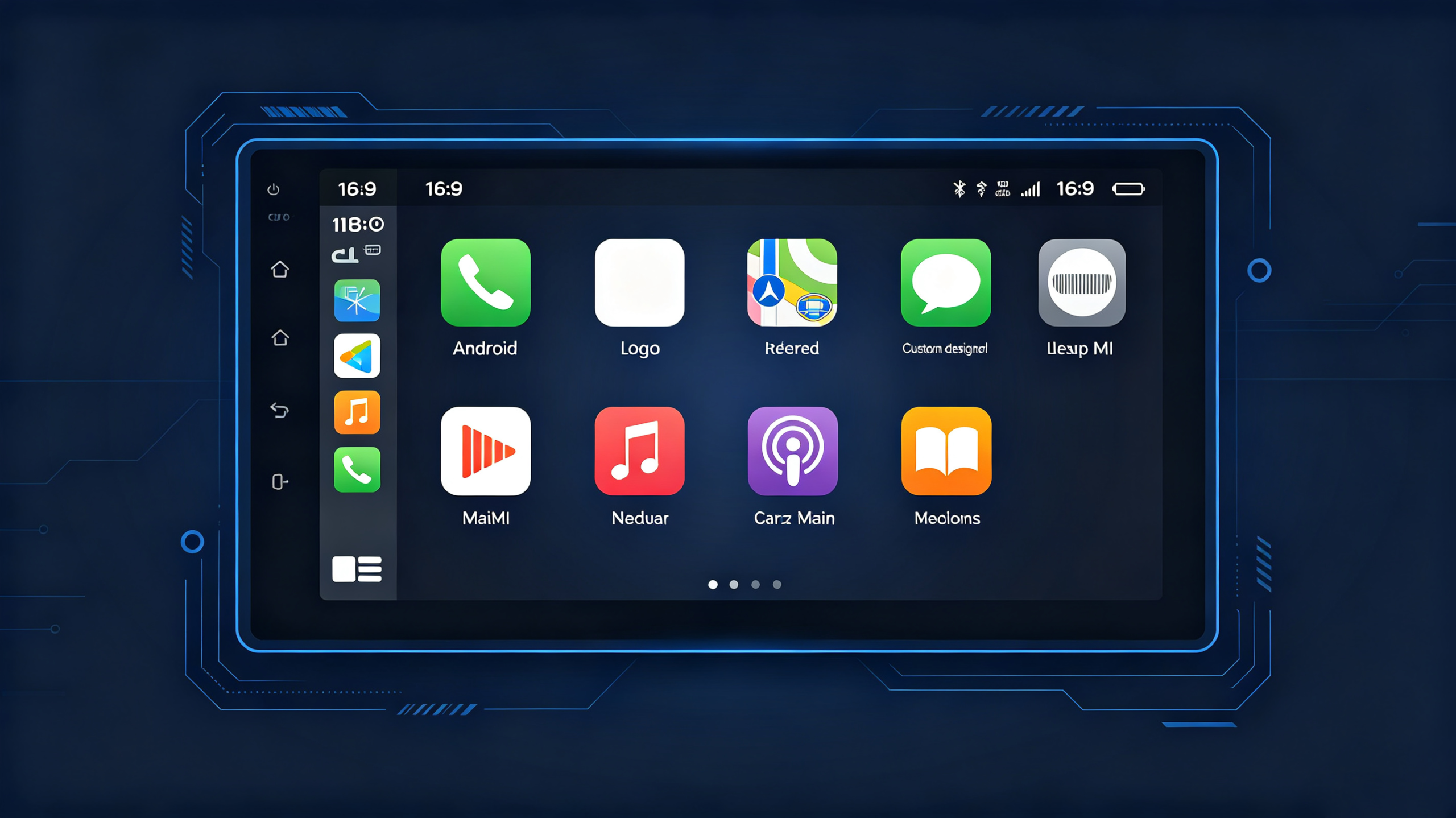
For B2B buyers sourcing Android head units, UI customization is one of the most powerful tools for brand differentiation. Whether you are a wholesaler, importer, or 4S dealership, a customized interface creates a unique brand identity, justifies premium pricing, and aligns the product with your target vehicle segment.
This guide covers everything you need to know about Android head unit UI customization—from the types of customization available and specific customizable elements, to hardware constraints, development workflows, and private-label/OEM/ODM considerations. Use this framework to define reasonable UI customization requirements for your projects. For a technical overview of the hardware platform, see our What Is an Android Head Unit guide.
Android Head Unit UI Customization Fundamentals
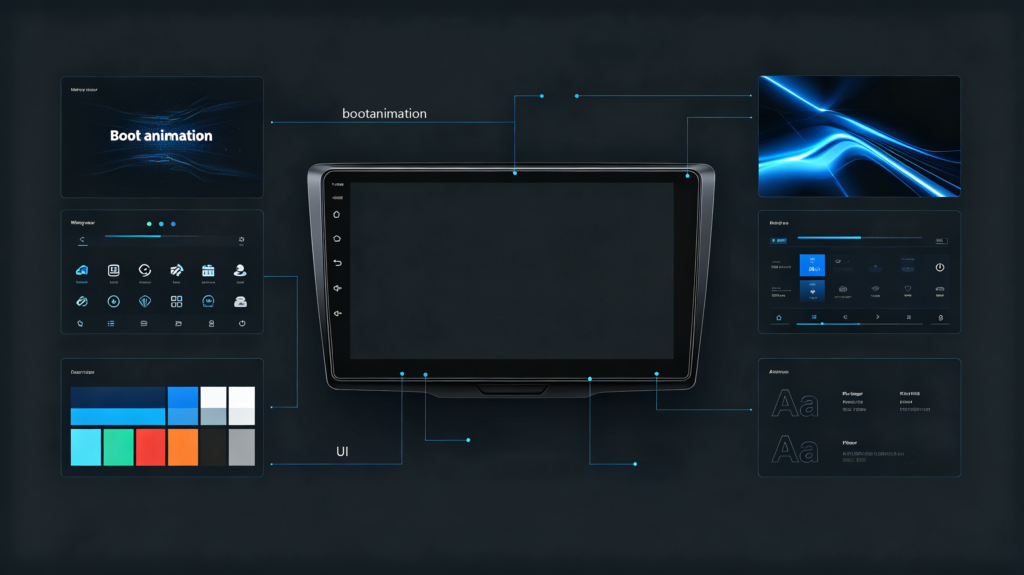
Android head unit UI customization is the process of modifying the user interface—visual appearance, layout, branding, and navigation elements—of an Android-based head unit to match a brand identity, vehicle theme, or specific user requirements.
Types of Customization
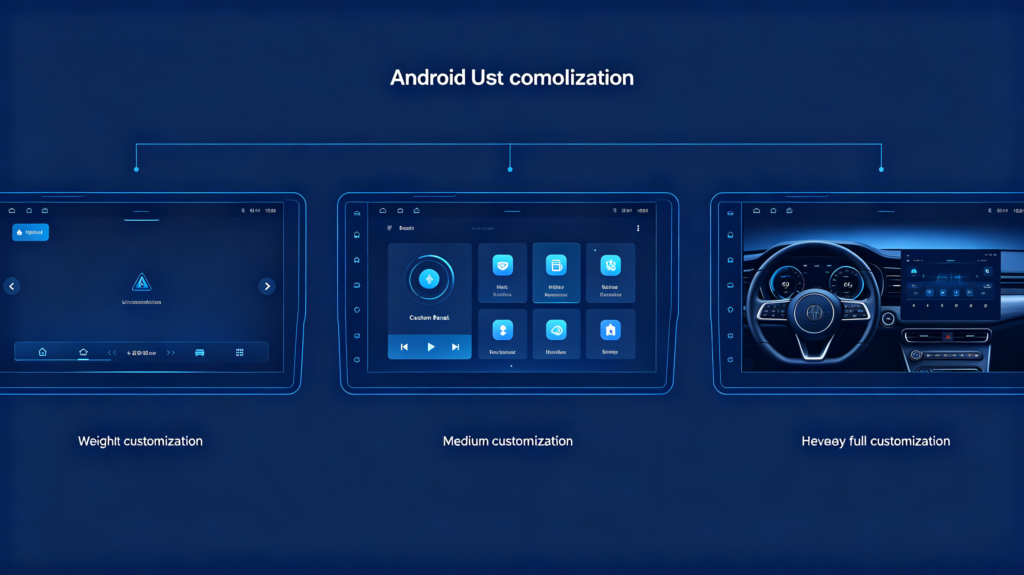
Customization work falls into three broad categories:
- Lightweight (branding-focused): Boot logo, wallpaper, icon style, and color scheme. This is the simplest and most cost-effective level of customization, typically involving surface-level visual changes that do not affect system functionality.
- Medium (layout-focused): Home screen layout, menu structure, and app arrangement. This level involves reorganizing how users interact with the system while preserving the underlying functionality.
- Heavy (full redevelopment): Full UI redevelopment, custom animations, and custom widgets. This is the most complex and expensive level, essentially building a new interface from the ground up.
Business Value for B2B
- Brand differentiation: A custom UI creates a unique brand identity for private-label products, helping you stand out in a crowded market.
- Premium positioning: Custom UI justifies higher pricing by signaling quality and exclusivity.
- Vehicle-specific integration: The UI can match the vehicle’s interior design language—creating a factory-like feel that appeals to premium buyers.
Commercial Relevance
UI customization is a key differentiator for private-label and OEM/ODM projects. Buyers should understand what is possible, what is not, and how customization depth affects cost and lead time. For guidance on choosing the right manufacturing partner, see our how to choose a car navigation system supplier guide.
Customizable Android Car Stereo UI Interface Elements
Different head units support different levels of customization. Here is an inventory of elements that can typically be modified.
Branding Elements
- Boot animation: Startup logo or animation sequence with brand identity—the first thing users see when the unit powers on. Boot animation is one of the UI elements that can be customized. See our Android head unit boot animation guide for detailed technical guidance.
- Home screen wallpaper: Custom brand background image
- Icon design: Custom icon pack matching brand style and color palette
- Color scheme: Brand colors applied to UI elements (buttons, highlights, backgrounds)
- Fonts: Brand-specific typography throughout the interface
Layout Elements
- Home screen layout: App icon arrangement, widget placement, and overall visual structure
- Menu structure: Which items appear in settings and the app drawer—customized for your target users
- Status bar: Icons, clock position, and color
Navigation Elements
- Navigation bar: Back/home/recent buttons style and position
- App drawer style: Grid or list view, custom sorting
- Quick settings panel: Custom toggles and layout
Vehicle-Specific Elements
- Vehicle settings UI: Custom layout for vehicle-specific settings
- CAN Bus data display: Custom gauge styles and data display layouts
- Climate control UI: Custom interface for climate control (if supported)
Scope Limitation
Not all head units support the same level of customization. Capability depends on firmware flexibility and manufacturer support. Some manufacturers lock down system access, limiting UI modification options.
UI Themes, Layout, Branding and Navigation-Oriented Design Work
Here are practical examples of what custom UI work can achieve.
Boot Animation
Custom video or image sequence displayed when the head unit starts. Typically includes the brand logo and product name. This creates a strong first impression and reinforces brand identity every time the vehicle starts.
UI Themes
Complete visual themes—dark/light, sport/elegance, or brand-specific—that change colors, icons, and overall visual style. A single head unit can support multiple themes that users can switch between.
Home Screen Layout
Arrangement of app icons, widgets, and shortcuts. Can be designed for specific use cases:
- Navigation-focused: Larger map view, prominent navigation controls
- Media-focused: Music player front and center, large album art
- Fleet-focused: Simplified interface with essential controls only
Branding Assets
Logo placement on the home screen, settings menu, and other system screens. Consistent brand identity across the interface creates a professional, cohesive product.
Custom Widgets
Media player widget, navigation shortcut widget, vehicle data widgets (speed, fuel economy, temperature). Widgets put frequently used information and controls on the home screen for quick access.
Commercial Implication
The scope of customization directly affects development cost, lead time, and minimum order quantity (MOQ). Define requirements clearly before engaging a manufacturer.
Hardware & Software Compatibility for Custom Head-Unit Interfaces
Technical constraints can limit or enable UI customization. Understanding these helps buyers set realistic expectations.
Screen Resolution Constraints
Different head units have different screen resolutions: HD (1280×720), FHD (1920×1080), and other variants. UI must be designed to support the target resolution(s)—improper scaling causes distortion or misalignment. Multiple resolution support requires responsive UI design, which adds development effort.
SoC/Processor Constraints
Lower-performance SoCs may struggle with heavy custom UI—animations and complex graphics consume processing power. Custom UI must be optimized for the target processor to avoid lag and poor user experience.
System/Firmware Constraints
Some firmware versions limit customization (locked bootloader, restricted system access). Some manufacturers provide customization SDKs; others do not. Firmware updates may overwrite custom UI if not properly managed—a critical consideration for long-term product support.
RAM/GPU Constraints
Custom UI with heavy graphics requires more RAM and GPU processing power. Insufficient resources cause UI lag, app crashes, or system instability. This is particularly important for head units with entry-level hardware.
Commercial Implication
Buyers should verify customization feasibility with the manufacturer before committing to UI customization requirements. A quick compatibility check early in the process prevents costly surprises.
Custom UI Development, Integration and Performance Considerations
The development and integration process has several stages and risk points.
Development Workflow
- Requirements definition: What UI elements need customization
- Design phase: Mockups, visual design, user experience planning
- Development phase: UI implementation, integration with system
- Testing phase: Functionality, performance, compatibility testing
- Deployment phase: Firmware build, delivery to manufacturing
Integration Risk Points
- Custom UI must integrate with the existing system without breaking core functionality
- Third-party apps must display correctly on the custom UI
- Vehicle data display (CAN Bus) must remain fully functional
- System updates (security patches, bug fixes) must work with the custom UI
Performance Impacts
Heavier UI (animations, complex graphics, transparent elements) consumes more RAM and GPU resources. This can cause UI lag or app crashes on lower-spec hardware. Startup time may also increase with heavy custom animations.
Usability Considerations
Custom UI must remain user-friendly and intuitive—particularly important for in-vehicle use where driver distraction is a safety concern.
- Touch targets must be appropriately sized (at least 44px recommended)
- Information hierarchy must be clear
- High-contrast for readability in various lighting conditions
Commercial Implication
Buyers should balance customization depth with performance and usability. A beautiful but laggy interface damages brand reputation. A functional but ugly interface fails to differentiate.
Screen Resolution and Display-Related Constraints for Custom UI
Screen resolution differences can significantly affect custom UI rendering quality.
Resolution Types
Common resolutions in Android head units include:
- HD (1280×720): Common in entry-level and mid-range units
- FHD (1920×1080): Standard in premium units
- QHD (2560×1440): Emerging in high-end units
Scaling Challenges
UI designed for one resolution may look distorted on another. Icons may appear too small or too large. Text may be hard to read if not scaled properly. These issues are particularly noticeable across product lines with different screen sizes.
Multi-Resolution Support
Responsive UI design supports multiple resolutions but requires more development effort. Fixed-resolution UI is simpler but limited to specific hardware variants. For more on display technology, see our IPS vs QLED display technology guide.
Aspect Ratio Differences
Different aspect ratios (16:9, 16:10, custom) affect UI layout. The same UI on a 16:9 screen versus a 16:10 screen may not display correctly without adaptation.
Testing Requirements
Custom UI must be tested on all target screen resolutions and aspect ratios. Testing should cover:
- Readability (text size and clarity)
- Touch target size (buttons, icons)
- Visual consistency (colors, alignment)
- Scaling (no distortion or clipping)
Commercial Implication
Buyers should specify target resolution(s) when ordering custom UI. Verify rendering quality on sample units before mass production.
Private-Label & OEM/ODM Considerations for Android Head-Unit UI Customization
Use this checklist when evaluating UI customization partners for private-label or OEM/ODM projects. UI customization is a key brand differentiator. See our how to compare Android head unit brands guide for detailed guidance.
Evaluation Factors
1. Customization scope
Define exactly which UI elements need customization: boot animation, themes, layout, branding, or navigation elements. Clear requirements prevent scope creep and cost overruns.
2. Supplier capability
Verify the manufacturer’s UI customization capability: in-house design team, development tools, and past project examples. Ask to see sample work.
3. MOQ
Customization requires minimum order quantities. Simple branding may have lower MOQ than full UI redevelopment. Understand the threshold for your specific requirements.
4. Development timeline
Custom UI development takes time. Simple branding: 2–4 weeks. Full UI redevelopment: 4–8 weeks. Factor this into your project schedule.
5. Cost
Branding-only changes are lower cost. Full UI redevelopment is higher cost. Request detailed quotes that break down design, development, and testing costs.
6. Firmware update compatibility
Verify that custom UI survives future firmware updates. Some manufacturers bundle UI with firmware—others keep them separate. This is critical for long-term maintenance.
7. Sample verification
Request samples and verify UI rendering, responsiveness, and app compatibility before mass production. Catch issues early.
Sourcing Advice
Define requirements clearly. Verify supplier capability. Request samples. Discuss long-term update compatibility. Establish a clear timeline and cost structure before committing.
Frequently Asked Questions
What is the MOQ difference between simple branding-only UI changes versus full-UI redevelopment for Android head-units?
Simple branding-only changes (boot animation, wallpaper, icons, color scheme) typically have MOQs of 50–200 units. Full UI redevelopment (custom layout, animations, widgets, vehicle-specific UI) typically requires higher MOQs of 300–500 units to justify development costs. Always confirm MOQ with the manufacturer during initial discussions.
Can boot-logo and home-screen layout customisation be performed without rewriting the full system-firmware?
Yes. Boot animation and wallpaper can often be changed without firmware modification—they are typically stored as files that can be replaced. Home-screen layout changes may require deeper modification but often do not require full firmware redevelopment. Many manufacturers provide customization tools that enable these changes without rewriting the entire system.
Will a heavily-customised Android head-unit UI impact third-party-app compatibility or runtime-performance?
Heavily customized UI can impact performance—especially on lower-spec hardware—and may occasionally affect app rendering. The primary risk is resource consumption: animations and complex UI elements consume RAM and GPU processing power, potentially causing lag or crashes. Performance testing on target hardware is essential before mass production.
What risks arise when deploying custom-UI across multiple head-unit hardware-resolution variants in one product-line?
The primary risk is rendering inconsistency: UI designed for one resolution may look distorted on another. Icons may appear too small or too large. Text may be hard to read. To mitigate, use responsive UI design (more development effort) or limit the product line to a single resolution. Testing across all target resolutions is essential.
Plan Your Android Head Unit UI Customization Strategy
UI customization is a powerful tool for brand differentiation, premium positioning, and vehicle-specific integration. However, successful customization requires clear requirements, careful supplier evaluation, and thorough testing—especially across multiple screen resolutions and hardware variants.
Contact our team to discuss your Android head unit UI customization requirements. We support simple branding to full UI redevelopment for private-label and OEM/ODM projects.


