
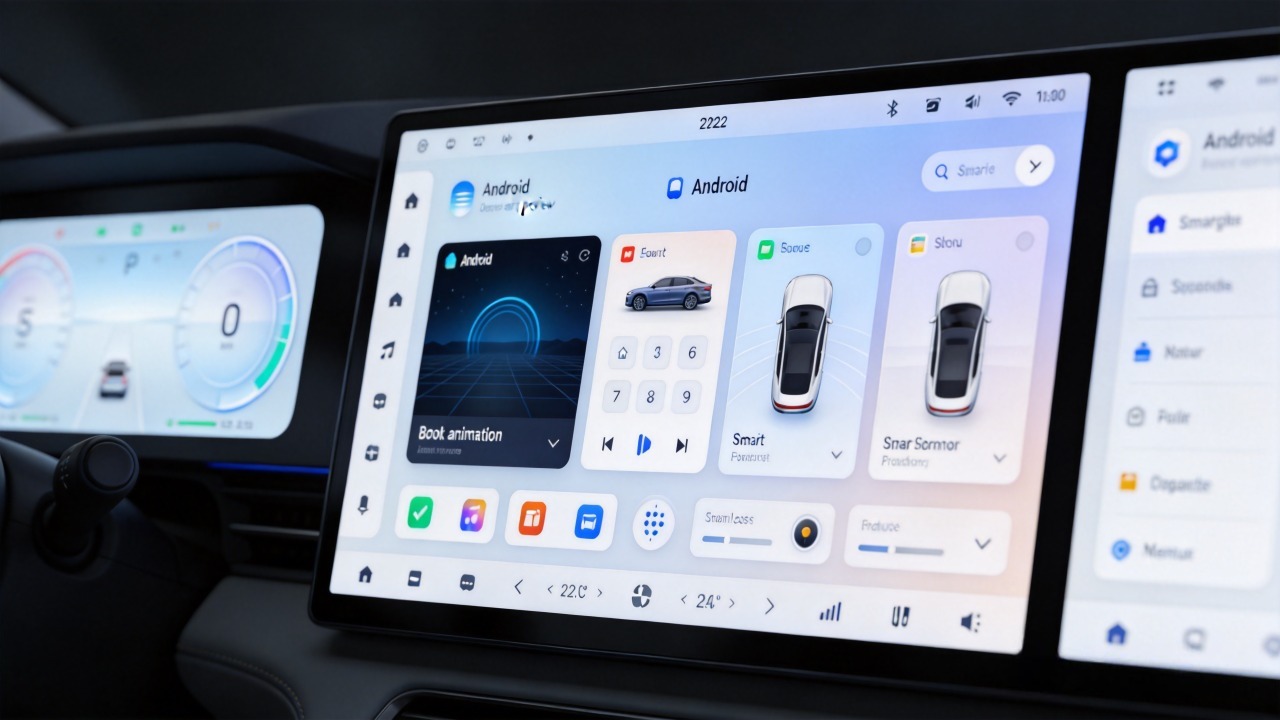
A head unit that lists “supports Android apps” on its spec sheet does not tell you much on its own. The same navigation app that runs smoothly on one unit can fail to install on another. It can crash on launch. It can lose GPS access entirely. For a dealer or wholesaler running a retrofit program, that gap only becomes visible after units are already in customers’ hands.
Android head unit app compatibility depends on a stack of factors working together. OS version. Hardware capability. Google’s licensing status. How well the unit’s peripherals are exposed to the apps running on it.
This guide walks through each of those factors. It also covers what to verify before sourcing at volume. For a technical overview of the hardware platform, see our What Is an Android Head Unit guide.
Android Head Unit App Compatibility – Core Definition
What Is App Compatibility?
App compatibility, in this context, means an Android app’s ability to install, run, and function correctly on a specific head unit’s hardware and software configuration.
Why It Matters
It matters because end-users expect their everyday apps — navigation, music, messaging — to just work once they are sitting in the vehicle. The same way those apps work on their phone.
When Compatibility Breaks Down
When compatibility breaks down, it tends to show up in one of four ways. The app will not install because the OS version is too low. It installs but crashes on launch due to missing Google Play services or insufficient memory. It runs but core features like GPS or audio do not work. The interface itself renders distorted because of screen scaling issues.
Business Impact
None of these are cosmetic problems from a business standpoint. They translate directly into customer complaints. Returns. Negative reviews. After-sales support costs that eat into margin on a retrofit program. Treating app compatibility as a core quality metric — not an afterthought — is what separates a head unit line that holds up in the field from one that generates a support backlog.
Android OS Version and Baseline App-Support Constraints
API Levels
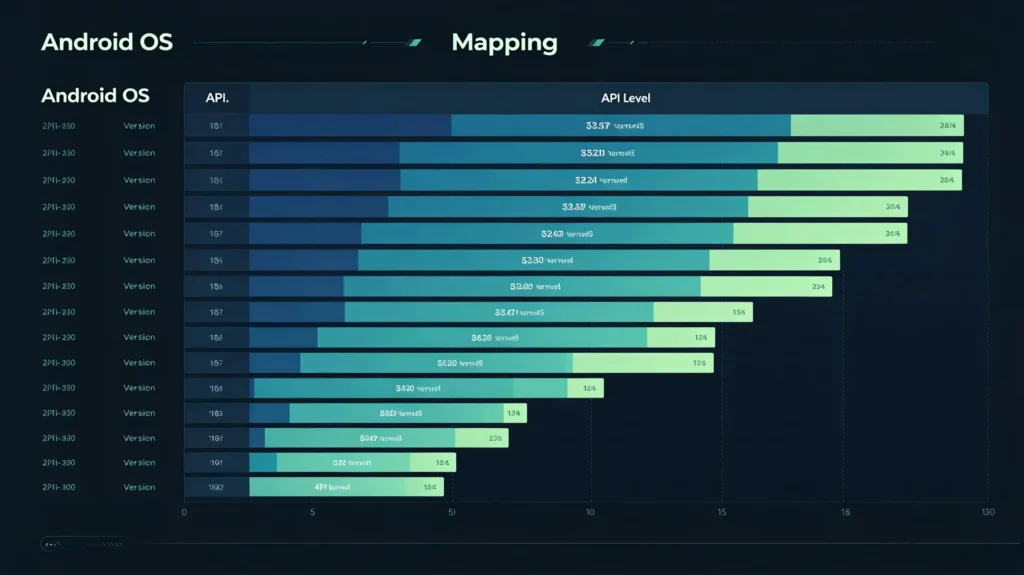
Every Android version corresponds to an API level. Android 10 is API 29. Android 12 is API 31. Android 14 is API 34. App developers set a minimum API level their app requires. If the head unit’s Android version sits below that threshold, the app simply will not install. This is the first and most basic compatibility check. It is also the one buyers most often skip.
The Practical Effect Over Time
The practical effect compounds over time. Newer apps increasingly require newer Android versions. They need features that did not exist in older releases. A head unit running an older Android build sees its usable app library shrink year over year. This happens even without anything changing on the hardware side.
General Guidelines
As a general guideline, Android 10 (API 29) or higher supports a broad range of current apps. Android 12 and above tends to offer the best overall compatibility with what is available today. For a detailed OS comparison, see our Android vs Linux for automotive infotainment guide. Before finalizing a spec, buyers should confirm exactly which Android version a unit ships with. Do not accept a generic “runs Android apps” claim.
Hardware-Driven App Compatibility Requirements
OS Version Sets the Ceiling
OS version sets the ceiling for which apps can install. But hardware determines whether they run well once they are on the device.
CPU and GPU Capability
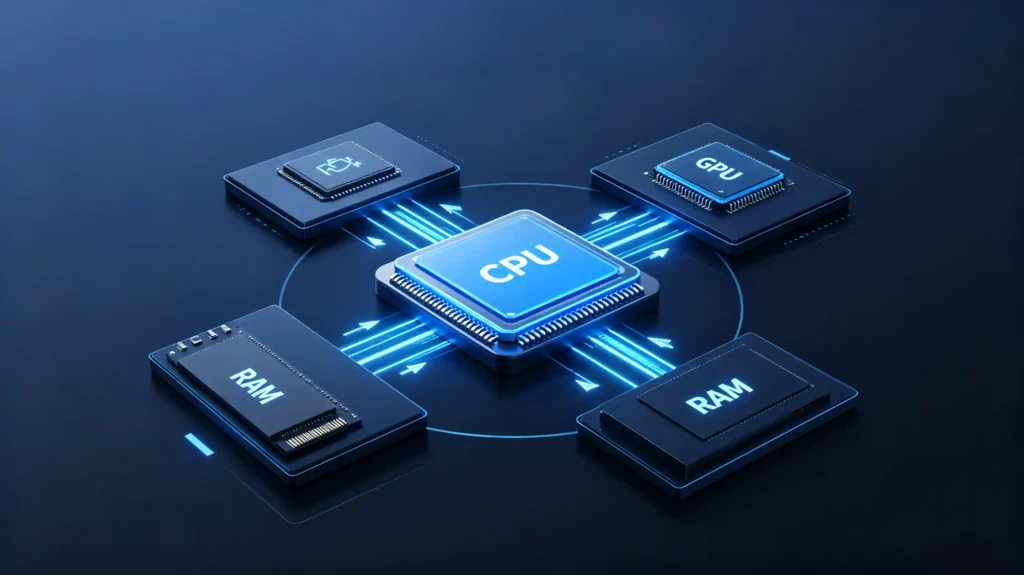
CPU and GPU capability matter here. Apps need a minimum level of processing power. Graphics-heavy ones, like navigation apps rendering detailed maps or anything resembling a game, lean especially hard on the GPU. An underpowered processor shows up as lag, stutter, or outright crashes under load.
RAM
RAM plays a similarly direct role. Insufficient memory means the operating system starts killing background apps to free up space. This breaks multitasking — the exact scenario of running navigation while music plays in the background. As a general benchmark, 4GB or more of RAM supports smooth day-to-day app operation on current Android versions.
Storage
Storage matters for a different reason. Apps and their data need somewhere to live. Running low on space blocks new installations altogether. 64GB or more gives realistic headroom for multiple apps plus their updates and cached data.
What to Check
Buyers evaluating a head unit for app-heavy use should check these three figures against the actual apps their end customers are likely to install. Do not check them against a generic minimum. For more on hardware specifications, see our RAM and storage guide for Android car stereos.
Google Play Services and App-Installation-Related Considerations
The Dependency Issue
A significant share of popular Android apps depend on Google Play Services to function correctly. Mapping. Location-based features. Push notifications. Not every aftermarket head unit includes it. Google Play Services requires a commercial license from Google. Not every manufacturer carries that license.
What Happens Without It
On a unit without it, apps that depend on those services may install but crash. They may run with key features missing.
How Apps Get Installed
This changes how apps actually get onto the device. Where Google Play Services and the Play Store are present, installation is straightforward. Search, tap install, done. Without it, the alternative is APK sideloading. Installing apps directly from APK files after enabling “Unknown Sources.” Or using a third-party app store as a substitute.
Neither Is Wrong
Neither is inherently wrong. But they change the end-user experience. They change the ongoing update process. They are worth understanding clearly before a buyer commits to a head unit line. Confirming a unit’s Google Play Services status upfront — rather than discovering it after apps start behaving unexpectedly — avoids a category of complaint that is difficult to resolve after the fact.
Peripheral-Driven Compatibility: Screen, Touch, Audio, GPS and Connectivity
Even with the Right OS
Even with the right OS version and hardware, an app can still misbehave because of how it interacts with the head unit’s physical peripherals.
Screen Aspect Ratios
Screen aspect ratios on automotive displays — 16:10, 5:3, and other non-standard ratios — do not always match what an app was designed for. This can cause UI distortion or elements that do not scale correctly.
Touch Input
Touch input adds another layer. Some apps expect multi-touch gestures. This requires a capacitive touchscreen capable of registering them.
Audio Routing
Audio routing is a common, less visible failure point. An app’s sound needs to reach the vehicle’s speakers correctly. Some apps run into routing issues that leave them silent or routed incorrectly. This happens even though the app itself is running fine.
GPS Access
Navigation apps depend on GPS being both functional and properly accessible to third-party software. Not just to the head unit’s built-in mapping.
Connectivity
Apps requiring internet or Bluetooth access will fail outright if Wi-Fi or Bluetooth connectivity is unavailable. They will also fail if the necessary permissions are not correctly exposed.
Testing Is Key
None of these show up on a basic spec sheet. Testing target apps directly on a sample unit remains the most reliable way to catch them.
Common Categories of Automotive-Relevant Android Applications
Navigation Apps
Navigation apps — Google Maps, Waze, offline map tools — are sensitive to GPS access, screen scaling, and how voice guidance audio gets routed.
Media and Audio Apps
Media and audio apps like Spotify, YouTube Music, and podcast players run into audio routing and background playback issues. They also face the same screen orientation quirks affecting other categories.
Communication Apps
Communication apps, from messaging platforms to VoIP tools, depend on stable Bluetooth connectivity. They need working microphone access. They need notification handling.
Vehicle-Specific Apps
Vehicle-specific apps, such as OBD-II display and diagnostic tools, need CAN Bus data access. They need reliable OBD-II Bluetooth pairing to function at all.
General Utility Apps
General utility apps — weather, news — are usually the least demanding. They mainly need stable internet access and correct screen scaling.
Testing Priority
Buyers should prioritize testing whichever categories actually matter for their target market. Do not try to validate every possible app type.
B2B Evaluation Criteria for Android Head-Unit App-Compatibility
Sourcing Checklist
Turning this into a sourcing checklist, buyers should verify seven things before finalizing a head unit specification.
- Android OS version — Android 10 or higher as a baseline
- Google Play Services — whether it is available or whether the project will rely on APK sideloading
- Hardware specs — against expected app load (RAM, storage, CPU/GPU capability)
- App UI scaling — how it responds to touch on the actual screen
- GPS and audio routing — whether they work correctly with third-party apps
- Wi-Fi and Bluetooth — whether they are properly exposed to apps that need them
- Sample testing — with the actual target apps rather than relying on spec-sheet claims alone
FAQ
If a head unit runs a modern Android OS version, does that guarantee all Android apps will work correctly?
No. OS version only determines which apps can install in the first place. It says nothing about whether the hardware can run them smoothly. It says nothing about whether Google Play Services is available for apps that depend on it. It says nothing about whether the screen, GPS, and audio routing are properly exposed to third-party software. A modern OS version is a necessary starting point. It is not a complete compatibility guarantee.
What functional differences appear between Android head units with and without Google Play services?
Units with Google Play Services offer straightforward app installation through the Play Store. Apps that depend on Google’s location, mapping, or notification infrastructure work as intended. Units without it typically rely on APK sideloading or third-party app stores. Apps built around Google Play Services may install but crash. They may run with reduced features. They may fail to update automatically the way they would through the Play Store.
Why can an app install successfully yet crash or lose features once running on an automotive head unit?
This usually points to a mismatch below the OS version level. Insufficient RAM causing the app to be killed in the background. Missing Google Play Services that the app quietly depends on. A peripheral issue like GPS not being properly exposed to third-party apps. Installation only confirms the OS version requirement is met. It does not confirm the hardware and peripheral access an app needs to actually function correctly.
How do non-standard screen aspect ratios affect third-party Android app UI behavior on car-infotainment hardware?
Many Android apps are designed around common phone or tablet aspect ratios. Automotive displays often use wider or narrower ratios like 16:10 or 5:3 instead. Apps that do not scale correctly to these ratios can show stretched or cropped interface elements. Misaligned buttons. Touch targets that do not line up with what is visually displayed. This is one of the compatibility issues that is difficult to predict from a spec sheet. It is best caught through direct testing.
Conclusion
App compatibility depends on OS version, hardware, Google Play Services status, and peripheral access working together. The only way to know for certain is to test the actual apps your customers will use.


