
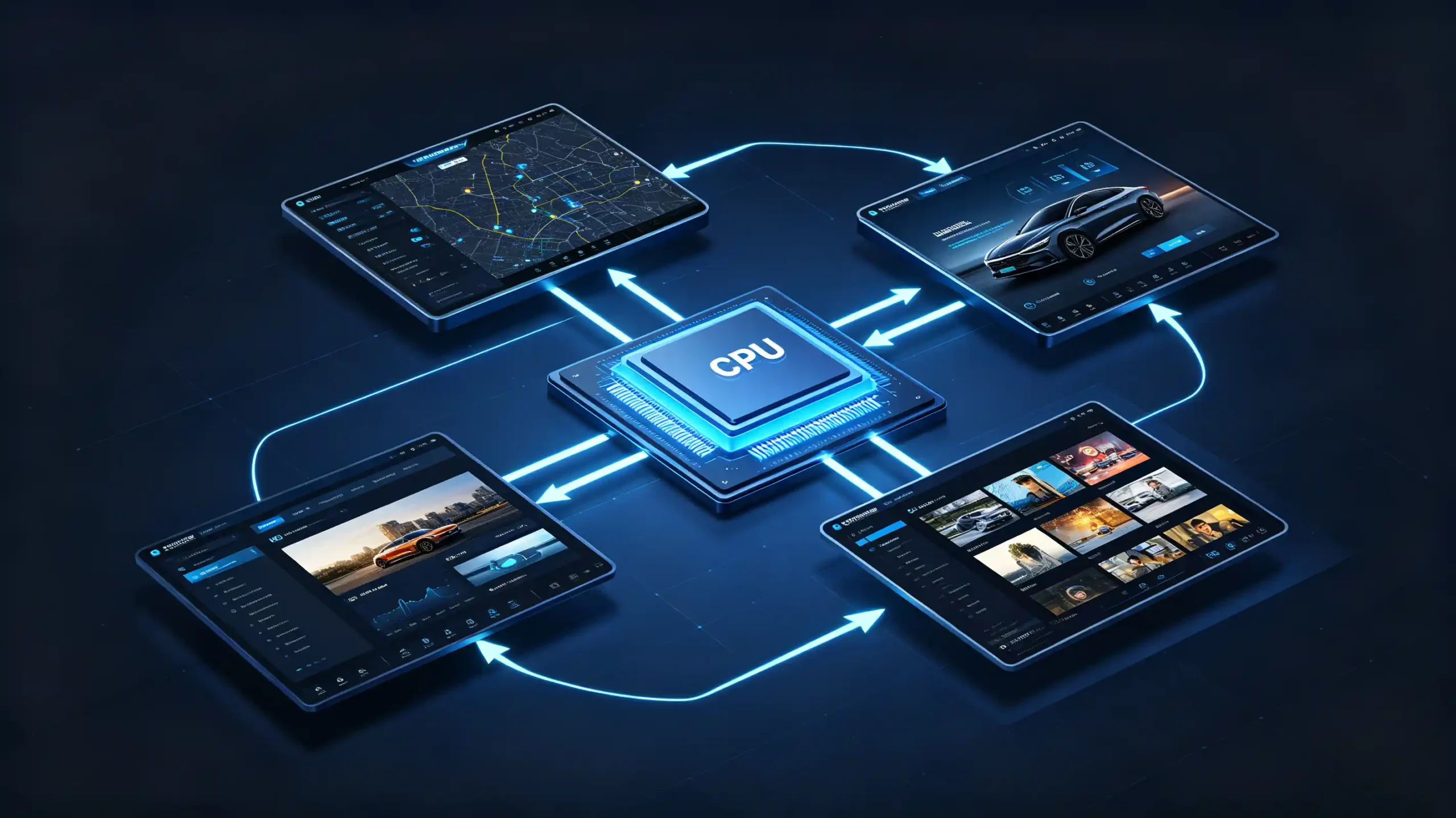
Two head units can list the same “octa-core processor” on their spec sheets. They can still feel completely different once they are running navigation, media, and a background download at the same time. Part of that gap comes down to something the spec sheet rarely explains clearly. The split between CPU and GPU. How each one shapes a different part of the user experience.
For car dealers, wholesalers, and OEM/ODM buyers evaluating Android head unit CPU vs GPU performance, understanding that split is the difference between choosing a unit that feels right for the target vehicle and one that generates complaints six months into a retrofit program. CPU and GPU are both part of the IVI processor. See our IVI processor guide for detailed guidance.
This guide breaks down what each processor block actually does. It covers how to read the symptoms of a bottleneck. It also covers what to check before committing to a bulk order. For a technical overview of the hardware platform, see our What Is an Android Head Unit guide.

CPU and GPU Definitions for Android Head Units
What Is the CPU?
The CPU, or Central Processing Unit, functions as the general-purpose brain of the head unit. It handles system logic. It schedules which apps and background services get processor time. It runs navigation computation. It manages network connections. It controls peripherals.
What Is the GPU?
The GPU, or Graphics Processing Unit, is the graphics engine. It renders the home screen and menus. It draws the map display. It plays back video. It runs the animations and visual effects that make the interface feel responsive.
They Work Together
Both live on the same SoC (System on Chip) and work together. But they are solving different problems.
The Common Misjudgment
Buyers who do not separate these two roles tend to misjudge performance based on a single spec line. A weak CPU shows up as app lag, slow navigation response, and long boot times. A weak GPU shows up as choppy UI transitions, stuttering map animations, and poor video playback. This happens even if the CPU itself is perfectly capable. A head unit with one strong block and one weak one still bottlenecks overall. The two need to work in step with each other. For a detailed platform comparison, see our Qualcomm vs MediaTek for car stereos guide.
The First Step
Understanding CPU and GPU performance as separate variables, rather than a single “processor” line item, is the first step toward evaluating a unit correctly.
CPU Functions and General-Purpose Processing Tasks on Android Head Units
What the CPU Carries
The CPU carries most of the workload that is not directly about putting pixels on screen.
Operating System Management
Scheduling processes. Managing memory. Handling interrupts.
Running Apps
Navigation apps. Media players. Settings. Background services.
Route Calculation and Map Data Processing
Route calculation is partially CPU-driven. Map data processing is too.
Network Handling
Wi-Fi. Bluetooth. Cellular data.
Peripheral Control
USB devices. CAN Bus signals. Camera inputs. Touch input. All get processed through the CPU.
Two Key Performance Indicators
Two performance indicators matter most here. Single-core performance affects how fast an app launches. It affects how immediately the UI responds to a touch. Multi-core performance affects how well the unit handles multitasking. Running navigation while a media app plays in the background and a system update downloads.
What a Capable CPU Does
A head unit with a genuinely capable CPU keeps all of that running smoothly at once. A weaker one starts showing lag exactly where a dealer’s customer would notice it first — during startup, app switching, and navigation input.
GPU Functions and Graphics-Processing Workloads for Head-Unit Systems
What the GPU Handles
Where the CPU manages logic and data, the GPU is responsible for everything the driver actually looks at.
UI Rendering
The home screen. Menus. Settings panels.
Navigation Map Display
Street labels. On some systems, 3D building rendering.
Animations
Transitions between screens. Animated icons. The boot animation that plays on startup.
Video Playback
Media files. Live camera feeds. All decoded and rendered through the GPU.
Graphics Overlays
Parking guidelines drawn over a camera image.
Indicators of GPU Capability
A few indicators separate a capable GPU from a weak one. Fill rate describes how many pixels it can render per second. Triangle throughput describes its 3D graphics capability. Hardware-accelerated video decoding support determines how smoothly it handles common video formats without leaning on the CPU to help.
What GPU Performance Determines
GPU performance is what determines whether a map feels fluid when panned and zoomed. It determines whether transitions between screens look instant rather than sluggish. It is the layer of the experience that is hardest to ignore once it is underperforming.
CPU vs GPU: Key Performance-Difference Comparison
| Dimension | CPU | GPU |
|---|---|---|
| Primary role | General-purpose processing | Graphics rendering |
| Handles | OS, apps, navigation, network, peripherals | UI, maps, video, animations |
| Bottleneck symptom | App lag, slow boot, sluggish multitasking | Stuttering UI, choppy map pan/zoom, video lag |
| Typical workload | Sequential processing | Parallel processing (many cores) |
| Impact on navigation | Route calculation | Map rendering |
| Impact on media | Audio/video decoding | Video display |
The Practical Value
The practical value of this table is diagnostic. If apps take noticeably long to open, touches feel delayed, or route calculation drags, that points to the CPU. If UI animations are choppy, map panning and zooming stutter, or video playback drops frames while everything else responds fine, that points to the GPU instead.
Why This Matters
This matters because the fix is different in each case. A buyer chasing smoother navigation performance by upgrading GPU specs alone, when the real constraint is CPU-bound route calculation, will not see the improvement they expected. For more on navigation performance, see our route calculation and optimization guide. Identifying which workload actually matters for the target application is worth doing before comparing spec sheets line by line.
Processor Architecture and Core-Configuration Basics for Automotive Head-Units
Big.LITTLE Architecture
Most Android head units use a big.LITTLE architecture. High-performance “big” cores handle demanding tasks like app launches and navigation. Power-efficient “LITTLE” cores handle background system services.
Core Count
Core count gets a lot of attention in marketing copy. Quad-core (4 cores) sits at the entry level. Octa-core (8 cores) covers mid-range to premium units. Core count on its own does not tell the full story. A higher core count with an older architecture generation can still underperform a lower core count built on newer, more efficient cores.
GPU Cores
The same logic applies to the GPU side. The number of GPU cores affects graphics capability. But the architecture generation behind those cores matters more than the raw count.
Thermal Management
Thermal management plays into this too. A SoC that throttles under sustained load will lose performance regardless of what its spec sheet promises in ideal conditions.
Shared Memory Bandwidth
CPU and GPU typically share memory bandwidth on the same SoC. One block under heavy load can constrain the other. For sourcing purposes, this means looking past the core-count headline. Ask about the chip generation and thermal behavior behind it.
How CPU and GPU Together Shape Overall Android Head-Unit Real-World Performance
Not Independent
CPU and GPU do not operate independently. The CPU prepares data and hands it off to the GPU for rendering. If either side lags, the other has to wait on it. A slow CPU leaves the GPU idle waiting for data. A slow GPU cannot keep up with what the CPU is already feeding it.
Different Use Cases
Different use cases lean on each differently. Running navigation, music, and phone projection together needs both blocks working in balance. Heavy multitasking leans CPU-intensive. High-resolution maps with rich animations lean GPU-intensive.
The Real-World Impact of Imbalance
The real-world impact of imbalance is predictable. A strong CPU paired with a weak GPU launches apps quickly but stutters through the UI. A weak CPU paired with a strong GPU renders a smooth interface but takes longer to load anything. Only a genuinely balanced pairing delivers the experience buyers actually expect from a premium unit. This is why evaluating CPU and GPU together, rather than either one in isolation, gives a more accurate read on how a head unit will actually perform once it is installed.
B2B Processor-Selection Considerations for Android Head-Unit Sourcing
Sourcing Checklist
Turning this into a sourcing checklist, buyers should evaluate seven dimensions before finalizing a processor specification.
- CPU core configuration — count and architecture generation
- GPU capability — core count and architecture generation
- Target application’s use-case profile — navigation-heavy calls for balanced CPU-GPU, media-heavy leans GPU-focused, multitasking-heavy leans CPU-focused
- Screen resolution — higher resolutions demand more from the GPU
- Thermal management — and throttling behavior under sustained load
- Documentation — confirming the actual CPU and GPU specifications rather than a generic “processor” description
- Sample testing — running app launches, map rendering, multitasking, and UI smoothness on an actual unit before committing to volume
FAQ
Does higher CPU core count guarantee smooth Android head unit real-world infotainment performance?
No. Core count is only one variable. It says nothing about architecture generation, single-core performance, or how well the CPU and GPU are balanced against each other. An octa-core CPU built on an older architecture can underperform a quad-core built on a newer one. Real-world smoothness also depends on the GPU keeping pace. It also depends on thermal management preventing throttling under sustained use. Core count alone is not a reliable predictor.
What observable user behavior indicates a GPU bottleneck versus a CPU bottleneck on an Android head unit?
A GPU bottleneck shows up visually. Choppy UI animations. Map panning or zooming that stutters. Video playback that drops frames. This happens even while apps open and respond normally. A CPU bottleneck shows up in responsiveness instead. Apps take noticeably long to launch. Touch input feels delayed. Navigation route calculation drags. Watching which symptom appears first during real use is a faster diagnostic than comparing spec sheets alone.
Can a powerful CPU compensate for a weak GPU for navigation-map rendering and animated HMI UI?
Not fully. The CPU can calculate a route and prepare map data quickly. But actually drawing that map — panning, zooming, rendering labels and 3D elements — is GPU work. A powerful CPU paired with a weak GPU will still show choppy map animations and sluggish UI transitions. The rendering step is bottlenecked regardless of how fast the CPU delivers data to it. Both blocks need to be capable for this specific workload.
Why can two head units using the same advertised processor show different practical CPU-GPU performance?
The same chip model can be configured differently by different manufacturers. Clock speeds, thermal management, memory bandwidth allocation, and software optimization all affect how much of that chip’s rated performance actually reaches the user. Throttling under sustained load is a common culprit. A unit with weaker cooling will slow down during extended navigation use. This happens even if its silicon matches a competitor’s on paper. This is part of why sample testing matters more than spec-sheet comparison alone.
Conclusion
CPU and GPU performance shape a head unit’s user experience in different, specific ways. The right balance depends on how the unit will actually be used in the field.


