
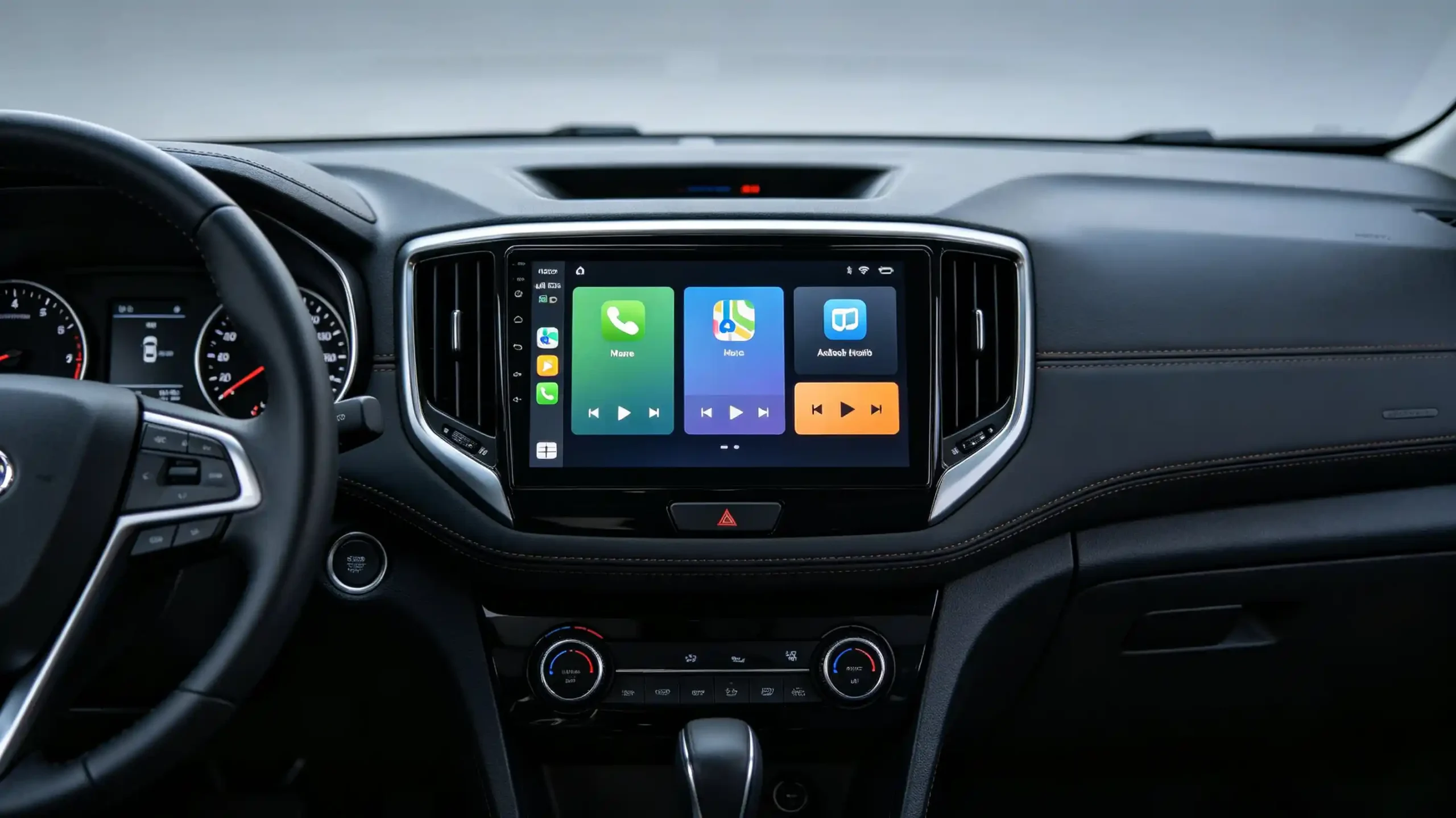
The first few seconds after ignition are the one moment every driver’s attention is guaranteed to land on the screen. Android head unit boot animation turns that moment into a branding opportunity. It can display a distributor logo, a dealership name, or a vehicle brand identity. This is better than a generic startup screen that says nothing about who put the product together. For B2B buyers building private-label, dealer-branded, or OEM/ODM head unit programs, understanding what is actually customizable here, and what it takes to get it right, is worth a closer look before specs get finalized.
This guide covers what a boot animation is and where it sits in the startup sequence. It covers how it differs from a boot logo and a boot screen. It covers the asset formats and technical requirements involved. It covers real branding use cases. It covers the compatibility constraints that can block customization. It also covers what to verify with a supplier before ordering. For a technical overview of the hardware platform, see our What Is an Android Head Unit guide.
Android Head Unit Boot Animation: Definition & Startup-Phase Function
What Is a Boot Animation?
A boot animation is a visual sequence — a series of images or a short video — displayed on the head unit screen during system startup. It typically shows a brand logo or a branded motion sequence. It appears after the bootloader and kernel have loaded, during OS initialization. It effectively bridges the gap between power-on and a fully loaded home screen. Depending on system optimization and hardware performance, it typically runs for 5 to 15 seconds.
Commercial Value for B2B Buyers
For B2B buyers, this window carries more commercial weight than its short duration suggests.
Brand differentiation — a custom boot animation gives a private-label product a distinct identity instead of a generic, unbranded startup.
Premium perception — a branded startup screen signals quality and attention to detail before the user has touched anything.
OEM and dealer branding — vehicle-specific or dealership-specific branding on the boot screen supports OEM programs and 4S dealership installations.
Accessibility
Boot animation customization has become one of the more accessible branding levers available in private-label and OEM/ODM sourcing. It does not require redesigning the UI or the hardware. It just needs the right asset and the right supplier support.
Boot Animation vs Boot Logo vs Boot Screen: Key Terminology Distinction
Terms Used Interchangeably
These three terms get used interchangeably in casual conversation. But they describe genuinely different things. The distinction matters when placing a customization order.
Boot Logo
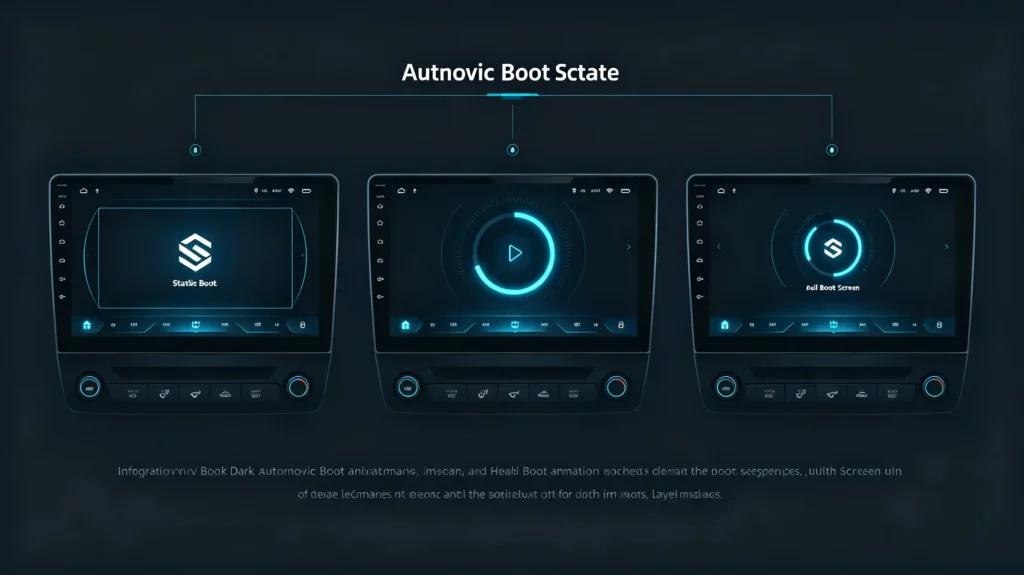
A boot logo is a single static image shown right at the start of the boot process. It is usually just a brand mark or product name. It has a minimal file size. It involves no animation. It is generally the lower-cost customization option. It is often included as part of a standard OEM/ODM service.
Boot Animation
A boot animation is a motion sequence — a series of images or a video — played during OS initialization. It can be as simple as a logo fading in. It can be as elaborate as a fully branded sequence with visual effects. Because it requires actual design work and asset preparation, it costs more to customize. But it delivers a noticeably more premium first impression.
Boot Screen
Boot screen is the generic umbrella term for whatever is displayed during startup. It can be static or animated. It is used loosely rather than precisely.
What to Specify
Put simply: the boot logo is static and appears first. The boot animation is dynamic and appears afterward. “Boot screen” just describes either one in general terms. When placing a customization order, buyers should specify explicitly which one they need. Asking for a “custom boot screen” without clarifying static versus animated is a common source of miscommunication with suppliers. For more on UI customization, see our Android head unit UI customization guide.
How Boot Animation Operates During Android Head Unit Startup
The Startup Sequence
Understanding exactly where the boot animation sits in the startup sequence helps set realistic expectations for what customization can and cannot affect.
The sequence runs in order. Power-on triggers the bootloader to load. The kernel loads and initializes hardware. System services begin starting up as part of the Android framework. The boot animation begins playing once those services are partially loaded. Finally, the home screen loads and becomes responsive. This is when the animation ends.
The BootAnimation Service
The animation itself is handled by the BootAnimation service. This is a standard Android system component. It reads the animation file from the system partition — typically at a path like /system/media/bootanimation.zip. It starts once the kernel and system services are far enough along to launch that service. It ends the moment the launcher is fully loaded and ready for touch input.
Animation Length vs Boot Time
One point worth clarifying for buyers: a longer boot animation does not, by itself, add to total boot time. It is running during OS initialization that would be happening regardless. What can add delay is a poorly optimized animation file. Oversized or high-resolution files can create genuine processing overhead. Knowing this distinction helps set realistic expectations when discussing animation length and boot performance with a supplier. For a complete guide on boot performance, see our Android head unit boot time guide.
Boot Animation Customization Formats & Core Technical Requirements
Common Formats
Getting a custom boot animation into production means matching the platform’s technical requirements. It is not just handing over a finished video file.
The most common format is an image sequence — a series of PNG or JPG images packaged into a ZIP file. This is conventionally named bootanimation.zip. Some platforms support a video file instead, typically MP4. This is less universal and depends on the specific hardware platform. Either way, the file has to follow the Android boot animation specification. This means a desc.txt configuration file paired with the image folder structure. It is not just a loose collection of images.
Technical Constraints
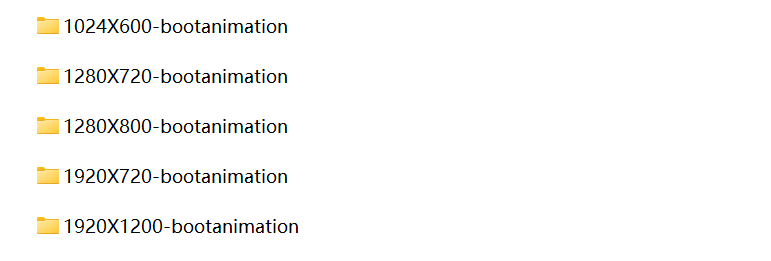
A few technical constraints shape what actually works well. File size matters — larger files take longer to load and can affect performance. Resolution needs to match the head unit’s screen exactly. This could be 1280×720, 1920×1080, or another native resolution. Frame rate typically runs 24 to 30 fps. Going higher tends to introduce performance issues rather than improving the visual result.
Preconditions
There are also a couple of preconditions worth confirming before finalizing a design. Customization requires access to the system partition. The boot animation file lives there. The platform’s firmware needs to actually allow replacement rather than locking that partition down. Once assets are ready, they are delivered to the manufacturer in the correct format and resolution for integration into the firmware build.
Branding & OEM/ODM Possibilities for Custom Boot Screens
Three Use Cases
Boot screen customization covers a range of real B2B use cases. The right level of customization depends on which one applies.
Private-Label Branding
For private-label branding, the standard boot animation gets replaced with the distributor’s own logo or animation. This gives the product a distinct identity rather than a generic, unbranded startup experience. It is a straightforward way to differentiate in a market full of similar-looking hardware.
Dealer and 4S Dealership Branding
For dealer and 4S dealership branding, the boot screen can carry the dealership’s logo and contact information. This creates a more polished installation experience for retail customers. It reinforces brand recall every single time the vehicle starts.
OEM/ODM Projects
For OEM/ODM projects, this extends further. The vehicle brand’s logo and model name appear on the boot screen. A custom animation matches the vehicle brand’s visual identity. Full integration with the broader infotainment system design is possible.
Cost Scaling
Cost scales with complexity across three levels. A static boot logo is the simplest and lowest-cost option. A simple boot animation — a fading logo, some basic text — sits at a moderate cost. A complex, full-motion animation with visual effects runs higher. For most buyers, boot screen customization delivers a meaningful branding impact relative to how little it typically costs to implement compared with deeper hardware or UI customization.
Hardware, Firmware, and System Compatibility Constraints
Firmware Lock-Down
Not every head unit platform supports boot animation customization the same way. A handful of constraints can block it entirely.
Firmware lock-down is the most common barrier. Some manufacturers lock the system partition. This prevents boot animation replacement outright. This tends to show up more often on low-cost head units with limited customization support in general. This is worth confirming with a supplier before placing an order. Do not wait until after.
Platform-Specific Incompatibilities
Platform-specific incompatibilities come up too. Different Android versions handle boot animation formats slightly differently. Some platforms require particular file naming or folder structures. Hardware acceleration support affects how smoothly the animation actually plays back.
Boot Time Impact
There is also a real, if usually small, boot time impact to account for. A poorly optimized animation — oversized files, unnecessarily high resolution — can measurably increase boot time. A simple, well-optimized animation has minimal effect. It is worth asking a supplier directly how they optimize submitted animation assets.
Feasibility by Complexity
Customization feasibility generally breaks down by complexity. A static boot logo is widely supported across nearly all platforms. A simple boot animation works on most Android platforms. A complex, full-motion animation may not be supported on older or lower-end hardware. Verifying feasibility for the specific complexity level you want, on the specific platform you are sourcing, is worth doing before finalizing a design brief.
Supplier Evaluation Considerations for Custom Boot-Screen Projects
Sourcing Checklist
Turning this into a sourcing checklist, here is what is worth verifying with a manufacturer before placing a bulk order.
Customization Capability
Confirm the manufacturer can actually replace the boot animation. Confirm they have access to the system partition.
Asset Format Support
Confirm which formats they accept (image sequence, video). Confirm their resolution requirements.
MOQ Requirements
Ask whether MOQ differs between a static boot logo and a full boot animation. These are often treated differently.
Sample Verification
Request samples to confirm the animation displays correctly. Confirm it does not measurably affect boot time.
Update Persistence
Confirm the custom boot animation survives firmware updates. Ask whether future updates will be customized to preserve it.
Cost
Request separate pricing for a static logo versus a full animated sequence.
Delivery Requirements
Clarify the asset delivery format and expected timeline.
The Most Reliable Approach
The most reliable way to validate all of this is to request samples with the actual custom boot animation applied. Check display quality and boot time impact directly. Confirm update persistence before committing to volume.
FAQ
What is the MOQ difference for static boot-logo versus full-motion boot-animation customization?
A static boot logo typically carries a lower MOQ. In some cases, it is included as part of standard OEM/ODM service without a separate minimum. It is a simpler asset to integrate. Full-motion boot animation generally requires more design and integration work on the manufacturer’s side. This often means a higher MOQ threshold. Buyers should confirm exact MOQ figures directly with the supplier. They vary by manufacturer and by how complex the requested animation is.
Will a custom boot animation survive subsequent OTA or USB firmware updates on Android head units?
This depends on how the supplier packages updates. Some firmware update processes overwrite the entire system partition. This includes the boot animation file. It would revert to the default unless the update itself is built with the custom animation included. Buyers running custom boot screens should ask suppliers directly whether future updates preserve custom branding. They should also ask whether updates need to be repackaged each time. This is worth confirming before committing to a branded rollout across many units.
Can custom boot animation increase cold-boot-time on Android head unit hardware?
Generally, no. The animation plays during OS initialization that is happening anyway. A well-optimized animation does not add meaningful time to the boot sequence. The exception is a poorly optimized asset. An oversized file or unnecessarily high resolution can introduce genuine processing overhead and slow things down. Simple animations built to the platform’s resolution and frame rate specifications typically have negligible impact on total boot time.
How can B2B buyers identify whether a head-unit platform is firmware-locked against boot-animation changes?
The most direct way is to ask the supplier explicitly. Ask whether the system partition is locked. Ask whether boot animation replacement is supported on the specific hardware platform being quoted. Requesting a sample unit with a test custom animation applied is the most reliable way to confirm this in practice. It demonstrates the capability rather than relying on a verbal claim. Low-cost or generic-platform units are more likely to have locked firmware than platforms built with OEM/ODM customization in mind.
Conclusion
Boot animation customization is one of the more cost-effective branding levers available in head unit sourcing. But it only works well when the platform actually supports it. The supplier must be able to prove that with a sample. Use the evaluation points above before finalizing your order.


