
A customer who backs out of a driveway and stares at a black screen for twenty seconds is not going to care how good the head unit’s chipset looks on paper. Android head unit boot time is one of those specs that rarely shows up in a sales pitch. But it reliably shows up in complaints. For wholesalers and dealers, a few extra seconds of startup delay can be the difference between a satisfied customer and a return request.
This guide breaks down what boot time means for an Android head unit. It covers the difference between cold boot, warm boot, and system resume. It covers the hardware and software factors driving startup speed. It explains how they interact. It also provides a practical way to test and compare boot performance across suppliers. For a technical overview of the hardware platform, see our What Is an Android Head Unit guide.
Android Head Unit Boot Time Fundamentals
What Is Boot Time?
Android head unit boot time is the duration from power-on — the ignition key turning or ACC power being applied — until the home screen is fully responsive and ready for user input.
User Expectations
Users bring smartphone expectations into the car. A phone wakes up almost instantly. A head unit that takes 20-plus seconds to become usable reads as slow and dated. This happens regardless of how capable the rest of the hardware is.
Safety Considerations
There is a practical safety angle too. Navigation and the reverse camera both need to be available quickly. A delayed startup directly affects driver convenience in situations where seconds matter.
Business Consequences for B2B Buyers
For B2B buyers, slow boot time carries real business consequences. It is one of the most common sources of negative reviews and customer complaints. It affects how competitive a product line looks against comparable units. Returns tied to “slow performance” are expensive to process. They also damage the relationship with downstream dealers.
Testing Advice
Boot-time performance is not something to take on faith from a spec sheet. It is worth testing directly during sample evaluation. Do this before committing to a bulk order.
Cold Boot, Warm Boot, and System Resume for Android Head Units
Not All Startups Are the Same
Not every startup is the same kind of startup. The differences matter when comparing boot-time claims across suppliers.
Cold Boot
Cold boot happens when power is fully removed and reapplied. This could be the vehicle sitting with ignition off for an extended period. It could also be a battery disconnect. This triggers a complete system initialization: bootloader, then kernel, then OS, then services, then the home screen. Everything is built up from scratch with no saved state to restore. It is the slowest of the three. It typically lands somewhere between 15 and 30 seconds. This depends on the hardware underneath.
Warm Boot
Warm boot is a soft restart — a software reboot without a full loss of power. Because some hardware re-initialization gets skipped, it is faster than a cold boot. It is usually 10 to 20 seconds. In normal vehicle use, warm boot is fairly rare. It tends to show up after a system update or an app crash. It does not happen during everyday driving.
System Resume
System resume is the fastest mode by a wide margin. It is typically 1 to 5 seconds. It occurs when power is maintained — the vehicle in ACC mode, or running on constant power with a standby mechanism in place. The system simply wakes from standby and restores its previous state. It does not rebuild from nothing.
What to Ask Suppliers
Buyers evaluating startup speed should be clear about which mode a supplier’s boot-time claim actually refers to. A “5-second boot” figure means something very different if it is describing resume versus cold boot.
Hardware Factors Influencing Android Car Stereo Boot Time
Hardware Before Software
Startup speed is ultimately a hardware problem before it is a software one. Three components carry most of the weight.
The Processor (SoC)
The processor executes the boot sequence itself. Faster processors — particularly strong single-core performance for the sequential parts of booting — reduce overall boot time. Multi-core designs help by initializing services in parallel rather than one at a time. Newer SoC generations generally boot faster than older ones. This holds true even at similar clock speeds.
RAM

RAM shapes how much of the boot process can happen at once. More memory allows more services and apps to initialize in parallel. Faster RAM cuts down on data transfer delays during boot. Insufficient RAM forces the system into swapping, which adds noticeable delay.
Storage
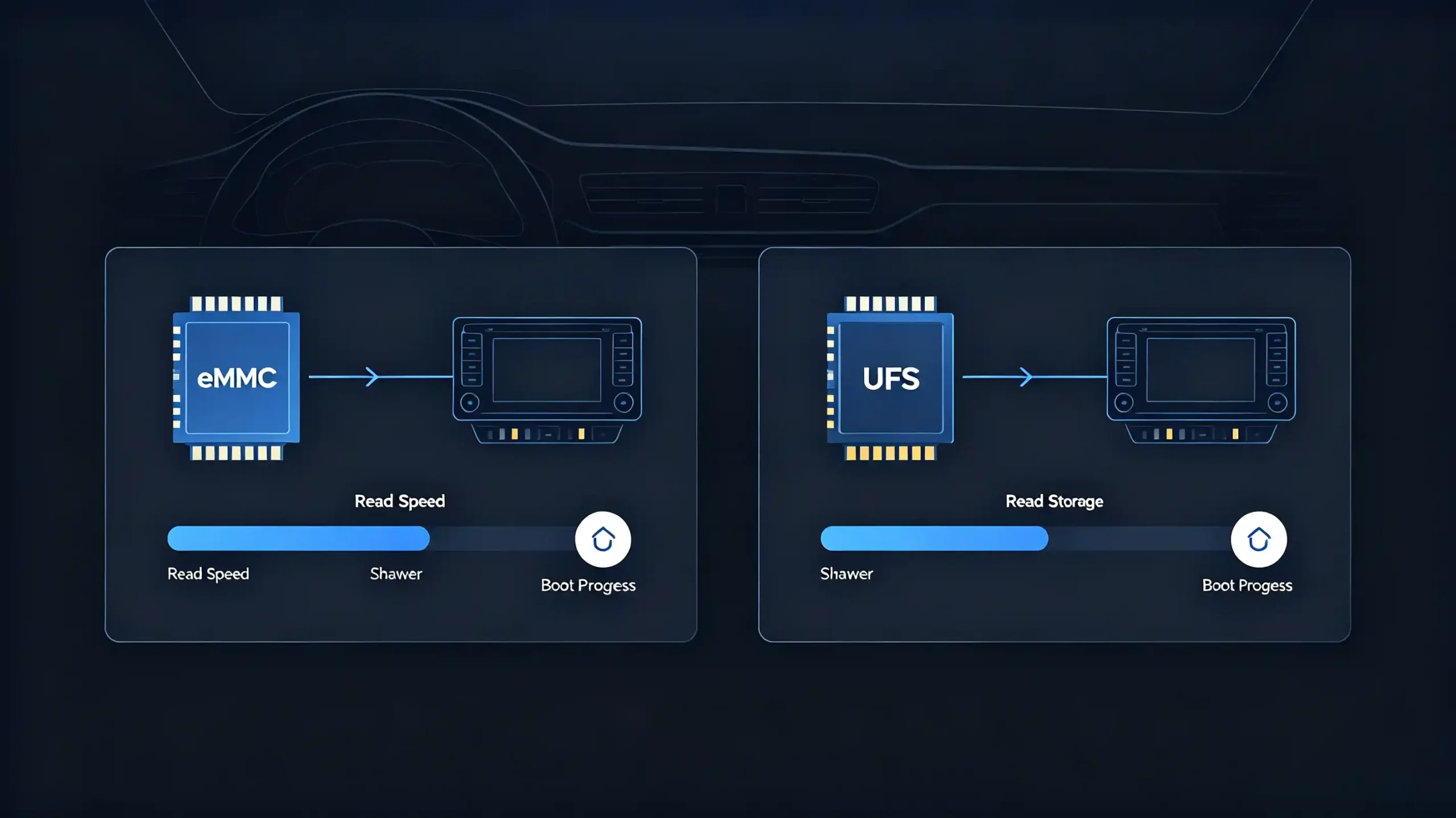
Storage tends to be the most overlooked factor. Often, it is the most impactful. eMMC storage, common in entry-level units, delivers read speeds in the 100–200 MB/s range. This drags out boot time. UFS storage, used in higher-end units, reaches 500–1000+ MB/s. It cuts boot time meaningfully. Storage capacity itself can also correlate with faster sequential read speeds. Storage performance can degrade over time with heavy use. This affects boot time well after a unit has shipped. or guidance on storage specifications, see our RAM and storage guide for Android car stereos.
What to Check
Buyers comparing hardware specs should confirm storage type — eMMC versus UFS — and processor generation specifically. These two factors tend to have more real-world impact than headline clock speed numbers.
Software, Firmware, and System-Optimization Factors
Hardware Sets the Ceiling
Good hardware sets a ceiling on boot performance. Firmware quality determines whether a unit actually reaches it.
OS-Level Optimization
On the OS side, well-optimized firmware trims unnecessary services from the startup sequence. This directly reduces boot time. Lazy loading — deferring services and apps until after the home screen appears — improves how fast the system feels usable. This is true even if total initialization takes about the same time. Boot animation length matters too. A longer animation stretches out the perceived wait. This happens even when the underlying process has not actually changed.
Pre-Installed Applications
Pre-installed applications play a role that is easy to underestimate. More pre-loaded apps mean more initialization work during boot. Lightweight apps with minimal background services are consistently the better choice for startup speed.
Firmware Tuning
Firmware tuning is where suppliers genuinely differentiate themselves. Some manufacturers optimize firmware specifically for their hardware. Others ship a generic build that leaves performance on the table. Firmware version matters here too. Updates can improve boot time or, in some cases, quietly worsen it. For a complete guide on updates, see our Android head unit software update guide.
The Boot Chain
Underneath all of this sits the boot chain itself: bootloader, kernel, system services, launcher, home screen, in that order. Each stage offers its own optimization opportunity. Parallel initialization, where supported, reduces the delays that come from doing everything sequentially.
Assessment Advice
Assessing firmware optimization quality — not just hardware specs — is a meaningful part of evaluating boot performance.
Combined Effects of Storage, RAM, Processor, and App Loading
A Staged Process
None of these components determine boot time in isolation. The boot sequence moves through distinct stages. Each stage leans on a different combination of resources.
Bootloader-to-Kernel Stage
The bootloader-to-kernel stage is mostly processor-dependent. It has minimal impact from storage or RAM.
OS Initialization
OS initialization brings storage into the picture. It involves loading kernel and system files off flash memory.
Service Initialization
Service initialization shifts the load toward processor and RAM. System services spin up during this stage.
App Loading
App loading is the most resource-intensive stage. It pulls on storage to load the apps. It uses RAM to hold their data. It uses the processor to execute them. All three are used at once.
Where Bottlenecks Occur
This staged breakdown clarifies where a bottleneck is actually coming from. Slow eMMC storage tends to bottleneck at the app-loading stage specifically. Limited RAM shows up during service and app initialization, through swapping. A weak processor drags down every stage, since it is involved throughout the sequence.
The Practical Takeaway
The practical takeaway is that these components have to work together. They should not just individually meet a minimum spec. Fast storage paired with a fast processor and sufficient RAM produces genuinely good boot times. Fast storage with a weak processor is still slow — the processor becomes the limiting factor. Fast processor with slow storage is equally slow, just bottlenecked elsewhere. Insufficient RAM causes swapping delays that undermine strong specs everywhere else. Buyers get a more accurate picture by evaluating the system as a whole. Do not just check each component against a spec sheet in isolation. For guidance on processor selection, see our best car stereo processor guide.
Practical Startup-Performance Evaluation Methods for B2B Testing
The Need for Consistent Testing
Comparing boot-time claims across suppliers only works if the testing behind those claims is consistent. A simple, repeatable methodology makes that possible.
Preparation
Start with preparation. Use the same power supply across all tests — vehicle battery or bench power supply. Keep ambient temperature consistent. Test with fresh units rather than ones that have already seen heavy use. Storage wear can skew results.
Measurement
For measurement, start the timer the moment power is applied. Stop it once the home screen is fully responsive and able to accept touch input. A stopwatch works. Video recording with a visible timestamp produces more reviewable results.
Test Conditions
Test conditions should cover all three boot modes. A cold boot test with power off for at least 30 seconds beforehand. A warm boot test triggered through a software restart in the settings menu. A resume test that cycles power on, then off into standby, then back on.
Averaging and Documentation
Run each condition three to five times and average the results. Do not rely on a single run. Document test conditions, results, and observations like boot animation length or home screen load time. That documentation is what makes an objective, repeatable comparison across supplier samples possible.
B2B Product-Selection Considerations for Head Unit Startup Performance
Sourcing Checklist
Turning all of this into a sourcing checklist, here is what is worth verifying before committing to a supplier.
Cold Boot Time
15 to 20 seconds is an acceptable range. Anything above 25 seconds is likely to generate complaints.
System Resume Time
1 to 5 seconds is acceptable. Above 10 seconds points to a poorly implemented standby mechanism.
Hardware Specifications
UFS storage is preferable to eMMC. 4GB or more of RAM is a reasonable baseline. Newer processor generations generally perform better.
Software Optimization
Shorter boot animations and evidence of lazy loading — apps and services deferred past the home screen — both indicate a more optimized build.
Consistency
Boot time should stay steady across repeated tests. Noticeable variance suggests underlying instability.
Firmware Update Impact
Check whether boot time improves or regresses after a firmware update. This is not always a given.
Questions for Suppliers
Beyond the numbers, it is worth asking suppliers directly what boot-time optimization practices they actually follow. Ask which storage type they use by default. Ask whether they can share sample test results rather than just marketing claims. For guidance on choosing the right supplier, see our how to choose a car navigation system supplier guide.
FAQ
Can two Android head units with identical CPU/RAM specifications show large differences in cold-boot time?
Yes, and it is more common than buyers expect. Firmware optimization quality — how many unnecessary services run at startup, whether lazy loading is implemented, how well the boot chain is tuned — can account for a significant gap even with matching processor and RAM specs. Storage type and quality also vary between suppliers at similar advertised capacities. This is exactly why sample testing matters more than comparing spec sheets alone.
What is the typical real-world cold-boot-time range for mass-market aftermarket Android head units?
Most commercial-grade units fall somewhere between 15 and 30 seconds for a full cold boot. 15 to 20 seconds is generally considered a competitive benchmark. Units regularly exceeding 25 seconds tend to draw complaints. This is particularly true from users comparing the experience to how quickly their smartphone wakes up. Budget units with eMMC storage and older processor generations often land at the slower end of this range.
Does adding a custom boot logo or custom UI increase Android head unit cold-boot duration?
A custom boot logo alone typically has minimal impact. It is usually a static image displayed during an existing boot stage. A custom UI can add some overhead if it introduces additional services or heavier launcher code. But a well-implemented custom UI should not meaningfully slow down boot time. The bigger factor is usually how the customization was built. The fact that customization exists at all is less important.
Why is resume-mode startup far faster than full cold boot on the same hardware unit?
Cold boot rebuilds the entire system from nothing — bootloader, kernel, OS, services, and apps all initialize in sequence with no prior state to draw on. System resume skips almost all of that by restoring a previously saved state from standby. This is why it typically completes in 1 to 5 seconds instead of 15 to 30. The trade-off is that resume mode requires constant power and a properly implemented standby mechanism. Without both, the system defaults back to a full cold boot.
Conclusion
Boot time rarely shows up as a headline spec. But it is one of the first things a customer notices. It is also one of the fastest ways to generate a complaint if it is overlooked. Use the testing methodology and evaluation criteria above to screen samples before placing a bulk order.


