
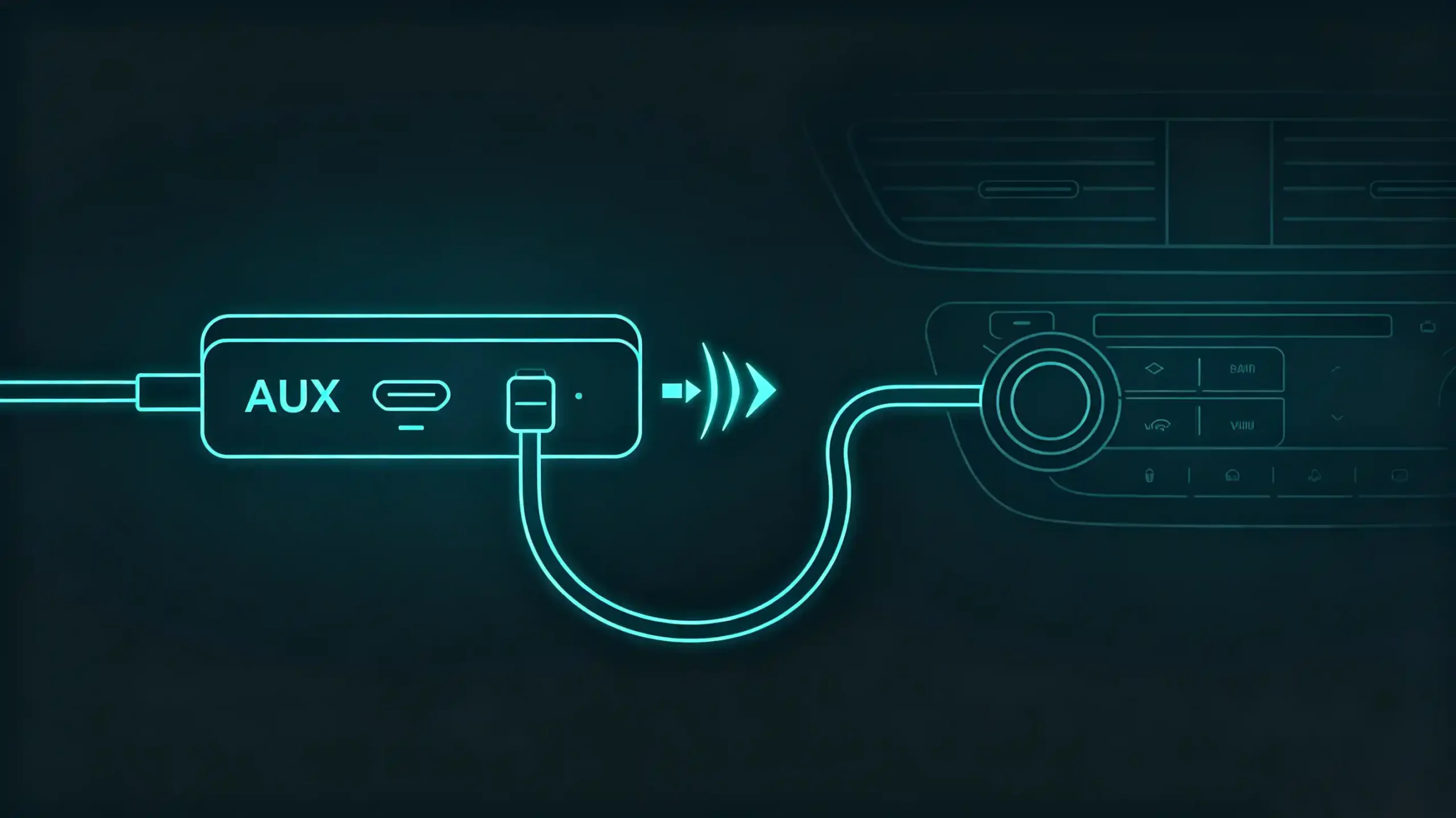
A wholesaler comparing two nearly identical-looking head units often finds the real difference is not the screen or the processor. It is what is on the back panel. Port selection quietly determines whether a unit fits a customer’s actual vehicle setup. Getting it wrong is one of the more common reasons units get returned or sit unsold in stock. This guide walks through the connectivity ports that matter most in car stereo sourcing and installation. It also explains what each one is actually good for. or. For a full view of all hardware decisions, see our car stereo hardware components overview.
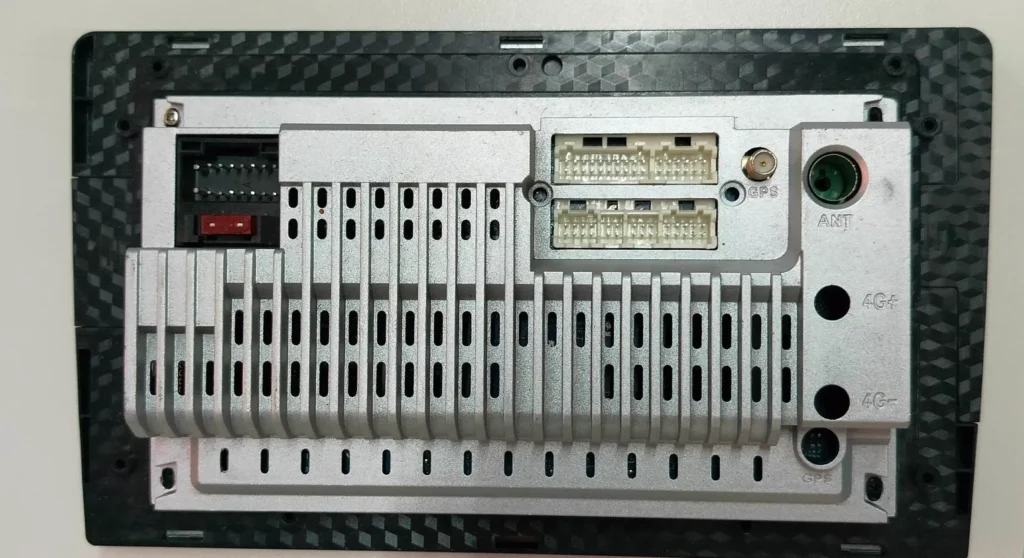
Why Connectivity Ports Matter for Car Stereo Buyers
The Hidden Differentiator
A head unit’s display and processing power get most of the marketing attention. But ports decide whether the unit actually works for the customer’s vehicle and use case. A dealer stocking units for a market where customers frequently plug in USB drives loaded with music needs a different port configuration than one serving buyers who mostly connect via Bluetooth and just need a backup wired option.
Sourcing Gets Practical
This is where sourcing decisions get practical rather than theoretical. Ordering a batch of head units without confirming port types and quantities against what installers in a given market actually need tends to surface as a problem only after the units arrive. By that point, reconfiguring hardware is not an option. Getting port specification right at the ordering stage saves that entire category of after-sales friction.
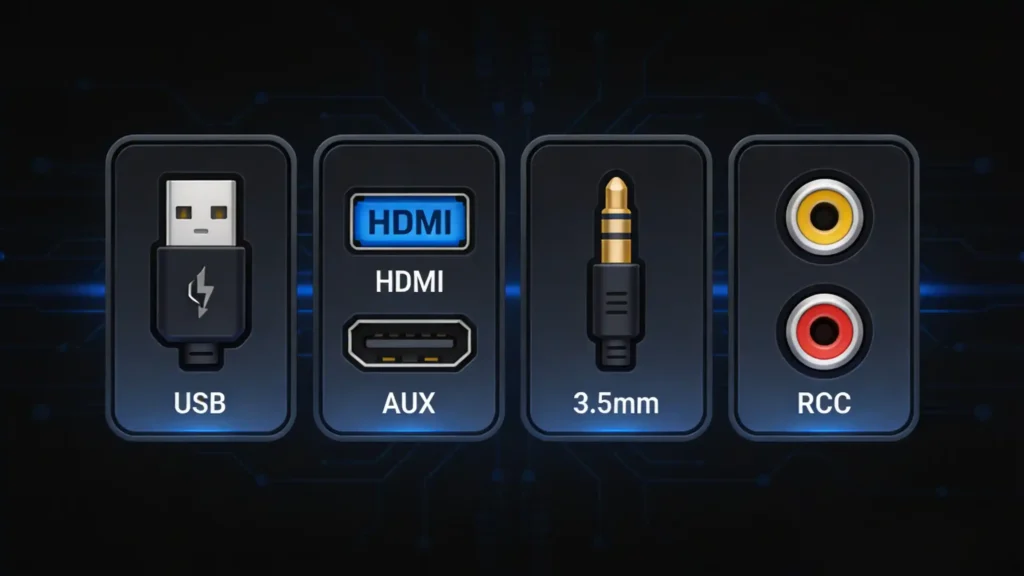
USB Car Stereo Ports: What They’re Used For
The Most Heavily Used Port
USB remains the most heavily used port on a modern car stereo. It does more jobs than most buyers initially assume. Beyond playing music files from a flash drive, USB ports commonly handle firmware updates. They provide charging power for a passenger’s phone. In many Android-based systems, they support a wired dongle for smartphone screen mirroring where the customer prefers a physical connection over a wireless one.
Port Count and Placement
The detail that trips up less experienced buyers is port count and placement. A single USB port forces a customer to choose between charging a phone and playing music from a drive. This is a common complaint dealers hear after a sale. Units with two USB ports — one dedicated to data, one to power — solve this cleanly. It is worth confirming this configuration explicitly when comparing suppliers. Do not assume “USB support” means the same thing across every listing. For more on connectivity, see our smartphone integration in vehicles guide.
HDMI Car Stereo Ports: When They’re Necessary
Niche but Important
HDMI shows up less often than USB. But it matters a great deal for a specific segment of buyers. These are customers installing rear-seat entertainment displays. They may be connecting external video sources like a dash camera playback unit or a gaming console for backseat passengers on long trips.
When It Is Essential
For a standard single-screen installation, HDMI usually is not essential. But for fleet operators, ride-hailing services adding passenger entertainment, or dealers serving family vehicle customers who want synchronized video across a head unit and rear monitors, HDMI output becomes a genuine selection criterion. It is not just a nice-to-have spec line. For more on display technology, see our IPS vs QLED display technology guide.
What to Confirm
Buyers speccing units for this use case should confirm not just the presence of an HDMI port. They should also confirm its output resolution. They should check whether it supports simultaneous display across multiple screens. These details vary between models even within the same product line.
AUX Car Stereo Ports: Still Relevant?
Not Legacy Yet
It is tempting to treat AUX as legacy technology now that Bluetooth and USB dominate. But the port has not disappeared from demand for a straightforward reason. It is the most universal fallback available. Older phones, MP3 players, in-flight entertainment adapters, and a range of aftermarket devices still rely on a standard 3.5mm connection. A head unit without one occasionally frustrates a customer who assumed it would be there.
Small Decision, Big Impact
This is a case where a small hardware decision affects customer satisfaction disproportionately. Retaining an AUX input costs little in production terms. But it avoids a category of “why does not this have a basic headphone jack” complaints. Dealers would rather not field these after installation.
RCA Car Stereo Ports: Audio and Video Output
A Different Job
RCA ports handle a different job than USB, HDMI, or AUX. They are typically used for connecting external audio amplifiers, subwoofers, or additional video sources like a reverse camera or dash camera feed. They use separate connectors for audio and video signal rather than a single combined cable.
Critical for Sound System Upgrades
For installers working on sound system upgrades, RCA pre-out ports are often the deciding factor. They determine whether a head unit is suitable at all. Connecting an aftermarket amplifier without RCA outputs usually requires an additional adapter. This adds cost and a potential point of failure. Buyers sourcing units aimed at customers who plan to add audio equipment later should treat RCA output availability as a core spec. It is not an afterthought.
Choosing the Right Port Configuration for B2B Sourcing
One Size Does Not Fit All
Dealers and importers rarely order a single head unit configuration for an entire market. Customer needs vary by vehicle type, region, and how the vehicle gets used. Port configuration becomes part of the broader sourcing conversation. It is not a fixed spec sheet item.
Customization for Different Markets
The buyer needs a port layout that matches what installers and end customers in a specific market actually expect. That expectation shifts noticeably between a market where rear-seat entertainment is common and one where it is not. Companies usually evaluate whether a supplier can adjust hardware configuration for interface expansion. They do not want only a fixed layout across every order.
Supplier Evaluation Factors
Beyond the port list itself, buyers evaluating a supplier for ongoing orders tend to check a consistent set of things. Whether ports are tested under real load conditions before shipment. How quickly a factory can adjust a configuration for a new market request. Whether minimum order quantities allow testing a new port layout before committing to volume. Whether spare connectors and cables remain available if a customer’s unit needs repair after installation. For guidance on choosing the right supplier, see our how to choose a car navigation system supplier guide.
Spare Parts Continuity
Long-term cooperation tends to hinge on this last point more than buyers expect at the initial quoting stage. A head unit sold today may need a replacement USB module or RCA cable two years down the line. A supplier that can no longer source or match that component leaves the dealer explaining an unsolvable problem to a customer who just wants a working car stereo. Confirming spare parts continuity before committing to a supplier relationship — not just at the point of an urgent repair request — is a habit that separates dealers with low after-sales friction from those constantly firefighting.
FAQ
Do I need HDMI on a car stereo if I’m not installing rear entertainment screens?
Generally, no. HDMI mainly matters for connecting external video sources or rear-seat displays. For a standard single-screen installation focused on navigation, media playback, and phone connectivity, USB and AUX typically cover what a customer needs. HDMI becomes worth prioritizing specifically when a vehicle setup involves multiple screens or external video playback devices.
What’s the difference between AUX and RCA on a car stereo?
AUX is a single 3.5mm input typically used for connecting external audio sources like an older phone or MP3 player directly into the head unit. RCA ports usually serve as outputs, sending audio or video signal out to external equipment such as an amplifier, subwoofer, or camera. They solve different problems — AUX brings a signal in, RCA typically sends a signal out to additional hardware.
How many USB ports should a car stereo have?
Two is generally the practical minimum for a good customer experience — one for data transfer and firmware updates, one dedicated to charging. A single USB port forces a choice between charging a device and playing media from a drive. This becomes a recurring complaint after installation. For fleet or dealer stock, confirming USB port count and placement upfront avoids this issue at scale.
Can port configurations be customized for OEM or ODM orders?
Yes, within a supplier’s hardware customization capability. This typically includes adjusting the number of USB or HDMI ports, modifying power module specifications for different voltage standards, and configuring the interface layout to match a specific market’s installation habits. Confirming this capability and any associated lead time before placing a bulk order helps avoid mismatched expectations later in production.
Conclusion
Whether you are sourcing head units for straightforward media and navigation use or specifying a full rear-entertainment setup with HDMI and RCA outputs, matching port configuration to how your customers actually use their vehicles avoids costly returns and after-sales complaints.


