
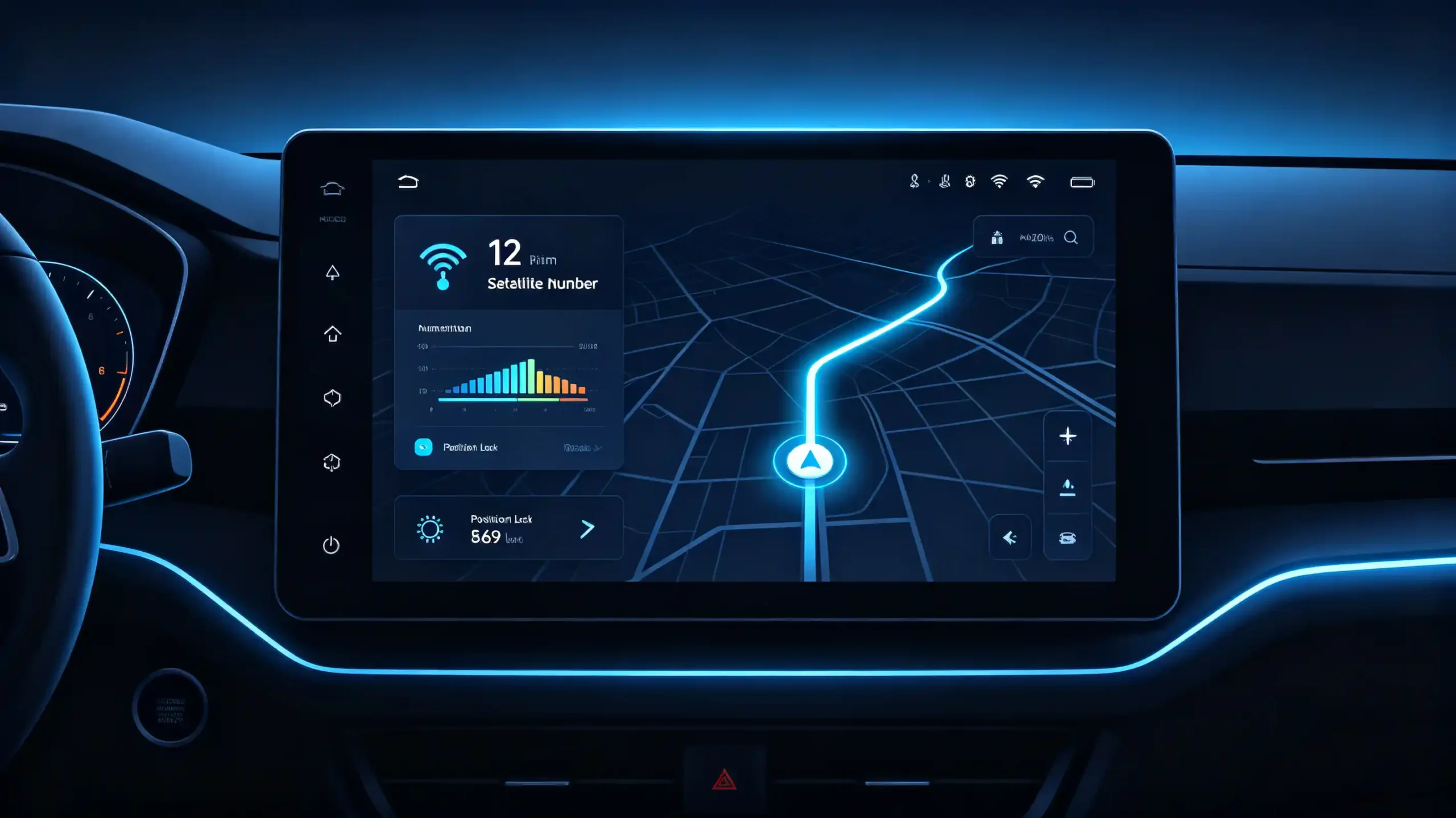
A head unit can have excellent navigation software and a capable GPS chipset. It can still deliver poor positioning accuracy. This happens if the antenna feeding it a signal is mismatched, poorly placed, or simply the wrong type for the installation. Antennas rarely get the attention they deserve in navigation troubleshooting conversations. But they are often the actual source of “my GPS is not accurate” complaints. These complaints get blamed on the head unit itself.
This guide covers how car GPS antennas work. It covers what separates active from passive designs. It also covers what installers and buyers should check before assuming a navigation problem is a software issue. For a foundational overview of navigation systems, see our what is a car navigation system guide.

What a Car GPS Antenna Actually Does
The Core Job
A GPS antenna’s job is straightforward in concept. Capture the extremely weak radio signal broadcast from GPS satellites roughly 20,000 kilometers away. Deliver it to the receiver with as little loss and interference as possible.
Why Quality and Placement Matter
Because the signal arriving at the antenna is faint by the time it reaches Earth, antenna quality and placement have an outsized effect on how reliably a system can lock onto satellites and maintain accurate positioning.
Two Identical Chipsets Can Perform Differently
This matters practically because two head units with identical GPS chipsets can perform very differently depending purely on the antenna feeding them. A well-designed antenna in a good location acquires satellites faster. It holds a stable fix through light obstruction like tree cover. It recovers more quickly after a signal loss such as exiting a tunnel or parking garage.
Active versus Passive GPS Antennas: What’s the Difference
Two Categories
Automotive GPS antennas generally fall into two categories. Choosing the right one affects how well a system performs once installed.
Active GPS Antenna
An active GPS antenna includes a built-in low-noise amplifier. This amplifier boosts the signal before sending it down the cable to the receiver. This amplification compensates for signal loss over longer cable runs. Long cable runs are common in vehicle installations where the antenna sits on the roof or dashboard and the head unit is mounted some distance away. Active antennas require a small power supply to run that amplifier. This power is typically drawn from the head unit itself.
Passive GPS Antenna
A passive GPS antenna has no built-in amplification. It relies entirely on the strength of the incoming signal and a short, low-loss cable run to the receiver. Passive designs work fine when the antenna sits very close to the receiver. But they degrade more noticeably over longer cable distances. Most automotive installations — where cable runs of several meters are common — use active antennas rather than passive ones.
Avoiding a Mismatch
For buyers and installers, confirming which type a head unit expects is important. Supplying the correct matching antenna prevents a mismatch. A mismatch shows up as unexplained weak signal or slow satellite acquisition. This happens even when every other component is functioning correctly.
GPS Antenna Connector Types and Compatibility
Common Connector Types
Automotive GPS antennas use a handful of common connector types. Mismatched connectors are a frequent, avoidable source of installation delays.
SMA Connectors
SMA connectors are widely used and relatively easy to identify.
MCX and MMCX Connectors
MCX and MMCX connectors are smaller. They are more common on compact head unit designs where space is limited.
FAKRA Connectors
FAKRA connectors use a color-coded housing system. They are especially common in OEM automotive applications and multi-antenna setups. Several different signal types — GPS, radio, cellular — need to be kept clearly distinguishable during installation.
Compatibility Check
Buyers sourcing antennas separately from a head unit should confirm connector compatibility explicitly. Do not assume a generic “GPS antenna” will fit. A mismatched connector type is a simple problem to prevent before an order ships. But it is a frustrating one to resolve after a batch of incompatible antennas has already arrived at a dealership.
Installation Factors That Affect GPS Antenna Performance
Even a High-Quality Antenna Can Underperform
Even a high-quality antenna underperforms if installed poorly. A few recurring installation issues account for most real-world performance complaints.
Placement and Signal Obstruction
An antenna needs as clear a view of the sky as possible. Placement under metallic trim, deep within a dashboard, or behind heavily tinted glass with metallic content can block or significantly weaken the incoming signal before it ever reaches the antenna element. Roof-mounted or dashboard placements with an unobstructed upward view generally perform best. Antennas tucked into enclosed spaces struggle regardless of how capable the underlying hardware is.
Cable Routing and Electrical Interference
Running an antenna cable alongside power cables, ignition wiring, or other sources of electrical noise can introduce interference. This degrades signal quality even when the antenna itself is placed well. Sharp bends in the cable can also cause signal loss at the bend point. This is particularly true with lower-quality cable. Careful routing — keeping the antenna cable separated from noisy electrical runs and avoiding tight bends — is a basic but frequently overlooked installation step. It measurably affects final performance.
B2B Considerations for Sourcing GPS Antennas and Navigation Hardware
Antennas Are Often an Afterthought
For dealers, wholesalers, and OEM/ODM buyers, antenna sourcing is often treated as an afterthought compared to the head unit itself. This creates avoidable performance and compatibility issues at scale.
Power and Voltage Compatibility
The buyer needs antennas whose power requirements actually match the head unit and the target market’s electrical standards. Active antennas draw power through the same connection delivering the GPS signal. Companies usually evaluate whether a supplier can customize power modules to match different country voltage standards. A bulk order destined for multiple regions may need antenna and head unit power specifications adjusted accordingly. Assuming one configuration works everywhere is not sufficient.
Supplier Evaluation Factors
Buyers sourcing GPS antennas alongside navigation hardware for bulk orders tend to check a consistent set of things. Whether the antenna type (active or passive) and connector match the head unit’s actual specifications. Whether cable length and quality suit the intended installation. How the antenna performs under real-world testing rather than open-sky lab conditions alone. Whether the supplier can provide matched antenna and head unit combinations rather than leaving buyers to source antennas separately and hope for compatibility.
The Value of Matched Combinations
This last point saves more after-sales trouble than buyers often expect. Sourcing a head unit from one supplier and an antenna from another introduces a compatibility gap. This gap only surfaces once units are already in customers’ hands. At that point, diagnosing whether the problem is the antenna, the connector, or the receiver itself becomes a much slower process than it needed to be. A single supplier providing pre-tested, matched combinations removes that guesswork from the equation entirely.
FAQ
Why does my car GPS lose signal in a parking garage but work fine outside?
This is expected behavior rather than a defect. GPS signals cannot penetrate concrete and steel structures effectively. Any antenna loses reception in an enclosed parking garage regardless of quality. The system should reacquire signal quickly once the vehicle exits into open sky. A well-designed antenna and receiver combination typically does this faster than a poorly matched or poorly placed one.
Do I need an active or passive GPS antenna for my head unit?
Most automotive installations use active antennas. The typical cable run from an antenna mounted on the roof or dashboard to a head unit elsewhere in the vehicle is long enough to benefit from built-in amplification. Passive antennas suit only very short cable runs. Checking your head unit’s specifications for which type it expects avoids a mismatch that shows up as weak or unstable signal.
Can antenna placement really make that much difference in GPS accuracy?
Yes, significantly. An antenna with a clear, unobstructed view of the sky acquires satellites faster and maintains a more stable fix than one placed under metallic trim, behind tinted glass, or deep within an enclosed dashboard space. Placement is one of the most common, and most fixable, causes of GPS performance complaints. These are often mistakenly attributed to the head unit itself.
What should I check when sourcing GPS antennas for a bulk head unit order?
Confirm the antenna type (active or passive) and connector match your head unit’s specifications. Verify power requirements align with your target market’s voltage standards. Ask whether the supplier can provide pre-matched antenna and head unit combinations rather than requiring separate sourcing. For OEM or ODM orders, clarify power module customization options if you are shipping to multiple regions with different electrical standards.
Conclusion
Whether you are troubleshooting inconsistent GPS performance or specifying antenna and head unit combinations for a new regional market, getting antenna type, connector, and power specifications right from the start avoids performance issues that have nothing to do with the navigation software itself.


