
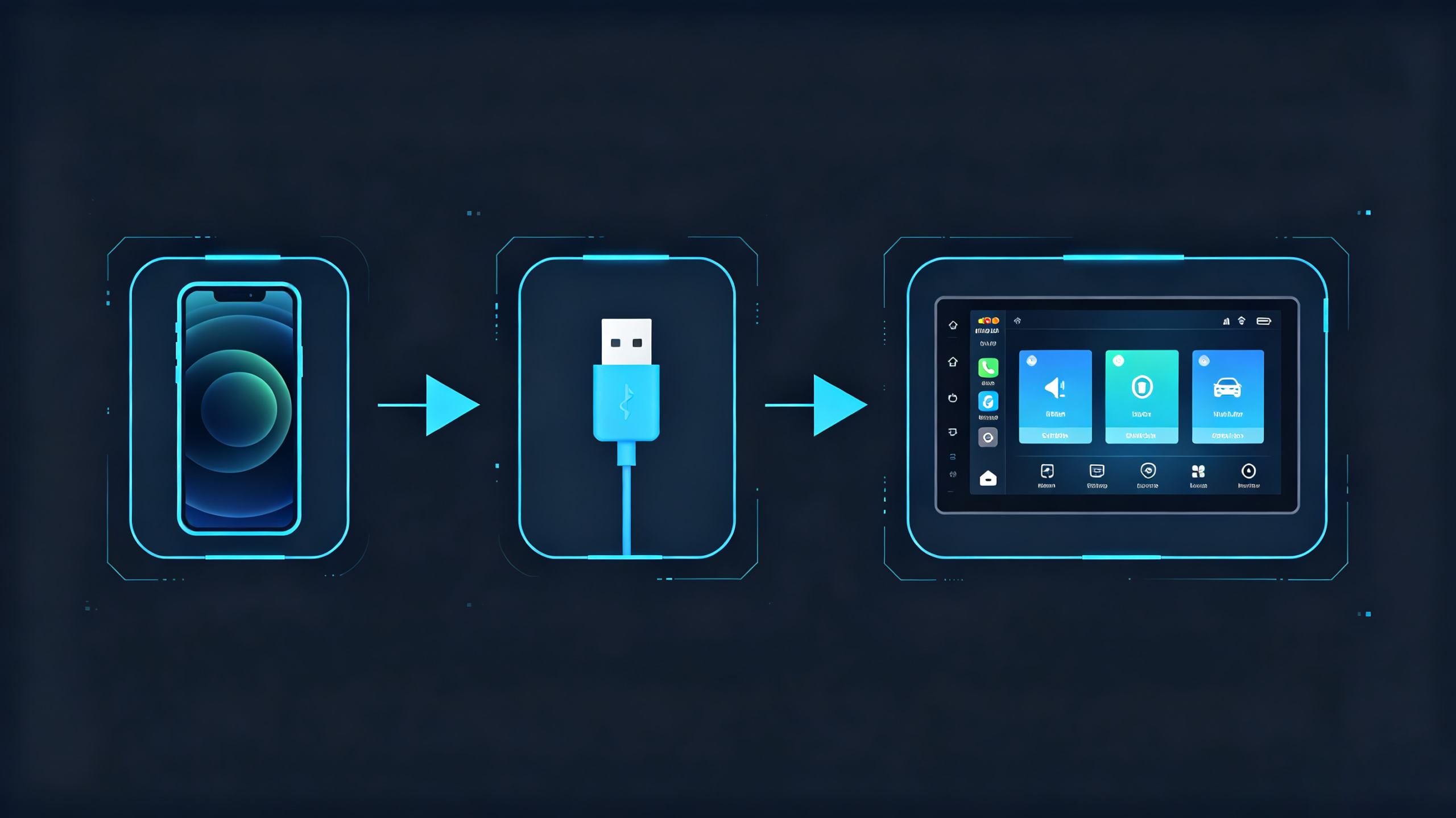
Spec sheets for aftermarket head units still list MirrorLink support fairly often. Buyers evaluating those units do not always know whether that is a meaningful feature or a leftover line item nobody has updated in years. This guide covers what MirrorLink is. It covers how it works. It covers what it requires on both the phone and head-unit side. It also covers whether it is still worth prioritizing in a bulk order. For a complete overview of connectivity, see our smartphone integration in vehicles guide.
What Is MirrorLink? Definition and Core Purpose for Automotive Use
Definition
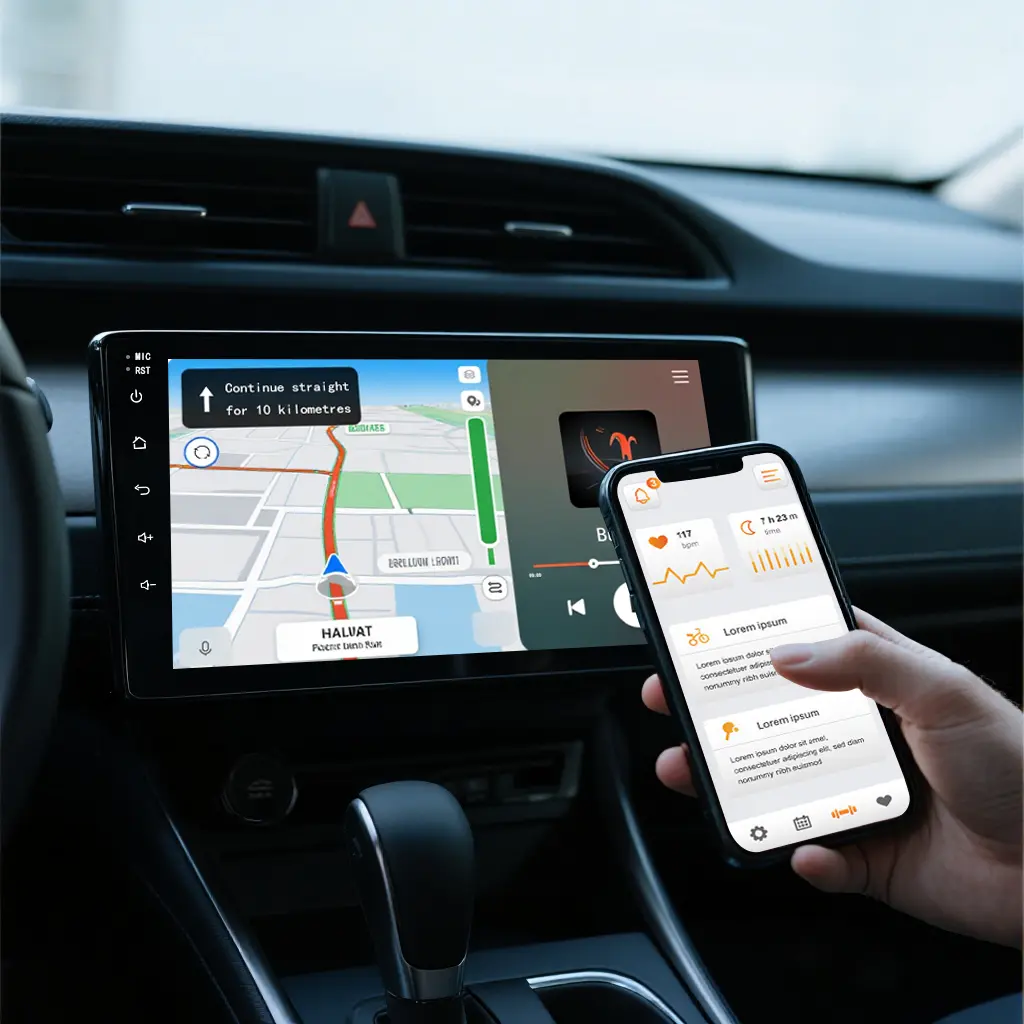
MirrorLink is an industry standard for smartphone-to-vehicle connectivity. It allows screen mirroring and app projection from a mobile phone to a vehicle’s head unit display.
Development History
It was developed by the Car Connectivity Consortium (CCC). This is a cross-industry group including automotive and mobile phone manufacturers. The goal was to give drivers access to smartphone apps through the vehicle’s own screen. These include navigation, media, and contacts. The interface was designed to be reasonably driver-friendly.
Early Positioning
MirrorLink was one of the earliest smartphone-projection standards built for automotive use. It predates the phone projection solutions that dominate the market today.
Why That Matters Now
That earlier positioning matters for how you should think about it now. It is increasingly uncommon. Where it still shows up on a head unit, it is usually a holdover from an older infotainment design. It is not an actively maintained feature. Plenty of manufacturers have quietly stopped supporting it altogether.
How MirrorLink Smartphone Mirroring Works: Core Operating Principle
The Technical Workflow
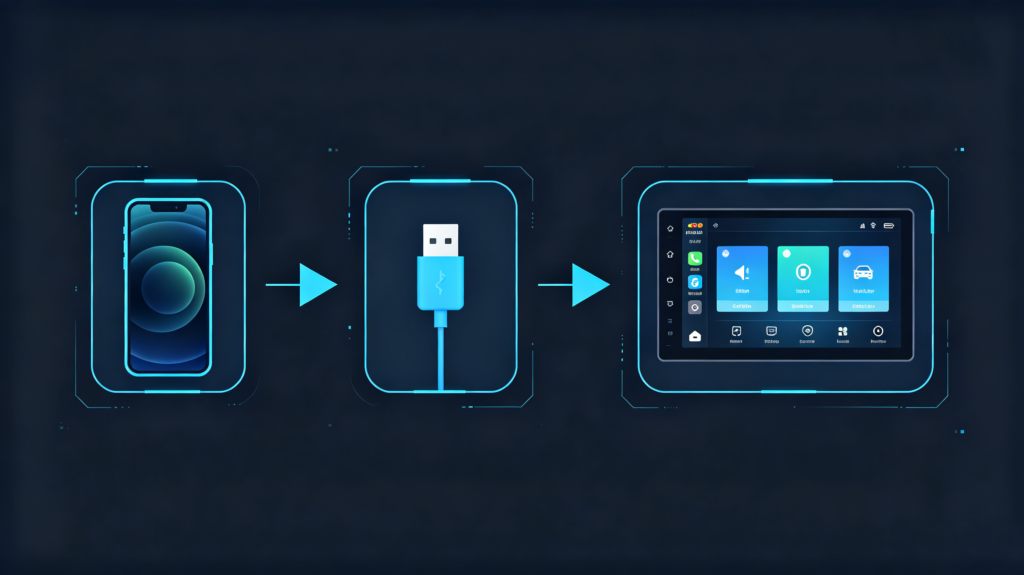
MirrorLink’s technical workflow runs through a fairly straightforward sequence.
Step 1: Connection
The phone connects to the head unit, primarily over a USB cable. Wi-Fi is supported in some implementations. But it is far less common in practice.
Step 2: Protocol Negotiation
Once connected, the phone and head unit negotiate the MirrorLink protocol. Certification checks confirm both sides support it.
Step 3: Data Transfer
From there, the phone sends its screen data to the head unit for display. Touch input gets routed back to the phone so mirrored apps respond correctly. Audio — media playback, navigation prompts — plays through the vehicle’s speakers.
Underlying Technology
Underneath this, MirrorLink relies on the Real-Time Protocol (RTP) running over USB. Display content is compressed and streamed rather than transmitted raw.
Important Terminology Distinction
It is worth being precise about terminology. This affects how buyers should evaluate the feature. MirrorLink is a mirroring standard. It projects whatever is already on the phone screen. Modern phone projection standards work differently. They render a vehicle-optimized version of supported apps. They do not mirror the phone’s own interface. This is part of why the user experience differs so much between the two.
MirrorLink Android: Compatible Smartphones and Vehicle-System Requirements
Phone-Side Requirements
Both sides of the connection must meet specific conditions for MirrorLink to work. On the phone side, support was concentrated in Android 4.1 through 7.0. These are meaningfully older versions. Support has largely been phased out on Android 8.0 and newer.
Phone Brands
Historically, brands like Sony, Samsung, HTC, and Nokia shipped MirrorLink-capable models. Support was never universal across Android devices. It required a specific built-in client or a dedicated app. A compatible OS version alone was not enough.
Head-Unit Requirements
On the head-unit side, the requirements are just as specific. The unit needs Car Connectivity Consortium certification. It needs a USB port capable of host mode and full data transfer rather than charging-only. It needs display hardware that supports the touch-input protocol MirrorLink requires to relay taps back to the phone.
The Realistic Compatibility Window
Put together, this narrows the realistic compatibility window considerably. MirrorLink largely applies to older phones paired with older or specifically certified head units.
Buyer Takeaway
For buyers, the takeaway is straightforward. Verify actual phone compatibility for your target market before counting on MirrorLink as a working feature. Do not assume it applies broadly just because it is mentioned on a spec sheet.
MirrorLink Support: Connection Methods and Available Feature Set
Primary Connection Method
USB cable connection is the primary and most reliable way to establish a MirrorLink session. Wi-Fi is technically supported in some implementations. It is far less common and generally less consistent.
Functional Scope
Once connected, the functional scope covers:
- Navigation app projection (assuming the app is MirrorLink-certified and installed)
- Media playback for supported music apps
- Hands-free calling through phone contacts routed via the head unit
The Certification Constraint
That certification requirement is the key constraint to understand. Only apps specifically certified for MirrorLink are accessible through the connection. Everything else is blocked. This is largely for safety reasons tied to driver distraction.
Interface Design
The interface itself is simplified compared to the phone’s native screen. It has larger touch targets suited to in-vehicle use.
What MirrorLink Does Not Do
It is worth being clear with buyers and end users here. MirrorLink does not mirror the entire phone screen the way the name might suggest. It is limited to certified apps. This is a meaningfully narrower scope than full-device mirroring.
MirrorLink Limitations and Real-World Compatibility Pain Points
Phone Compatibility
A handful of practical limitations show up consistently once MirrorLink gets deployed in real aftermarket products. Phone compatibility is the biggest one. Since support is concentrated in older Android versions, newer phones frequently do not support it at all. This happens regardless of what the head unit’s spec sheet claims.
App Support
App support is limited to whatever has been through MirrorLink certification. This excludes many navigation and media apps drivers actually use day to day.
User Frustration
Even where certification is meant to keep the app selection safety-focused, the narrow selection tends to frustrate end users. They expected broader functionality.
Display Performance
Display performance is another common complaint. Noticeable lag or lower visual quality compared to native phone-projection experiences are frequent issues.
Wireless Inconsistency
MirrorLink depends primarily on a wired USB connection. The wireless option — where it exists — tends to be inconsistent enough that most implementations lean on the cable regardless.
The Pattern
This adds up to a pattern worth flagging directly. Plenty of aftermarket head units list MirrorLink support on paper. But they deliver a poor experience once a customer actually tries it with their own phone. For sourcing purposes, treat MirrorLink as a legacy feature. Do not build a connectivity story around it.
MirrorLink vs Other Phone Projection Standards
| Dimension | MirrorLink | Modern Phone Projection Standards |
|---|---|---|
| Phone compatibility | Limited to older Android devices | Broad support across most modern phones |
| App support | Certified apps only; limited selection | Broad support across navigation, media, communication |
| Driver-optimized interface | Basic mirroring, limited optimization | Vehicle-optimized UI with safety-first design |
| Connection method | Primarily USB | USB and wireless options |
| Performance | Higher latency, variable quality | Low latency, higher-quality rendering |
| Industry support | Declining; legacy feature | Strong and growing |
| Typical use case | Legacy compatibility | Primary connectivity solution |
The Gap
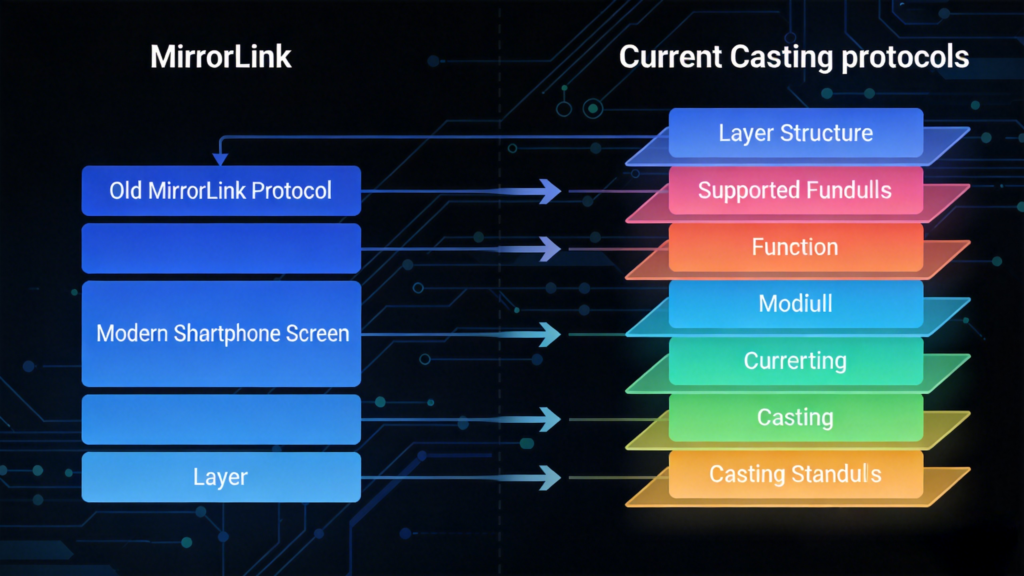
The gap here is not close. MirrorLink is an older standard with declining industry support. Modern phone projection standards offer broader phone compatibility. They offer better real-world performance. They offer a wider range of usable apps.
Sourcing Priority
For most B2B sourcing decisions, modern phone projection support should be the priority. Treat MirrorLink as a supplementary feature. It is relevant mainly for legacy compatibility.
B2B Sourcing Considerations: Does MirrorLink Support Matter for Your Projects
When It Is Worth Keeping
Whether MirrorLink is worth including comes down to a few concrete scenarios rather than a blanket answer. It is worth keeping for legacy vehicle upgrade projects involving pre-2015 vehicles. Some customers may still specifically expect it there.
Budget Markets
It is also worth considering for budget-conscious markets where older Android phones remain in wider use. MirrorLink can still carry some residual demand there.
Modern Markets
For most modern aftermarket head units, it is reasonable to include it as a legacy fallback. Do not position it as a selling point. For bulk lines targeting markets with modern phone adoption, it can generally be deprioritized. Customers will expect modern phone projection support as standard.
Practical Sourcing Advice
The practical sourcing move is to check spec sheets for MirrorLink listing. Do not treat it as a primary connectivity feature. Test with actual phones before finalizing an order. Do not rely on the spec sheet claim alone. For nearly all current bulk orders, modern phone projection support should be the priority. Keep MirrorLink in mind only as a nice-to-have for legacy compatibility.
FAQ
Does MirrorLink work with all modern Android smartphones on the market?
No. MirrorLink support was concentrated in Android 4.1 through 7.0. It has largely been phased out on Android 8.0 and newer. Most current Android phones do not include MirrorLink support at all. Buyers should not assume broad compatibility just because a head unit lists the feature.
Can MirrorLink operate over wireless connections, or does it require a physical wired connection?
MirrorLink primarily relies on a USB cable. This is by far the more reliable and common method. Wi-Fi is technically supported in some implementations. But it is far less consistent in practice. Most real-world deployments end up depending on the wired connection regardless of what is listed as an option.
What is the practical difference between spec-sheet “MirrorLink support” and real-world usable performance?
A spec sheet listing does not guarantee a working connection with a specific customer’s phone. Compatibility depends on the exact Android version and manufacturer support at the time the phone was made. Real-world performance often falls short. Phone incompatibility, limited certified-app availability, and noticeable display lag are common issues.
How does MirrorLink’s usable feature-set differ versus other mainstream phone-projection solutions?
MirrorLink only supports apps that have gone through its own certification process. This excludes many popular navigation and media apps drivers actually use. Modern phone projection standards support a considerably broader range of apps. They offer a vehicle-optimized interface. They generally deliver lower latency and better display quality.
For aftermarket bulk-product lines, which regional markets still have tangible MirrorLink end-user demand?
Demand tends to concentrate in markets with a higher share of older Android devices still in active use. Legacy vehicle upgrade projects for pre-2015 models are another area. In markets with high modern-phone adoption, MirrorLink demand is minimal. Buyers are generally better served prioritizing modern phone projection support instead.
Conclusion
Whether MirrorLink belongs in your next order depends on your target market’s phone landscape and vehicle age profile. It does not depend on what is printed on a competitor’s spec sheet. Contact our team to discuss your customized requirements. Request a quotation for Android head units built around the connectivity standards your customers actually use.


