
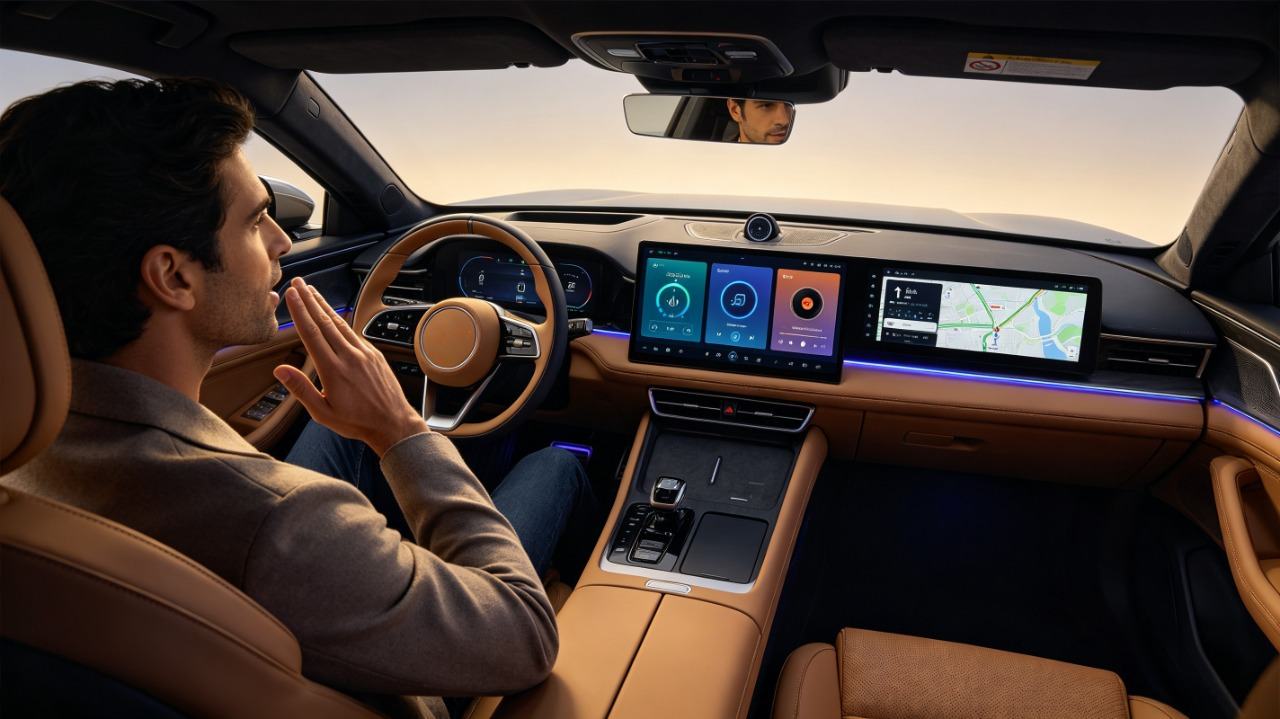
A driver says “navigate to the nearest gas station” and, a second or two later, a route appears on screen. That short exchange hides a surprisingly involved chain of hardware and software — and for B2B buyers sourcing infotainment systems, understanding that chain is what separates a system that holds up on the road from one that only performs well in a quiet showroom demo. This guide walks through how in-vehicle voice control actually works, what hardware and software it depends on, and what to test before committing to a bulk order. For a complete overview of connectivity, see our smartphone integration in vehicles guide.
What Is In-Vehicle Voice Control? Definition and Core Purpose
In-vehicle voice control is a hands-free interaction system that lets the driver operate navigation, media, calls, climate, and vehicle settings using spoken commands instead of touching a screen or button. It serves three practical purposes: reducing the distraction that comes with reaching for a touchscreen, making routine functions faster without taking a hand off the wheel, and giving users who find small touchscreens frustrating an easier way to control the system.
For B2B buyers, voice control has shifted from a nice-to-have into something close to a baseline expectation. For a full view of all hardware decisions, see our car stereo hardware components overview. A modern infotainment system without reliable voice control reads as outdated to end customers, making it a real differentiator when comparing product lines — not just a checkbox on a spec sheet.
End-to-End Voice Command Processing Workflow in Vehicles
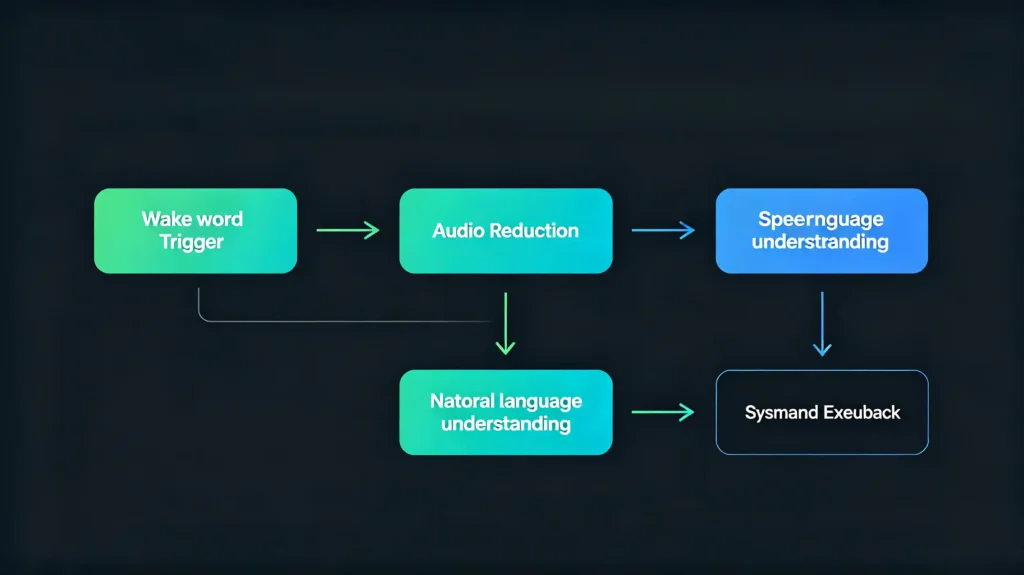
Every voice command moves through the same basic sequence, whether it’s a simple “next track” or a full navigation request:
- Wake word detection or button activation — the system activates on a wake phrase or a steering wheel button press.
- Audio capture — the microphone picks up the driver’s voice, along with whatever else is happening in the cabin.
- Noise suppression and preprocessing — road noise, wind noise, and cabin sound are filtered out to isolate the voice signal.
- Speech-to-text conversion — the cleaned audio is converted into written text.
- Natural language understanding — the text is parsed to determine intent, distinguishing a navigation request from a phone command, for example.
- Command execution — the system carries out the action, whether that’s calculating a route, placing a call, or changing a track.
- Confirmation response — audio or visual feedback confirms the action was taken.
Any weak link in this chain shows up as a frustrating user experience — usually a command the system either mishears or fails to act on.
Microphone and Audio-Input Hardware for Automotive Voice Control
Single vs Multi-Microphone
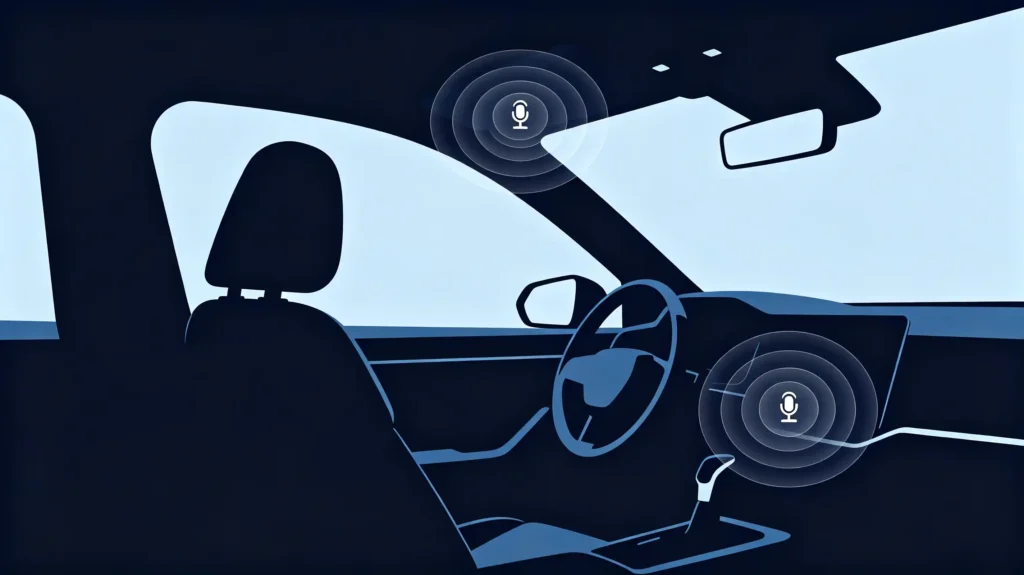
The hardware layer determines how much the software has to work with. A single microphone offers limited noise cancellation. It tends to struggle once road or wind noise picks up. A multi-microphone array gives the system more to work with. It helps isolate the driver’s voice from everything else in the cabin.
Microphone Placement
Placement matters too. Microphones near the driver typically capture cleaner audio. The overhead console or steering column are common locations. A microphone buried in the dash generally performs worse.
The Cabin Noise Challenge
Vehicle cabins are a genuinely difficult noise environment. Engine, road, wind, HVAC blower noise, and passenger conversation all compete with the driver’s voice.
Beamforming Technology
Multi-microphone arrays paired with beamforming help. They focus capture toward the driver’s direction. They suppress sound from elsewhere. Filtering and gain control happen before audio reaches the speech recognition stage.
What to Test
For buyers, this is worth testing directly during sample evaluation. Check microphone count and placement. Test real-world performance with cabin noise playing. Do not take a spec sheet claim at face value.
Speech Recognition and Natural-Language Processing for Automotive Use
Two Distinct Steps
Speech recognition and natural language understanding are two distinct steps. They are often lumped together, but they are different.
Speech-to-Text
Speech-to-text converts spoken audio into written text. Its accuracy is shaped by accent, dialect, background noise, and speaking speed.
Natural Language Understanding
Natural language understanding takes that text and works out what the driver actually wants. This includes the intent and specific details like a destination, a contact, or a media title.
Automotive-Specific Optimizations
Automotive-specific systems build in optimizations that general-purpose voice assistants do not need.
- A vocabulary weighted toward vehicle-related terms. Navigation, climate, and media commands get recognized more reliably.
- Context awareness. A follow-up like “take me there” correctly refers to a destination named a moment earlier.
- Filtering that ignores passenger conversation.
Performance Benchmark
Recognition accuracy above 90% under typical driving conditions is a reasonable benchmark for a commercial-grade system.
Language Coverage
For export-oriented product lines, broad language coverage matters just as much as raw accuracy. 30 or more languages is a common target.
Supported Commands: Voice Navigation and Vehicle-Function Hands-Free Control
Command Categories
Voice control functionality generally breaks down into a handful of practical command categories.
Navigation Commands
Requests like “navigate to [address],” “find the nearest gas station,” or “cancel navigation.”
Media Commands
Playback control — “play [artist],” “next track,” “turn up the volume,” or switching source between FM, Bluetooth, and USB.
Communication Commands
Calls and messages — from placing a call to reading incoming messages aloud.
Climate and Vehicle Commands
Adjusting temperature, fan speed, or AC. This is vehicle-dependent. Not every platform exposes the same controls to the head unit.
Information Commands
Answering situational questions. Examples include current ETA or a traffic update.
Behind Each Command
Behind each of these, the system runs the same logic. It identifies which category the command falls into. It extracts the relevant detail — a destination, a contact name, or a temperature value. It executes the action with confirmation back to the driver.
AI Assistant Integration for In-Vehicle Hands-Free Interaction
Limitations of Basic Systems
Basic voice-command systems only handle predefined phrasing. “Call [name]” has to be said close to exactly that way. There is no real understanding of conversational language.
What AI Assistant Integration Adds
AI assistant integration changes that meaningfully.
- Natural language understanding — requests can be phrased more conversationally.
- Context awareness — the system can ask a clarifying follow-up (“mobile or work?”) and remember the answer.
- General knowledge access — questions like current weather.
- Personalization — builds up around a driver’s routes and preferences over time.
The Practical Difference
The practical difference shows up in requests a rigid command system cannot handle. Something like “find a coffee shop on the way to my destination” requires understanding intent. It is not matching a fixed phrase.
For Premium Buyers
For buyers building a premium tier, this is one of the clearer ways to differentiate from a baseline voice-command offering. It changes what the system feels like to use. It does not just add another line to a features list. The processor driving this AI capability is covered in our best car stereo processor guide.
B2B Evaluation: Voice-Control Performance and System Integration Factors
Key Checks Before Commitment
Before committing to volume, a handful of checks separate a reliable voice-control system from one that will generate after-sales complaints.
Recognition Accuracy
Test in parked and moving conditions, including highway speed. 90%+ accuracy is a reasonable benchmark.
Noise Handling
Test with simulated cabin noise running. Include HVAC, road noise, and conversation. This is where weak systems fall apart.
Command Scope
Confirm coverage across navigation, media, communication, climate, and information commands. Match this against your expected use cases.
Language Support
For export markets, verify actual recognition quality in target languages. Do not just confirm that a language pack exists.
AI Assistant Depth
If targeting a premium tier, evaluate natural language understanding, context awareness, and personalization specifically.
Response Speed
Latency under 2 seconds between command and response is a reasonable working standard.
Common Oversight
A poor microphone array combined with untested cabin noise handling is one of the more common causes of after-sales complaints on bulk voice-control orders. Testing samples in an actual moving vehicle with realistic background noise catches problems a quiet showroom test never will.
FAQ
How does road noise inside vehicle cabins affect real-world voice-recognition accuracy?
Road, wind, and HVAC noise all compete with the driver’s voice at the microphone, which is why single-microphone systems tend to struggle once the vehicle is moving. Multi-microphone arrays with beamforming reduce this problem by isolating sound from the driver’s direction, but accuracy still typically drops compared to a quiet, stationary test — which is why in-vehicle testing matters more than a showroom demo.
What hardware differences separate basic voice-command systems from full AI-assistant-enabled automotive solutions?
Basic systems can often run on more limited processing power since they’re matching fixed phrases against a small command set. AI-assistant-enabled systems need more processing headroom to support natural language understanding and context tracking in real time, along with software capable of maintaining conversational state across follow-up questions.
What key test scenarios should B2B buyers run on samples to validate in-vehicle voice-control performance?
Test recognition accuracy while parked and while driving at different speeds, with cabin noise sources like HVAC and road noise active. Confirm supported command categories actually work as advertised, and if sourcing for export, test recognition quality directly in each target language rather than assuming a listed language pack performs equally well.
Can aftermarket infotainment systems support multi-language voice-recognition for export-oriented bulk-product lines?
Yes — commercial-grade aftermarket systems built for export markets commonly support 30 or more languages. The important step is verifying recognition quality in the specific languages relevant to target markets during sample testing, since broad language coverage on a spec sheet doesn’t guarantee equal accuracy across every listed language.
Ready to Source Reliable Voice-Control Systems?
Voice control performance depends on hardware and software working together under real driving conditions, not just a spec sheet. Contact our team to discuss your customized requirements, or request a quotation for voice-control-enabled Android head units built around your target market.


