
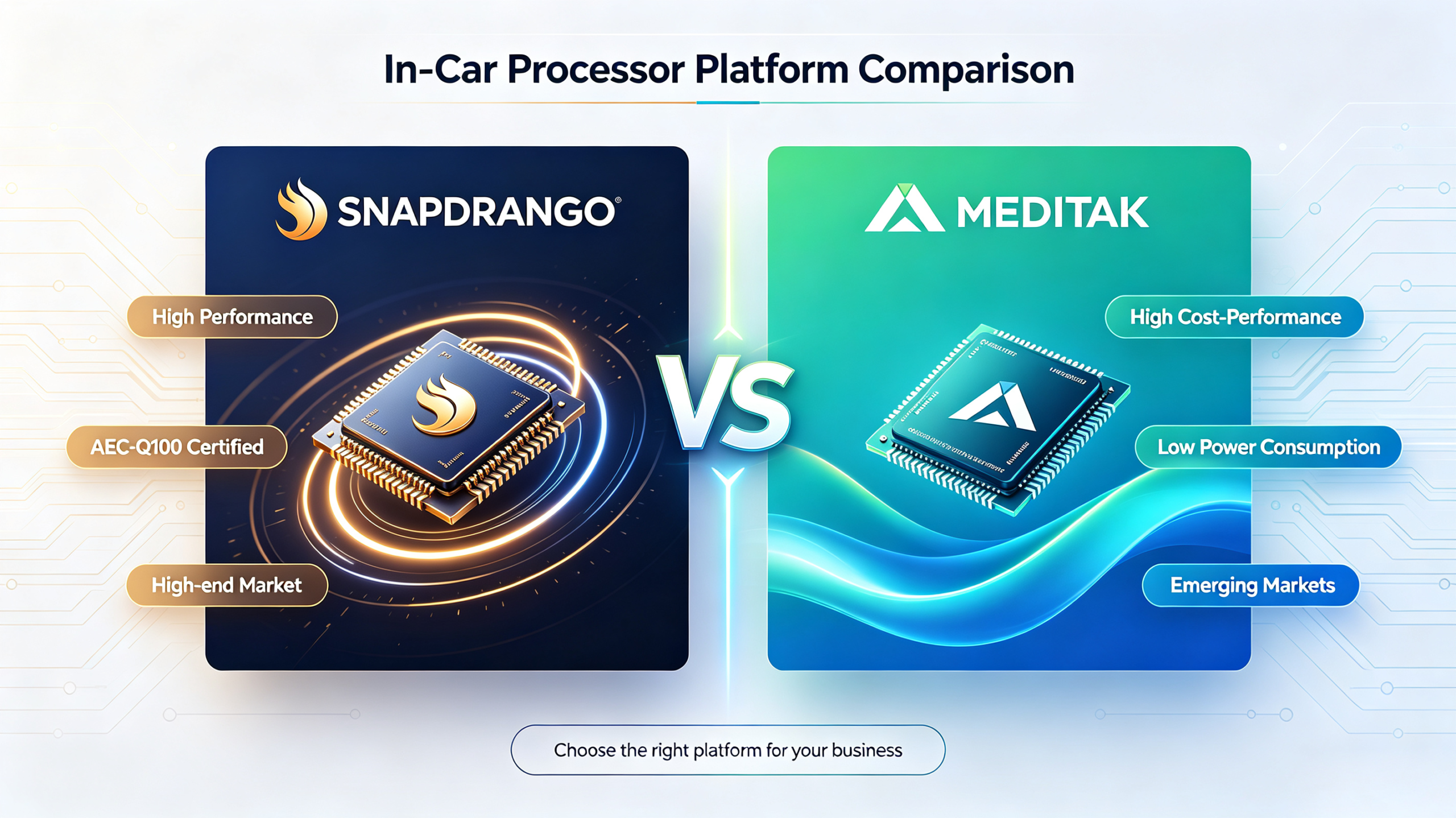
A processor plays a central role in how an Android head unit handles navigation, applications, multimedia, system interfaces, and multitasking. However, processor performance cannot be evaluated by the processor brand or core count alone.
For B2B buyers, the more important question is how the processor works together with RAM, storage, display resolution, firmware, thermal design, and the applications the head unit needs to run.
This guide explains the role of the processor inside an Android head unit, how Snapdragon and MediaTek platforms are used in these systems, which specifications affect real-world performance, and how buyers can verify processor performance before placing a bulk order.
For a detailed platform-to-platform comparison of Qualcomm and MediaTek, see our Qualcomm vs MediaTek Car Stereo: A B2B Benchmark Comparison.
What Is an Android Head Unit Processor? Core Role & Importance
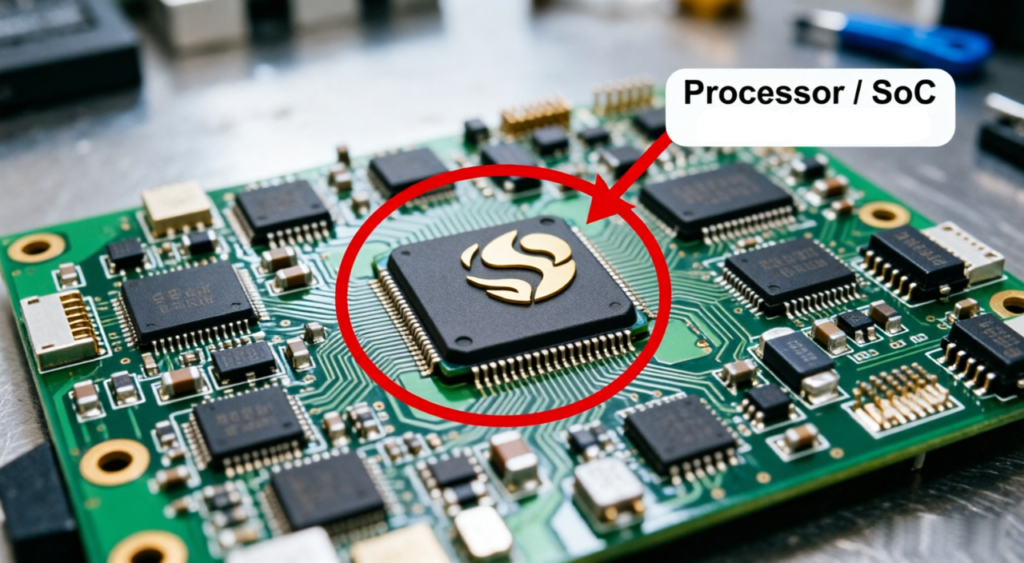
The processor in an Android head unit is typically a System on Chip (SoC) that provides the computing resources required to operate the system. Depending on the SoC, it may integrate CPU cores, GPU resources, memory interfaces, display processing, connectivity, and other functions.
The processor affects how the head unit handles tasks such as Android system operation, application processing, navigation rendering, multimedia playback, and multitasking. However, the final performance of the system depends on more than the SoC itself.
RAM, storage, display configuration, firmware optimization, thermal management, and application workload can all affect responsiveness. A capable processor paired with insufficient memory or poorly optimized software may still provide a poor user experience.
For B2B buyers, processor selection should therefore be evaluated as part of the complete Android head unit platform rather than as an isolated specification.
For more information about how memory and storage work alongside the processor, see our RAM and Storage Guide for Android Car Stereos.
Snapdragon in Android Head Units: Platform Considerations
Qualcomm Snapdragon is one of the processor platforms used in Android-based head units. Different Snapdragon SoCs provide different combinations of CPU capability, GPU performance, memory support, display support, connectivity, and software capabilities.
For an Android head unit, the relevant question is therefore not simply whether a product uses Snapdragon, but which Snapdragon SoC is used and how the complete system is configured.
CPU and System Responsiveness
CPU capability affects application loading, Android system responsiveness, multitasking, and other general computing workloads. The actual performance depends on the specific SoC architecture and configuration.
GPU and Graphics Processing
GPU capability becomes particularly relevant when the head unit uses higher-resolution displays, graphics-intensive interfaces, navigation rendering, video playback, or other visually demanding applications.
Memory and Storage Support
The processor should be evaluated together with supported RAM and storage configurations. Insufficient memory can limit multitasking, while storage performance can affect application loading and system responsiveness.
Display and Connectivity Support
Depending on the SoC and system design, Snapdragon-based platforms may support different display resolutions, wireless standards, multimedia capabilities, and connectivity configurations. Buyers should verify the actual supported specifications of the proposed hardware.
MediaTek in Android Head Units: Platform Considerations
MediaTek is another processor platform used across Android-based head units and automotive aftermarket products. Its SoC portfolio includes different performance levels and configurations, so the capabilities of a MediaTek-based head unit depend on the specific processor model and system design.
For B2B buyers, the relevant specifications include CPU architecture, GPU capability, supported RAM and storage, display capability, connectivity, software implementation, and thermal performance.
- CPU and Multitasking — CPU capability affects how the Android head unit handles simultaneous workloads such as navigation, media playback, Bluetooth functions, and multiple applications. Buyers should evaluate the specific SoC rather than assuming similar performance across all MediaTek platforms.
- GPU and Multimedia — GPU capability affects graphics rendering, navigation interfaces, video playback, and support for different display configurations. The actual capability depends on the specific MediaTek SoC.
- Memory and Storage — RAM and storage should be matched to the processor and intended application workload. A processor with adequate computing capability may still experience limitations when the memory configuration is insufficient.
- System and Thermal Design — Processor performance also depends on firmware optimization and thermal design. Buyers should evaluate the complete head unit under realistic workloads rather than relying solely on processor specifications.
How Processor Specifications Affect Android Head Unit Performance
CPU Capability
CPU capability affects general system responsiveness, application processing, multitasking, and other computing workloads.
However, CPU performance should not be judged only by core count. CPU architecture, clock characteristics, workload, RAM, firmware optimization, and the specific SoC all influence the final result.
For a broader explanation of processor specifications and core-count considerations, see our Best Car Stereo Processor: A B2B Sourcing Guide.
GPU Capability
The GPU is particularly important for graphics-intensive tasks. In an Android head unit, GPU capability can affect navigation rendering, Android interface animations, video playback, and support for higher-resolution displays.
A processor with strong CPU performance may still provide an unsatisfactory display experience if the GPU is not suitable for the intended graphics workload.
RAM
RAM affects how many applications and system processes can remain active at the same time. When navigation, music, Bluetooth, and other Android applications are running simultaneously, insufficient RAM can limit multitasking performance.
Buyers should therefore evaluate RAM together with the processor rather than treating processor performance as an independent specification.
Storage
Storage affects application installation, data access, and system loading behavior. Storage capacity and storage type should be considered according to the intended software configuration and product requirements.
A capable processor cannot compensate for a poorly matched memory and storage configuration.
Firmware Optimization
The same processor can provide different user experiences depending on firmware optimization. Android version, drivers, system configuration, application compatibility, and background services can all influence responsiveness.
For B2B buyers, this is why a physical sample running the intended production firmware is more useful than evaluating a processor only from a specification sheet.
Thermal Management
Android head units operate inside vehicle cabins where temperatures can vary significantly. Processor performance may be affected when the system reaches thermal limits under sustained workloads.
Buyers should evaluate heat dissipation, thermal throttling, enclosure design, and available temperature-testing data during sample evaluation.
How to Evaluate an Android Head Unit Processor for B2B Sourcing
Define the Android Workload
Before selecting a processor, identify the applications and functions the head unit needs to support.
Consider navigation, music playback, Bluetooth, video playback, camera functions, multiple Android applications, wireless connectivity, and other features that may operate simultaneously.
Match the Processor to the Display
Display resolution and graphics workload should be considered together with processor and GPU capability.
Higher-resolution displays may require stronger graphics processing depending on the interface, applications, and multimedia workload.
For more information about HD and FHD selection, see our Display Resolution Guide: HD vs FHD for Car Stereo Sourcing.
Check RAM and Storage
Confirm the RAM and storage configuration together with the processor. The actual configuration should be sufficient for the intended Android version, applications, and multitasking requirements.
Test Application Performance
Test the actual applications that the product is expected to run in production. Navigation, media playback, Bluetooth, video, and multiple applications should be evaluated together rather than separately.
The purpose is to determine whether the complete system remains responsive under realistic workload conditions.
Test Boot and System Responsiveness
Startup time is another useful part of Android head unit evaluation. Buyers should measure boot performance using the actual production firmware rather than assuming that a particular processor automatically guarantees fast startup.
For a dedicated evaluation framework, see our Android Head Unit Boot Time: A B2B Guide to Startup Performance and Evaluation.
Verify the Actual SoC
Before a bulk order, verify the actual processor model installed in the sample. Buyers should compare system diagnostic information with the supplier’s quotation and approved specification.
The processor model, RAM, storage, and other major hardware specifications should be confirmed before production approval.
Common Android Head Unit Processor Sourcing Risks
Incorrect Processor Identification
A supplier may describe a product using a processor family name without clearly identifying the exact SoC. Buyers should request the specific processor model and verify it on the physical sample.
Misleading Core Count Claims
Core count alone does not establish processor performance. Buyers should verify the actual SoC and complete hardware configuration rather than relying only on the advertised number of cores.
Hardware and Software Mismatch
A capable processor can still provide poor system performance when the firmware, drivers, Android version, or applications are not properly optimized for the hardware.
Insufficient RAM or Storage
Processor performance should be evaluated together with RAM and storage. A system may become slow under multitasking when the memory configuration is not appropriate for the intended workload.
Thermal Throttling
Poor thermal management can reduce processor performance under sustained workloads. Buyers should evaluate the sample under realistic operating conditions and request available thermal test data.
Specification Substitution
The processor and memory configuration in production units should match the approved sample and quotation. Buyers should establish a verification process before bulk production.
FAQ
What does the processor do in an Android head unit?
The processor, usually implemented as a System on Chip (SoC), provides the computing resources required for Android system operation, application processing, navigation, multimedia, graphics, and multitasking
Is an octa-core processor always better for an Android head unit?
Not necessarily. More cores can provide additional processing capacity for multitasking, but core count alone does not determine performance. CPU architecture, GPU capability, RAM, storage, firmware optimization, and the specific SoC should also be evaluated.
How much RAM does an Android head unit need?
The appropriate RAM configuration depends on the Android version, applications, multitasking requirements, and overall product configuration. Buyers should evaluate RAM together with the processor and storage rather than treating a single RAM capacity as a universal requirement.
Does the processor affect Android head unit boot time?
Processor capability can influence system startup, but boot time also depends on storage performance, Android configuration, firmware optimization, background services, and other system components. Physical sample testing is therefore more useful than estimating boot time from processor specifications alone.
Conclusion
The processor is one of the key components that determines how an Android head unit handles system operation, applications, navigation, multimedia, graphics, and multitasking. However, processor performance cannot be evaluated independently from RAM, storage, display configuration, firmware, thermal management, and application workload.
For B2B buyers, the most reliable approach is to define the intended Android workload first, select an appropriate SoC and complete hardware configuration, and then verify the actual system through physical sample testing.
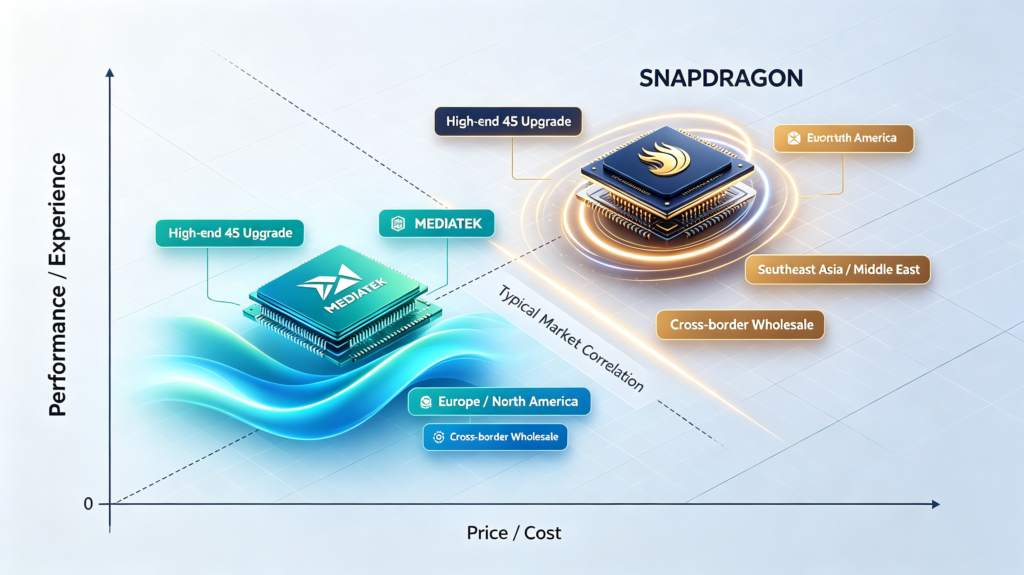
Snapdragon and MediaTek can both be evaluated for Android head unit applications, but the specific SoC and system configuration matter more than the processor brand alone.
For a detailed platform-to-platform comparison, see our Qualcomm vs MediaTek Car Stereo: A B2B Benchmark Comparison.


