
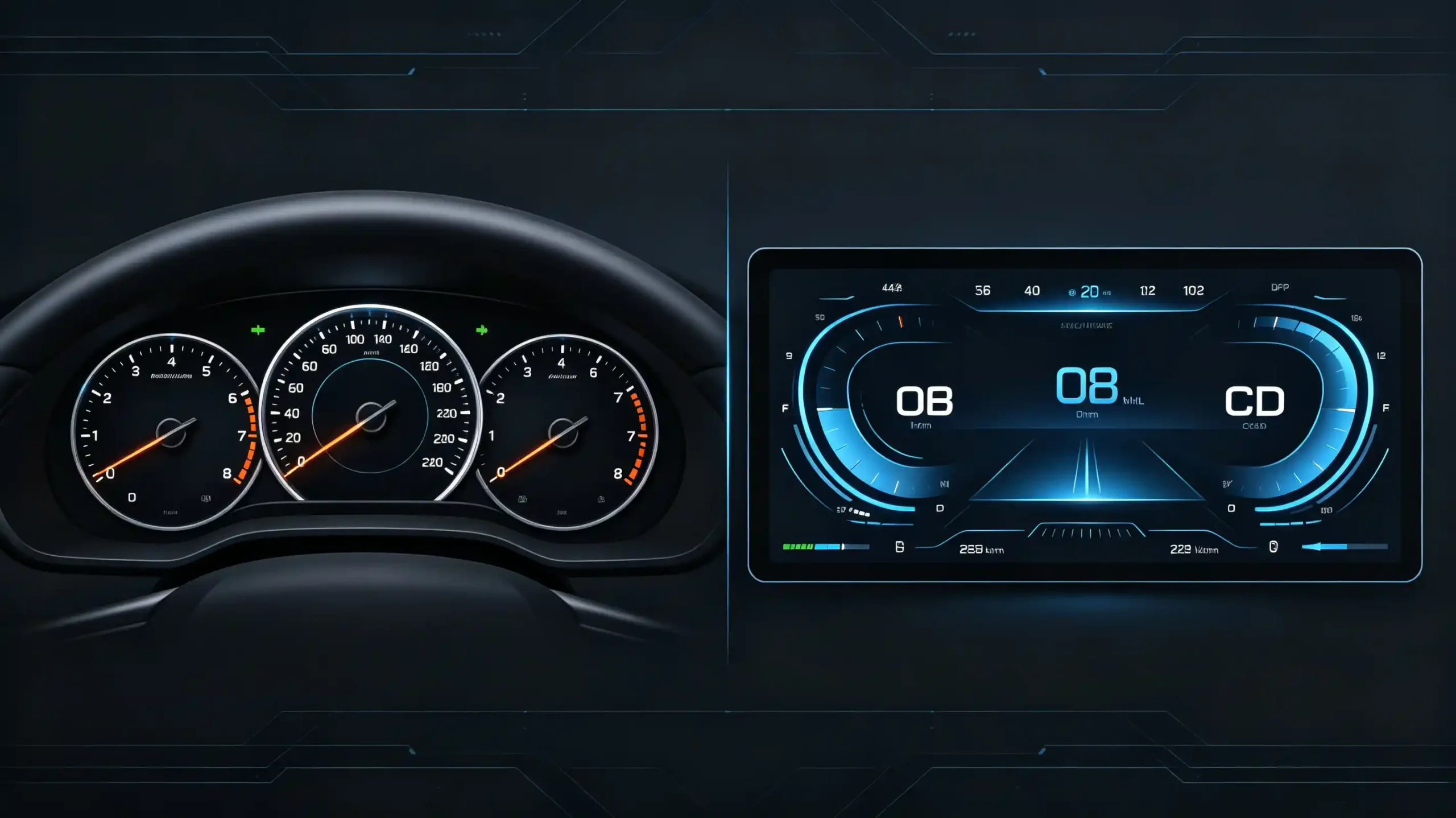
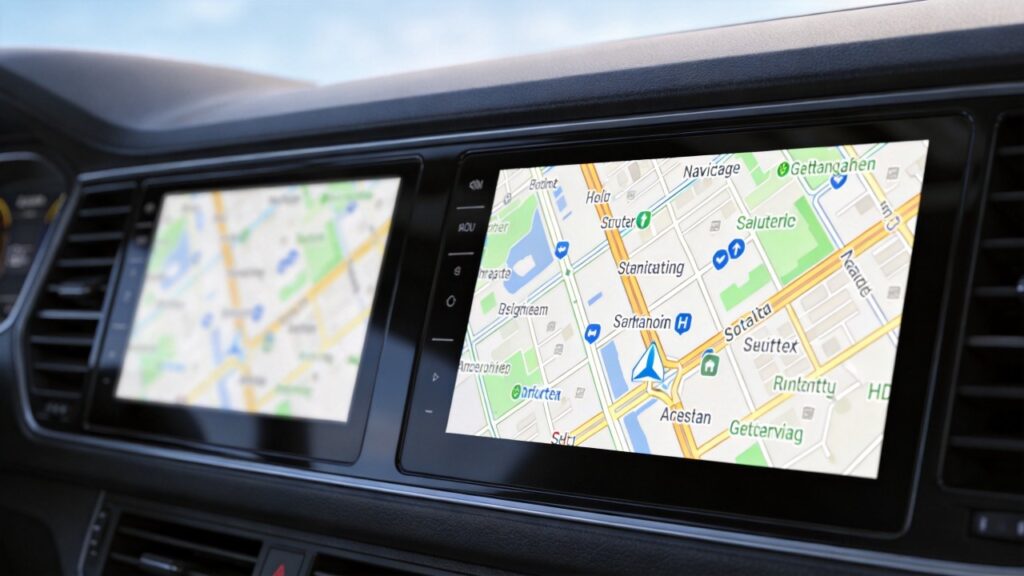
Two car stereos can use the same physical screen size while delivering very different image quality. One of the main reasons is display resolution.
For B2B buyers, understanding the difference between HD and FHD helps when comparing car stereo specifications, evaluating display quality, and selecting products for different vehicle and market requirements.
This guide explains what HD and FHD resolution mean, how resolution affects image sharpness, how screen size and pixel density influence the result, and what buyers should verify when sourcing car stereo displays.
What Is Display Resolution for Car Stereos? Core Definitions & Industry Standards
Core Definition
Resolution is simply the pixel count on a screen, given as width by height. More pixels packed in means sharper images and cleaner text. That part is not complicated.
HD (High Definition)
HD (High Definition) sits at 1280×720. It has become the entry-level baseline for car stereos. It holds up fine for navigation and media on screens up to about 7 or 8 inches.
FHD (Full High Definition)
FHD (Full High Definition) jumps up to 1920×1080. The difference shows immediately. Sharper text, better video, and a real improvement in how easy a navigation map is to read at a glance.
Why Resolution Matters Behind the Wheel
Why does any of this matter behind the wheel? Because a driver glancing at a screen does not have time to squint at a blurry street name. Higher resolution means less eye strain. It also means faster, safer reading at a glance.
Industry Standards
Across the industry, HD is still the floor. They are not common enough yet to be worth covering in a guide like this one.
HD vs FHD Car Stereo: Core Resolution Performance Comparison
Where the Gap Shows Up
Where does the gap between HD and FHD actually show up? Pretty much everywhere the screen gets used.
Navigation Maps
On navigation maps, FHD renders finer street labels and cleaner lane guidance. HD is not bad, exactly. It just does not have that crisp, premium look FHD gives you.
Video Playback
Video looks noticeably sharper on FHD. HD starts showing its limits once you are playing high-def content on a bigger screen. Some visible pixelation appears.
Text Readability
Text benefits as well. Sharper edges on FHD make it easier to read menus and song titles. Users do not need to squint.
Screen Size Considerations
Screen size changes how much any of this matters. On a 7-inch display, the HD-to-FHD jump is there if you look for it. But it is not dramatic. Push past 9 or 10 inches, though, and the gap becomes obvious. Even someone who is not paying close attention will notice. Screen size and resolution go hand in hand. See our car navigation screen size guide for detailed guidance.
Business Perspective
Business Perspective
From a B2B sourcing perspective, HD and FHD can serve different product positions.
HD can be suitable for smaller screens and cost-sensitive product lines where basic navigation and media playback are the priority.
FHD can provide a higher level of image detail, particularly on larger displays, and may be appropriate for products positioned around higher display quality.
The appropriate choice depends on screen size, target market, product positioning, and total system cost rather than resolution alone.
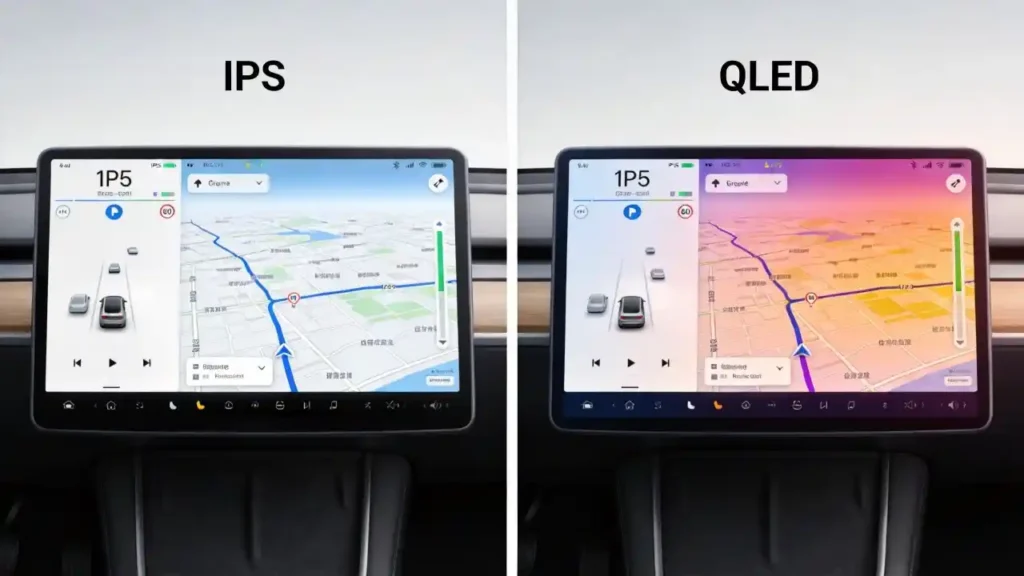
How Resolution Interacts with IPS & QLED Display Panels
Resolution and panel technology describe different aspects of a display.
Resolution determines how many pixels are displayed, while panel technology affects characteristics such as viewing angle, brightness, contrast, and color performance.
For example, an FHD display does not automatically provide better overall image quality if the panel itself has poor brightness, contrast, or viewing-angle performance.
When comparing car stereo displays, buyers should therefore evaluate resolution together with panel quality rather than treating the resolution number as the only indicator of display performance.
For a detailed comparison of IPS and QLED panel technologies, see our IPS vs QLED Display Technology guide.
Touchscreen Pixel Density: Impact on User Experience & Commercial Value
What Is Pixel Density?
Pixel density, measured in pixels per inch (PPI), describes how closely pixels are packed on a display.
A higher PPI generally allows text, interface elements, and image details to appear sharper at the same viewing distance.
Why Screen Size Matters
Resolution should always be considered together with physical screen size. The same HD resolution produces a lower pixel density when it is spread across a larger display.
For B2B buyers, comparing screen size, resolution, and PPI together provides a more useful picture of expected display sharpness than looking at resolution alone.
How to Choose the Right Display Resolution for Your B2B Business
Smaller Screen and Cost-Sensitive Products
HD can be considered for smaller displays and products where controlling system cost is an important requirement.
Larger Screen Products
FHD becomes more relevant as screen size increases because the same resolution produces lower pixel density on a larger panel.
Premium Product Lines
For products positioned around higher display quality, FHD can provide more detailed maps, sharper text, and cleaner video playback than HD when the screen and panel are properly matched.
OEM/ODM Projects
For OEM/ODM projects, display resolution should be specified together with screen size, panel type, brightness, aspect ratio, and target application.
The final specification should be based on the vehicle application, target market, product positioning, and cost requirements rather than choosing HD or FHD in isolation.
Common Resolution-Related Quality Risks & Sourcing Red Flags
FHD Advertised, HD Shipped
Some suppliers will simply advertise FHD and ship HD. It happens more than buyers expect. The only real defense is physical inspection or display testing. Do not trust the spec sheet alone.
Firmware Optimization Issues
Even a genuine FHD panel can look underwhelming if the firmware behind it is not properly optimized. Test with actual high-definition content. Do not rely on a polished demo reel that has been chosen to look good.
High Resolution on a Weak Panel
High resolution on a weak panel is another trap. The number on the box means little if brightness, contrast, and viewing angles are not there to back it up.
Screen Size Mismatches
Do not overlook screen size mismatches. HD stretched across a 10-inch-plus display produces exactly the kind of low-PPI, pixelated look this guide has been warning about.
The Fix
The fix is the same every time. Request samples. Run them through real content. Check pixel count with a proper diagnostic tool before production starts. Pair that with a 48-hour aging test and high-temperature testing. That goes a long way toward confirming the display holds up past its first showroom demo.
FAQ
How much clearer is FHD resolution compared to HD in in-car navigation and video playback?
The difference shows up clearly in sharper street labels, finer map detail, and video that stays clean without visible pixelation. This is particularly noticeable on 9-inch-and-up screens. On a smaller 7-inch display, the gap is present but subtler. It is most obvious when you put the two side by side. Judging either one in isolation does not show the full difference.
What pixel density is recommended for 10-inch car stereo touchscreens to ensure clear display?
A 10-inch FHD panel lands around 220 PPI. This gives excellent clarity for text and navigation detail. Drop to HD on that same 10-inch size and PPI falls enough to start looking pixelated by comparison. For screens this size, FHD is generally the better match. This is true if sharp, legible detail matters to your buyers.
What are the most common fake resolution specifications in aftermarket car stereo bulk orders?
The classic move is advertising FHD while actually shipping HD. Only physical inspection or diagnostic testing will catch this. The listing itself will not reveal it. Firmware that does not fully take advantage of a genuine FHD panel is another pattern. Test for this directly using sample units before you commit to a full production run.
Conclusion
Conclusion
Choosing between HD and FHD for a car stereo should not be based on resolution alone.
Screen size, pixel density, panel quality, product positioning, and target market all affect whether a particular display specification is appropriate.
For B2B buyers, the most important step is to verify the actual display specification through samples and testing rather than relying only on supplier datasheets.
For Android-specific considerations such as aspect ratio, UI scaling, app compatibility, and system-level display support, see our HD or FHD? Android Head Unit Resolution, PPI & Sourcing Guide.


