
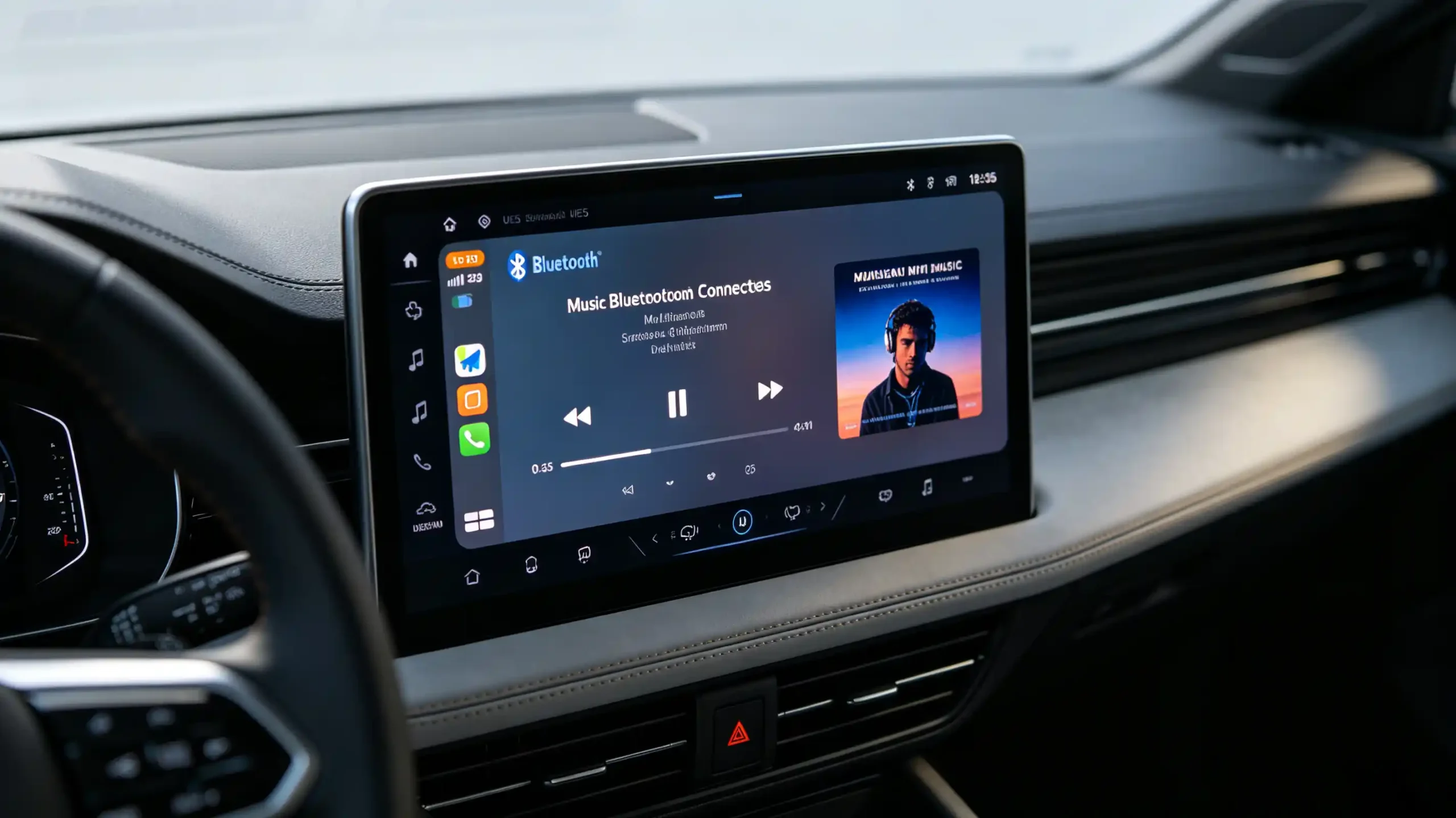
Pairing a phone to an infotainment unit is the easy part. A successful connection does not tell you whether calling, music streaming, or playback control actually work.
Bluetooth profiles in car infotainment are the standardized specifications that determine which of those features function. A connection without the right profile support on both sides will not deliver the feature a customer expects. For dealers, wholesalers, and infotainment sourcing teams, knowing what HFP, A2DP, and AVRCP each do is the difference between catching a partial implementation before a bulk order ships and discovering it through after-sales complaints.
This guide covers the three core Bluetooth profiles. It covers how they work together. It also covers what to verify before committing to a supplier. For a technical overview of the hardware platform, see our What Is an Android Head Unit guide.
Bluetooth Profiles – Core Definition for Car Infotainment
What Are Bluetooth Profiles?
Bluetooth profiles are standardized specifications. They define how two Bluetooth devices communicate for a specific function — calling, audio streaming, or playback control.
A Connection Alone Is Not Enough
A successful Bluetooth connection alone does not guarantee any of these work. Both the phone and the infotainment unit need to support the matching profile for that specific feature to function.
Three Core Profiles
Three profiles cover most of what a driver expects day to day. HFP enables hands-free calling. A2DP enables music streaming. AVRCP enables media control — play, pause, and skipping tracks.
Partial Implementation Risk
Partial implementation is where things get commercially risky. Missing HFP means hands-free calling does not work at all. Missing A2DP means music will not stream. Missing AVRCP means the driver has no way to control playback from the head unit, even if audio is streaming perfectly fine. A unit that implements each profile only partially can look functional in a quick demo. It can quietly fail in ways that only show up with daily use.
What to Verify
For B2B buyers, this means verifying actual profile support. Do not treat a general “Bluetooth” listing as sufficient. For a complete guide on Bluetooth performance, see our Bluetooth in car systems guide.
HFP Bluetooth Profile for Automotive Hands-Free Calling
What HFP Does
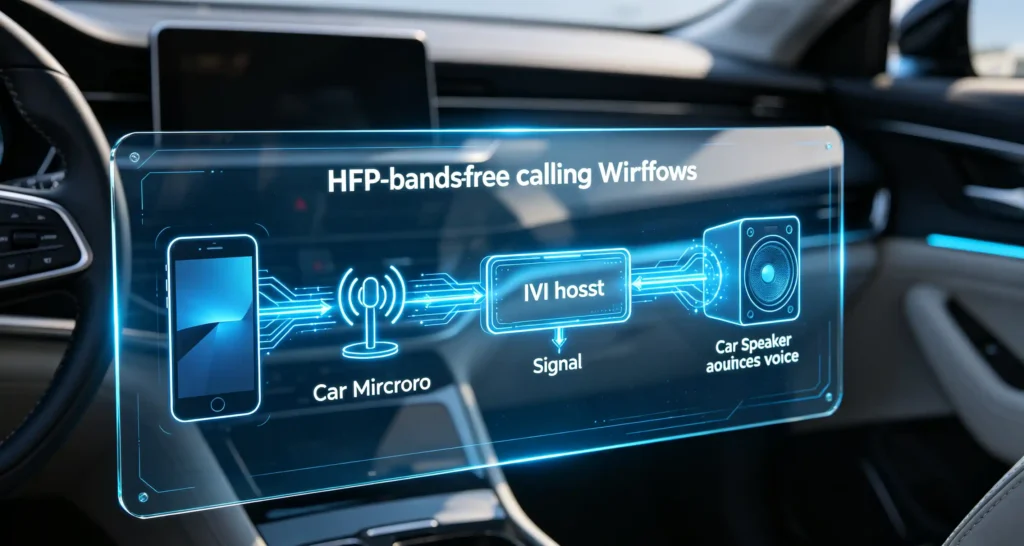
HFP, the Hands-Free Profile, is what makes calling through the vehicle’s speakers and microphone possible. It means the driver does not have to hold a phone to their ear.
Core Functions
Its core functions cover answering and ending incoming calls. Dialing outgoing calls from either the head unit or the phone. Routing call audio to the vehicle’s speakers. Sending microphone audio from the vehicle back to the phone. Controlling call volume.
Version Matters
Version matters for the actual calling experience. HFP 1.5 covers basic calling functionality. HFP 1.6 and later adds wideband speech — commonly marketed as HD Voice. This noticeably improves audio clarity over the older narrowband standard. HFP 1.7 and beyond can add refinements like additional noise reduction and echo cancellation.
Implementation Quality
Beyond the version number, real call quality comes down to implementation details. Microphone quality. How well echo cancellation is tuned. How effectively background road noise gets suppressed. HFP is essential for hands-free calling to function at all. But audio quality varies meaningfully between suppliers even at the same nominal profile version.
A2DP Bluetooth Profile for Automotive Audio Streaming
What A2DP Does
A2DP, the Advanced Audio Distribution Profile, is what enables wireless stereo music streaming from a phone to the vehicle’s speakers. Its scope is limited to exactly that one job. Moving audio data over the connection. It has no built-in ability to control what is playing.
Version and Codec Support
A2DP 1.0 through 1.2 covers basic audio streaming. A2DP 1.3 and later adds support for higher-quality codecs. Codec support is the practical variable worth checking. SBC is the standard baseline, universally supported and always available as a fallback. AAC delivers better quality and is common on Apple devices. aptX offers higher quality still, but only when both the phone and the infotainment unit support it.
What A2DP Does Not Do
It is worth being clear about the limitation here. A2DP streams audio and nothing more. Pausing, skipping, or otherwise controlling that stream is a separate profile’s job. This is exactly why A2DP support alone does not tell you whether the rest of the Bluetooth experience will feel complete. For more on audio output routing, see our car stereo RCA output guide.
AVRCP Profile for Infotainment Media Playback Control
What AVRCP Does
AVRCP, the Audio/Video Remote Control Profile, is what lets a driver control playback directly from the head unit rather than reaching for the phone.
Core Functions
Core functions include play and pause. Skipping to the next or previous track. Volume control on some versions. Starting with AVRCP 1.3, metadata display showing the song title and artist on screen.
Version Determines Available Features
The version in use sets the ceiling on available features. AVRCP 1.0 covers only basic play, pause, and stop. AVRCP 1.3 adds the metadata display most users now expect. AVRCP 1.4 introduces browsing and absolute volume control. AVRCP 1.5 and 1.6 add further refinements like shuffle and repeat.
AVRCP Depends on A2DP
AVRCP does not operate independently. It depends entirely on A2DP already streaming the audio. AVRCP’s job is controlling that stream rather than delivering it. Without functional AVRCP, a head unit might play music through A2DP without issue. But the driver would have no way to skip a track without picking up the phone directly.
Bluetooth Profile Interoperability and Compatibility Factors
Profile Version Mismatches
Even with all three profiles present, real-world compatibility issues still surface. They tend to fall into recognizable categories. Profile version mismatches are common. A head unit supporting AVRCP 1.3 paired with a phone expecting AVRCP 1.5 will connect. But it will have reduced functionality rather than an outright failure.
Partial Profile Implementation
Partial profile implementation is subtler. A head unit can claim HFP support while implementing only basic call handling without properly routing microphone audio. This looks fine on a spec sheet but fails the moment someone actually tries to talk during a call.
Smartphone OS Variance
Smartphone OS variance adds another layer. Different Android and iOS versions implement Bluetooth profiles with their own quirks.
Codec Mismatches
Codec mismatches affect audio quality specifically. SBC always connects since it is universally supported. But aptX only delivers its benefit when both devices support it.
Firmware Bugs
Firmware bugs, independent of profile version entirely, can cause connection drops or intermittent feature failures. These are unrelated to the profile specification itself.
Testing Is Essential
Given this range of failure modes, testing across multiple phone models and OS versions remains the only reliable way to confirm real-world compatibility.
How HFP, A2DP, and AVRCP Work Together in Everyday Use
Layered Operation
These three profiles rarely operate one at a time. Daily use layers them together. The head unit has to manage the transitions cleanly.
Music with Playback Control
Streaming music with active playback control is the simplest case. A2DP streams the audio while AVRCP handles track skipping and play/pause from the head unit.
Incoming Call During Music
An incoming call during music playback adds a layer of coordination. HFP interrupts the music, muting or pausing it. It routes call audio through the vehicle speakers. It sends microphone audio back to the phone. It resumes music automatically once the call ends.
Navigation Voice Guidance
Navigation voice guidance layers on top of both. Prompts typically override music through ducking, temporarily lowering A2DP playback volume rather than cutting it off. For more on audio integration, see our car navigation audio system integration guide. An incoming call takes priority over both music and navigation prompts.
Coordination Is Not Accidental
None of this coordination happens by accident. The head unit itself manages profile priority and switching behind the scenes. How smoothly it does so is a genuine indicator of implementation quality. A unit that handles these transitions cleanly delivers a noticeably more polished experience than one that fumbles the handoff between profiles.
B2B Evaluation Criteria for Infotainment Bluetooth-Profile Capabilities
Sourcing Checklist
Turning this into a sourcing checklist, buyers should verify seven things before finalizing an order.
- HFP support — confirming version and actual microphone and call-audio functionality rather than just call answering
- A2DP support — confirming version and codec compatibility across SBC, AAC, and aptX as relevant
- AVRCP support — confirming version 1.3 or higher if metadata display matters to the target market
- Supporting profiles — whether PBAP, MAP, or SPP are actually needed for the project
- Concurrent operation — testing music, calls, and navigation prompts together rather than each profile in isolation
- Device compatibility — testing across multiple phone models and OS versions
- Sample testing — direct testing of all three core profiles before committing to volume
Best Practice
Requesting documented profile support and testing with the actual phone models your customers use remains the most reliable way to avoid a compatibility gap surfacing after a bulk order has already shipped.
FAQ
If a datasheet marks “Bluetooth supported,” does it guarantee full functional HFP, A2DP, and AVRCP profile implementation?
No. “Bluetooth supported” typically confirms only that the hardware can pair. It does not confirm which profiles are actually implemented or how completely. A unit could stream music through A2DP while implementing only a stripped-down version of AVRCP or HFP. Buyers should request specific profile and version documentation. Do not treat a general Bluetooth claim as confirmation that calling, streaming, and media control all work correctly.
What observable user symptoms appear when an infotainment unit has working A2DP but missing functional AVRCP?
Music streams through the vehicle’s speakers without issue, since A2DP handles the audio itself. But the driver has no way to pause, skip tracks, or view song information from the head unit. Anyone wanting to change tracks has to pick up the phone directly. This defeats much of the convenience a Bluetooth-connected system is meant to provide. This combination — audio working, control missing — is a reliable sign of incomplete AVRCP implementation.
Why may HFP calling have incoming audio but no microphone transmit audio on some aftermarket infotainment units?
This usually points to an incomplete HFP implementation. The unit correctly routes the caller’s voice to the vehicle speakers. But it does not properly capture and transmit the driver’s voice back through the microphone. It can stem from microphone hardware issues. Incorrect audio routing in firmware. Or a cost-driven implementation that only built out the easier half of the call path. Testing an actual two-way call, not just answering one, is the only way to catch this before a bulk order.
Can Bluetooth-profile-version mismatch between smartphone and infotainment unit break hands-free calling or music streaming?
A version mismatch rarely causes complete failure. But it typically reduces functionality to the lowest common feature set both devices support. A phone expecting AVRCP 1.5 paired with a unit that only supports AVRCP 1.3 will still stream and play music. It just will not have newer features like shuffle or repeat control from the head unit. The connection still works, just with a narrower feature set than either device is technically capable of.
Conclusion
Bluetooth profile support determines whether hands-free calling, music streaming, and media control actually work the way your customers expect. That is rarely visible from a spec sheet alone.


