
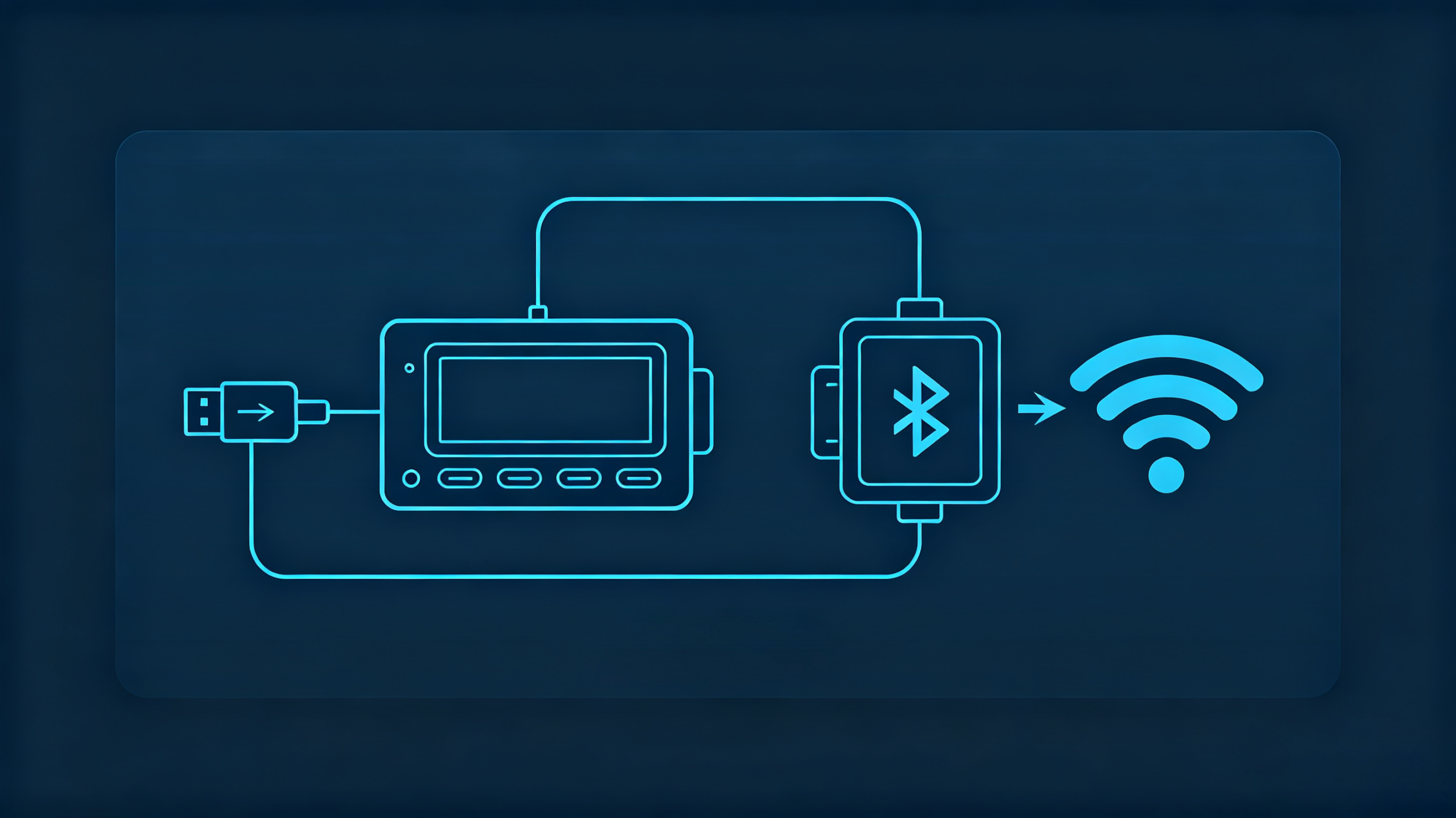
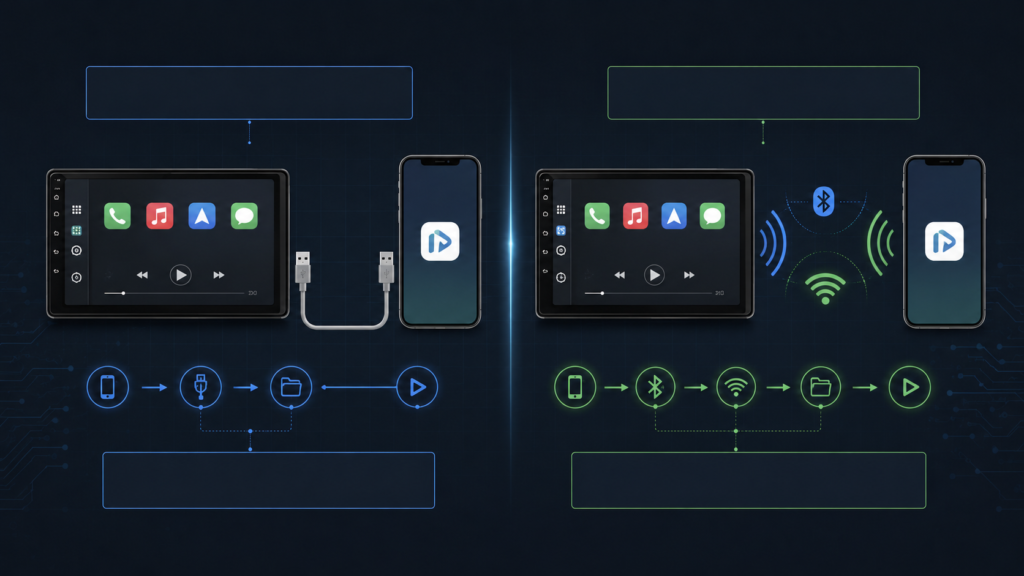
When sourcing infotainment hardware for bulk orders, the choice between wired vs wireless connectivity is not simply a matter of convenience. Dealers, wholesalers, importers, and automakers need to consider connection stability, latency, bandwidth, installation, and long-term reliability.
A wired connection uses a physical USB cable. Wireless connectivity relies on radio communication, typically using Bluetooth for pairing and Wi-Fi for data transmission. Both approaches can work well, but they behave differently in a vehicle environment.
For B2B buyers, the better choice depends on the target market, vehicle application, product positioning, and expected user experience. This guide compares the two connection methods from a practical sourcing perspective.
Wired and Wireless Vehicle Connectivity: Core Fundamentals
At the basic level, wired vehicle connectivity uses a physical cable to transfer data between a mobile device and the head unit. USB can also provide power to the connected device.
Wireless vehicle connectivity removes the physical cable. Bluetooth can handle initial pairing and hands-free functions, while Wi-Fi can provide the higher-bandwidth data connection required for the main interface.
The physical difference creates several practical differences.
| Dimension | Wired Connectivity | Wireless Connectivity |
|---|---|---|
| Physical medium | USB cable | Bluetooth + Wi-Fi |
| Main interference risk | Cable or connector damage | Radio interference and signal obstruction |
| Power | Can charge the device | Separate charging may be required |
| Convenience | Cable required | Cable-free operation |
| Hardware requirements | USB data interface | Wi-Fi and Bluetooth hardware |
| Cost | Generally simpler | More hardware may be required |
A wired connection has a direct communication path between the phone and head unit. This makes the system relatively predictable.
Wireless connectivity offers greater convenience, but its performance depends on factors such as antenna placement, signal strength, surrounding wireless activity, and the quality of the wireless module.
For B2B sourcing, neither method should be judged by convenience alone. The more important question is whether the selected solution performs consistently in the vehicles and markets where it will be sold.
Vehicle Data Transfer Modes: How Data Flows Over Wired and Wireless Links
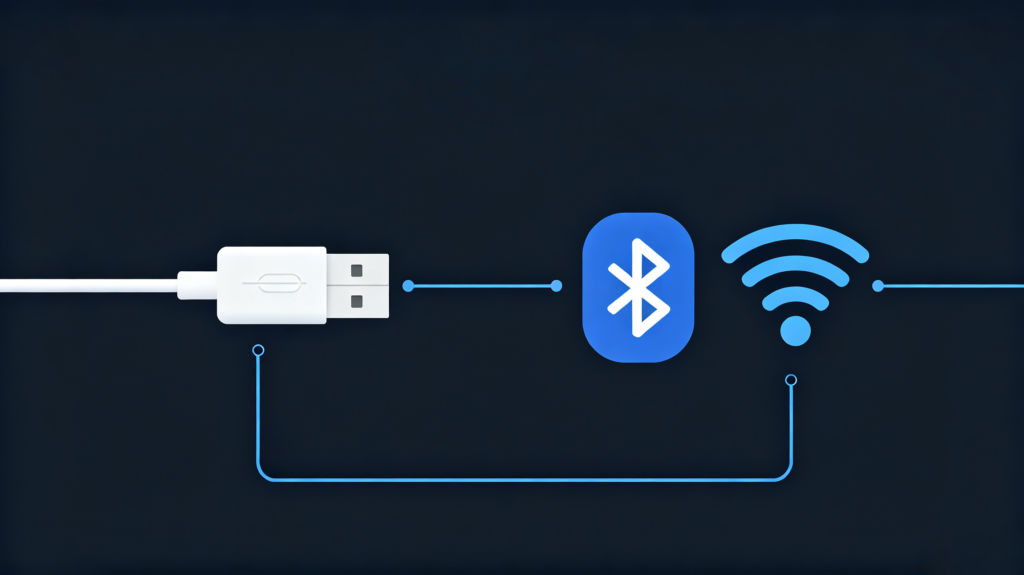
Understanding vehicle data transfer modes helps explain the performance difference between wired and wireless connections.
With a wired connection, the phone sends data through the USB cable. The USB controller in the head unit receives the data and passes it to the main processor. The processor then handles the information and renders the appropriate interface on the display.
The communication path is relatively direct. The physical cable also creates a dedicated connection between the two devices.
Wireless communication involves more stages. The phone communicates with the head unit through Wi-Fi, while Bluetooth can be used for pairing and hands-free communication. Data is transmitted through the air before being received and processed by the head unit.
This introduces additional variables. Signal strength, antenna design, radio interference, and the quality of the Wi-Fi module can all influence performance.
For example, two head units may use similar processors but provide different wireless experiences because their wireless hardware or antenna layouts differ.
This is why B2B buyers should not evaluate wireless connectivity only by looking at the processor or operating system. The wireless module and antenna implementation also deserve attention.
A well-designed wireless system can provide a smooth experience. A poorly implemented system may show connection delays or intermittent disconnections.
Car Link Signal Stability & Vehicle Connection Reliability
Car link signal stability is one of the clearest differences between wired and wireless connectivity.
A wired connection has a physical communication path. Once the cable is properly connected, there is no wireless signal to interfere with. The main risks are physical issues such as connector damage, cable wear, or a loose USB connection.
Wireless connections face more variables. The phone may be placed in a pocket, bag, or center console. The distance and position between the phone and head unit can affect signal quality. Other wireless devices inside the vehicle can also contribute to radio congestion.
The vehicle environment itself matters. Automotive electronics operate in a space where many electrical and electronic systems work at the same time. Poor shielding or an unsuitable wireless implementation can affect connection performance.
This does not mean wireless connectivity is inherently unreliable. The quality of the implementation makes a significant difference. A well-designed wireless solution with suitable hardware and antenna placement can provide a smooth experience. For foundational context on vehicle communication, see our what is CAN BUS guide.
For B2B buyers, sample testing is therefore more useful than relying on a specification sheet.
Test the same product with several phone models. Move the phone to different locations inside the vehicle. Test the connection while the vehicle is stationary and during normal driving conditions.
The goal is to identify intermittent problems before they become after-sales issues.
Auto Connection Latency Test: Response-Performance Benchmarks
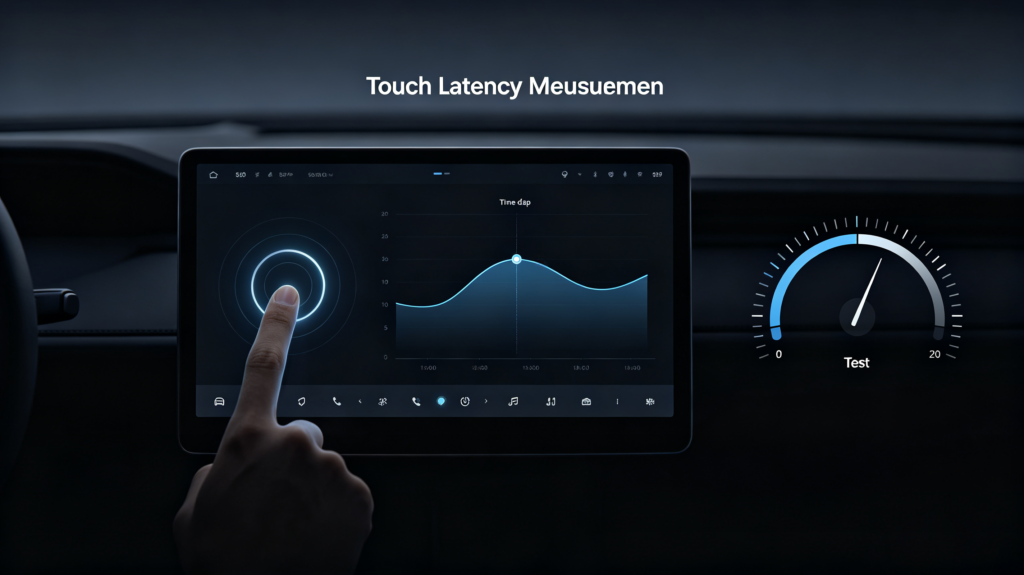
An auto connection latency test measures the delay between an action and the corresponding response on the head-unit display.
Latency can affect touchscreen response, navigation movement, media playback, and the overall feeling of system responsiveness.
Wired connections generally have a shorter and more predictable communication path. The source outline identifies latency below 50 ms as a practical benchmark for wired connections.
Wireless communication introduces additional processing and transmission steps. The outline identifies wireless latency as more variable, with typical performance depending on Wi-Fi hardware, signal strength, and interference.
For B2B sample testing, the following framework can be useful:
| Latency | Practical assessment |
|---|---|
| Under 50 ms | Excellent |
| 50–100 ms | Generally acceptable |
| 100–150 ms | Noticeable but usable |
| Over 150 ms | Potentially problematic |
These figures should be treated as practical testing benchmarks rather than universal specifications.
Latency is particularly noticeable during map movement and touchscreen interaction. Audio and video synchronization can also reveal delays that may not be obvious during a simple connection test.
For wholesalers and importers, the best approach is to test latency with actual functions rather than relying only on laboratory measurements. The processor driving this performance is covered in our best car stereo processor guide. A product that performs well during navigation, media playback, and touchscreen interaction is more likely to provide a satisfactory user experience.
In-Car Link Bandwidth Comparison: Data-Throughput Capabilities
An in-car link bandwidth comparison looks at how much data each connection method can transfer within a given period.
Different infotainment functions require different amounts of data. Basic navigation and audio streaming generally require less bandwidth than video playback or screen-based phone projection.
| Function | Typical Requirement |
|---|---|
| Navigation | Low to moderate |
| Audio streaming | Low |
| Video playback | High |
| Phone projection | High |
| Music and podcast data | Low to moderate |
Wired USB connections can provide a stable data path. Wireless Wi-Fi can offer substantial theoretical throughput, but actual performance depends on signal conditions, hardware, protocol overhead, and interference.
For this reason, maximum theoretical bandwidth is not always the most useful number for B2B buyers.
Consistency matters more.
A wireless connection may have sufficient bandwidth under ideal conditions but experience reduced throughput when signal conditions change. A wired connection is generally less affected by changes in the surrounding radio environment.
When evaluating samples, buyers should therefore test the functions that matter most for the target product. If the head unit is intended mainly for navigation and audio, bandwidth requirements will differ from a product designed for more demanding multimedia applications.
Compatibility & Environmental Factors Affecting Vehicle Connectivity
Connectivity performance depends on more than the head unit itself. The phone, vehicle environment, firmware, and physical installation can all affect the final result.
Different phone manufacturers may implement wireless communication differently. Phone operating-system versions can also affect compatibility. The head unit’s firmware is another variable, particularly when newer mobile devices are introduced after the original product launch.
Physical conditions should also be considered.
For wired connections, repeated plugging and unplugging can eventually cause wear to cables or USB connectors. Vehicle vibration can also place stress on physical connections.
Wireless systems do not have cable wear, but their performance depends more heavily on signal conditions. Phone placement, antenna position, radio interference, and other wireless devices can influence connection quality.
Temperature is another consideration for automotive electronics. Components used in vehicles need to operate within the conditions specified for the product.
For B2B buyers, testing should reproduce the intended application as closely as possible. A showroom demonstration provides only limited information. A stronger evaluation includes different phone models, actual vehicle installation, extended operation, and normal driving conditions.
The results can then be used to determine whether wired, wireless, or dual-mode connectivity is appropriate for the product line.
B2B Selection Considerations: Match Connectivity Solutions to Application Scenarios
The right connectivity configuration depends on the product’s market position and customer requirements.
For cost-sensitive markets, a wired solution can be practical. It has a relatively simple hardware structure and provides a predictable physical connection. The main consideration is cable and connector durability. For a full view of all hardware decisions, see our car stereo hardware components overview.
For premium aftermarket products, dual-mode connectivity can provide more flexibility. Users can choose wireless convenience during everyday driving while retaining wired connectivity when a physical connection is preferred.
For fleet and commercial applications, predictable operation may be more important than cable-free convenience. A wired solution can therefore be suitable when stability is the primary purchasing requirement.
For OEM and ODM projects, the decision should be made during the product-development stage. Hardware configuration, antenna placement, USB interface design, firmware, vehicle integration, and target-market requirements should be considered together.
Before placing a bulk order, B2B buyers should test:
- Multiple phone models used in the target market
- Wired and wireless connection performance
- Connection and reconnection time
- Wireless performance at different phone positions
- Touch response and navigation performance
- Extended operating stability
- Performance inside the actual target vehicle
The test results should become part of the product approval process before mass production.
FAQ
Under what vehicle-environment conditions does wireless in-vehicle connectivity suffer the most signal instability?
Wireless connectivity can become less stable when the phone is far from the head-unit antenna or blocked by objects such as bags or the vehicle’s interior structure. Multiple wireless devices can also increase radio congestion. Vehicle-generated electromagnetic interference may affect performance in some installations. Because conditions vary between vehicles, B2B buyers should test wireless connectivity in the actual vehicle environment rather than relying only on bench testing.
What practical latency thresholds should B2B buyers use when evaluating wired and wireless connections?
The source framework uses under 50 ms as an excellent benchmark and considers 50–100 ms generally acceptable. Delays between 100 and 150 ms may become noticeable, while more than 150 ms can create visible lag in some applications. These figures should be used as practical testing references rather than universal industry limits. Testing should include navigation, media playback, and touchscreen interaction.
Is dual-mode wired and wireless connectivity always the best choice for aftermarket bulk product lines?
No. Dual-mode connectivity provides flexibility, but it also requires additional hardware and can increase product cost. A wired-only product may be a better fit for price-sensitive markets or applications where predictable connectivity is the main priority. Dual-mode products may make more sense where customers expect cable-free convenience. The decision should follow the target market, product positioning, and required functions.
How does physical cable ageing affect long-term reliability?
USB cables and connectors experience repeated mechanical stress during normal use. Frequent plugging, unplugging, bending, and movement can eventually contribute to connection problems. A loose or damaged connection may cause intermittent data transfer. For B2B products, buyers should consider cable quality, connector durability, and the availability of replacement cables when evaluating long-term operating costs.
Get the Right Connectivity for Your Market
Choosing between wired vs wireless connectivity affects more than user convenience. Connection stability, latency, bandwidth, hardware requirements, environmental conditions, and after-sales reliability all influence the suitability of a product.
For B2B buyers, there is no universal winner. Wired connectivity offers a predictable physical connection, while wireless connectivity provides greater convenience. Dual-mode solutions can combine both approaches when the target market justifies the additional hardware.
The safest sourcing process is to test representative samples in the intended vehicles and with the phones used by your target customers.
Explore our Android head units with wired, wireless, and dual-mode connectivity options. Contact our team to discuss your requirements, request samples, or obtain a quotation for bulk orders.


