
A dealer asking for a “360-camera-ready” head unit is asking a bigger question than it sounds like. Unlike a single reverse camera, 360 camera integration with car stereo hardware involves four camera feeds, a stitching step, and a display path that has to keep up with all of it. Getting any one piece wrong shows up as a broken or laggy surround-view image after the retrofit is already installed.
This guide covers how a 360° surround-view system actually connects to an Android head unit. It covers where the processing happens. It also covers what a sourcing team should check before ordering in volume. For a complete guide on single-camera systems, see our backup camera guide.
360° Camera System and Surround-View – Core Definition
What Is a 360° Surround-View System?
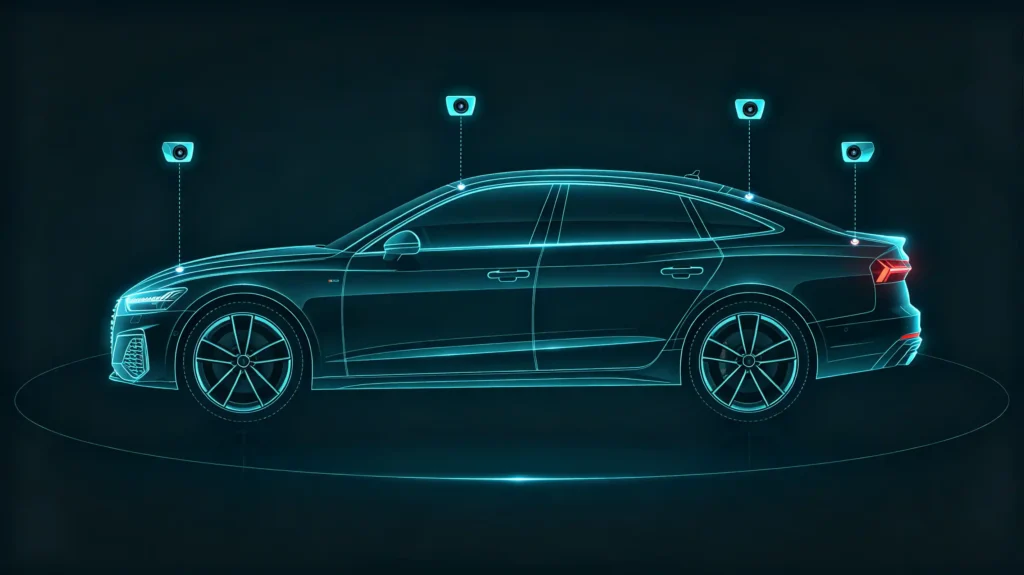
A 360° surround-view camera system is a multi-camera setup. Typically four cameras are mounted at the front, rear, and both sides of the vehicle. Their feeds are combined into a single bird’s-eye view shown on the head unit display.
Core Function
The core function is parking and low-speed maneuvering assistance. The composite view lets a driver see obstacles around the entire vehicle rather than just behind it.
The Head Unit’s Role
The head unit’s role in this system depends on the architecture. In some setups it simply displays a video feed that has already been stitched together by an external processor. In others, it receives the individual camera feeds and performs the stitching itself. Either way, this is a more demanding integration than a standard head unit 360 camera video connection. It comes with its own failure points.
Failure Points
Incompatible video signals produce no display at all. Missing trigger support means the surround view does not activate automatically when it should. Latency between the camera capturing a frame and the head unit displaying it undermines the safety value the feature is supposed to add.
Commercial Implication
Because of this, 360° camera integration is a premium feature. It needs deliberate compatibility verification. Do not assume that “camera support” on a spec sheet covers it.
High-Level 360° Camera-to-Head-Unit Integration Workflow
The Basic Workflow
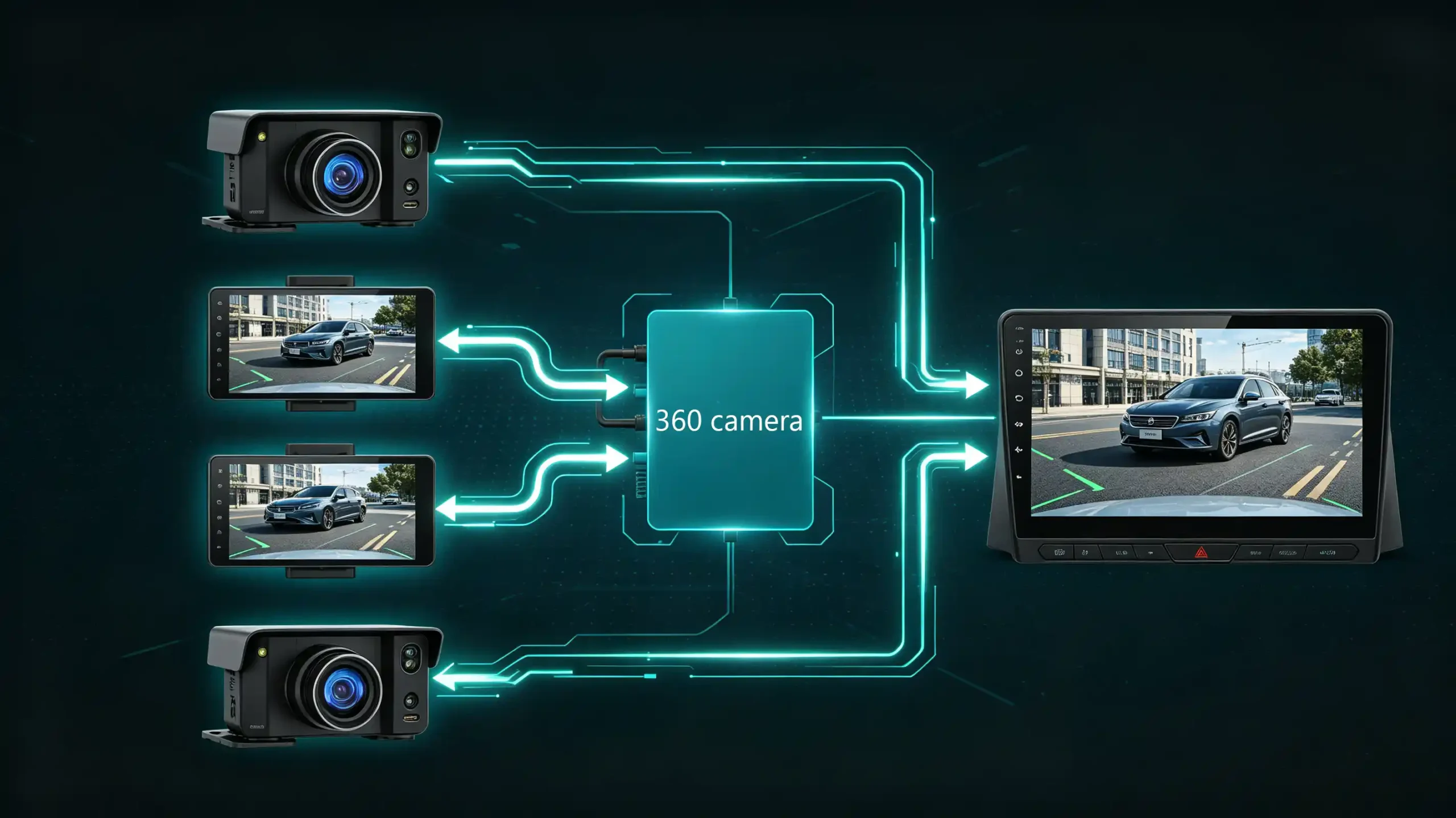
At a system level, four cameras capture video from around the vehicle. That video gets processed into a single surround-view image. The result is sent to the head unit’s display. How that middle step happens is where two distinct architectures diverge.
Architecture 1: External-Processor-Based Integration
A separate 360 camera control box handles the stitching. It sends a single composite video feed to the head unit. The head unit only needs to display it.
Architecture 2: Head-Unit-On-Board Processing
The head unit itself receives the four individual camera feeds. It performs the stitching internally. This requires meaningfully more onboard processing capability.
Signal Flow
The signal flow in both cases runs from the camera inputs into a 360 processor — external or internal — and out to the head unit display. This distinction is not just technical trivia for a sourcing team. It changes what the head unit itself needs to support. An external-processor setup only asks the head unit to accept and display one video feed. On-board stitching asks it to handle four simultaneous inputs and the processing load that comes with combining them. This affects both hardware cost and head unit selection.
Camera Inputs and Video Signal-Processing Requirements
Four Camera Feeds
Each of the four cameras in a 360 system outputs its own video feed. This is most commonly as CVBS or AHD.
CVBS
CVBS is standard-definition analog video. Lower resolution but widely supported across head units.
AHD
AHD carries high-definition analog video with noticeably better image quality. It needs a head unit or processor built to accept it. For more on video signal types, see our reverse camera input guide.
Where Processing Happens
Where that signal gets processed determines what the head unit actually has to handle. With an external processor, the stitching happens before the video ever reaches the head unit. The unit only needs a single composite input in CVBS or AHD. With on-board processing, the head unit itself needs four separate camera inputs and the internal capability to combine them.
Compatibility Verification
Either way, the head unit’s camera input capability has to be verified against the specific system being paired with it. Confirm it supports the right signal type. Confirm it has enough inputs for the intended architecture. Do this before committing to a bulk order.
Multi-Camera Image Stitching and Surround-View Display Output
What Is Image Stitching?
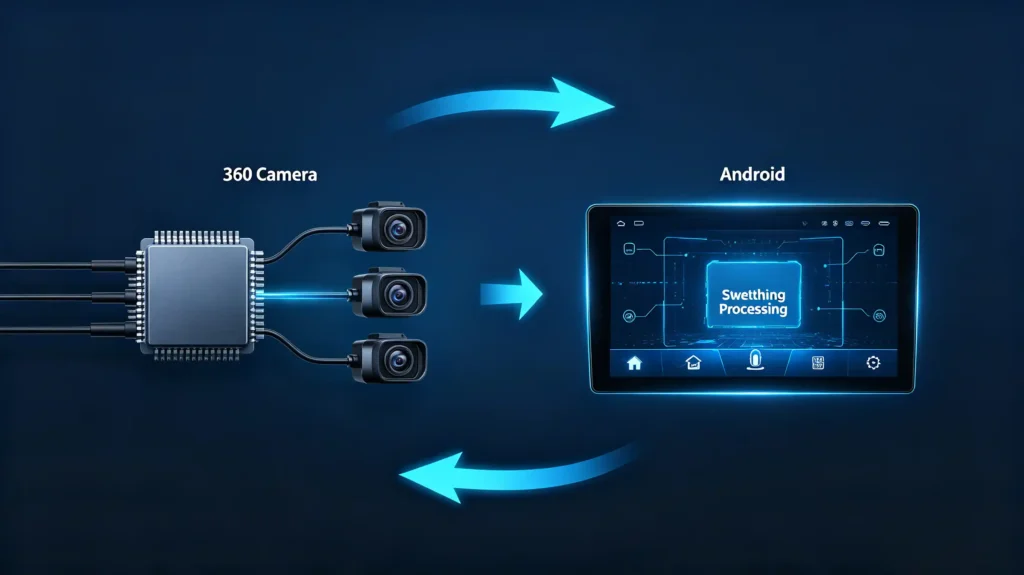
Image stitching is the process that turns four separate camera feeds into one seamless bird’s-eye view. It happens in three stages.
Stage 1: Camera Calibration
Camera calibration aligns the physical position and angle of each camera against the others.
Stage 2: Image Warping
Image warping adjusts each feed’s perspective to build the flat, top-down look drivers expect from a surround-view display.
Stage 3: Blending
Blending merges the overlapping edges between camera views so the transitions are not visibly obvious.
Where Computation Happens
Where this computation happens matters for hardware selection. In an external-processor setup, all of this runs inside the 360 camera controller box. The head unit’s only job is to display the finished feed — typically delivered as CVBS, AHD, or occasionally HDMI. In a head-unit-on-board setup, the stitching runs on the head unit’s own processor. It needs enough CPU and GPU headroom to do it without visible lag.
The Practical Tradeoff
That is the practical tradeoff. On-board stitching can simplify the camera-side hardware. But it puts a real processing demand on the head unit itself. A unit that is not built for it will show the strain as stutter or delay in the surround view. For more on processor performance, see our best car stereo processor guide.
Head-Unit Display and Hardware Constraints for 360 Camera Playback
Beyond the Stitched Feed
Even with a correctly stitched feed arriving at the head unit, several hardware-side factors decide whether the surround-view actually looks and behaves the way it should.
Display Resolution
Display resolution is the most visible one. A higher-resolution screen renders a clearer surround-view image. But this only works if the camera system’s output resolution is actually matched to what the display can handle.
Video Input Interface
Video input interface matters just as much. CVBS is standard analog and widely supported but lower quality. AHD offers higher quality at the cost of needing AHD-compatible hardware. HDMI offers the highest quality digital option but remains uncommon in aftermarket units.
Firmware
Firmware is a factor buyers sometimes overlook. The head unit’s firmware needs to actually recognize and support the 360 camera’s video format. Some units require specific settings or an activation step before the feature works at all.
Processing Power
Processing power ties back to the stitching question from the previous section. On-board stitching draws heavily on CPU and GPU resources. A lower-power head unit may struggle to keep the surround-view smooth.
What to Confirm
Before finalizing a specification, buyers should confirm the head unit’s video input type, resolution ceiling, and firmware support against the specific 360 camera system being paired with it.
Vehicle-Level Integration and Cross-System Compatibility Factors
Beyond Camera and Head Unit
Getting the head unit and camera system talking correctly is only part of the job. The vehicle side of the integration determines whether the surround-view activates when it is actually needed.
Trigger Signals
Trigger signals typically come from three sources. A reverse-gear trigger that brings up the full surround view when reversing. A turn-signal trigger that activates a side view when turning. A manual button trigger for on-demand activation. These can arrive as a wired 12V signal from the relevant circuit or as a message over the vehicle’s CAN Bus.
Wiring Harness
The wiring harness has to carry both the video signals from each camera to the processor or head unit. It also has to carry the trigger signals from the vehicle into the head unit. These are two separate jobs that both need to be wired correctly.
CAN-Bus Triggering
Where CAN-Bus triggering is used, the system needs a CAN-Bus interface or decoder capable of reading the relevant signals for auto-activation. For foundational context on CAN Bus, see our what is CAN BUS guide.
Installation Complexity
All of this adds installation complexity beyond what a single reverse camera requires. This is worth factoring into project timelines and installer training for a retrofit program.
B2B Evaluation Requirements for 360-Camera-Head-Unit Integration Projects
Sourcing Checklist
Turning this into a sourcing checklist, buyers evaluating 360 camera integration on Android head units should verify seven things.
- Integration architecture — external processor versus on-board stitching
- Video signal support — CVBS, AHD, or HDMI
- Number of camera inputs — what the head unit actually provides
- Trigger support — across reverse gear, turn signal, and manual activation
- Real-world display quality — and latency
- Firmware support — for the specific camera system’s video format
- Sample testing — with the actual 360 camera hardware intended for the project
Best Practice
Requesting integration specifications in writing and testing with a sample system before placing a bulk order remains the most reliable way to avoid a mismatch reaching a full production run.
FAQ
Does a marketing label “360-camera-compatible” mean the Android head unit can perform internal multi-camera image stitching?
Not necessarily. “360-camera-compatible” often just means the head unit can display a pre-stitched surround-view feed from an external processor. It does not confirm the unit has the processing power to stitch four raw camera feeds internally. Buyers should ask specifically whether the claim refers to external-processor display support or genuine on-board stitching capability. The hardware requirements differ significantly between the two.
What is the practical difference between external-processor 360 systems versus head-unit-on-board stitching solutions?
An external-processor system handles all the stitching in a separate control box. It sends the head unit one finished video feed. This keeps head unit requirements simple. An on-board stitching solution asks the head unit to accept four separate camera feeds and do the stitching itself. This demands more processing power but removes the cost and complexity of an extra external box. The right choice depends on the head unit’s capability and the project’s budget for additional hardware.
Why can a standalone working 360-camera kit fail to display surround-view once connected to an Android head unit?
This usually comes down to a signal type or input count mismatch. It is not a defective camera kit. A kit outputting AHD video into a CVBS-only input will fail. A kit sending four separate feeds into a head unit only built for one composite input will also fail. This happens even though every individual camera works fine. Firmware that does not recognize the video format, or a missing activation setting, can produce the same result.
Can a 360 surround-view system reuse the same physical camera-input port as a standard single reverse camera?
An external-processor 360 system that outputs one composite video feed can sometimes use the same type of camera input port as a single reverse camera. Electrically it is still just one video signal. A head-unit-on-board stitching setup, however, needs four separate camera inputs. A head unit built only for a single reverse camera will not have these. This is worth confirming early. It directly affects which head unit models are even candidates for the project.
Conclusion
360 camera integration involves more moving pieces than a single reverse camera. Signal type, input count, stitching architecture, and trigger sources all need to line up with the head unit you select.


