
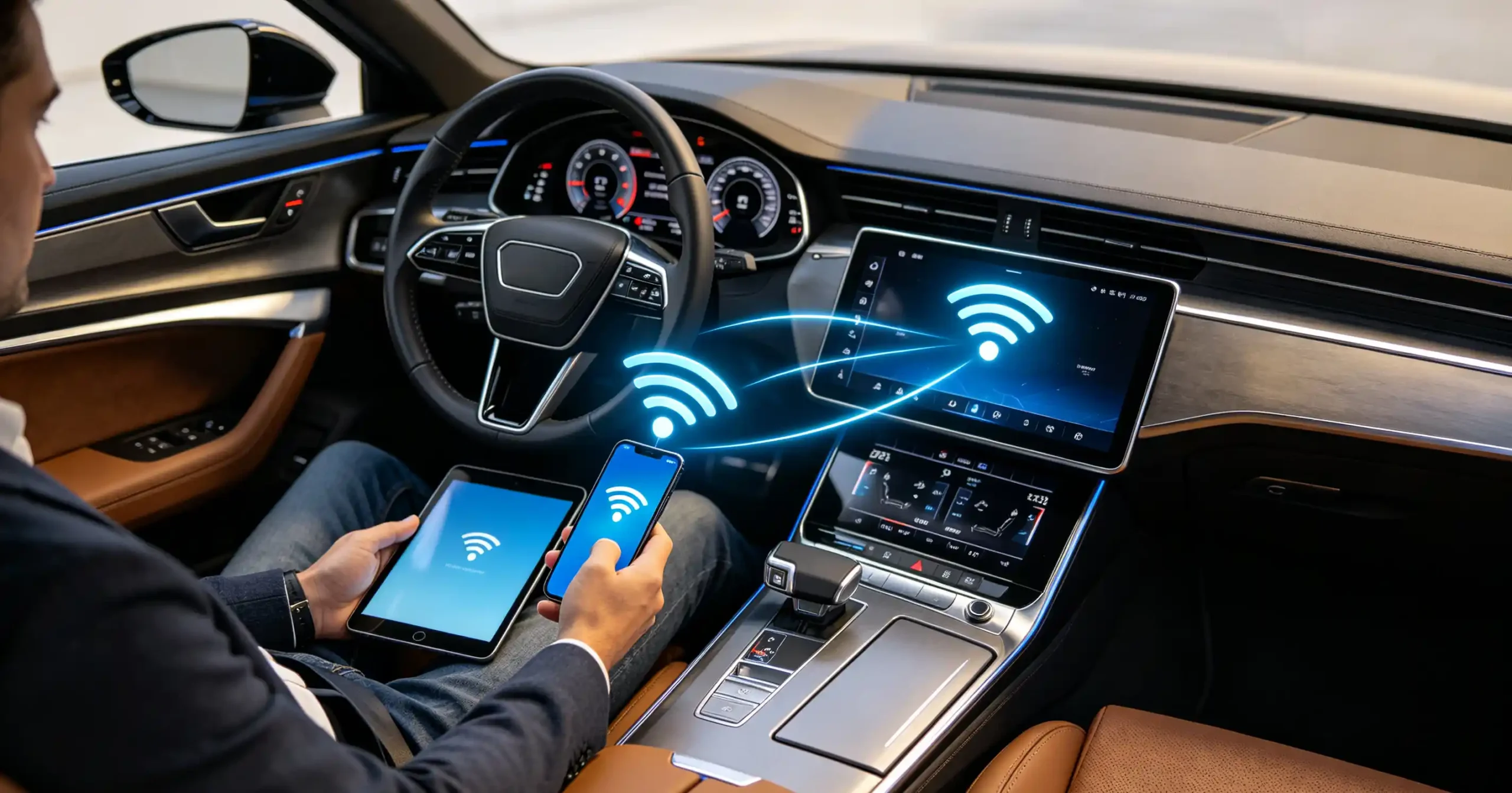
“Wi-Fi supported” on a head unit spec sheet can mean the unit connects to a home network. Or it can mean the unit broadcasts its own hotspot for passengers. Those are two entirely different capabilities.
A Wi-Fi hotspot in car infotainment specifically means the head unit can share an internet connection with passenger devices inside the cabin. That function depends on hardware and firmware support that is not guaranteed just because “Wi-Fi” appears on a datasheet.
For dealers, wholesalers, and infotainment sourcing teams, mistaking one for the other is exactly the kind of gap that surfaces as customer complaints after a retrofit program ships.
This guide covers how in-car hotspot functionality actually works. It covers where the internet connection comes from. It also covers what to verify before ordering at volume. For a technical overview of the hardware platform, see our What Is an Android Head Unit guide.
In-Car Wi-Fi Hotspot – Core Definition
What Is an In-Car Wi-Fi Hotspot?
An in-car Wi-Fi hotspot is a feature that allows the infotainment system to share an internet connection with passenger devices. These include phones, tablets, and laptops. It works over a local Wi-Fi network created inside the vehicle.
How It Works Functionally
Functionally, it means the head unit creates its own Wi-Fi access point in the cabin. It lets multiple devices connect and get online at the same time. This is similar to how a phone can share its data connection with other devices nearby.
Three Use Cases
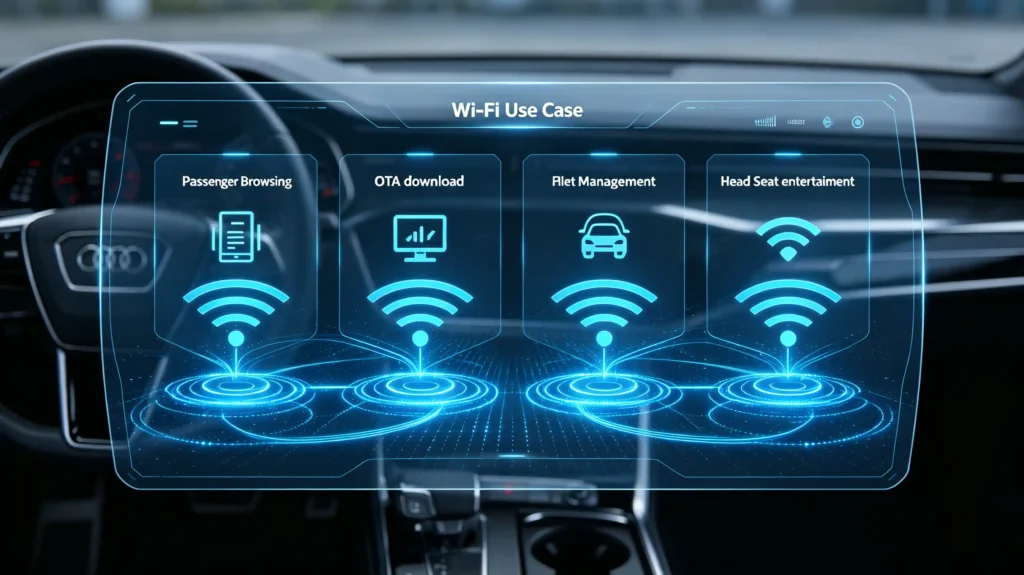
The value spans a few distinct use cases. Passenger convenience for streaming, browsing, or work during a drive. Connectivity for fleet management and driver services in commercial deployments. Support for pushing infotainment software updates over Wi-Fi rather than requiring a cable or a return to a service center.
The Commercial Risk
The commercial risk shows up when this feature is misrepresented or only partially supported. A customer expecting hotspot capability but getting a unit that can only connect to external Wi-Fi. Feature limitations around client count or throughput that fall short of expectations. The after-sales support calls and returns that follow. For B2B buyers, this makes verifying actual hotspot capability a meaningful part of due diligence. Do not accept a general “Wi-Fi” claim.
How Automotive Wi-Fi Hotspots Operate
The Basic Sequence
At a high level, hotspot functionality runs through a consistent sequence.
Step 1: Internet Access
The infotainment unit obtains internet access from an upstream source. This could be an embedded modem, a tethered phone, or an external dongle.
Step 2: AP Mode Activation
The head unit’s Wi-Fi chip switches into AP (access point) mode. It creates its own local Wi-Fi network inside the cabin.
Step 3: Client Connection
Passenger devices connect to that network using its SSID and password. This works the same way they would join any Wi-Fi network.
Step 4: Traffic Routing
The head unit routes internet traffic from those connected devices out to the upstream internet source.
Step 5: Response Return
Responses from the internet route back through the head unit to the client devices.
The Signal Flow
The signal flow, put simply, runs from the internet source into the infotainment unit, out as a Wi-Fi broadcast, and onward to passenger devices.
Both Halves Are Required
The commercial point worth understanding here is that hotspot operation genuinely requires both halves of this chain. An internet input and a Wi-Fi AP output. A unit missing either one cannot function as a hotspot regardless of what else it supports. For more on Wi-Fi hardware, see our Android head unit Wi-Fi guide.
Internet Data-Source Options for In-Car Hotspot
Embedded Cellular Modem
Where the hotspot’s internet connection actually comes from shapes its cost, convenience, and reliability. An embedded cellular modem, built directly into the head unit, is always available without depending on a passenger’s phone. But it requires its own data plan and adds to hardware cost.
Smartphone Tethering
Smartphone tethering over USB or Bluetooth uses a connected phone’s own data connection instead. This keeps hardware cost lower since no embedded modem is needed. But it ties hotspot availability to a phone staying connected and draws on that phone’s own data plan.
External 4G/5G Dongle
An external 4G/5G dongle plugged into the head unit offers a middle path. Internet access without a built-in modem. The cost is needing a separately purchased, compatible dongle as extra hardware.
External Wi-Fi Re-Broadcast
A fourth option, connecting to an external Wi-Fi network in station mode and re-broadcasting it, has more limited use in practice. It depends on an external network already being in range. It does not really deliver “in-car” independent connectivity the way the other options do. For more on connectivity options, see our smartphone integration in vehicles guide.
Impact on BOM and Experience
Which source a project uses meaningfully affects both the unit’s bill of materials and what the end customer actually experiences.
Head-Unit Wi-Fi Hardware and Functional Prerequisites
AP Mode Support
Not every “Wi-Fi enabled” head unit can actually function as a hotspot. The difference comes down to specific hardware and firmware requirements. On the hardware side, the Wi-Fi chip itself needs to support AP (access point) mode. Some chips are built only for station mode. They can connect to an external Wi-Fi network but cannot broadcast one of their own. Dual-band support, covering both 2.4GHz and 5GHz, generally improves performance where it is available.
Firmware Enablement
Firmware has to enable that hardware capability too. Some manufacturers ship firmware that leaves AP mode disabled even on chips technically capable of it. This restricts the unit to station mode only. It is also worth noting that firmware changes, including OTA updates, can add or remove hotspot capability after a unit has already shipped.
Concurrent Mode
A further distinction is concurrent mode support. Some Wi-Fi chips can operate in station and AP mode simultaneously. They can connect to an external network while also broadcasting their own hotspot. Others can only do one at a time.
The Practical Takeaway
The practical takeaway is that “Wi-Fi enabled” and “hotspot capable” are not interchangeable claims. Buyers should confirm AP mode support specifically rather than assuming it from general Wi-Fi presence.
Common Passenger and Vehicle-Fleet Use-Cases for In-Car Hotspot
Passenger Device Internet Access
The demand for hotspot capability spans several distinct B2B-relevant scenarios. Passenger device internet access is the most straightforward. Passengers connecting phones or tablets for streaming, browsing, or general use. Often with multiple devices connected at once.
Infotainment OTA Downloads
Infotainment OTA downloads represent a second use case. The head unit itself can use its hotspot’s upstream connection to pull software updates. This removes dependency on finding an external Wi-Fi network to complete the process. For a complete guide on updates, see our IVI OTA software updates guide.
Fleet Vehicle Deployments
Fleet vehicle deployments use hotspot connectivity for data reporting back to fleet management systems. They also use it for driver-facing services like navigation updates or messaging.
Rear-Seat Entertainment
Rear-seat entertainment is another common scenario. Tablets or streaming devices in the back of the vehicle connect through the hotspot rather than needing their own cellular data.
Rental Vehicle Operators
Rental vehicle operators sometimes offer hotspot access as a value-added service to renters as well.
Value Across Segments
Across all of these, hotspot capability adds tangible value in more than one B2B segment. This is part of why it is worth evaluating carefully rather than treating as a minor feature.
Wi-Fi Hotspot Performance and In-Vehicle Coverage Considerations
Client Device Count
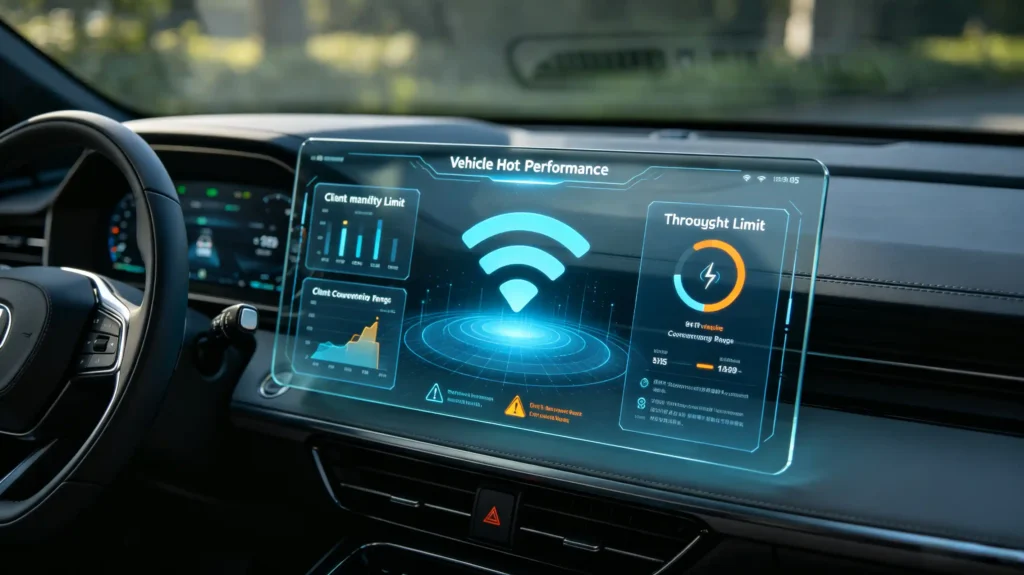
Even a unit with confirmed AP mode support has real-world performance limits worth understanding. Client device count is one constraint. Many head units support somewhere in the range of three to eight simultaneous connections. Per-device bandwidth drops as more devices join. Some units cap the client count in firmware regardless of what the chip could technically support.
Cabin Physical Constraint
The cabin itself adds a physical constraint too. A vehicle’s metal body behaves somewhat like a Faraday cage. This can weaken Wi-Fi signal reaching rear seats. An external antenna can help address that where it is supported.
Throughput Limits
Throughput has its own set of limits. The Wi-Fi chip’s own ceiling, commonly somewhere in a 50–150 Mbps range. The upstream internet source’s actual speed, whether cellular or a tethered phone. All connected clients share that same bandwidth pool.
Thermal Behavior
Thermal behavior matters as well. Running multiple simultaneous client connections increases processor load and heat. Thermal throttling under sustained use can reduce hotspot performance right when it is under the heaviest load.
Combined Dependencies
Altogether, real hotspot performance depends on hardware, firmware, and the vehicle’s physical environment working together. It does not depend on a single throughput number from a spec sheet.
B2B Evaluation Criteria for Infotainment Wi-Fi Hotspot Capabilities
Sourcing Checklist
Turning this into a sourcing checklist, buyers should verify seven things before finalizing an order.
- AP mode support — confirmed, since this is what actually distinguishes hotspot capability from basic Wi-Fi connectivity
- Data source options — which ones are supported: embedded modem, phone tethering, or dongle
- Maximum simultaneous client count
- Real-world throughput — under an actual test rather than a chip’s theoretical maximum
- Signal coverage — tested specifically in both front and rear seats
- Concurrent station-plus-AP mode — whether it is needed for the project
- Sample testing — direct testing of hotspot activation, client connections, and throughput before committing to volume
Best Practice
Requesting documented AP mode support and testing with multiple client devices remains the most reliable way to confirm real-world hotspot performance before a bulk order ships.
FAQ
If a datasheet lists “head-unit Wi-Fi support,” does that guarantee built-in Wi-Fi hotspot (AP-mode) capability?
No. “Wi-Fi support” often means the unit can connect to an external network in station mode. That is a different capability from broadcasting its own hotspot. Some Wi-Fi chips only support station mode. Even chips capable of AP mode may have it disabled in firmware. Buyers should ask specifically whether AP mode is enabled and functional. Do not treat general Wi-Fi support as confirmation that hotspot broadcasting works.
What practical functional differences exist between embedded-modem hotspot versus smartphone-tether-driven hotspot?
An embedded modem gives the head unit its own always-available internet connection, independent of any passenger’s phone. But it requires its own data plan and adds hardware cost. A smartphone-tethered hotspot relies on a connected phone’s data plan and connection. This keeps hardware cost lower but makes hotspot availability dependent on that phone staying connected and having sufficient data. Neither is universally better. The right choice depends on the project’s budget and whether independent connectivity matters for the use case.
Why can an infotainment unit connect to an external Wi-Fi router (station mode) yet cannot activate vehicle hotspot AP mode?
This typically comes down to either the Wi-Fi chip only supporting station mode at the hardware level, or firmware that has AP mode disabled even on capable hardware. Station mode and AP mode are functionally different operations. Hardware or firmware built only for one does not automatically support the other. This is exactly why confirming AP mode specifically, rather than general Wi-Fi capability, matters during sourcing.
What real-world limitations apply for concurrent connected-client-device count on aftermarket infotainment Wi-Fi hotspots?
Most aftermarket units support somewhere between three and eight simultaneous client connections. The practical experience degrades as more devices join, since available bandwidth gets shared across all connected clients. Some manufacturers also cap client count in firmware below what the underlying chip could technically handle. Buyers expecting to support multiple passengers streaming simultaneously should test actual multi-client throughput on a sample unit. Do not rely on a stated maximum client figure alone.
Can infotainment OTA software updates run over the local in-car Wi-Fi hotspot connection?
Yes. Where the hotspot’s upstream connection has sufficient throughput and data allowance, the head unit can use that same connection to download OTA updates rather than requiring a separate Wi-Fi network. This removes a dependency on finding external Wi-Fi to complete an update. Update package size and the upstream connection’s actual speed and data limits still affect how practical this is in the field.
Conclusion
A genuine in-car Wi-Fi hotspot depends on AP mode support, the right internet data source, and real-world performance that holds up with multiple passengers connected. A basic “Wi-Fi supported” listing does not confirm any of these.


