
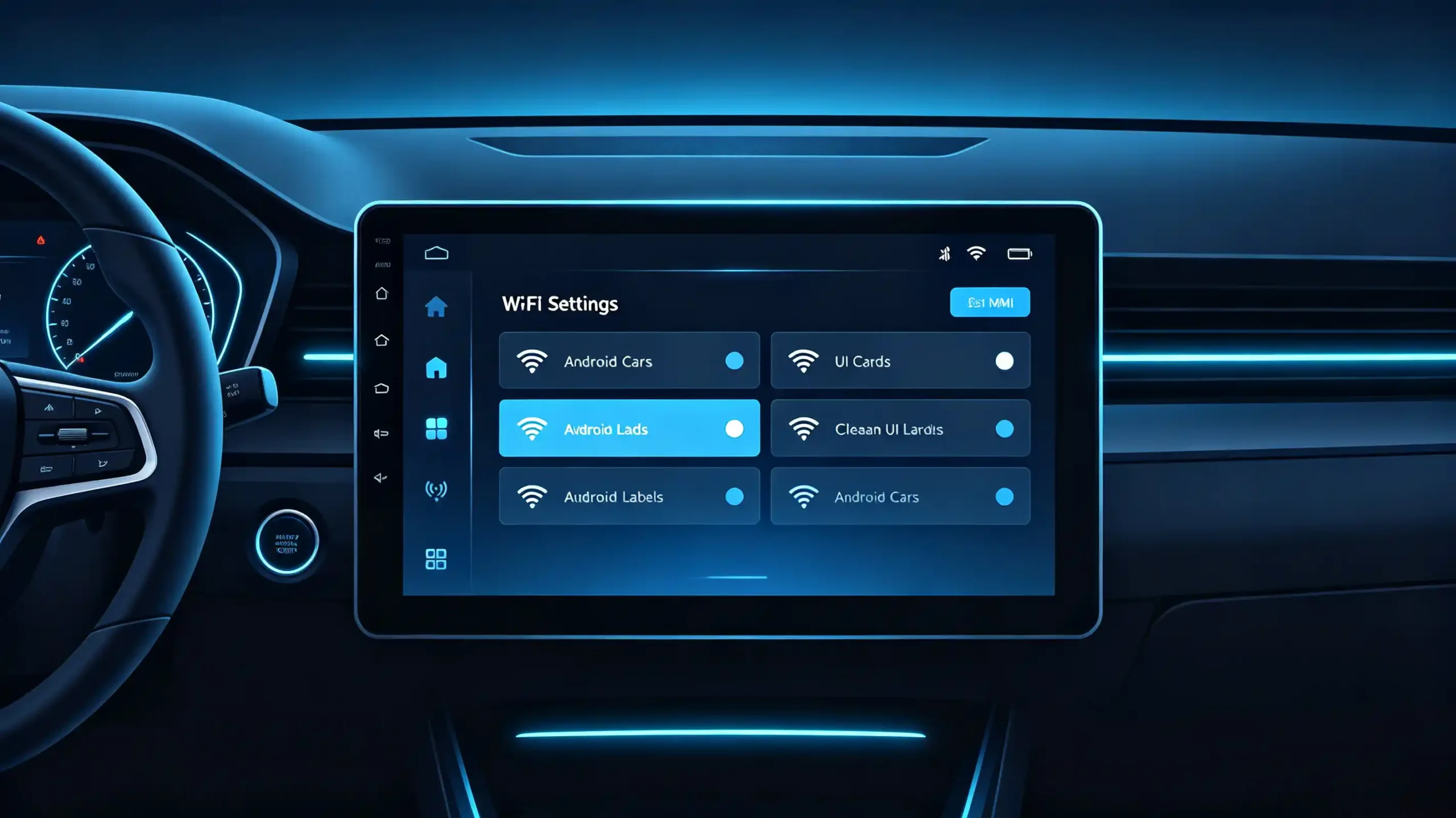
Wi-Fi has quietly become one of the most consequential specs on an Android head unit’s datasheet. It is easy to overlook next to screen size or processor tier. That is right up until a batch of units ships with weak reception and the after-sales tickets start coming in. For dealers, importers, and automakers sourcing Android car stereos, understanding how Wi-Fi actually functions in a vehicle environment is worth the time before placing a bulk order. It is also worth understanding what separates a reliable connection from a frustrating one.
This guide covers Wi-Fi connectivity for Android head units. It details the hardware and software factors that influence performance. It also includes information on what to check before placing a large order.For a technical overview of the hardware platform, see our What Is an Android Head Unit guide.
Android Head Unit Wi-Fi Connectivity: Core Definition & Purpose
What Is Wi-Fi on a Head Unit?
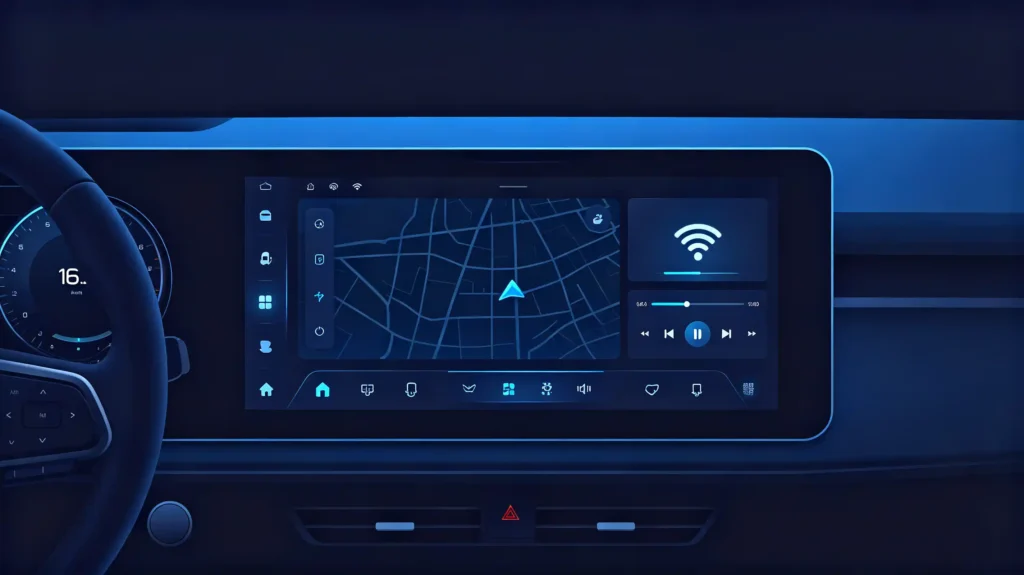
Wi-Fi connectivity on an Android head unit refers to its ability to join wireless networks for internet access, data transfer, and communication with other devices. It is a distinct radio from Bluetooth. The two are often paired in daily use.
What Wi-Fi Typically Handles
On a modern aftermarket head unit, Wi-Fi typically covers several jobs at once. Internet access for real-time traffic data, online navigation, streaming apps, and any web-based function. OTA updates, downloading firmware, system, and map data without a cable or dealer visit. Phone projection support, where Bluetooth handles the initial pairing handshake and Wi-Fi carries the actual data stream for wireless screen mirroring. Local network connections to accessories like dash cams or OBD-II adapters that report data back to the head unit.
Baseline Expectation
None of this is exotic anymore. It is baseline functionality that customers expect. This is exactly why Wi-Fi that underperforms tends to generate a disproportionate number of complaints. This happens relative to how minor the spec looks on paper.
How an Android Head Unit Achieves Internet Access Over Wi-Fi
The Connection Sequence
The path from “no signal” to “connected” follows a predictable sequence. Knowing it helps when diagnosing why a unit performs inconsistently across different test environments.
Step 1: Wi-Fi Source Availability
A network exists nearby. It could be a phone hotspot, home router, vehicle-integrated Wi-Fi, or public hotspot.
Step 2: Network Discovery
The head unit scans and lists nearby networks it can detect.
Step 3: Connection
The user selects a network. They enter credentials if the network is secured.
Step 4: IP Address Assignment
The head unit requests and receives an IP address via DHCP.
Step 5: Internet Access
Traffic starts routing through the established connection.
Step 6: Application Usage
Navigation, streaming, and update services begin using the link.
Connection State Transitions
Along the way, the unit cycles through connection states. Scanning, attempting connection, connected, disconnected. How gracefully it handles those transitions says a lot about firmware quality. A head unit that connects quickly in an office but drops repeatedly once installed in a vehicle usually is not failing at step one through four. It is losing signal strength somewhere between the source and the antenna. This is where hardware comes into the picture. For more on antenna considerations, see our car GPS antenna guide.
Android Head-Unit Wi-Fi Hardware and Antenna-Related Considerations
Two Hardware Elements
Two hardware elements do most of the work here. The Wi-Fi chipset and the antenna. Weaknesses in either one show up as the same symptom — a connection that looks fine on a spec sheet but performs poorly once installed.
The Chipset
The chipset determines throughput, effective range, and connection stability. There is a meaningful gap between tier-1 suppliers (Qualcomm, Broadcom, Realtek) and unbranded alternatives in terms of consistency. Chipset generation matters too. Wi-Fi 5 (802.11ac) remains common in this category. Wi-Fi 6 (802.11ax) appears on higher-tier platforms for better performance in congested RF environments.
Antenna Design
Antenna design is arguably the bigger differentiator in a vehicle context. Internal antennas are built directly into the head unit housing. They are compact and lower cost. But their performance suffers inside a metal dashboard cavity, which behaves somewhat like a shielded enclosure. External antennas, connected through an SMA or FAKRA connector, can be mounted where reception is actually strong. On the dashboard surface or near the windshield. They consistently outperform internal designs in challenging cabin environments. For more on connectivity, see our smartphone integration in vehicles guide. Some lower-cost units simply do not offer an external antenna connector at all. This becomes a real limitation in vehicles with metallic window tint or other RF-blocking factors.
Common Wi-Fi Connection Methods and Real-World Automotive Use-Cases
Operating Modes
Head units generally support Wi-Fi in one of a few operating modes. Knowing which ones a given unit supports affects what it can actually do in the field.
Client Mode (Station Mode)
Client mode is the default and most common setup. The head unit joins an existing network. This is usually a phone hotspot or home Wi-Fi. It uses it for internet access. This covers the majority of real-world use cases: online navigation, streaming, and downloading OTA updates.
Hotspot Mode (Access Point Mode)
Hotspot mode flips the arrangement. The head unit creates its own network that other devices can join. This is less universal. It typically shows up on units with their own cellular data connection. This lets the head unit share that connection with passengers’ devices. Hotspot capability extends smartphone integration options. See our in-car Wi-Fi hotspot guide for detailed guidance.
Wi-Fi Direct
Wi-Fi Direct enables a direct device-to-device link without a router in between. It is most often used for quick file transfers or, less commonly, screen mirroring.
Practical Scenarios
In practice, most retrofit and aftermarket scenarios lean on client mode. This means connecting to a phone hotspot while driving, or home Wi-Fi while parked overnight for larger update downloads. Hotspot mode is more of a premium differentiator than a baseline requirement.
Primary Factors That Impact Android Head-Unit Wi-Fi Performance
Three Categories of Factors
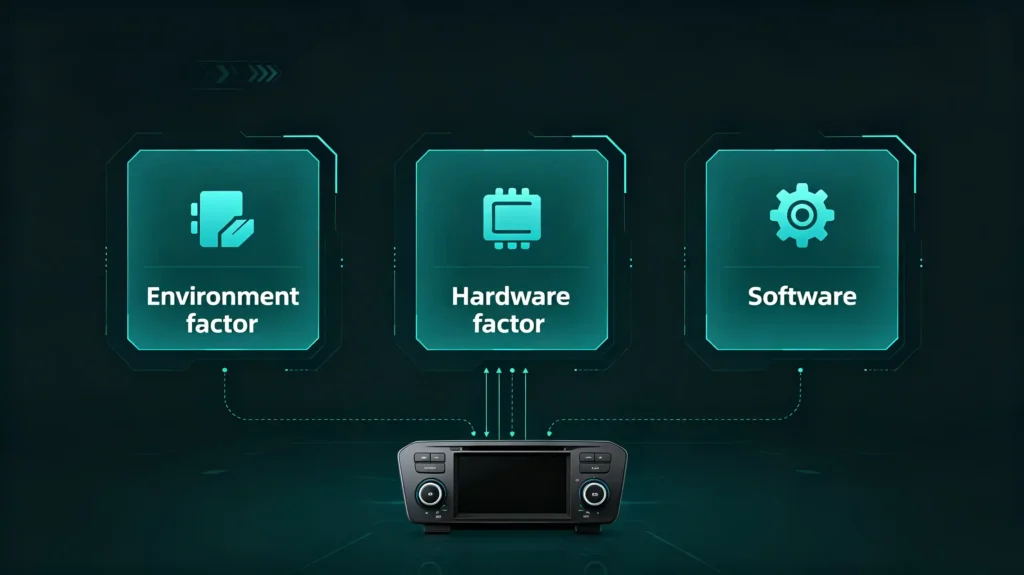
Three categories of factors determine whether a head unit’s Wi-Fi actually performs the way its spec sheet suggests.
Environmental Conditions
Environmental conditions come first. A vehicle’s metal body acts something like a Faraday cage. It attenuates wireless signals before they even reach the antenna. Metallic window tint compounds the problem. Distance from the router or hotspot source matters too. Interference from other 2.4 GHz devices sharing the same band as Bluetooth is also a factor.
Hardware Factors
Hardware factors layer on top of that. Antenna type and placement, and chipset quality, as covered above. A well-placed external antenna can partially offset a difficult cabin environment. A weak internal antenna rarely can.
Software and Firmware
Software and firmware round out the picture. Driver quality affects both throughput and how reliably the connection re-establishes after interruptions. Firmware updates frequently resolve Wi-Fi stability issues that looked like hardware faults at first. Buyers evaluating a supplier’s product should treat lab-condition throughput numbers as a starting point. They are not a guarantee. Actual in-vehicle testing is the only way to see how these factors interact.
Wi-Fi-Capability Evaluation Points for B2B Product Sourcing
Sourcing Checklist
Turning this into a sourcing checklist keeps supplier comparisons consistent across quotes.
- Confirm the Wi-Fi standard supported — 802.11ac (Wi-Fi 5) at minimum, with 802.11ax (Wi-Fi 6) as a premium indicator
- Verify antenna type — internal-only versus external antenna support
- Check for a physical external antenna connector (SMA or FAKRA) if reception is a priority
- Confirm which connection modes are supported — client mode is standard; hotspot mode may or may not be included
- Ask about the Wi-Fi chipset supplier where possible, since tier-1 chips tend to perform more consistently
- Request in-vehicle throughput results rather than relying solely on datasheet figures
- Test auto-reconnection behavior after a power cycle, since this is a common failure point in lower-cost units
- Run sample units through real-world testing before committing to a bulk order
What to Ask Suppliers
It is also worth asking suppliers directly what their pre-shipment quality process actually verifies. Full-function testing programs do not always include dedicated Wi-Fi throughput or stability checks. Confirming this upfront avoids assumptions later.
Vehicle-Application Compatibility & Connectivity-Related Practical Considerations
Vehicle Category Matters
Requirements shift depending on the vehicle category and how the unit will actually be used.
Sedans and Hatchbacks
Sedans and hatchbacks with standard cabin layouts often get adequate performance from an internal antenna.
SUVs and Trucks
SUVs and trucks — with larger cabins and more metal between the antenna and the signal source — tend to benefit from an external antenna option.
Commercial Fleets
Commercial fleet vehicles are usually better served by external antennas as a default. Consistent connectivity matters more at scale.
Multi-Device Scenarios
Multi-device scenarios are worth planning for too. Several devices connecting simultaneously will share available bandwidth. This can slow things down for everyone.
Wi-Fi and Bluetooth Interference
Wi-Fi and Bluetooth both operate in the 2.4 GHz band. Interference between the two is possible. This is particularly true with lower-quality radio implementations.
Cable Routing
When external antennas are used, cable routing and mounting position both affect the real-world result. This is not just the connector’s presence on the board.
FAQ
What performance differences exist between head units with internal-only Wi-Fi antenna versus units supporting external Wi-Fi antenna?
Internal antennas are compact and lower cost. But their signal is attenuated by the metal dashboard and body panels around them. This shows up as slower connections and more frequent drops. This is especially true at the edges of a hotspot’s range. External antennas, mounted where signal exposure is better, generally provide stronger and more consistent reception. The difference is most noticeable in vehicles with metallic window tint or larger cabins. The internal option struggles the most there.
Can good Wi-Fi chip specifications on a datasheet guarantee stable connection in metal-cabin vehicle environments?
Not on their own. A strong chipset sets the ceiling for possible performance. But the antenna, its placement, and the surrounding cabin materials determine how much of that potential is actually usable. A high-end chipset paired with a poorly placed internal antenna can still underperform. A mid-tier chipset connected to a well-positioned external antenna can outperform it. Datasheet specs are a starting point for comparison. They are not a substitute for in-vehicle testing.
What is the practical difference between Wi-Fi client mode and Wi-Fi access point (AP) mode for Android car stereos?
Client mode means the head unit joins an existing network. This is usually a phone hotspot or home router. It gets internet access for itself. AP mode reverses this. The head unit becomes the network source. It lets other devices connect to it. This only makes sense if the unit has its own independent data connection to share, such as a built-in cellular module. Most B2B buyers should prioritize client mode support. It covers the majority of navigation and update use cases without added complexity.
Why do some Android head units fail to auto-reconnect to a vehicle or phone hotspot after a power cycle?
This is usually a firmware or driver-level issue. It is not a hardware fault. Some implementations do not properly retain saved network credentials or connection priority settings through a power-off cycle. This forces the user to manually reconnect each time the vehicle starts. It is a detail that rarely shows up in a spec sheet comparison. But it becomes a real customer complaint once units are in daily use. This is why it is worth testing specifically during sample evaluation.
Conclusion
Wi-Fi looks like a simple checkbox spec until it is installed in a real vehicle fleet. Cabin materials, antenna placement, and firmware quality all interact in ways a datasheet cannot fully capture.


