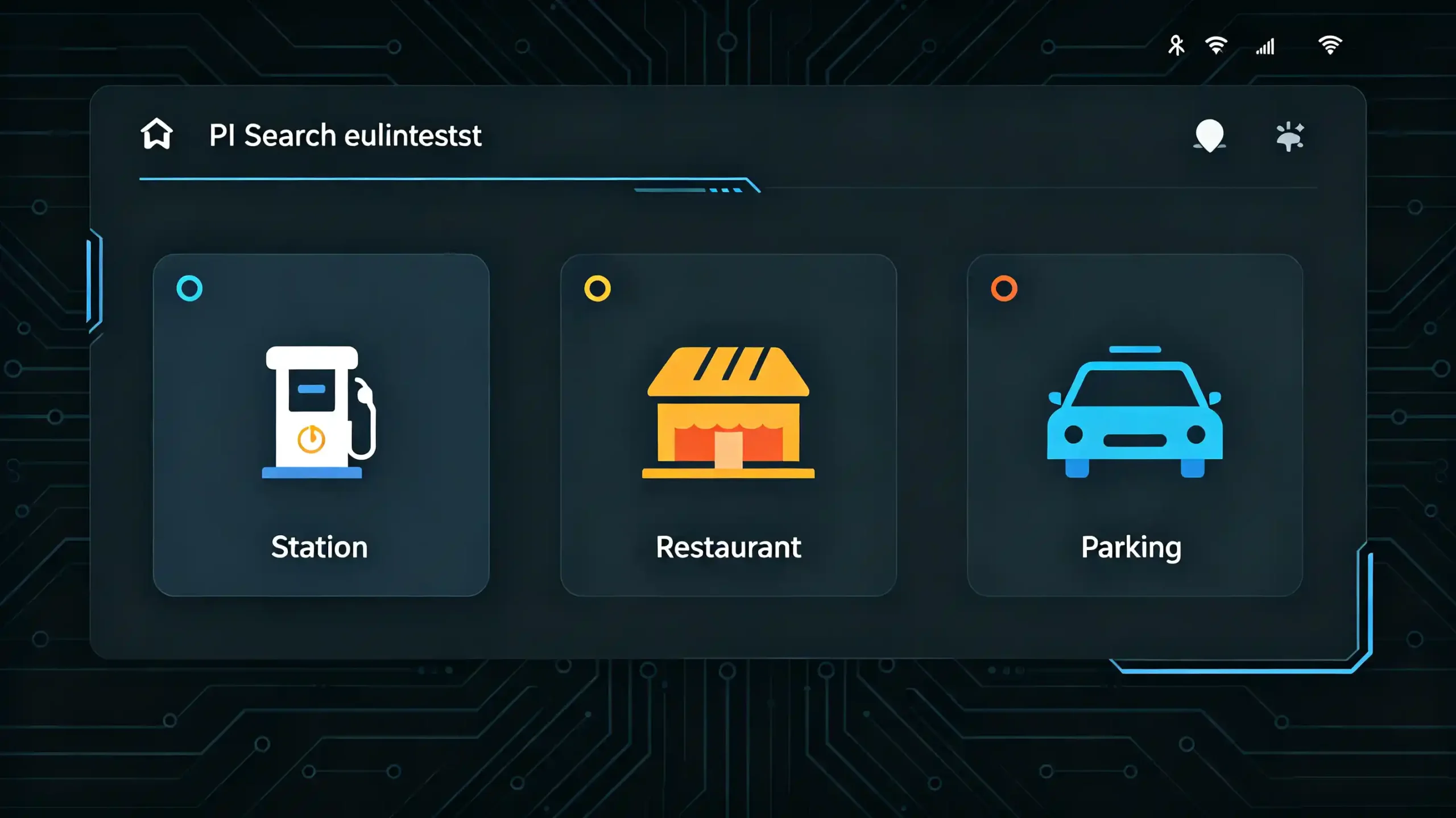
A wholesaler comparing two head units with nearly identical screens and price points often finds the real difference buried one layer deeper. It is in the operating system running underneath. Two units can look the same in a product photo. They can behave completely differently once installed. One runs a well-optimized, regularly updated Android build. The other runs a stripped-down version that stutters after a year of use.
This guide explains how Android head unit operating systems actually work. It covers what separates a solid implementation from a weak one. It also covers what buyers should evaluate before sourcing at scale. For a technical overview of the hardware platform, see our What Is an Android Head Unit guide.
What Is an Android Head Unit Operating System?
Core Definition
An Android head unit operating system is a modified version of the Android platform. It is adapted specifically to run on in-car hardware rather than a phone or tablet. It handles the same core functions any operating system does — managing hardware resources, running apps, rendering the display. But it is built around automotive-specific needs. Interfacing with vehicle CAN Bus data for steering wheel controls. Managing GPS and navigation hardware. Supporting radio and Bluetooth audio. Running reliably across a wider temperature range than a consumer device typically faces.
Why “Runs Android” Is Not Enough
This distinction matters because “runs Android” does not mean much on its own. The underlying Android version matters. How well the manufacturer has optimized it for the specific hardware matters. How actively it is maintained after launch matters. All of these affect real-world performance far more than the version number printed on a spec sheet. A well-optimized older Android build can outperform a poorly optimized newer one in day-to-day use. This is a point worth explaining to customers who assume higher version numbers automatically mean better performance.
Android vs Linux: Choosing the Right OS for a Car Stereo
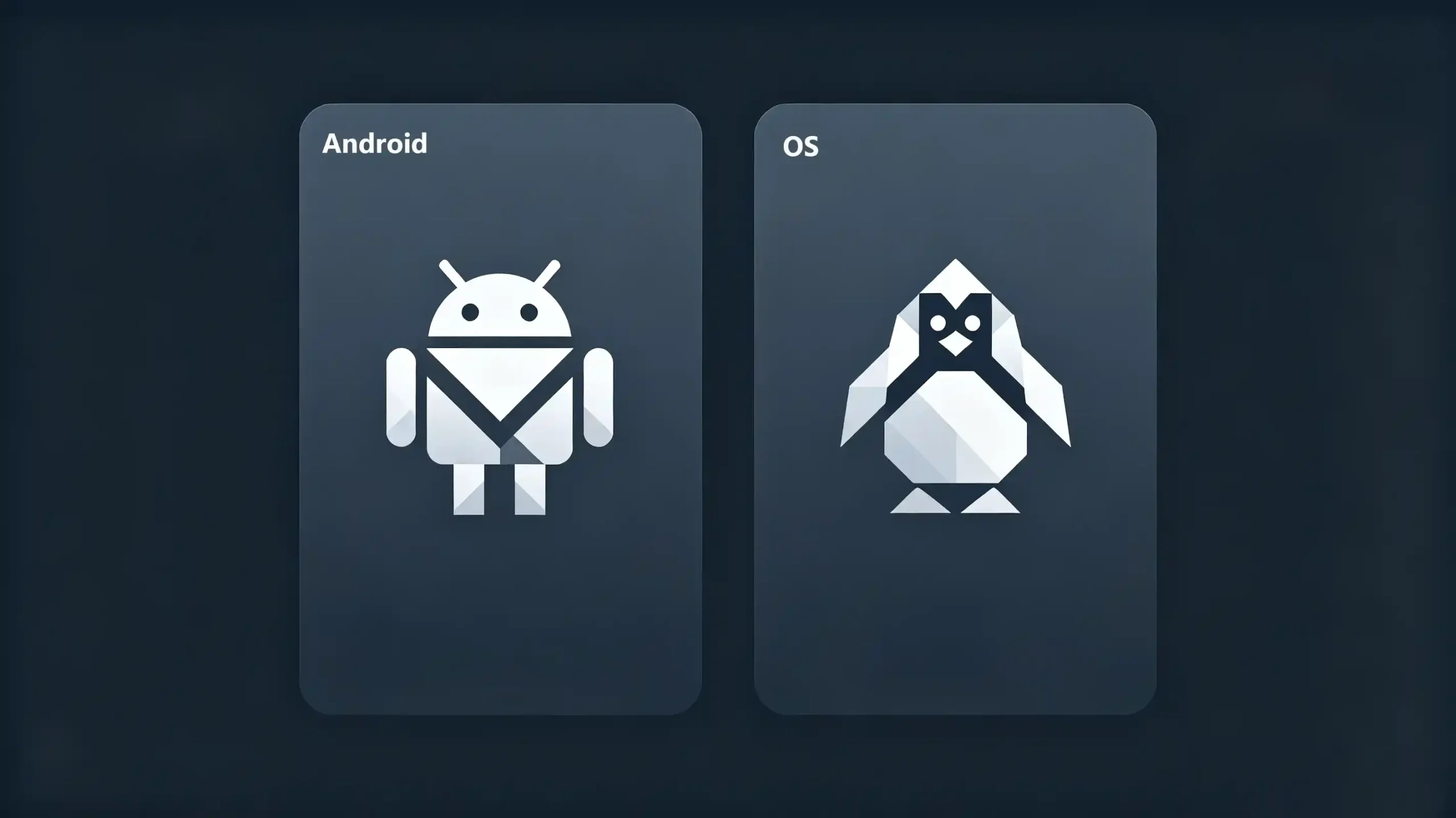
Android is not the only operating system used in car head units. Understanding the alternative helps clarify what Android actually offers.
Linux-based head units run a more stripped-down, embedded operating system. They are generally lighter on hardware requirements. They are more power-efficient. They are often more stable for basic functions like radio, Bluetooth audio, and simple navigation.
The trade-off is app ecosystem and flexibility. Android supports a broader range of installable apps. It offers more elaborate navigation and media interfaces. It generally provides more responsive touchscreen interaction. But it demands more from the underlying hardware to run smoothly.
Linux systems tend to suit buyers prioritizing cost-effectiveness and rock-solid basic functionality over a rich app experience. Android suits customers who want a smartphone-like interface with navigation apps, media streaming, and phone connectivity features built in. For dealers stocking both, this is not really an “either is better” conversation. It is a matter of matching the OS to what the customer actually needs the unit to do. A budget commercial fleet vehicle used mainly for basic radio and navigation may be well served by a Linux system at a lower price point. A customer-facing retail vehicle benefits more from Android’s flexibility. For a detailed comparison, see our Android vs Linux for automotive infotainment guide.
How Android Head Unit Software Gets Updated
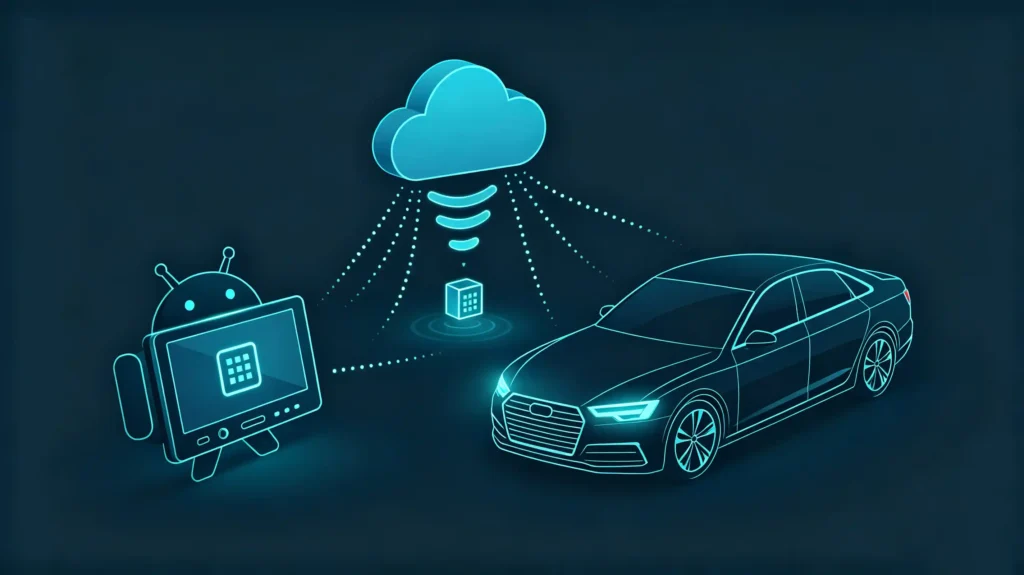
One of the more overlooked differences between head unit suppliers is how software updates actually reach the customer after the sale.
Older approaches required physically connecting a USB drive with update files. In worse cases, they required sending the unit back to a service center. Both create friction that discourages customers from updating at all.
Over-the-air, or OTA, updates solve this by letting a manufacturer push firmware, UI, and vehicle protocol updates remotely. The unit never leaves the vehicle. This matters more than it might initially seem for B2B buyers specifically. It directly affects after-sales support costs. A dealer fielding a bug report on a unit with OTA support can often resolve it with a remote push. The same issue on a non-OTA unit may require a physical return. This adds time and cost that eats into the margin on the original sale. For a complete guide on updates, see our Android head unit software update guide.
Hardware Requirements: RAM, ROM, and Performance
Android’s flexibility comes at a hardware cost. This is where buyers occasionally get burned by comparing units on screen size and price alone.
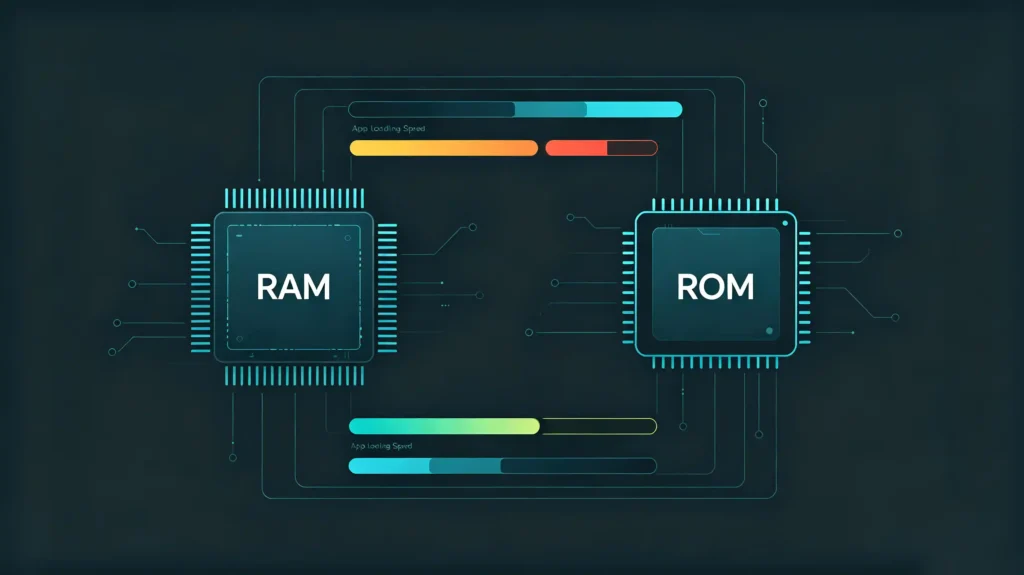
Insufficient RAM causes apps to reload constantly. It causes the interface to lag. This is particularly noticeable once a customer starts running navigation, a music app, and Bluetooth simultaneously.
Insufficient ROM — the storage where the OS, apps, and map data live — limits how much can be installed at once. It can bottleneck how smoothly the system operates over time as it fills up.
Buyers sourcing head units for markets where customers expect a smartphone-like experience should treat RAM and ROM specifications as a genuine performance factor. They are not a marketing checkbox. A unit with more capable specs handles multitasking and offline map storage noticeably better than a minimally specced one running the same Android version. Both might list “Android” identically on a spec sheet. But they perform very differently.
Customization Options for OEM/ODM Buyers
For dealers and automakers pursuing OEM or ODM projects, the operating system layer is often where the most meaningful brand differentiation happens. This goes well beyond simply changing a logo on the front panel.
The buyer needs a system that reflects their brand identity rather than a generic default interface. Companies usually evaluate whether a supplier can customize the desktop theme, icon style, menu layout, and boot animation to match brand guidelines. A consistent visual identity across a dealer’s product line reinforces brand recognition in a way a stock interface cannot. Multi-language support matters here too. A system built-in with 30 or more global languages gives dealers flexibility to serve diverse customer bases. They do not need to source separate regional builds. For more on UI customization, see our Android head unit UI customization guide.
Beyond visual branding, software customization extends to functional adjustments. Adding vehicle-specific protocols for CAN Bus integration. Adapting regional radio frequency standards. Adjusting system logic to match how a specific market’s customers actually use their vehicles.
Supplier Evaluation Factors for B2B Buyers
What to Check
Beyond the operating system itself, buyers evaluating a head unit supplier for ongoing sourcing tend to check a consistent set of things. Whether OTA update support is genuinely available or just listed as a feature. How responsive the system feels under real multitasking conditions rather than a demo-only test. Whether UI and boot animation customization is offered for OEM branding. Whether the supplier’s R&D team can adapt CAN Bus protocols and system logic for new vehicle models as a dealer’s product line expands.
Long-Term Cooperation Depends on Adaptability
Long-term cooperation depends heavily on this last point. A supplier that can only ship a fixed software configuration becomes a bottleneck the moment a dealer needs to support a new vehicle brand or a customer request that falls outside the original spec. A supplier with active in-house Android and Linux development can typically adapt faster.
FAQ
Is a newer Android version always better for a car head unit?
Not automatically. Real-world performance depends more on how well the manufacturer has optimized the build for the specific hardware. It also depends on how well RAM and ROM specifications support it. The version number alone is not the deciding factor. A well-optimized older build can outperform a poorly optimized newer one. Ask suppliers about actual performance testing rather than relying on version numbers as a shortcut.
What’s the practical difference between Android and Linux head units for my customers?
Android generally offers a broader app ecosystem, richer navigation and media interfaces, and more flexible phone connectivity features. But it requires more capable hardware to run smoothly. Linux systems tend to be more power-efficient and stable for core functions like radio and basic navigation at a lower cost. The right choice depends on whether your customer base values app flexibility or values a lower-cost, reliable basic system more.
Why does OTA update support matter for a B2B buyer specifically?
OTA support directly affects after-sales cost. Without it, resolving a software bug or adding a new feature typically requires a physical return or an in-person USB update. This adds time and expense that eats into margin. With OTA, a supplier can push fixes and updates remotely. This reduces the operational burden on the dealer’s after-sales team.
Can the operating system’s interface be customized for OEM branding?
Yes, within a supplier’s UI customization capability. This typically includes desktop theme, icon style, color scheme, menu layout, and boot animation. All can be matched to a specific brand’s visual identity. Confirming this capability, along with any lead time for custom UI development, is worth doing early in an OEM sourcing conversation. Do not assume it is included by default.
Conclusion
Whether your customers need Android’s app flexibility or Linux’s cost-effective reliability, matching the operating system and its update path to how your market actually uses these systems makes a measurable difference in long-term satisfaction.