
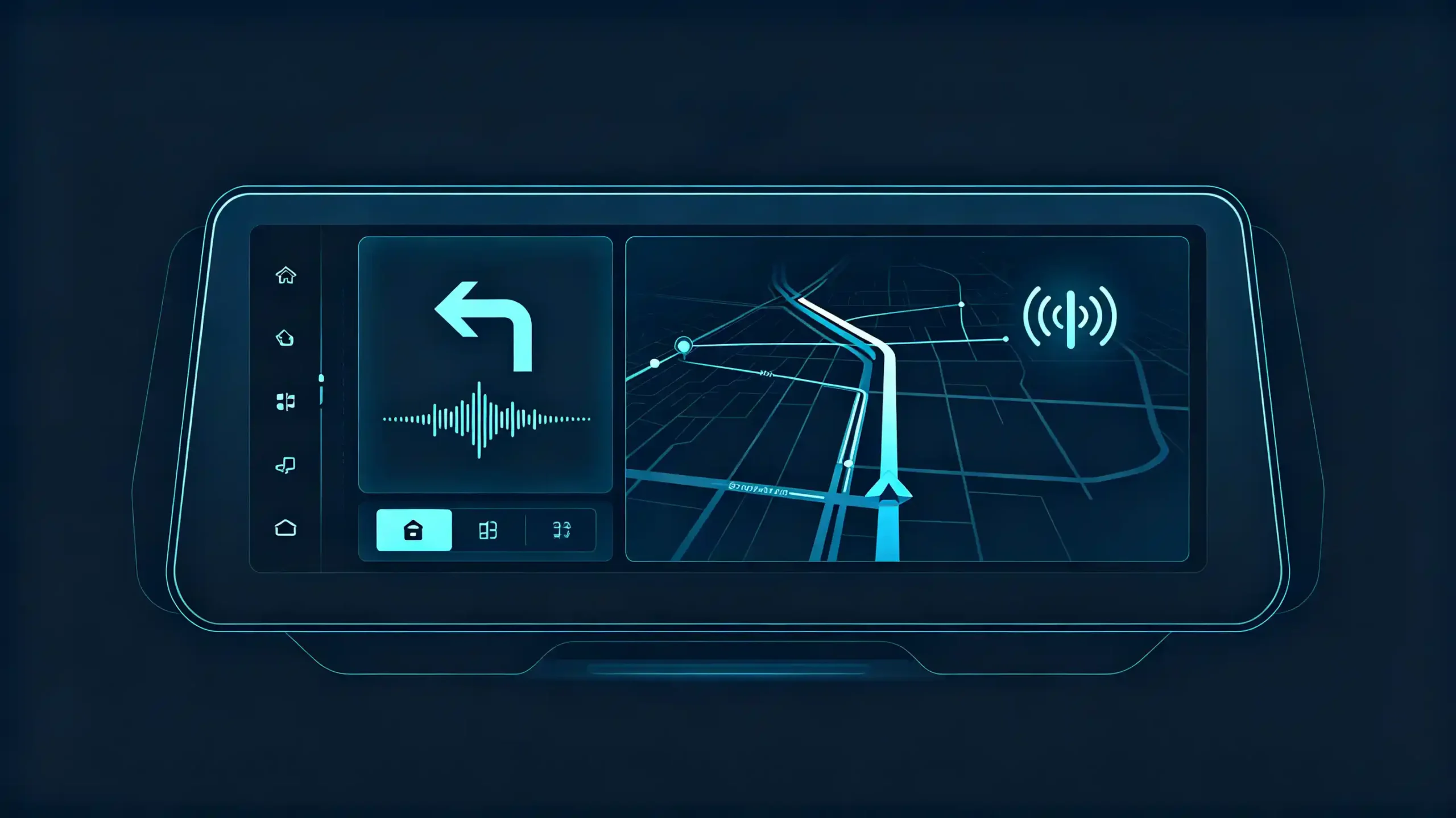
Ask ten customers what they actually want from a car navigation system. Most will not say “GPS accuracy.” They will describe frustrations. Missing a turn because the instruction came too late. Hunting for a gas station with no idea if one is nearby. Merging into the wrong lane on an unfamiliar highway interchange. These are feature-level problems. They are not positioning problems. They are exactly what route planning, turn-by-turn guidance, POI search, and lane guidance are built to solve.
This guide breaks down what each feature actually does. It also covers what buyers should look for when comparing navigation-equipped head units. For a foundational overview of navigation systems, see our what is a car navigation system guide.
Route Planning: How Car Navigation Calculates the Best Path
What Is Route Planning?
Route planning is the foundation everything else builds on. It is the process of calculating a path from origin to destination. It is based on road network data, distance, and depending on the system, live traffic conditions. For a complete guide on real-time traffic updates, see our real-time traffic updates guide.
Static vs Dynamic Route Planning
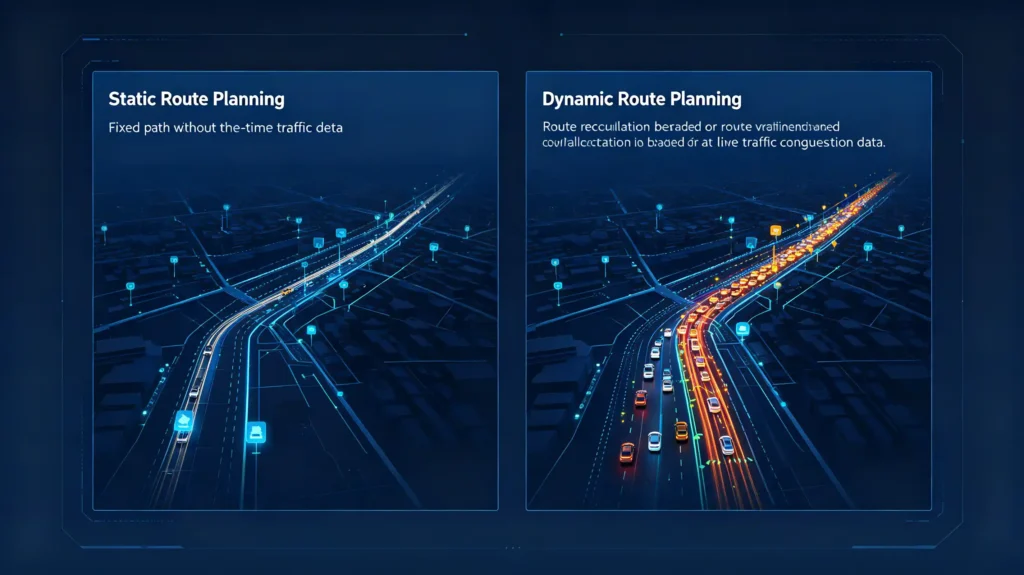
A basic route planner simply finds the shortest or fastest path using stored map data. A more capable system factors in real-time congestion, road closures, and sometimes historical traffic patterns. This helps avoid routes that look fast on paper but perform poorly at rush hour.
Practical Distinction for Buyers
For buyers, the practical distinction worth understanding is between static and dynamic route planning. Static planning works entirely from stored map data. It does not adjust for current conditions. This is what offline navigation systems rely on. Dynamic planning pulls in live traffic data. This requires either a cellular connection or, in some setups, traffic data received through a broadcast signal like RDS-TMC. For more on connectivity, see our smartphone integration in vehicles guide.
What to Explain to Customers
Dealers fielding questions about “smart” route planning should be ready to explain this distinction. Customers sometimes assume every system recalculates for traffic automatically. Only the connected ones actually do.
Turn-by-Turn Navigation: Real-Time Guidance While Driving
The Most Associated Feature
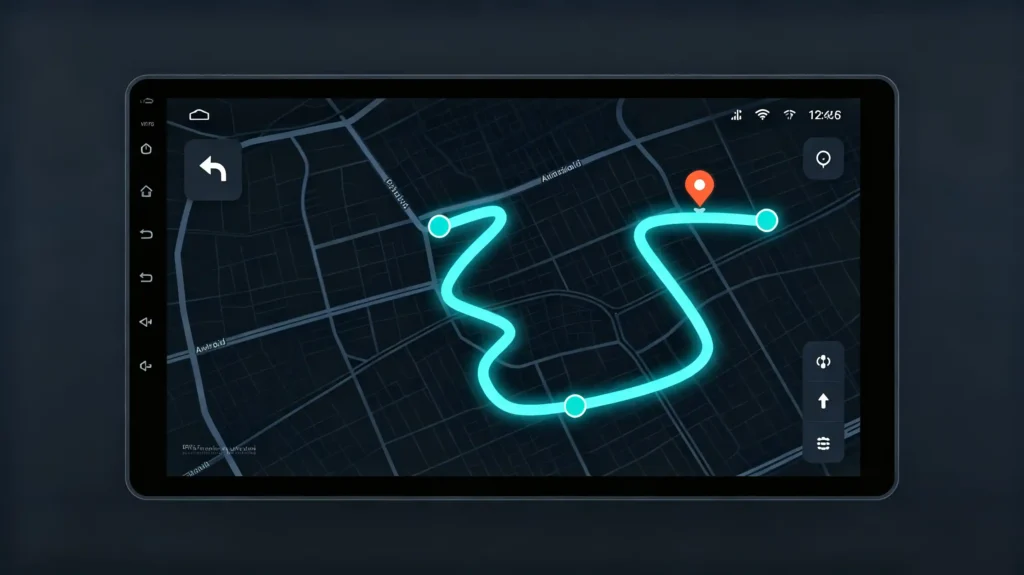
Turn-by-turn navigation is the feature most closely associated with car navigation in general. It provides spoken and visual instructions. These tell the driver exactly when and where to turn as the route unfolds.
What Separates Good from Mediocre
What separates a good implementation from a mediocre one usually comes down to timing and clarity. It is not the underlying map data itself.
Common Problems
Instructions given too late force last-second lane changes and missed exits. This is particularly problematic on complex interchanges with multiple ramps close together. Systems that announce upcoming turns with enough advance warning tend to generate far fewer customer complaints. Systems that clearly distinguish between similar-sounding street names also perform better. This is compared to those that technically work but communicate poorly.
What to Test
Voice prompt clarity and the timing logic behind when instructions trigger are worth testing directly on a sample unit. Do not assume all turn-by-turn systems perform the same in practice.
POI Navigation: Finding Points of Interest On the Road
What Is POI Navigation?
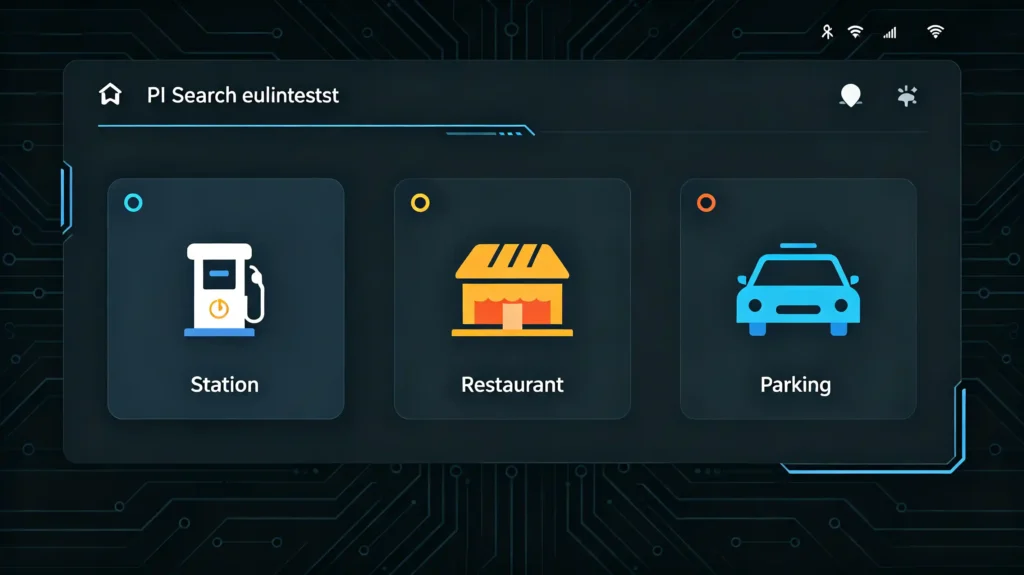
Point-of-interest, or POI, navigation lets drivers search for and route to nearby locations. Examples include fuel stations, restaurants, parking, and hospitals. Drivers do not need to know an exact address.
Dependence on Map Data
This feature depends heavily on the underlying map data’s POI database. How current it is matters. How densely populated with local businesses matters. How well categorized for search matters.
Where Provider Quality Shows Up
This is a feature category where map data provider quality shows up clearly. A system with a sparse or outdated POI database frustrates drivers. They search for a nearby charging station or restaurant and get no results or incorrect locations. For buyers sourcing units for a specific regional market, confirming that the map provider maintains a reasonably current and locally relevant POI database matters more than the visual polish of the search interface itself.
Search Behavior Variations
Search behavior also varies more than buyers might expect between systems that look similar on a demo screen. Some navigation platforms let a driver filter POI results by category, distance, or rating. Others return a flat list with limited sorting. For fleet operators or dealers serving customers who search for fuel or charging stops frequently, this kind of filtering capability can matter as much as the size of the underlying POI database.
Lane Guidance: Reducing Last-Second Lane Changes
What Is Lane Guidance?
Lane guidance displays which lane a driver should be in ahead of a turn, exit, or highway merge. It is typically shown as a graphic representation of the road with the correct lane highlighted.
When It Matters Most
This feature matters most on multi-lane highways and complex interchanges. Choosing the wrong lane late means missing an exit entirely. It can also mean making an unsafe last-second maneuver across traffic.
Implementation Quality Varies
Not every navigation system implements lane guidance equally well. Some show generic lane arrows without matching the actual physical lane configuration at a given interchange. This undermines the feature’s usefulness precisely where it matters most. Buyers evaluating navigation systems for markets with complex urban highway networks should treat lane guidance accuracy as a meaningful differentiator. It is not just a checkbox feature. It directly affects how confident a driver feels using the system in unfamiliar areas. For more on display quality that supports lane guidance, see our IPS vs QLED display technology guide.
Display Quality Matters
This is also a feature where display quality plays a supporting role. Lane guidance graphics rendered on a larger, higher-resolution screen are easier to interpret at a glance. The same information squeezed into a small or low-contrast display is harder to read. This detail is worth weighing alongside the navigation software itself when comparing head unit options for markets where highway driving is common. For guidance on choosing the right head unit, see our how to choose an Android head unit guide.
How These Features Come Together in a B2B Sourcing Decision
Features Are Evaluated Together
For dealers, wholesalers, and OEM/ODM buyers, these four features rarely get evaluated in isolation. They are assessed together as part of what makes a navigation-equipped head unit genuinely useful versus merely functional on a spec sheet.
Customization for Regional Needs
The buyer needs a navigation feature set that matches how driving actually works in the target market. A system built primarily around North American highway conventions may handle interchange lane guidance differently than one designed for dense European city routing. Companies usually evaluate whether a supplier can adjust map data sources, POI databases, and route calculation settings for a specific regional market. They do not want one global configuration everywhere. For guidance on choosing the right supplier, see our how to choose a car navigation system supplier guide.
Supplier Evaluation Factors
Buyers comparing navigation-equipped head units for bulk orders tend to check a consistent set of things. Whether the map data provider maintains current POI and road network information for the target region. How the system handles real-time traffic if dynamic route planning is expected. Whether lane guidance graphics are accurate for the region’s typical interchange designs. Whether the supplier can adjust these features for OEM or ODM projects rather than offering only a fixed configuration.
Long-Term Support Matters
Long-term cooperation tends to matter more here than a single order suggests. Map data ages. POI databases drift out of date. A region’s road network changes over years, not months. A supplier who can support ongoing map and feature updates across a multi-year relationship saves a dealer from repeatedly explaining to customers why search results or lane guidance feel less reliable than they used to.
FAQ
What’s the difference between route planning and turn-by-turn navigation?
Route planning is the calculation step. It determines the best path from origin to destination based on map data and, in dynamic systems, live traffic. Turn-by-turn navigation is the guidance layer. It delivers that calculated route to the driver as spoken and visual instructions in real time. A system needs both working well together. Strong route planning with poor turn-by-turn delivery still results in missed exits and driver frustration.
Why does POI search sometimes show outdated or missing locations?
POI accuracy depends entirely on the underlying map data provider’s database. It needs regular updates to reflect new businesses, closures, and address changes. A navigation system with strong hardware but an infrequently updated POI database will still return incomplete or stale search results. Buyers sourcing units for a specific market should confirm the map provider’s update frequency for that region specifically.
Is lane guidance necessary for every market, or mainly for complex highways?
Lane guidance matters most where multi-lane highways, closely spaced exits, and complex interchanges are common. Dense urban and metro areas typically benefit the most. In markets with simpler road networks and fewer multi-lane merges, the feature still helps but has less practical impact. Buyers should weigh this against the target market’s typical road complexity when comparing navigation feature sets.
Can navigation features be customized for a specific region during OEM or ODM production?
Yes, within a supplier’s software customization capability. This typically includes adjusting map data sources, POI databases, language settings, and route calculation behavior to match a target market’s driving conditions. Confirming this capability and any related lead time during the quoting stage helps avoid ordering a configuration that does not fit local road and search expectations.。
Conclusion
Whether your customers need reliable route planning for daily commutes or precise lane guidance for complex urban interchanges, matching navigation features to how a market actually drives makes a measurable difference in customer satisfaction.


