
When selecting an Android head unit, screen resolution affects how clearly maps, text, interfaces, and video content appear. However, resolution alone does not determine whether a display will work well with an Android-based infotainment system.
Screen size, pixel density, aspect ratio, Android UI scaling, application compatibility, panel quality, and system performance all need to be considered together.
This guide focuses specifically on HD and FHD resolution for Android head units and explains how screen size, PPI, aspect ratio, Android scaling, and system compatibility affect the final display experience.
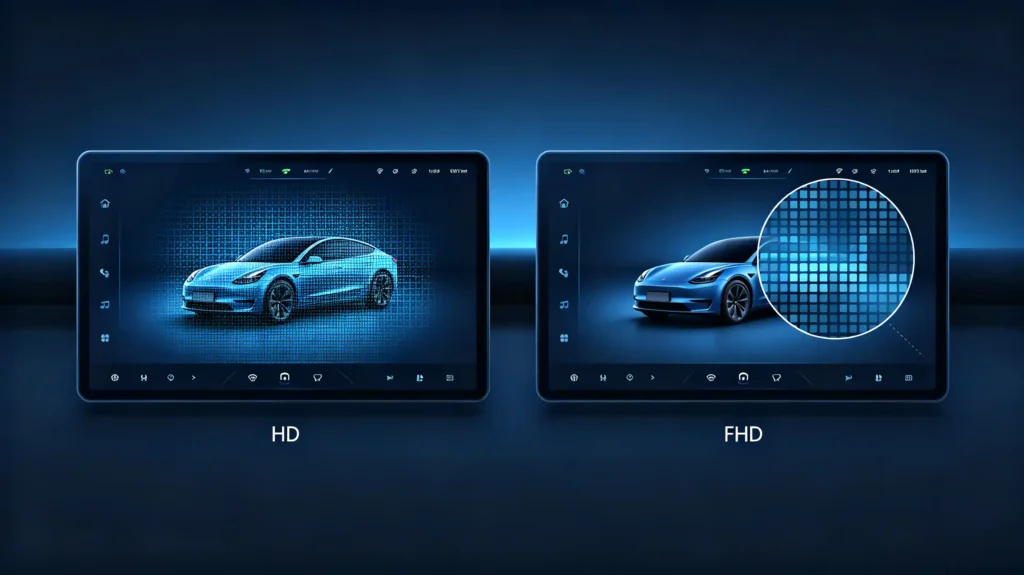
Screen Size, Resolution and Pixel Density Relationship
Resolution Alone Is Not Enough
Resolution alone does not determine sharpness. Screen size has to be factored in through pixel density, or PPI (pixels per inch). PPI is calculated as resolution divided by the screen’s diagonal measurement.
The Same Resolution, Different Results
The same resolution produces very different results depending on what size screen it is spread across.
| Screen Size | Resolution | Approx. PPI | Result |
|---|---|---|---|
| 7-inch | HD (1280×720) | ~210 PPI | Good sharpness |
| 10.1-inch | HD (1280×720) | ~145 PPI | Noticeably softer |
| 7-inch | FHD (1920×1080) | ~315 PPI | Very sharp |
| 10.1-inch | FHD (1920×1080) | ~218 PPI | Good sharpness |
The Consistent Pattern
The pattern is consistent. A higher resolution on the same screen size raises PPI and sharpness. The same resolution spread across a larger screen lowers PPI and introduces visible pixelation. This is exactly why a 10.1-inch HD panel and a 7-inch HD panel do not look remotely similar side by side. They share an identical resolution spec. As a practical rule, HD is sufficient at 7-inch. FHD is the better match once screens reach 9-inch and above. For more on screen size considerations, see our car navigation screen size guide.
Resolution, Aspect Ratio and Android Display Compatibility
Resolution and Aspect Ratio Work Together
Resolution describes the number of pixels, while aspect ratio describes the proportion between the display’s width and height. Both need to be considered when specifying an Android head unit screen.
Common Android Head Unit Aspect Ratios
Many Android head units use 16:9 displays, while some larger or custom designs use other proportions such as 16:10 or wider formats.
When Aspect Ratio Causes Problems
An unusual aspect ratio can create display problems even when the resolution itself is high. Depending on the application and system configuration, users may see stretched interface elements, black bars, cropped content, or navigation maps that do not fill the screen correctly.
Android UI Scaling
Android can scale interface elements across different display resolutions and densities. However, scaling behavior depends on the system configuration, display density, application design, and firmware implementation.
App Compatibility
Navigation, media, and other Android applications may be designed around particular screen proportions and density configurations. For this reason, B2B buyers should test target applications on the actual head-unit sample instead of evaluating resolution in isolation.
For general car stereo resolution selection and supplier verification, see our Display Resolution Guide: HD vs FHD for Car Stereo Sourcing.
Key Factors That Determine Perceived In-Vehicle Display Quality
More Than Just Resolution
Resolution sets the pixel count. But several other factors shape how good the screen actually looks once it is mounted in a dashboard under real lighting conditions.
Brightness (Nits)
Brightness, measured in cd/m² (nits), determines whether the screen stays readable in direct sunlight. Figures in the 400–600+ cd/m² range are generally considered adequate for automotive use. Lower brightness panels can become difficult to read on a bright day.
Contrast Ratio
Contrast ratio affects how deep the blacks look. It also affects how vibrant the overall image feels.
Color Performance
Color performance — both accuracy and gamut — determines how true colors appear on the map and interface.
Panel Type
Panel type plays a role too. IPS remains the standard baseline for automotive displays. It offers reliable color and wide viewing angles. QLED and OLED sit at progressively higher price points with stronger brightness or contrast performance. For a detailed comparison of panel technologies, see our IPS vs QLED display technology guide.
Android System Performance and Display Resolution
A higher-resolution display can provide more detailed maps, sharper text, and clearer media content, but the Android head unit must also have sufficient system performance to render the interface smoothly.
Display resolution should therefore be evaluated together with the platform, GPU capability, firmware optimization, and the actual applications used on the head unit.
During sample evaluation, buyers should check whether menus, navigation maps, video playback, and other frequently used applications remain responsive at the target resolution.
Viewing Angle
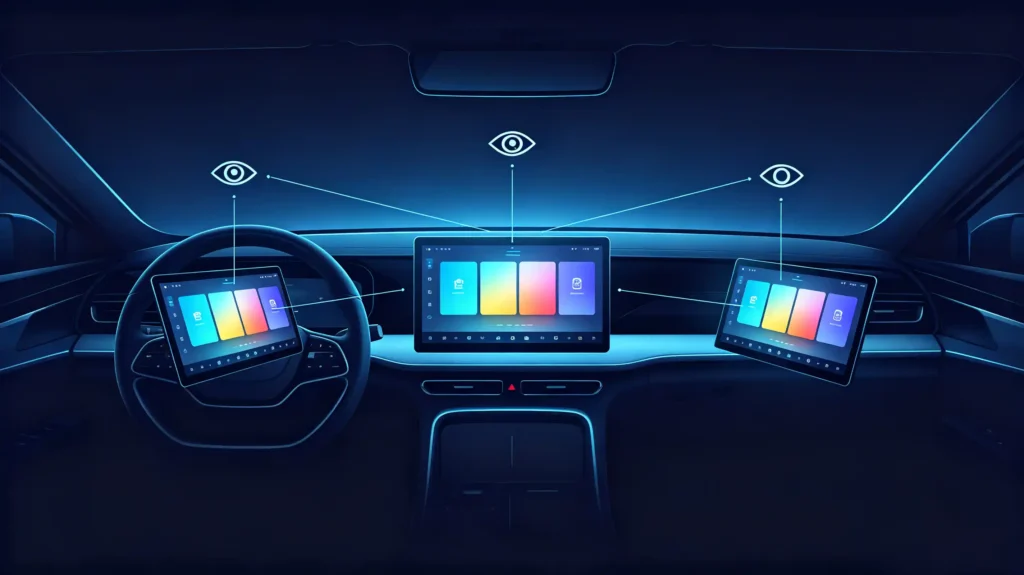
Viewing angle matters more in a vehicle than it might elsewhere. Passengers often view the screen from the side rather than head-on.
The Takeaway
None of these factors show up in a simple resolution figure. Comparing two “FHD” units on resolution alone can still miss meaningful quality differences.
B2B Considerations for Specifying Android Head-Unit Screen Resolution
Android Head Unit Display Sourcing Checklist
When sourcing an Android head unit display, confirm the following:
- Confirm HD (1280×720) or FHD (1920×1080) resolution.
- Match resolution with the physical screen size and target PPI.
- Verify the display aspect ratio.
- Confirm that the aspect ratio works correctly with the target Android UI.
- Test navigation, media, and other key applications on the actual display.
- Check Android UI scaling and text readability.
- Confirm panel type, brightness, contrast, and viewing angle.
- Verify that the Android platform and firmware can render the selected resolution smoothly.
- Request physical samples before production.
- Do not rely on the resolution number in the supplier datasheet alone.
FAQ
Does higher FHD resolution always deliver a sharper display experience for car navigation map rendering?
Generally yes, but the improvement depends on screen size. On larger panels — 9-inch and above — FHD’s extra pixel count produces a clearly sharper map with more visible detail. On a 7-inch screen, the difference from HD is smaller because the pixel density gap narrows at that size. Buyers should weigh FHD’s benefit against the target screen size. Do not assume it delivers the same improvement across every display dimension.
Why can two head units with identical advertised resolution show large differences in real-world display quality?
Resolution only measures pixel count. It says nothing about panel brightness, contrast, color accuracy, or viewing angle. All of these affect how the screen actually looks in use. Two “FHD” units can use very different panel grades. One can produce washed-out colors or poor outdoor visibility despite matching resolution numbers on paper. This is why sample testing under real lighting conditions matters more than comparing spec sheets alone.
What risks arise when pairing a high FHD resolution panel with a non-standard aspect ratio on Android head units?
A high resolution does not protect against aspect-ratio compatibility problems. If the panel’s proportions fall outside what an app expects, the result can be stretched interface elements, black bars, or maps that do not fill the display correctly. This happens regardless of how many pixels the panel has. Confirming aspect ratio compatibility with target navigation and media apps is a separate check from confirming resolution. Both matter for a clean final result.
For a given screen physical size, what practical threshold of pixel density should B2B buyers target for in-vehicle use?
A general target is around 200 PPI or higher. This tends to produce acceptable sharpness for map text and UI elements at typical viewing distances inside a vehicle. Below that threshold, text and fine map details start to look noticeably soft. This is particularly true on larger screens. Calculating PPI (resolution divided by screen diagonal) before finalizing a spec helps confirm a chosen resolution will actually deliver the intended sharpness once installed.
Can Android OS version limit support for certain high-resolution display panels on aftermarket head units?
It can, depending on how the specific build handles display drivers and scaling for the given panel. Older or poorly optimized system builds sometimes struggle to render higher resolutions smoothly. This can result in UI lag or scaling inconsistencies even when the hardware itself supports the resolution. This is worth checking during sample testing. Do not assume resolution support is purely a hardware matter.
Conclusion
Conclusion
For Android head units, choosing between HD and FHD involves more than comparing pixel counts.
Screen size and PPI affect sharpness, while aspect ratio, Android UI scaling, application compatibility, panel quality, firmware, and system performance can affect how the display actually performs in the vehicle.
For B2B buyers, the safest approach is to evaluate the complete display configuration through physical samples and application testing before finalizing a production specification.
For general HD versus FHD selection and car stereo sourcing considerations, see our Display Resolution Guide: HD vs FHD for Car Stereo Sourcing.


