
Every infotainment system a customer interacts with runs on a physical hardware foundation. The map on screen. The voice call routed through the speakers. The firmware update that installs overnight. Most buyers never see this directly. For dealers, wholesalers, and automakers sourcing Android head units and IVI systems, understanding that underlying hardware architecture is what separates a well-informed RFQ from a guessing game.
This guide walks through the core hardware blocks. It covers how they connect. It also covers what to check before committing to a supplier. For a full view of all hardware decisions, see our car stereo hardware components overview.
IVI Hardware Architecture – Definition and Overall System-Level Structure
What Is IVI Hardware Architecture?
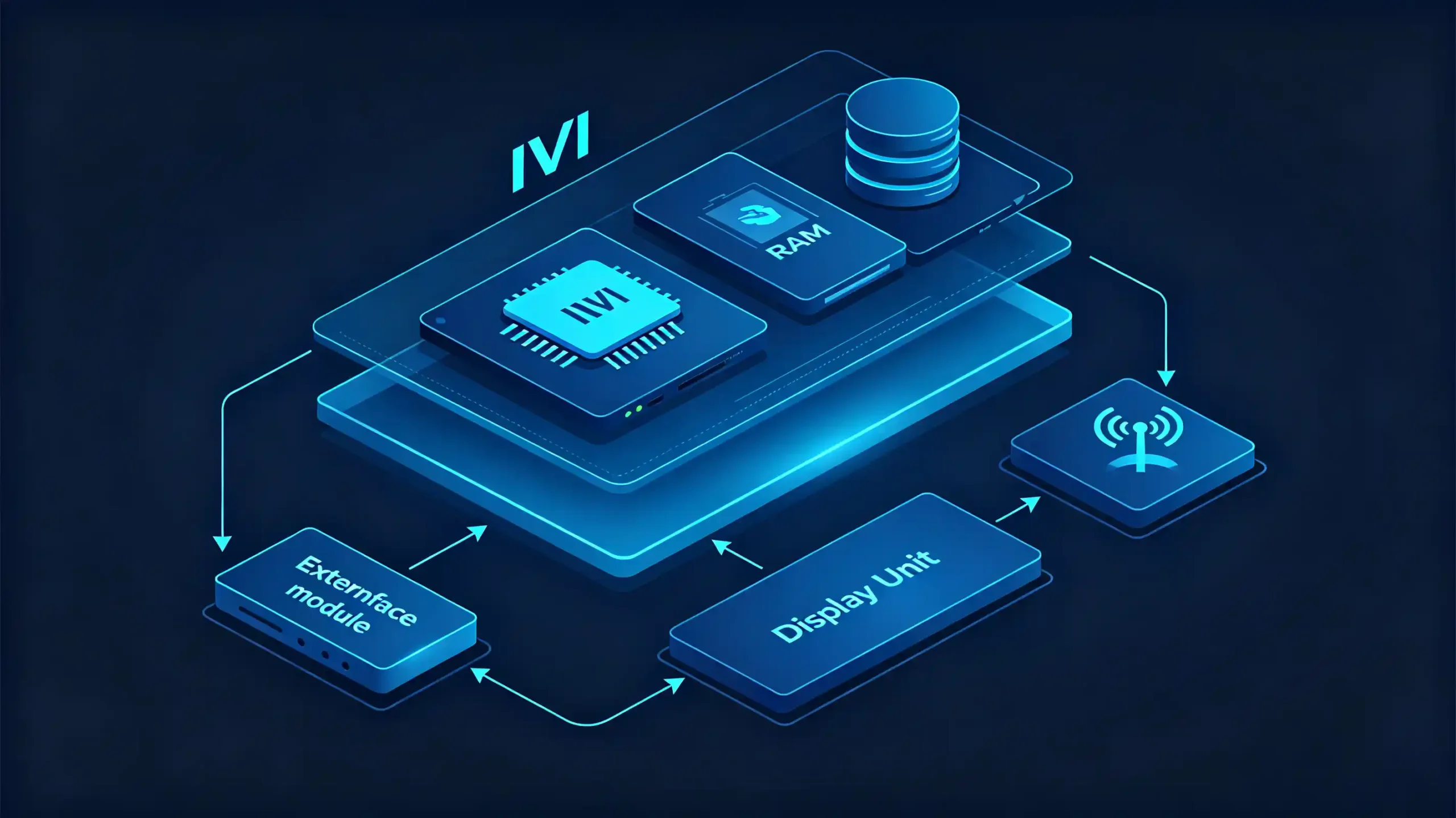
IVI hardware architecture refers to the complete physical hardware system that powers an in-vehicle infotainment unit. This includes the processor, memory, display, audio components, connectivity modules, and interfaces. Together, these make the system function.
Hardware vs Software
It is worth separating this from software architecture. Hardware is the physical platform. The operating system and applications run on top of it. A capable processor with poor software optimization still underperforms. Excellent software cannot overcome undersized hardware.
The Basic Structure
At a high level, most IVI systems share the same basic structure.
- Processing core — the SoC or processor that runs everything
- Memory and storage — RAM for active tasks, ROM/eMMC/UFS for persistent data
- User interface hardware — display, touch panel, audio components
- Connectivity — Bluetooth, Wi-Fi, and optionally cellular data
- Vehicle integration — CAN Bus communication and power management
- Physical interfaces — USB, HDMI, RCA, AUX
Why This Matters for Sourcing
Understanding this structure gives buyers a shared vocabulary for defining requirements. It also helps when pushing back on vague supplier claims. A spec sheet that just says “fast processor” is far less useful than one that names the platform, RAM, and storage explicitly.
IVI Processor and Control-Unit Core Functions
The Processor (SoC)
The processor, or SoC (System on Chip), is the computational center of the entire system. It runs the operating system. It calculates navigation routes and renders maps. It decodes audio and video for playback. It manages Bluetooth and Wi-Fi connections. It draws the user interface the driver actually sees.
Two Dominant Platforms
Two processor platforms dominate this category. Snapdragon platforms are generally positioned at the premium end. They are known for strong single-core performance that benefits UI responsiveness. MediaTek platforms tend to be more cost-effective. They still offer solid multi-core performance, which suits multitasking-heavy use cases. For a detailed comparison, see our Qualcomm vs MediaTek for car stereos guide. Neither is universally “better.” The right choice depends on the target price point and feature set.
The Control Unit
Alongside the main processor, a control unit manages power sequencing, boot behavior, and communication with the rest of the vehicle.
A Clear Distinction
It is worth being clear about one distinction here. The IVI processor handles infotainment functions exclusively. It has no role in powertrain, safety, or chassis control. Those remain the job of the vehicle’s dedicated ECUs. The IVI system communicates with them but never overrides them.
Why Processor Selection Matters
Processor selection is one of the more consequential specs in a sourcing decision. It sets the ceiling for what the system can do. This holds regardless of how well the software is tuned on top of it.
IVI Memory, Storage and Vehicle Power-Related Hardware Components
Three Supporting Hardware Layers
Behind the processor sit three supporting hardware layers. They quietly determine whether a system feels smooth or sluggish.
RAM (Active Working Memory)
RAM serves as active working memory for the operating system, running apps, and background services. Insufficient RAM shows up as lag, delayed app switching, and occasional crashes under multitasking.
Storage (ROM/eMMC/UFS)
Storage holds the operating system, installed apps, offline map data, and user files. Beyond raw capacity, storage speed matters too. UFS generally outperforms eMMC in boot time and app loading responsiveness. For more on storage specifications, see our RAM and storage guide for Android car stereos.
Power Management Hardware
Power management hardware rounds out this layer. Voltage regulation converts the vehicle’s 12V supply into the stable voltages each component needs. Power sequencing ensures parts turn on in the correct order at startup. Power filtering reduces electrical noise that a vehicle’s electrical system routinely generates.
Interdependence
These three areas are interdependent in practice. A processor paired with too little RAM will bottleneck regardless of its raw capability. Unstable power delivery can cause reboots or corruption that look like software bugs. They often trace back to inadequate voltage regulation. Buyers evaluating a spec sheet should check RAM and storage figures together with power management details. Do not assume any one number tells the whole story.
IVI Display, Audio and On-Board Connectivity Hardware Modules
User-Facing Components
These are the components users interact with directly. They tend to carry the most weight in perceived product quality.
Display Hardware
On the display side, panel type (IPS, QLED, OLED) affects color accuracy and viewing angles. Resolution (commonly HD at 1280×720 or FHD at 1920×1080) determines image sharpness. Capacitive touch hardware handles user input. Backlight brightness — typically in the 400–600+ cd/m² range — determines outdoor readability.
Audio Hardware
Audio hardware includes a dedicated DSP (digital signal processor) for sound tuning and processing. An amplifier drives the connected speakers. Output options range from RCA pre-outs for aftermarket amplifier setups to direct speaker-level outputs. For more on DSP, see our DSP amplifier in car stereo guide.
Connectivity Hardware
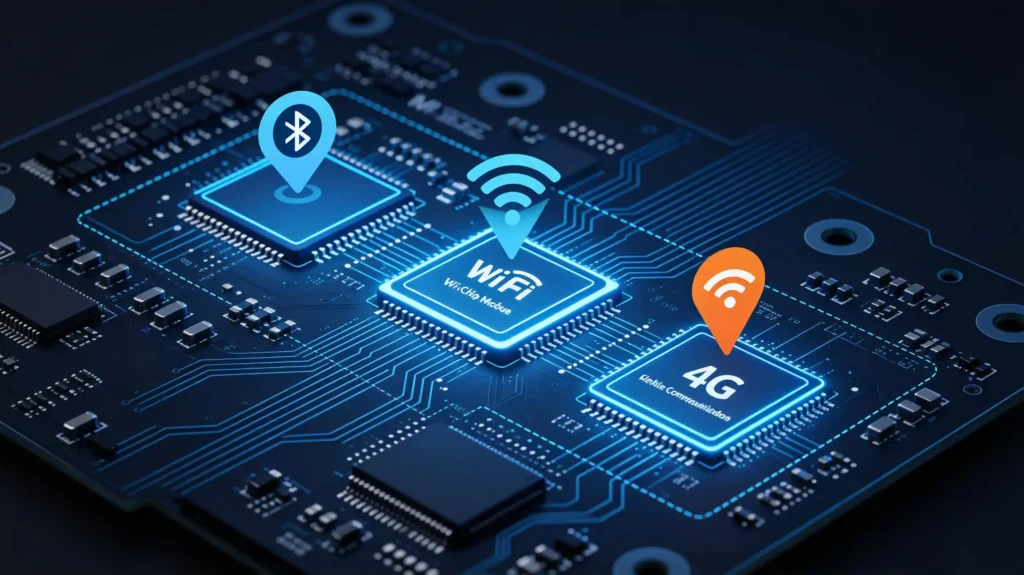
Connectivity hardware covers Bluetooth for hands-free calling, audio streaming, and the initial pairing step for wireless phone projection. Wi-Fi handles internet access and OTA updates. An optional integrated 4G/5G module provides standalone cellular data.
No Module Operates in Isolation
None of these modules operate in isolation. A strong display paired with weak audio produces an uneven product. Solid connectivity paired with a dim screen still falls short. Evaluating these together, rather than picking out a single standout spec, gives a more accurate read on overall build quality.
IVI Hardware Interfaces and Inter-Component Communication Mechanisms
Data Exchange Is Continuous
Hardware components do not function as isolated islands. They exchange data continuously through a mix of internal buses and external ports.
Internal Communication
Internally, I2C handles short-distance communication between components like a touch sensor and the processor. SPI manages higher-speed data exchange within the mainboard itself. UART provides serial communication commonly used for GPS module data.
Vehicle Communication
On the vehicle side, CAN Bus is the primary data channel connecting the IVI system to the rest of the vehicle. It carries information like speed, steering angle, and reverse gear status. LIN Bus handles lower-speed body electronics communication. MOST Bus, though less common in aftermarket applications, supports high-speed multimedia data in some OEM systems.
External Interfaces
Externally, USB ports enable data transfer, peripheral connections, and firmware updates. HDMI carries video input or output. RCA connectors handle analog audio and video signals. AUX provides a simple analog audio input path.
Interface Availability Matters
Interface availability directly determines what peripherals and vehicle systems a given unit can actually connect to. A head unit without CAN Bus support cannot display factory steering wheel controls or vehicle status information. This holds regardless of how strong its processor or display specs look.
IVI Hardware-Architecture Variations for Different Vehicle-Application Use-Cases
Not Every System Is Built the Same
Not every IVI system is built the same way. The architecture differs meaningfully depending on the target application.
Aftermarket Android Head Units
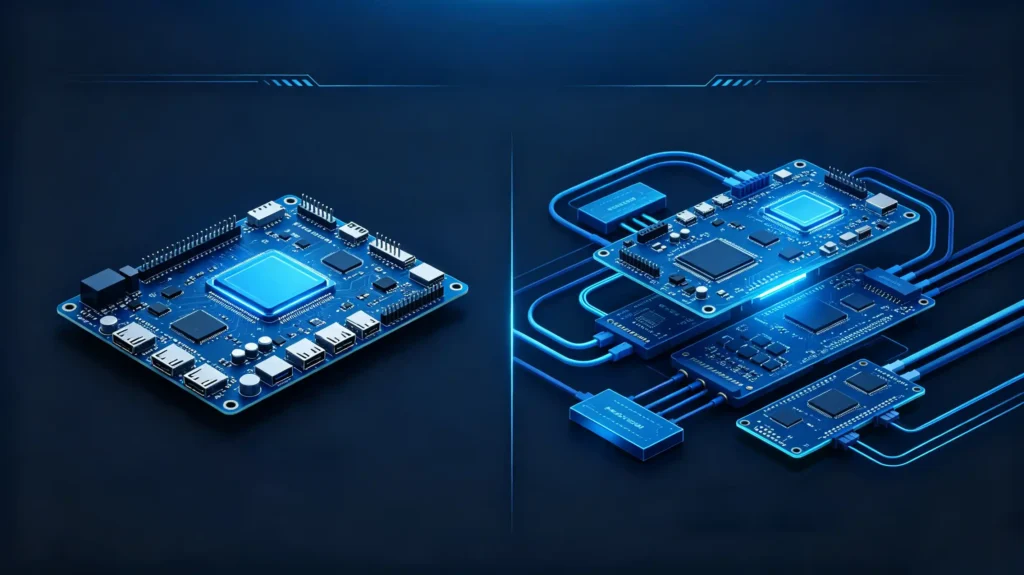
Aftermarket Android head units typically use a single-board design. Most components — processor, memory, display driver, connectivity — are integrated onto one mainboard. They rely on standardized connectors. They achieve broad vehicle compatibility through CAN Bus decoder boards rather than vehicle-native wiring. This keeps development cycles shorter and unit costs lower.
OEM Factory IVI Systems
OEM factory IVI systems often use a multi-board design. Separate boards handle display, processing, and connectivity functions. They use vehicle-specific wiring harnesses and connectors. They achieve deeper native integration with climate control and other vehicle systems. All of this comes with a higher cost and a longer development timeline.
Special-Purpose Vehicle Applications
Special-purpose vehicle applications, such as fleet or commercial deployments, tend to prioritize ruggedized hardware. They are built for extended temperature ranges. They offer custom I/O for additional peripherals like tracking hardware. They include telematics-specific features beyond standard consumer infotainment.
The Practical Takeaway
The practical takeaway is that aftermarket architecture favors flexibility and speed to market. OEM architecture trades that flexibility for deeper, more permanent vehicle integration. The right approach depends entirely on the project’s volume, timeline, and vehicle scope.
B2B Evaluation Considerations for IVI Hardware-Architecture and Component-Configuration
Sourcing Framework
Turning this architecture knowledge into a sourcing framework comes down to checking each layer deliberately. Do not judge a unit on a single headline spec.
- Processor platform — confirm which platform (Snapdragon, MediaTek, or otherwise) is used and whether it fits the target feature set
- Memory and storage — verify RAM and storage figures are adequate for the intended app and map usage
- Display quality — check resolution, panel type, and brightness together, not resolution alone
- Connectivity — confirm Bluetooth, Wi-Fi, and any optional cellular support match the use case
- Interfaces — verify USB, HDMI, RCA, and other physical interfaces needed for the target installation
- Vehicle integration — confirm CAN Bus support and decoder compatibility with target vehicle models
- Architecture type — match aftermarket versus OEM-style architecture to the actual project scope
- Documentation — request a hardware BOM, interface specifications, and test reports before committing to volume
FAQ
What are the key hardware-architecture differences between OEM-grade IVI and aftermarket Android head-unit systems?
OEM-grade systems generally use a multi-board architecture. They have vehicle-specific wiring and deep native integration into climate and vehicle control systems. They are built for a single vehicle platform. Aftermarket Android head units use a single-board design with standardized connectors. They use CAN Bus decoders that adapt to many vehicle models. They trade some depth of integration for flexibility and faster deployment across a broader range of vehicles. The right choice depends on whether the project needs vehicle-specific engineering or broad compatibility across a product line.
Can individual hardware components inside IVI architecture be freely swapped without re-validating whole-system behavior?
Not reliably. Components interact closely. A processor upgrade can expose power delivery limits that were not previously visible. A display change can affect thermal behavior inside the housing. Swapping one component in isolation without retesting the full system risks introducing instability. This can happen even if the individual part meets its own spec. Any hardware substitution in a production run should go through the same validation process as the original design.
Which IVI hardware components are most common sources of system-performance bottlenecks for infotainment deployments?
Insufficient RAM is one of the most frequent culprits. It shows up as lag during multitasking or app switching even when the processor itself is capable. Storage speed is another common bottleneck. This is particularly true with lower-grade eMMC storage under heavy map and app data loads. Power delivery issues, while less obvious, can cause intermittent instability. They often get misdiagnosed as a software problem when the actual cause is inadequate voltage regulation.
For RFQ documents, what core hardware-architecture-related information should B2B buyers request from IVI suppliers?
At minimum, request the processor platform and model. Request RAM and storage capacity with storage type (eMMC or UFS). Request display resolution and panel type. Request supported connectivity standards. Request a list of physical interfaces included. It is also worth asking for CAN Bus decoder compatibility details if vehicle-specific integration matters. Ask for any available test reports from quality control processes. Clear documentation upfront avoids ambiguity once samples arrive for evaluation.
Conclusion
Getting IVI hardware architecture right upfront saves significant rework later. A processor, memory configuration, or interface set chosen without full context tends to surface as a limitation only after production has scaled.


