
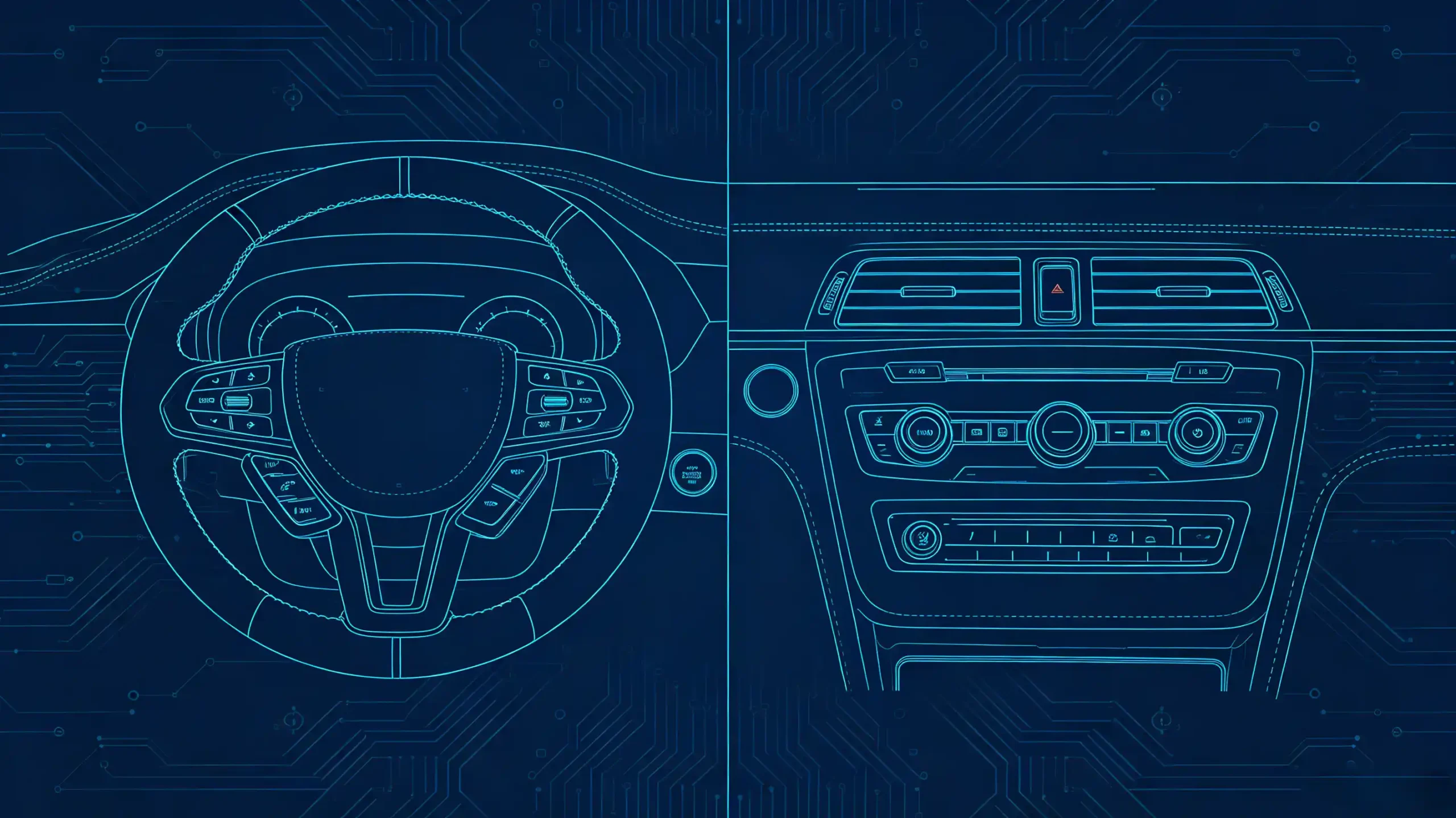
A head unit can run great software and still feel disappointing in the vehicle. This happens if the physical HMI hardware underneath it is mismatched. A display that washes out in sunlight. Steering wheel controls that do not map correctly. Feedback that never registers with the driver. These are all hardware issues.
For dealers, wholesalers, and automakers sourcing infotainment systems, knowing what actually makes up an automotive HMI system at the component level turns a vague spec conversation into a concrete evaluation checklist.
This guide covers automotive HMI components. It covers display, controls, feedback, processing, and interfaces. It also covers what to evaluate before committing to a supplier.
Automotive HMI Components – System Definition & Component Overview
What Are Automotive HMI Components?
Automotive HMI components are the physical hardware elements that enable interaction between the driver or passenger and the vehicle’s infotainment system. This is a hardware-focused scope specifically. The display, the touchscreen, the physical buttons, and everything that lets a person operate the system. This is distinct from the software running on top of it.
Five Categories of HMI Hardware
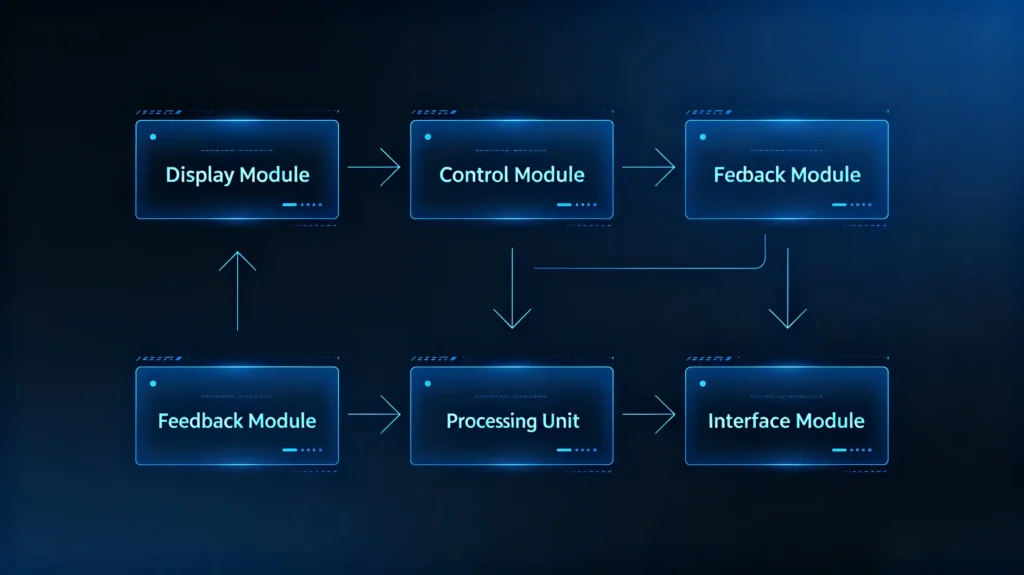
A complete HMI hardware system typically breaks down into five categories.
- Display and touchscreen — visual output and touch input
- Physical controls — steering wheel buttons, dashboard switches, knobs
- Feedback hardware — audio (speakers), visual (LEDs), haptic (vibration)
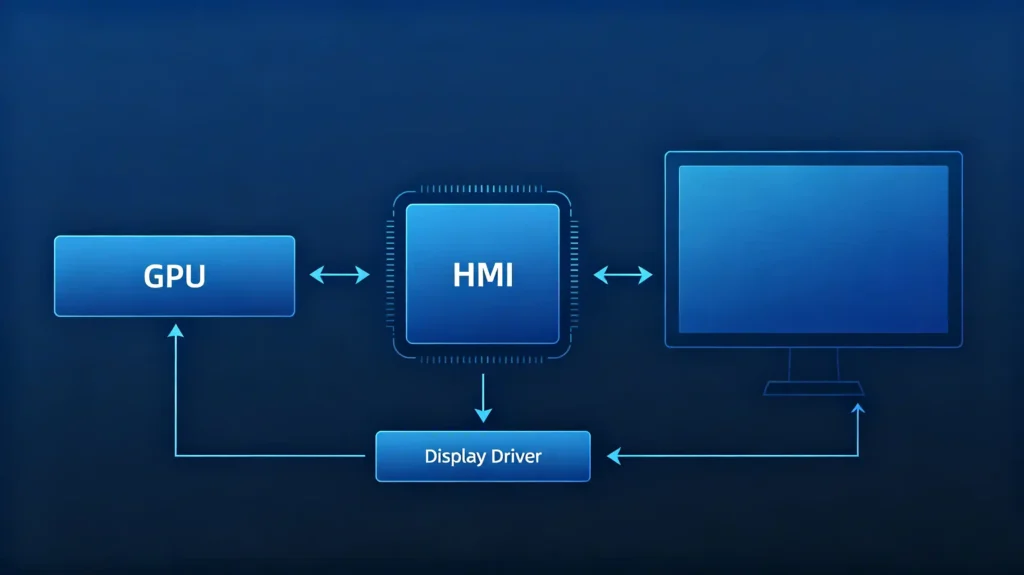
- Processing hardware — the HMI controller, GPU, and display driver
- Interfaces — CAN Bus, USB, LVDS, I2C connections tying it all together
Why Mismatched HMI Hardware Causes Problems
Mismatched HMI hardware is one of the more common sources of after-sales trouble in this category. A touch panel that does not register reliably. A steering wheel control mapping that never quite lines up. A display that is unreadable in direct sun. All of these generate support tickets. They trace back to a component decision made early in sourcing. They are not a software bug.
HMI Display and Touchscreen Hardware
The First Thing Customers Judge
The display and touchscreen are usually the first thing a customer judges a head unit on. They carry more spec variation than they might appear to at a glance.
Display Specifications
On the display side, panel type ranges from IPS as the standard baseline for automotive use up through QLED and OLED at premium price points. Resolution typically lands at either HD (1280×720) or FHD (1920×1080). Brightness in the 400–600+ cd/m² range is needed for reasonable outdoor visibility. Screen size across the mainstream aftermarket runs from 7-inch through 9-inch and 10.1-inch.
Touch Specifications
On the touch side, capacitive touch is the industry standard. It supports multi-touch gestures the way a smartphone screen does. Resistive touch is older technology. It is less common now and generally reserved for cost-sensitive applications. A dedicated touch controller processes raw touch input. It reports coordinates to the main processor. Display and touch layers are usually bonded into a single assembly. They are not sourced as separate parts.
Automotive-Grade Requirements
Automotive-grade requirements add another layer buyers should check for specifically. A wide operating temperature range to handle both summer dashboard heat and winter cold starts. Vibration resistance suited to a vehicle cabin. Anti-glare or anti-reflective coatings that keep the screen usable in direct sunlight. For more on display technology, see our IPS vs QLED display technology guide.
Physical HMI Controls and User-Input Devices
Not Every Interaction Is Touchscreen
Not every interaction happens on the touchscreen. Physical controls remain a meaningful part of how drivers actually use the system while the vehicle is moving.
Steering Wheel Controls
Steering wheel controls typically cover audio functions (volume, track skip, source selection). They also cover phone functions (answer or end a call, trigger voice command). Cruise control adjustment is another common function.
Dashboard Controls
Dashboard controls handle climate settings, audio power and tuning, and sometimes direct navigation shortcuts like zoom or menu access.
Center Console Hardware
Center console hardware varies more by vehicle tier. Rotary knobs for volume or menu navigation are common. Touchpads for gesture input show up in premium vehicles. Joysticks appear in some designs as an alternative menu-navigation method.
Control Signal Types
What actually connects these controls to the head unit matters as much as their function. Modern vehicles communicate control signals over CAN Bus. Older vehicles often use simple analog resistance values. LIN Bus handles some lower-speed body-electronics communication.
Why This Matters for Integration
This distinction is a real practical concern for aftermarket integration. A head unit built to decode CAN Bus signals will not automatically work with a vehicle still using analog steering wheel control wiring. This compatibility gap needs checking before a retrofit project moves forward. For more on physical controls, see our steering wheel control integration guide.
Audio, Visual and Haptic User-Feedback Components
Feedback Confirms Input Registered
Feedback hardware confirms to the user that an input actually registered. Its absence is more noticeable than its presence. Drivers tend to only think about feedback when it is missing.
Audio Feedback
Audio feedback runs through the vehicle’s speakers. It is driven by an amplifier. It is shaped by a DSP (digital signal processor) that tunes and processes the sound for voice prompts, alerts, and media playback.
Visual Feedback
Visual feedback shows up through the display itself — button highlights, confirmation messages. LEDs indicate power or function status. The instrument cluster displays warnings or vehicle status separately from the main head unit screen.
Haptic Feedback
Haptic feedback covers vibration motors built into touchscreens or control panels. Tactile click feel is built into physical switches.
Layered Feedback
The strongest HMI designs layer these modes together rather than relying on just one. A button press that is confirmed by a visual highlight, a subtle vibration, and an audio tone reads as far more responsive than the same press with no feedback at all. Missing feedback is not just a minor annoyance. It tends to generate genuine confusion about whether an input registered. This is particularly true for touch-based controls where there is no physical click to fall back on.
HMI Processing and On-Board Interface Hardware
Behind the Visible Components
Behind the visible components sits the processing hardware actually doing the work of rendering the interface and interpreting input.
HMI Controller or SoC
The HMI controller or SoC serves as the main processor handling UI rendering and interaction logic. It is typically paired with GPU capability for rendering maps, video, and interface animations smoothly. A display driver acts as the interface between the SoC and the physical display panel.
Touch Controller
On the input side, a dedicated touch controller reads raw touch data and converts it to usable coordinates. Optional gesture recognition is layered on top for pinch and swipe interactions on more capable platforms.
Signal Handling
Beyond touch, signal handling relies on I/O interfaces like GPIO, I2C, and SPI to connect physical controls. ADCs (analog-to-digital converters) are needed for reading signals from older, non-digital control hardware.
Where Processing Lives
In most aftermarket products, this processing hardware lives inside the head unit itself rather than as a separate module. This is worth confirming during sourcing since it affects both cost and how the system handles future component swaps.
Communication Interfaces Linking HMI Components to Vehicle Systems
Components Are Connected
None of these components function in isolation. They are tied together through a mix of internal and vehicle-facing interfaces. Mismatches here are a common source of integration headaches.
Internal Interfaces
Internally, LVDS handles high-speed display data transfer. I2C manages touch controller communication. SPI covers higher-speed peripheral data exchange. GPIO handles simple discrete signals like button presses or LED status.
Vehicle Interfaces
On the vehicle side, CAN Bus remains the primary data bus connecting HMI hardware to steering wheel controls and broader vehicle status information. LIN Bus covers lower-speed body-electronics communication. For foundational context on CAN Bus, see our what is CAN BUS guide. Externally, USB supports peripheral connections for storage or phone charging. HDMI carries video input or output where that is part of the design.
Matching Matters
Every one of these interfaces needs to match on both ends. A display expecting LVDS input will not work with a driver board only offering a different signal format. This kind of mismatch is exactly what a proper compatibility check during sourcing is meant to catch. It should be caught before parts arrive at the assembly line.
B2B Key Considerations for Selecting Automotive HMI Components
Sourcing Framework
Turning component knowledge into a sourcing framework comes down to checking these dimensions directly. Do not rely on a single headline spec.
- Automotive-grade qualification — verify operating temperature range and vibration resistance suited to vehicle use
- Component compatibility — confirm interfaces (LVDS, I2C, CAN Bus) match the target head unit and vehicle
- Display quality — check resolution, brightness, and panel type together, not in isolation
- Touch performance — confirm capacitive multi-touch support and, if relevant, glove-operation usability
- Physical control compatibility — verify signal type (CAN Bus, analog, LIN) matches the target vehicle
- Feedback hardware — confirm audio, visual, and haptic feedback are actually implemented, not just theoretically supported
- Sample testing — test components under representative conditions before committing to volume
- Documentation — request qualification and compliance documentation from the supplier
FAQ
What practical differences exist between consumer-grade and automotive-qualified HMI touchscreen components?
Consumer-grade touch panels are built for controlled indoor conditions. They are typically not rated for the temperature swings, vibration, or humidity a vehicle cabin experiences over years of use. Automotive-qualified components are designed to keep functioning reliably through hot dashboard summers, cold winter starts, and constant road vibration. They do this without degrading touch accuracy or display performance. For B2B buyers, this distinction matters more for long-term reliability and warranty exposure than for out-of-box performance. Both types can look identical on day one.
Can aftermarket HMI physical controls be freely integrated with any Android head-unit HMI system?
Not universally. Integration depends on matching signal types. A head unit built to read CAN Bus steering wheel signals will not automatically interpret an older vehicle’s analog resistance-based controls without additional decoding hardware. Even among CAN Bus vehicles, protocol specifics vary by manufacturer and model. CAN Bus decoder compatibility needs to be confirmed for the specific target vehicle. Do not assume it from a general “CAN Bus support” spec line.
Why is vehicle-bus compatibility critical when mixing third-party HMI components with factory vehicle electronics?
Vehicle-bus compatibility determines whether components can actually exchange usable data at all. A mismatch does not just cause reduced functionality. It can result in a control that does nothing. It can report incorrect information. In worse cases, it can cause intermittent faults across connected systems. This is one of the more expensive mistakes to discover after a production run has already shipped. Bus compatibility deserves direct supplier confirmation. Do not rely on an assumption based on general vehicle-year compatibility.
For retrofit projects, can haptic-feedback HMI hardware be added independently without main-unit support?
Generally no. Haptic feedback needs to be triggered by signals from the head unit or a connected control module. Retrofitting it typically requires either a head unit with existing haptic driver support or additional hardware capable of generating and controlling the vibration signal. Adding a vibration motor without a controller behind it to drive it in sync with user actions will not produce a usable feedback experience. It needs to be part of the system design, not bolted on afterward.
Conclusion
Getting HMI hardware right means treating display, controls, feedback, and interfaces as parts of one connected system. Do not evaluate each in isolation.


