
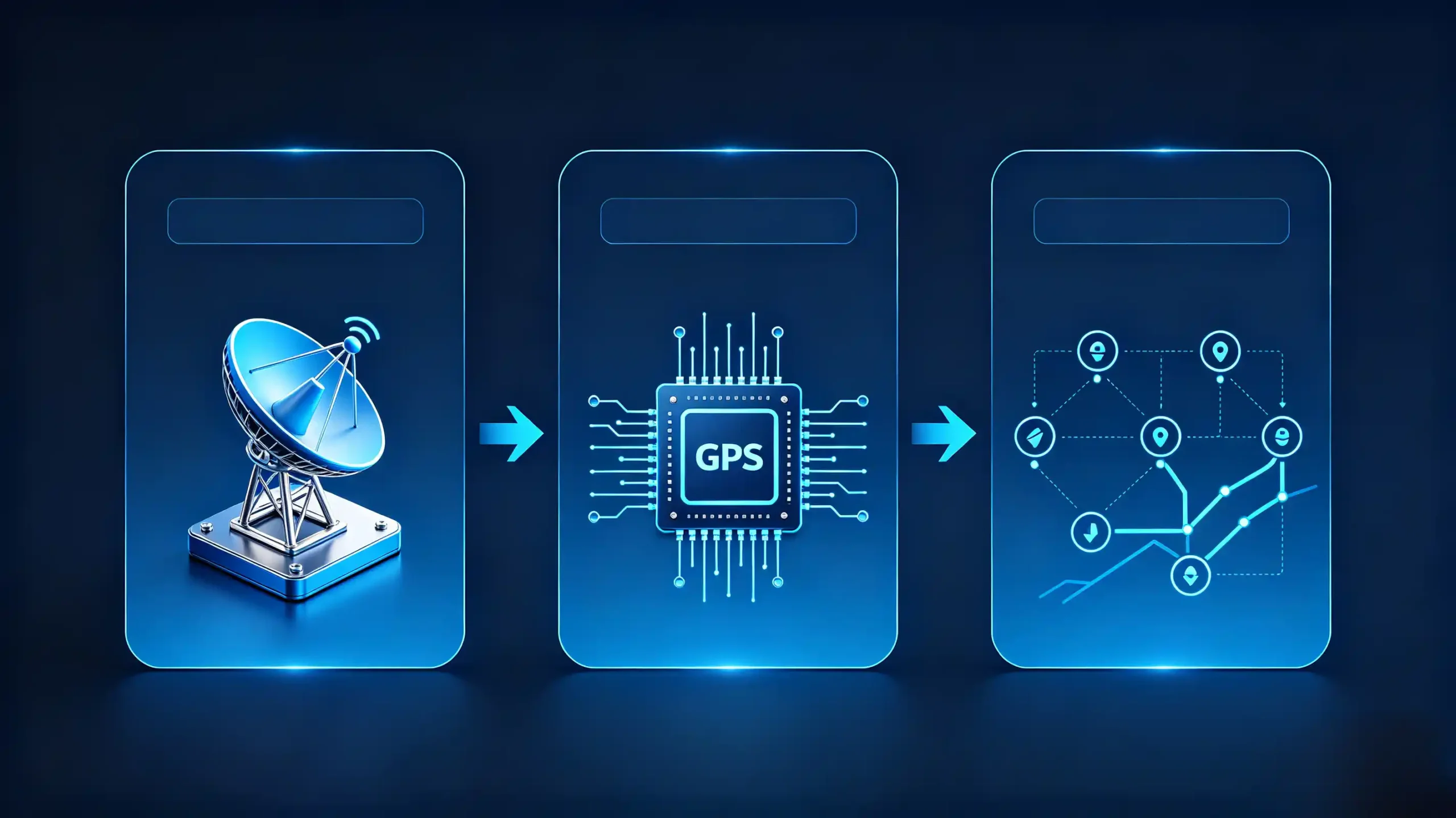
For car dealers, wholesalers, and automakers sourcing navigation-equipped car stereos, the GPS module is often the most misunderstood component on the spec sheet. Buyers frequently confuse it with the antenna. They assume any “GPS-enabled” head unit performs the same way in the field. It does not.
This guide breaks down what a car navigation GPS module actually does. It covers how it fits into the positioning hardware stack. It also covers what B2B buyers should check before placing an order. For a foundational overview of navigation systems, see our what is a car navigation system guide.
Car Navigation GPS Module – Definition and Core Function
What It Does
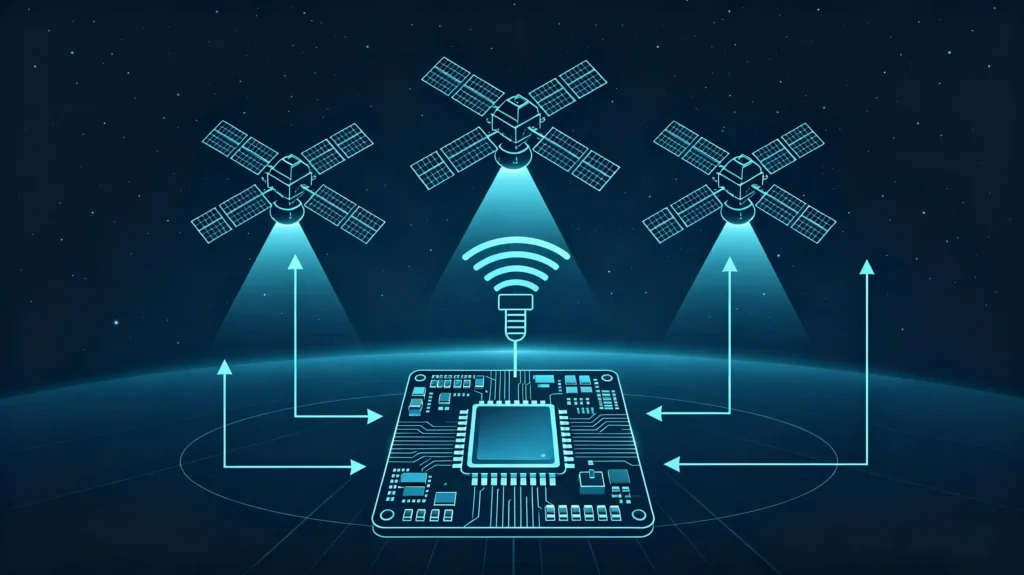
A car navigation GPS module is the hardware component that receives raw satellite signals through the antenna. It processes them. It calculates the vehicle’s position — latitude, longitude, altitude, and time. Think of it as the positioning brain of the system.
The Three-Part Chain
The antenna picks up the signal. The module makes sense of it. The head unit software displays the result on a map. This three-part chain matters because each link can fail independently.
Problems from a Low-Grade Module
A low-grade GPS module creates problems that are easy to spot in the field but hard to trace back to the source.
- Slow satellite acquisition, with cold starts stretching past 60 seconds
- Position drift, where the vehicle icon jumps or lags behind actual movement
- Weak performance in urban canyons, tunnels, and dense signal environments
- Repeat customer complaints and warranty returns tied to “GPS not working” tickets
Commercial Impact
For dealers and importers, module quality is directly tied to how the finished product performs after it leaves the warehouse.
How a GPS Module Calculates Vehicle Position
The Five-Step Process
Understanding the signal path helps buyers ask better sourcing questions. The process runs in five steps.
Step 1: Signal Reception
The antenna captures satellite signals on the L1 band (1575.42 MHz). It passes them to the module.
Step 2: Signal Processing
The module’s RF front-end amplifies and filters the weak incoming signal. The baseband processor decodes the navigation data.
Step 3: Position Calculation
Using trilateration, the module measures time delays from at least four satellites. It fixes a location.
Step 4: Data Output
The result is formatted as standard NMEA 0183 sentences. It is sent out over a serial interface such as UART, USB, or SPI.
Step 5: Head Unit Consumption
The navigation software on the head unit reads that NMEA stream. It renders the position on the map.
Update Rate
Update rate matters here too. Most automotive GPS modules output position data between 1 Hz (once per second) and 10 Hz. A higher update rate produces smoother, more responsive tracking on the map. This is noticeable during highway driving or quick turns in dense city traffic.
GPS Module vs GPS Antenna vs Navigation Software: Critical Component Distinction
Three Parts, Different Jobs
These three parts are often lumped together in casual conversation. But they do very different jobs. Confusing them leads to wasted troubleshooting time and mismatched sourcing decisions.
| Component | Role | Input | Output |
|---|---|---|---|
| GPS Antenna | Captures signal from the sky (“the ears”) | Satellite RF signal | Raw RF signal (very weak) |
| GPS Module | Processes signal and calculates position (“the brain”) | Raw RF signal from antenna | Position data (NMEA format) |
| Navigation Software | Displays position and guides the driver (“the interface”) | NMEA position data | Map view, route, turn-by-turn |
Active vs Passive Antennas
An antenna can be passive or active. Active versions include a built-in low-noise amplifier (LNA) to boost weak signals before they reach the module. Either way, the antenna only captures signal. It does not interpret it. That is the module’s job.
Navigation Software’s Role
Once the module outputs a position fix, the navigation software takes over. It handles route planning, POI search, and guidance.
The Practical Takeaway
Upgrading one component does not compensate for weaknesses in another. A premium antenna paired with a cheap module still produces poor positioning. For more on antenna selection, see our car GPS antenna guide.
Common Automotive GPS Module Types and Configurations
Standard Configurations
Car stereo and head unit manufacturers deploy GPS modules in a handful of standard configurations. Each has trade-offs.
Built-in (Integrated) Module
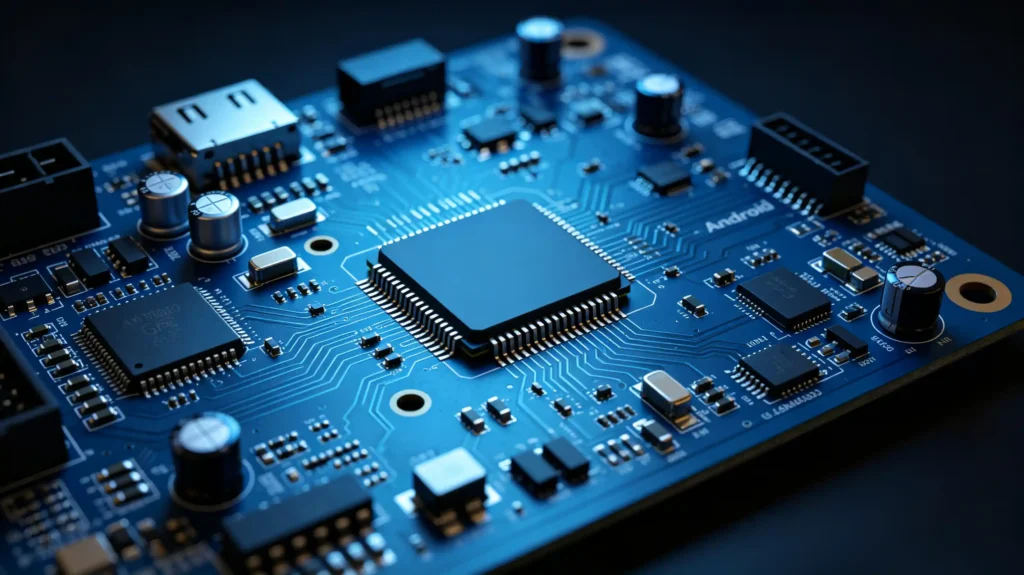
Soldered directly onto the head unit’s mainboard as an SMD package. Compact and cost-effective at volume. Not user-replaceable.
External (Standalone) Module
Connects to the head unit via USB, UART, or Bluetooth. Useful when the module needs to sit somewhere with better sky visibility. Gives installers more flexibility for custom builds.
Module with Integrated Antenna
Combines the GPS module and antenna into a single package. Simplifies installation at the cost of antenna placement flexibility.
Module with External Antenna Connector
The module ships alone, with an SMA or FAKRA connector for a separate antenna. Allows installers to place the antenna wherever reception is strongest.
Common Choice
For most head unit projects, built-in modules are the standard choice. External modules come into play for specialized installations where signal conditions or vehicle layout demand more flexibility.
Key GPS Module Specifications That Impact Real-World Performance
More Than Meets the Eye
Spec sheets can look similar at a glance. But a few numbers make a real difference once the unit is installed in a vehicle.
Satellite Constellation Support
Single-constellation (GPS only) modules lag behind multi-constellation modules. Multi-constellation combines GPS, GLONASS, BeiDou, and Galileo for faster locks and better accuracy.
Cold Start Time
The time from power-on to first position fix with no stored data. Under 35 seconds is acceptable. Under 25 seconds is a strong result.
Hot Start Time
The time to re-fix a position using stored almanac and ephemeris data. Under 3 seconds is good. Under 1 second is excellent.
Sensitivity
Acquisition sensitivity (e.g., -148 dBm) determines how weak a signal the module can lock onto initially. Tracking sensitivity (e.g., -165 dBm) determines how well it holds that lock in tunnels or dense urban areas.
Update Rate
1 Hz is standard. 5–10 Hz produces smoother tracking for premium applications.
GPS Module Integration With Car Stereos and Android Head Units
Physical Integration
Getting a module onto a spec sheet is one thing. Getting it to talk to the head unit’s operating system is another.
Physical Connection
Built-in modules are soldered onto the mainboard. External modules connect over USB, UART, or occasionally Bluetooth.
Data Interfaces
UART remains common for both built-in and external modules using Rx/Tx pins. USB offers more plug-and-play convenience. I2C or SPI shows up in some integrated designs.
Communication Protocol
Almost all consumer-grade automotive modules communicate using the NMEA 0183 protocol. Some manufacturers use proprietary binary formats to push higher update rates.
Driver Support
At the operating system level, the Android platform treats the GPS module as a location provider. Driver support has to be in place for the OS to read incoming data correctly. This is worth confirming during sourcing. A module without proper driver support for the target head unit platform will not function correctly. This is true regardless of how good its spec sheet looks. For more on hardware compatibility, see our car stereo hardware components overview.
B2B GPS Module Selection and Compatibility Considerations
Sourcing Checklist
Translating specs into a sourcing decision comes down to a short checklist.
- Confirm multi-constellation support (GPS, GLONASS, BeiDou, Galileo)
- Verify cold start time — under 35 seconds acceptable, under 25 seconds preferred
- Check acquisition and tracking sensitivity figures
- Confirm update rate matches the application (1 Hz standard, 5–10 Hz for premium builds)
- Verify interface compatibility — UART, USB, or Bluetooth, matched to the head unit design
- Confirm NMEA 0183 protocol support
- Request samples and test cold start, hot start, and urban positioning performance before committing to a production run
FAQ
If an Android head unit has a built-in GPS module, can I simply swap it out for a higher-performance module?
Not usually. Built-in modules are soldered onto the mainboard as part of the original design. Swapping them is not a straightforward field replacement. If positioning performance is a priority, the better approach is selecting a head unit with a stronger module already integrated. Alternatively, specify an external module configuration at the sourcing stage. Do not try to retrofit a built-in unit after production.
What is the practical difference between single-constellation and multi-constellation automotive GPS modules for urban driving?
In open sky conditions, both perform reasonably well. The gap shows up in cities. Tall buildings block signals from some satellites. Multi-constellation modules pull from GPS, GLONASS, BeiDou, and Galileo simultaneously. This gives the receiver more satellites to choose from. It delivers faster and more reliable locks. Single-constellation modules struggle more in these urban canyon conditions. This leads to noticeable drift or delayed fixes.
Can a high-grade GPS module compensate for poor-quality or incorrectly installed antenna hardware?
No. The module can only process the signal it receives. A weak or damaged antenna connection limits signal quality before it ever reaches the module. Even a premium module will show poor cold start times and unstable tracking. This happens if the antenna is mismatched, poorly placed, or has a faulty cable connection. Both components need to meet spec for the system to perform as intended.
Why might two GPS modules with identical spec sheets deliver different real-world cold start performance?
Spec sheets report performance under controlled test conditions. Not field conditions. Firmware tuning, antenna pairing, PCB layout, and even the quality of the RF shielding around the module all affect real-world results. Sample testing under conditions matching the target market matters more than comparing datasheets side by side. Urban traffic, covered parking, and dense vehicle assembly lines are all relevant.
What protocol-related compatibility risks exist when pairing external standalone GPS modules with Android car stereo head units?
The most common risk is a mismatch between the module’s output protocol and what the head unit’s location driver expects. Most modules use NMEA 0183. Some use proprietary binary formats for higher update rates. The head unit software may not parse these correctly without a custom driver. Confirming protocol compatibility and driver support before ordering avoids a module that looks correct on paper but never reports a valid position once installed.
Conclusion
Sourcing a GPS module is not just about comparing numbers on a datasheet. It is about matching a component to your target market, your head unit platform, and your customers’ real driving conditions.


