
Two head units can sit side by side on a spec sheet. Both list an “octa-core processor.” They can still deliver noticeably different experiences once they are actually running navigation, media, and a phone call at the same time.
The IVI processor is the reason why. It is the single chip responsible for nearly everything the driver sees and interacts with. Mismatched processor capability is one of the most common root causes behind laggy UI, app stuttering, and after-sales complaints on a retrofit program.
For car dealers, wholesalers, and OEM/ODM buyers, understanding what this chip actually does — and which of its specifications matter in practice — is central to sourcing a head unit that holds up once it is installed.
This guide covers the IVI processor’s role. It covers its internal architecture. It also covers what to check before ordering at volume. For a full view of all hardware decisions, see our car stereo hardware components overview.
IVI Processor – Core Definition and Infotainment-System Role
What Is an IVI Processor?
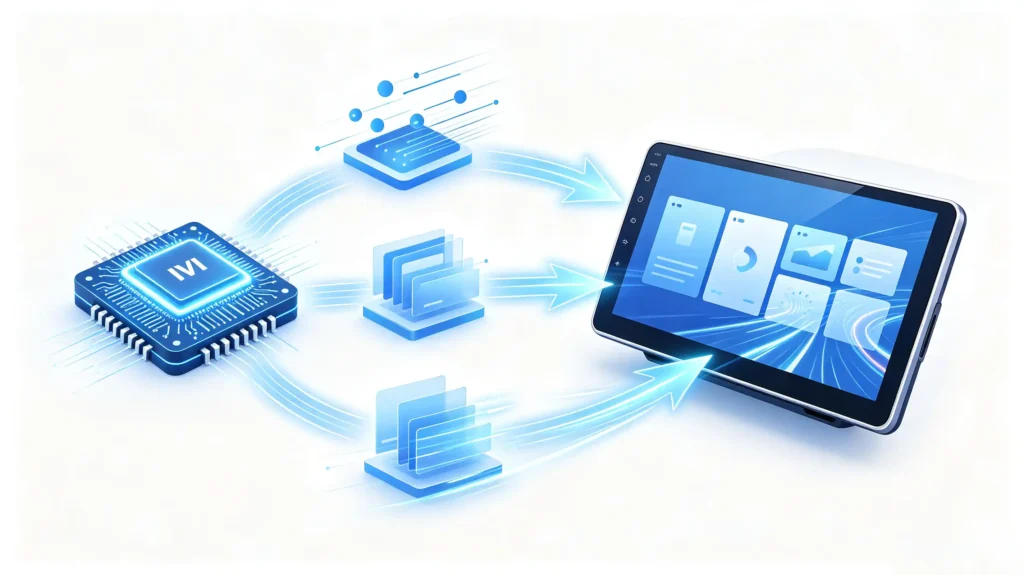
An IVI processor is the central computing chip — a System on Chip, or SoC — that powers the in-vehicle infotainment system. It handles essentially every computing task the unit performs. Running the operating system. Executing navigation and media apps. Managing connectivity. Rendering the user interface. In practical terms, it is the brain of the infotainment system. It coordinates every other piece of hardware and software running on top of it.
Why It Is a Key Differentiator
This central role is exactly why processor capability shows up as a key product differentiator rather than a background spec. It determines how responsive the system feels — how quickly apps launch, how smoothly the UI moves. It determines how well the system holds up under multitasking, like running navigation, music, and a phone call at once. It also affects long-term stability and which features the unit can realistically support down the road.
What Happens When It Is Wrong
Get this wrong, and the consequences compound. Laggy UI frustrates drivers. App stuttering degrades daily use. Feature limitations make a product feel outdated faster than it should. All of that funnels back into after-sales complaints a dealer has to field.
Core Functional Tasks of an IVI Processor in Infotainment Hardware
Six Functional Areas
The IVI processor’s job splits across six areas. Together they cover nearly everything the system does.
System Orchestration
Running the operating system itself — Android or Linux. Managing the processes and memory beneath everything else.
Application Execution
Actually running navigation, media, settings, and any third-party apps installed.
Multimedia Processing
Decoding audio and video. Managing playback.
Connectivity Management
Bluetooth. Wi-Fi. Cellular data where applicable.
Peripheral Control
USB devices. CAN Bus signals. Camera inputs. Touch input.
User Interface Rendering
Driving what appears on the display. Working alongside the GPU to do it.
Two Performance Dimensions
Two performance dimensions determine how well the processor handles all of this at once. Single-core performance affects how quickly an app launches and how immediately the interface responds to a touch. Multi-core performance affects multitasking and background processing. Whether the system can run navigation while a media app plays and a background service checks for updates, without any of them stalling the others.
Where Specs Become Experience
This is where processor performance stops being an abstract spec and starts directly shaping user experience.
Automotive SoC and IVI Chipset Architecture Basics
What Is a System on Chip?
A System on Chip is an integrated circuit. It combines multiple functional blocks into a single piece of silicon. It does not spread them across separate components on a circuit board.
What a Typical IVI SoC Includes
A typical IVI SoC bundles together several things. A CPU for general-purpose processing. A GPU for graphics rendering. A memory controller managing RAM access. A storage controller handling flash storage. Dedicated video decoder and encoder hardware. Audio processing circuitry. For a detailed breakdown of CPU vs GPU roles, see our CPU vs GPU guide. Connectivity blocks covering Bluetooth and Wi-Fi (and sometimes a cellular modem). I/O controllers for USB, CAN Bus, and general-purpose pins.
Why Integration Matters
Integrating all of this onto one chip is not just a manufacturing convenience. It delivers real advantages that show up in the finished product. A smaller physical footprint. Lower power consumption. Better coordination between components. They communicate across the same silicon rather than across a board.
For B2B Buyers
For a B2B buyer, understanding this architecture matters less for the engineering trivia and more for evaluation purposes. Knowing what is actually integrated into the SoC helps separate genuine processor capability from a spec sheet padded with generic buzzwords.
CPU and GPU Capabilities Within an IVI Processor SoC
The CPU’s Role
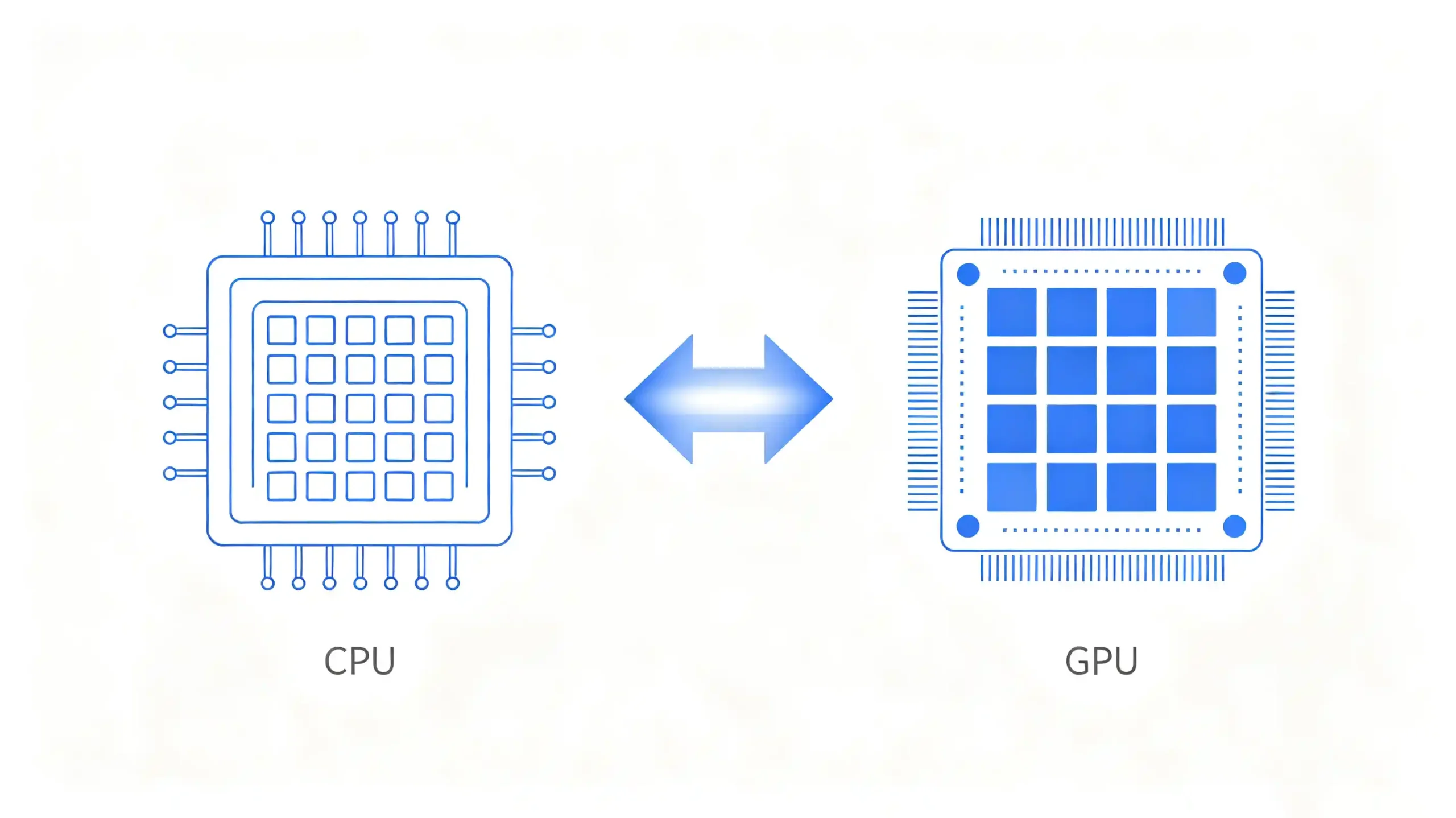
Within the SoC, the CPU and GPU handle distinctly different workloads. The CPU manages general-purpose processing — the operating system, apps, navigation logic, and network stack. Its performance is shaped by core count, architecture generation, and clock speed. This is what governs app launch speed, multitasking capability, and how responsive the system feels overall.
The GPU’s Role
The GPU, by contrast, handles graphics rendering — the UI, map display, video playback, and animations. Its performance is determined by GPU core count and architecture. This is what governs UI smoothness, how well the map renders while panning or zooming, and video playback quality. For more on display performance, see our IPS vs QLED display technology guide.
They Work Together
Neither works in isolation. The CPU prepares data and the GPU renders it. A genuinely smooth infotainment experience needs both blocks performing well together rather than one compensating for a weak other.
Key IVI Processor Specifications That Impact Real-World Performance
Specs That Matter
Not every number on a processor spec sheet carries equal weight. Knowing which ones actually matter saves a lot of wasted evaluation time.
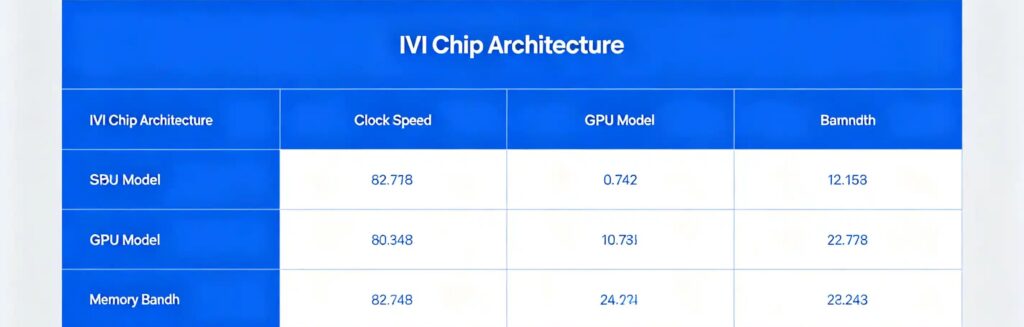
- Core architecture generation — a newer architecture generally delivers better performance per core than an older one, even at the same core count
- Clock speed — affects single-core performance directly
- GPU architecture and core count — affect graphics performance
- Memory bandwidth — affects how quickly data moves in and out of the processor
- Thermal design power — affects how well the chip sustains performance under continuous load rather than throttling down
Specs with Limited Relevance
By contrast, a few commonly advertised figures carry limited real-world relevance on their own. Total core count without any architecture context. Peak theoretical performance numbers that assume ideal conditions rarely seen in actual use. Vague “AI processing” claims presented without any supporting benchmark.
What Actually Tells You Something
What actually tells a buyer something useful is real-world behavior. Benchmark tests covering app launch and multitasking. Observed thermal throttling under sustained use. How well the firmware is optimized to use the hardware it is running on. For a detailed platform comparison, see our Qualcomm vs MediaTek for car stereos guide. Buyers evaluating processor specs are better served focusing on these practical indicators than chasing the biggest number on a marketing sheet.
How IVI Processor Specs Translate to End-User System Functionality
App Loading Speed
All of this technical detail eventually shows up as something a driver notices directly. App loading speed tracks processor capability closely. A faster processor launches apps quickly. A slower one creates a noticeable lag between tapping an icon and the app actually opening.
Multitasking
Multitasking is where the difference becomes obvious fastest. Running navigation, music, and a phone call together is routine daily use. An adequate processor switches between them smoothly. A weak one causes lag or, in worse cases, background apps getting terminated to free up resources.
HMI Rendering
HMI rendering depends heavily on GPU capability working in tandem with the CPU. Smooth animations and screen transitions need genuine graphics performance. Choppy UI is a direct sign of insufficient GPU capability or poor software optimization.
Multimedia Playback
Multimedia playback, particularly video decoding at 1080p or higher, needs dedicated processor support. Audio processing for mixing multiple sources adds its own load.
System Responsiveness
System responsiveness — how quickly the interface reacts to a touch, how fast menus navigate — is really just the sum of all these factors. This is exactly why processor capability is directly observable in daily use rather than staying an abstract spec.
B2B Selection Considerations for IVI Processor and Chipset Requirements
Sourcing Checklist
Turning this into a sourcing checklist, buyers should verify seven things before finalizing a processor specification.
- SoC model — and its architecture generation
- CPU core configuration — and clock speed
- GPU model — and graphics performance
- Memory and storage — sized appropriately for the target use case
- Processor capability match — how well it matches the intended application load
- Thermal management — and throttling behavior under sustained use
- Sample testing — covering app launches, multitasking, and UI smoothness rather than relying on datasheet numbers alone
FAQ
Does higher advertised core count on an IVI SoC guarantee better real-world infotainment-system performance?
No. Core count alone does not account for architecture generation, single-core performance, or how well the GPU keeps pace with the CPU. An octa-core chip built on an older architecture can underperform a quad-core built on a newer one. Real-world performance depends on the balance between CPU and GPU capability, thermal management under sustained use, and firmware optimization. A core-count figure on its own does not capture these factors.
What is the practical difference between a standalone discrete processor and an integrated automotive SoC for IVI deployments?
A discrete-component approach spreads CPU, GPU, memory control, and other functions across separate chips on a board. This typically means more physical space, higher power consumption, and more complex coordination between parts. An integrated SoC combines these functions onto a single chip. It generally delivers a smaller footprint, lower power draw, and tighter coordination between components. Automotive IVI systems predominantly use the SoC approach for these practical space and efficiency advantages.
Why can two infotainment units using an identical IVI chipset show different end-user performance?
The same chip can be configured very differently by different manufacturers. Clock speed settings, thermal management and cooling design, memory allocation, and firmware optimization all affect how much of that chip’s rated performance actually reaches the user. A unit with weaker cooling may throttle under sustained navigation use even though its silicon matches a competitor’s exactly. This is part of why sample testing under real conditions matters more than comparing chip model names alone.
Which IVI processor specs should B2B buyers prioritize for multi-app, heavy-use aftermarket retrofit projects?
For projects where end users are expected to run multiple apps simultaneously — navigation, streaming media, communication apps — prioritize multi-core CPU performance for multitasking headroom. Prioritize a capable GPU to keep UI and map rendering smooth under load. Prioritize sufficient memory to avoid background apps being terminated. Thermal management also deserves attention here, since heavier sustained workloads are more likely to expose throttling issues that a brief demo would not reveal.
Can a powerful IVI processor compensate for deficiencies in RAM, storage, or peripheral hardware?
Not fully. A strong processor can execute tasks quickly. But if RAM is insufficient, the operating system will still terminate background apps to free memory regardless of how fast the CPU and GPU are. Similarly, slow storage can bottleneck app loading and data access even with a capable processor. Weak peripheral hardware — a low-quality touchscreen or limited camera input — creates its own separate user experience problems. Processor capability is one part of a system that needs to be balanced overall.
Conclusion
IVI processor capability shapes nearly everything a driver notices about an infotainment system. The right specification depends on how the unit will actually be used once it is installed.


