
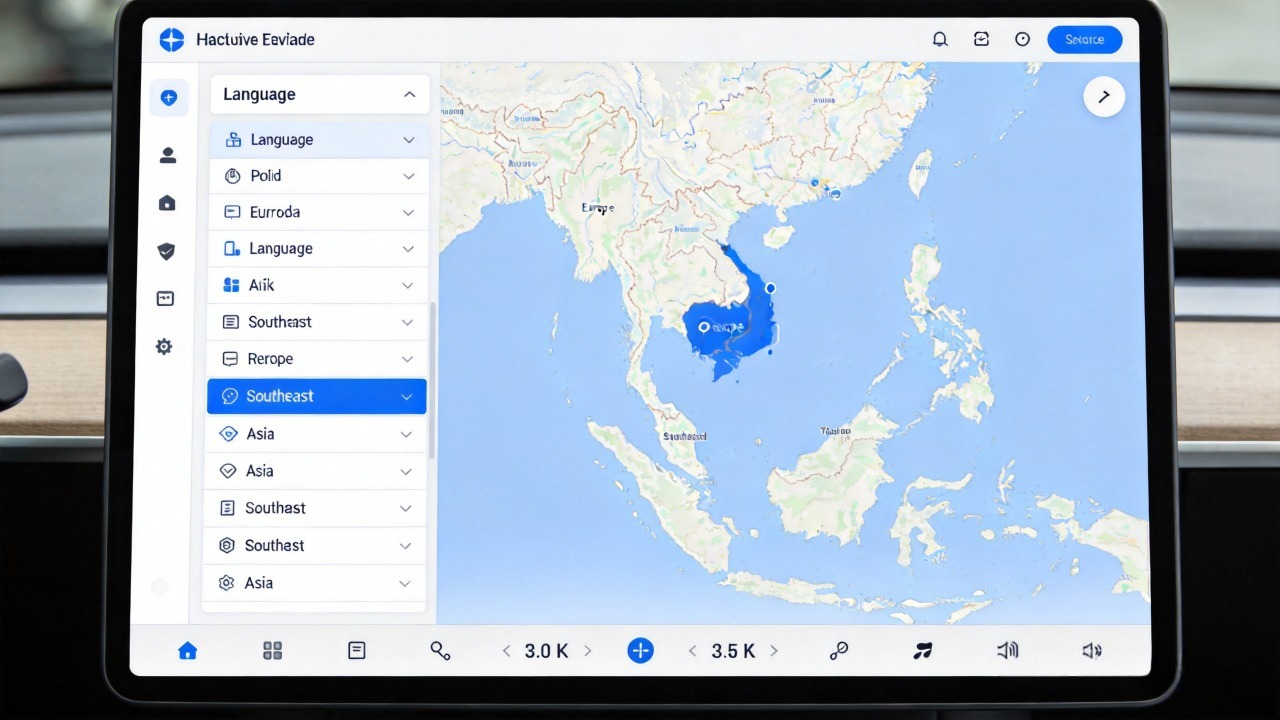
Ask any dealer what customers complain about most on a bad navigation system, and it’s rarely the map itself. It’s the voice. Misheard commands. Silent alerts. Directions that come a beat too late to be useful.
Voice navigation sounds simple on a spec sheet. But the gap between a good implementation and a mediocre one shows up fast in return rates.
This guide breaks down what voice navigation actually is. It covers four features that make up a genuinely useful system: lane guidance, live traffic, speed camera alerts, and POI navigation. It closes with what to check before placing a bulk order. Before we dive into the features, make sure you understand how car navigation works at a system level — read our complete guide: What Is a Car Navigation System?
What Is Voice Navigation for Car Stereos?
Voice navigation is a car stereo feature that delivers spoken turn-by-turn directions. It lets drivers control navigation with voice commands. That means they don’t have to pull their eyes off the road to tap through menus.
The mechanics behind it are fairly linear. A GPS/GNSS module figures out where the vehicle is. The map software works out a route. A voice engine converts the upcoming directions into speech. The system then plays those prompts through the car’s speakers at the right moment — not too early, not too late.
Voice commands run a similar chain in reverse. A microphone picks up what the driver says. A voice recognition engine turns that speech into text. Natural language processing figures out what was actually meant. Then the system acts on it — “navigate to the nearest gas station” becomes an actual route, not just recognized words.
For B2B buyers, this matters commercially as much as technically. Voice navigation is one of the clearer differentiators between a basic car stereo and a premium one. Units that do it well tend to command a higher retail price. Safety-conscious customers are willing to pay for it.
Lane Guidance: Clear Instructions at Complex Intersections
Lane guidance is the difference between “turn right in 500 feet” and “use the right two lanes to turn right.” That small change in wording matters a lot. It matters when you’re already boxed in by traffic at a five-lane intersection.
How Lane Guidance Works
It works because the underlying map data includes lane-level detail. The data tells the system how many lanes exist, where they lead, and what turn restrictions apply. The navigation engine cross-references that against the upcoming maneuver. It generates a spoken instruction specific to the actual lane layout, not just a generic direction.
Safety Benefits
The safety case is straightforward. Drivers stop guessing which lane they need to be in. That cuts down on last-second lane changes. Those changes cause a disproportionate share of near-misses at complex interchanges and highway exits.
Most systems reinforce the spoken instruction with a visual lane arrow on screen. The driver gets the same information twice, through two different senses.
What to Check When Sourcing
For sourcing purposes, lane guidance depends on two things working together. You need decent GPS positioning. You also need genuinely high-resolution map data. A unit can advertise lane guidance and still deliver a poor experience if either one is lacking. Keep this in mind if you’re targeting premium vehicle segments or safety-conscious fleet accounts.
Live Traffic and Real-Time Route Adjustment
Live traffic pulls in real-time data through the unit’s connectivity. That data includes congestion, accidents, construction, and road closures. The connection can be a built-in 4G/5G module, Wi-Fi, or a tethered phone connection.
How It Works
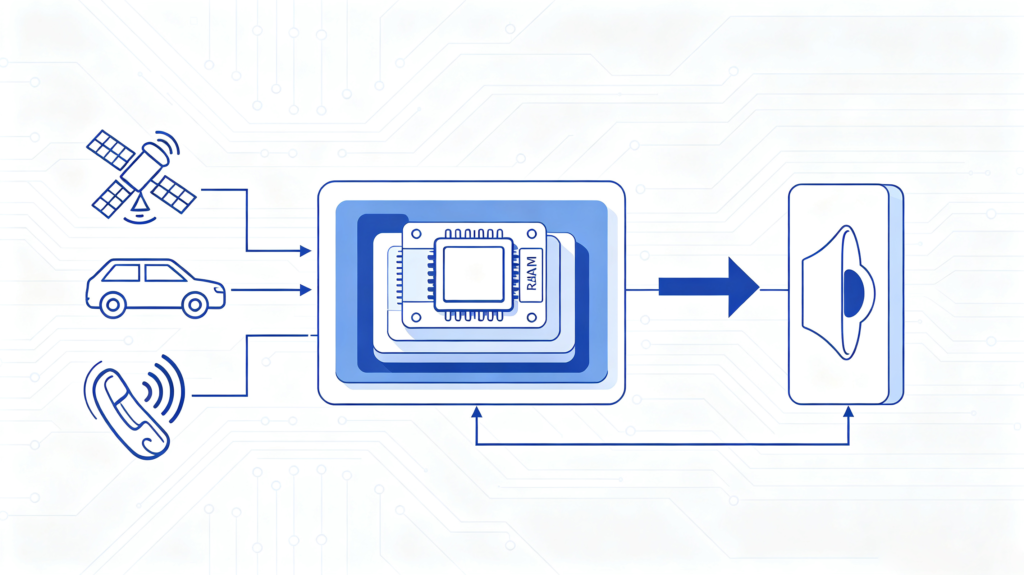
Once that data comes in, the route calculation engine checks it against the current path. If something’s blocking the way ahead, the system recalculates. The driver hears about it — not just a silent map update. A voice prompt flags the delay and offers an alternate route.
ETA updates adjust in step with whatever’s happening on the road. Incident alerts warn drivers before they hit the back of a jam, rather than after.
The Connectivity Catch
Here’s the catch worth flagging to buyers. None of this works without an active connection. A unit relying purely on offline maps can still navigate. But it has no idea a highway is backed up two miles ahead.
That distinction separates entry-level units from premium ones- — a topic we cover in more depth in our OEM vs Aftermarket Head Unit comparison. It’s a genuine priority for fleet operators. They care about route efficiency above almost everything else on the spec sheet.
Speed Camera Alerts and Safety Reminders
Speed camera alerts warn drivers about fixed cameras, red-light cameras, and enforcement zones. The alert comes before they reach the camera. It’s a small nudge that helps keep speeds legal and tickets rare.
How Speed Camera Alerts Work
The system checks a database of known camera locations. The database is usually built through a mix of user reports and regular updates. As the vehicle approaches, the system triggers a voice alert.
Beyond basic camera warnings, most systems also cover:
- Speed limit reminders
- Average-speed zone alerts
- Red-light camera notices
Business Value
The value here is fairly direct. Fewer tickets. More consistent driving behavior. For fleet operators, that means real savings on fines and insurance costs tied to a driver’s heavy foot.
It’s a feature end-users notice and appreciate immediately. That makes it an easy sell for dealers.
Regional Demand
Worth noting regionally: demand runs much higher in some markets than others. Europe has strict, well-enforced speed camera networks. Demand there is strong. In markets where camera enforcement isn’t common yet, demand is considerably less.
POI Navigation and Smart Route Planning
POI stands for Point of Interest. POI navigation lets a driver search for and route to specific places. That includes gas stations, restaurants, hotels, hospitals, supermarkets, and attractions. The driver never has to touch the screen.
How POI Voice Search Works
Say “find the nearest gas station” and the chain runs automatically. Voice recognition interprets the request. The system searches its POI database. It reads back the top results out loud. Once the driver picks one, it starts navigating.
Smart Route Planning
Smart route planning works alongside POI search. It weighs distance, time, live traffic, toll costs, and road type to suggest the best path. It usually offers a few variations:
- Fastest route
- Shortest route
- More fuel-efficient route
- Toll-free route
- Highway-free route
- Multi-stop route
Why This Matters for Buyers
Together these features cut down on how often a driver reaches for a phone while moving. That matters for safety. It also matters for basic customer satisfaction.
One thing worth remembering for export sourcing. A POI database only helps if it’s actually localized. What’s a relevant point of interest in Germany may be nearly useless in a market it was never built for. Check POI completeness for wherever you’re actually shipping.
How to Evaluate Voice Navigation Quality for Bulk Sourcing
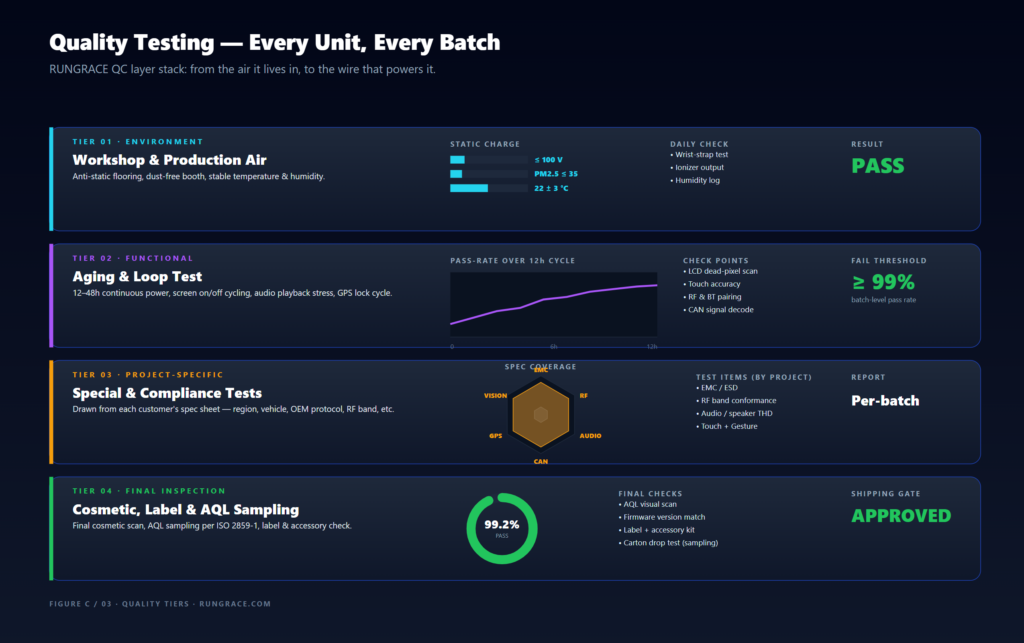
A handful of factors separate voice navigation that works from voice navigation that just exists on a spec sheet.
Voice Recognition Accuracy
Start with voice recognition accuracy. How well does the system handle different accents and dialects? Not just a clean, neutral test voice. Testing with a range of real speakers during sample evaluation catches problems a single demo never will.
Map Data Completeness
Map data completeness matters just as much. Does the unit support offline maps for weak-coverage areas? How often do maps actually update through OTA?
Feature Completeness
Don’t assume a unit advertising “voice navigation” includes all four features covered above. Ask directly. Verify on the sample.
Multi-Language Support
Multi-language support is non-negotiable for export sourcing. 30-plus languages is a reasonable benchmark.
Processor and RAM
Processor and RAM specs matter more than buyers often expect. Voice recognition, route calculation, and live traffic all run at once. 4GB or more of RAM is a sensible baseline to avoid lag under that combined load.
Common Quality Issues and Sourcing Red Flags
A few patterns show up over and over in after-sales complaints. Each one is catchable before a bulk order ships. You just need to know to look for it.
Inaccurate Voice Recognition
Inaccurate voice recognition tops the list. Especially with accents outside a narrow “standard” test case. That’s exactly why testing with multiple speakers during sample evaluation matters.
Delayed Traffic Data
Traffic data that lags behind real conditions defeats the entire point of the feature. Confirm update frequency is genuinely close to real-time. Not just labeled that way.
Incomplete Feature Coverage
Lane guidance that only covers major roads. Speed camera databases that haven’t been updated in months. POI listings missing anything relevant to your actual target market. These round out the usual suspects.
How to Avoid These Issues
The fix is consistent across all five. Request samples. Test with real speakers and real routes. Ask suppliers directly for their OTA update documentation. Don’t take feature completeness on faith.
FAQ
What is the minimum voice recognition accuracy standard for commercial-grade car voice navigation?
There’s no single universal number. But commercial-grade systems should handle a range of accents and background noise conditions reliably. Not just perform well in a quiet, controlled demo. The more meaningful test is practical. Try the system with several different speakers during sample evaluation. See where recognition actually breaks down before committing to volume.
How does live traffic data update frequency affect the practical value of voice navigation?
Traffic data that updates every few minutes is far more useful than data refreshing every 20 or 30 minutes. Road conditions change quickly. Stale data can route drivers into congestion the system hasn’t caught up to yet. That defeats the purpose of the feature entirely. Ask suppliers directly about update frequency rather than assuming “live” means genuinely real-time.
What is the core difference between factory-fitted voice navigation and aftermarket Android voice navigation?
Factory systems are tuned specifically for one vehicle platform. They tend to integrate cleanly with built-in microphones and speakers. Aftermarket Android units offer broader feature sets. They often include live traffic and more complete POI databases. Quality varies significantly by supplier, though. That makes sample testing more important than it is with a factory-tuned system.
Can voice navigation work normally in offline environments without network connection?
Basic voice-guided turn-by-turn navigation using offline maps works fine without a connection. Live traffic requires connectivity. Real-time incident alerts require connectivity. Updated POI search requires connectivity. A fully offline unit will guide a driver accurately. But it won’t know about a crash two exits ahead. Be clear with buyers about which features actually need a live connection.
What are the most common after-sales issues related to voice navigation in bulk car stereo orders?
Voice recognition failing on non-standard accents is the top complaint. Outdated traffic or map data is the second. Both are largely preventable with proper sample testing before a bulk order ships. Test with real speakers. Check actual update frequency. Don’t trust a spec sheet or a polished demo unit.
Conclusion
Voice navigation looks simple until you actually compare units side by side. The gap between a system that just talks and one that genuinely helps a driver navigate safely comes down to four features working well together. Lane guidance. Live traffic. Speed alerts. POI search.
Testing those features directly on samples, rather than trusting a feature list, is what keeps a bulk order from turning into an after-sales headache. For a complete framework on supplier evaluation, read our guide: How to Choose a Car Navigation System Supplier.
Sourcing car stereos with reliable voice navigation for your market? Contact our team to discuss language support and feature configurations, or explore our current Android head unit product lineup.


